



Spring Shaders for Minecraft 26.1.2
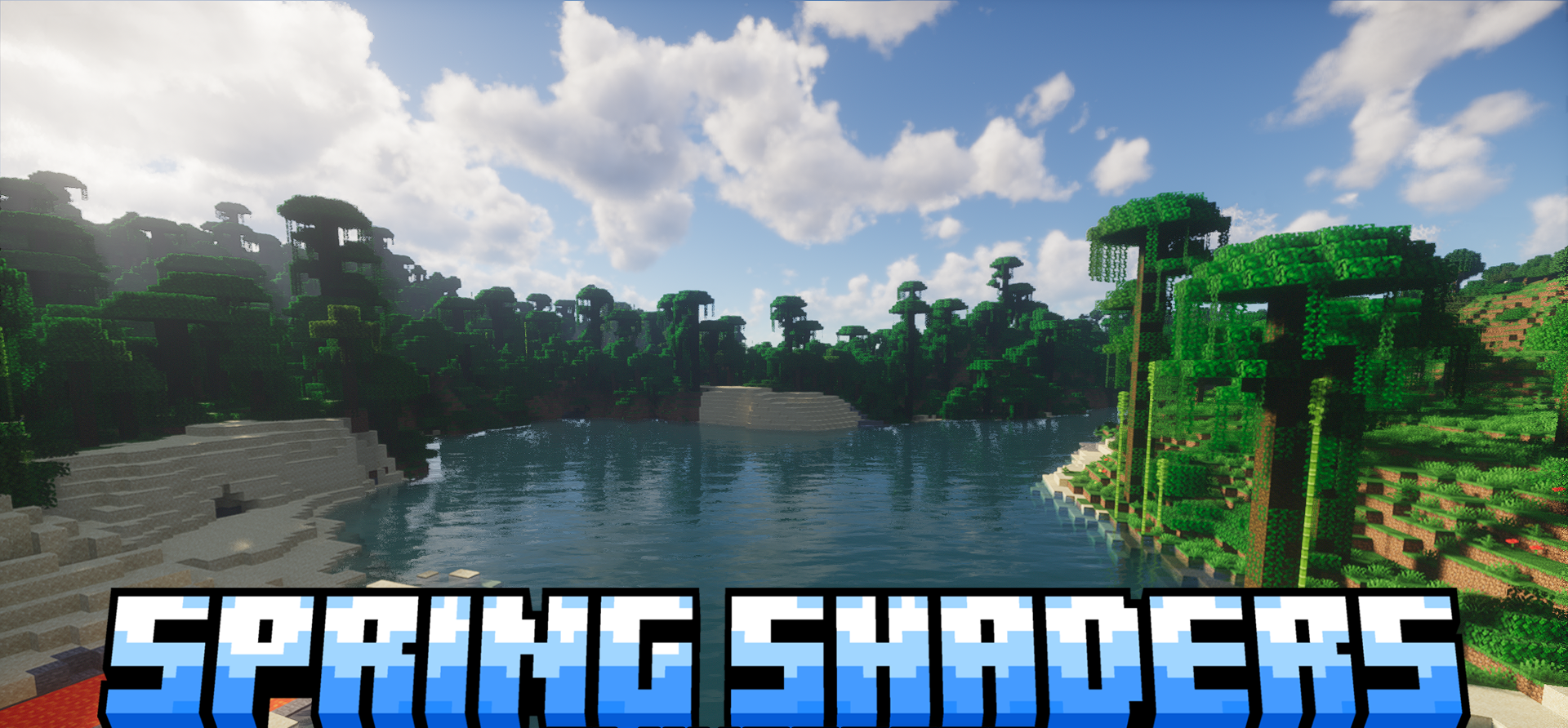
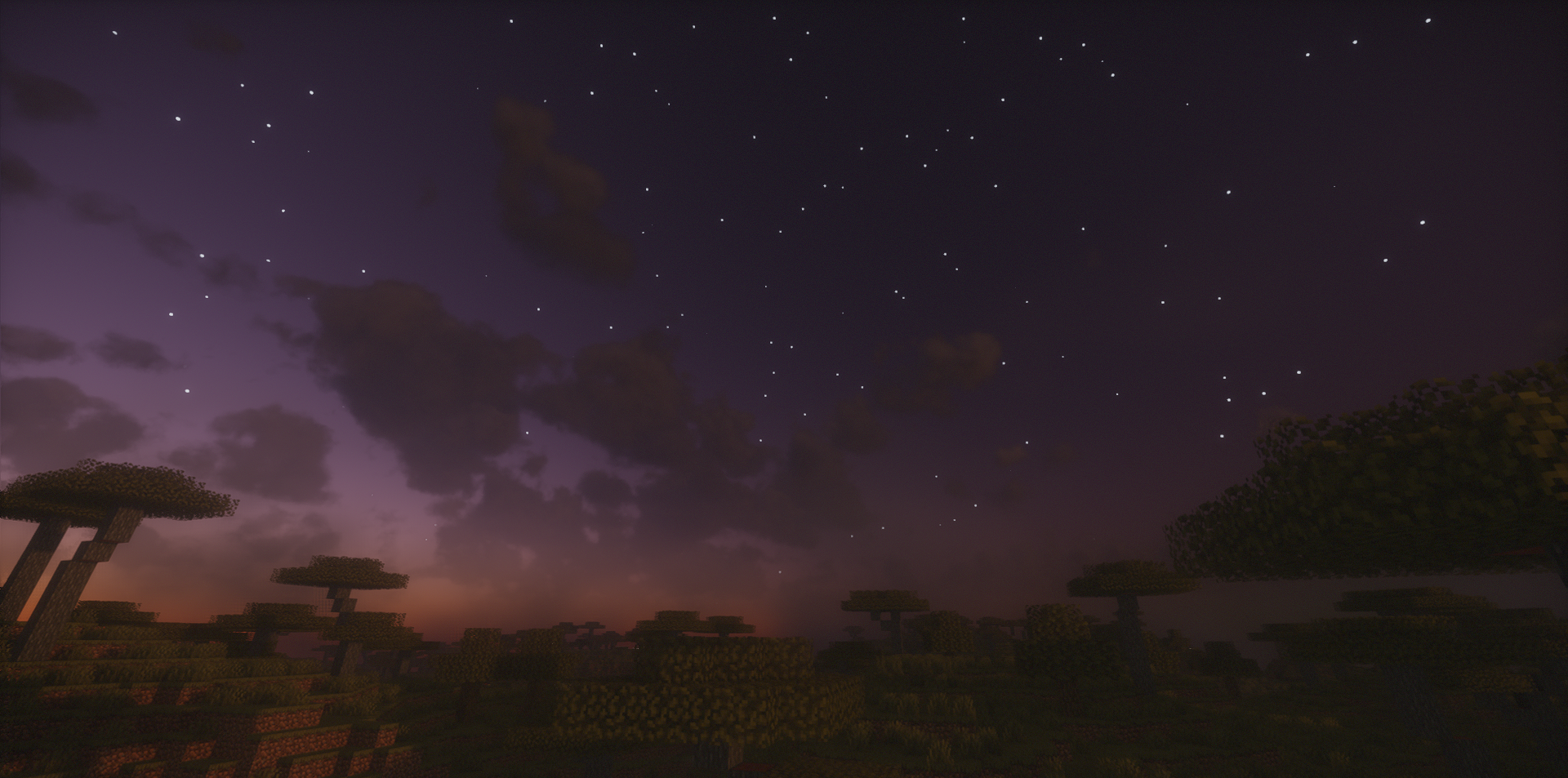
Spring Shaders is built around a clean, bright image with soft natural tones. It is based on a large set of rendering systems: global illumination, soft shadows, colored glass shadows, GTAO, dynamic light from items, and atmospheric scattering. The sky gets volumetric clouds, fog, light rays, stars, the Moon, and expressive sunrise and sunset tones.
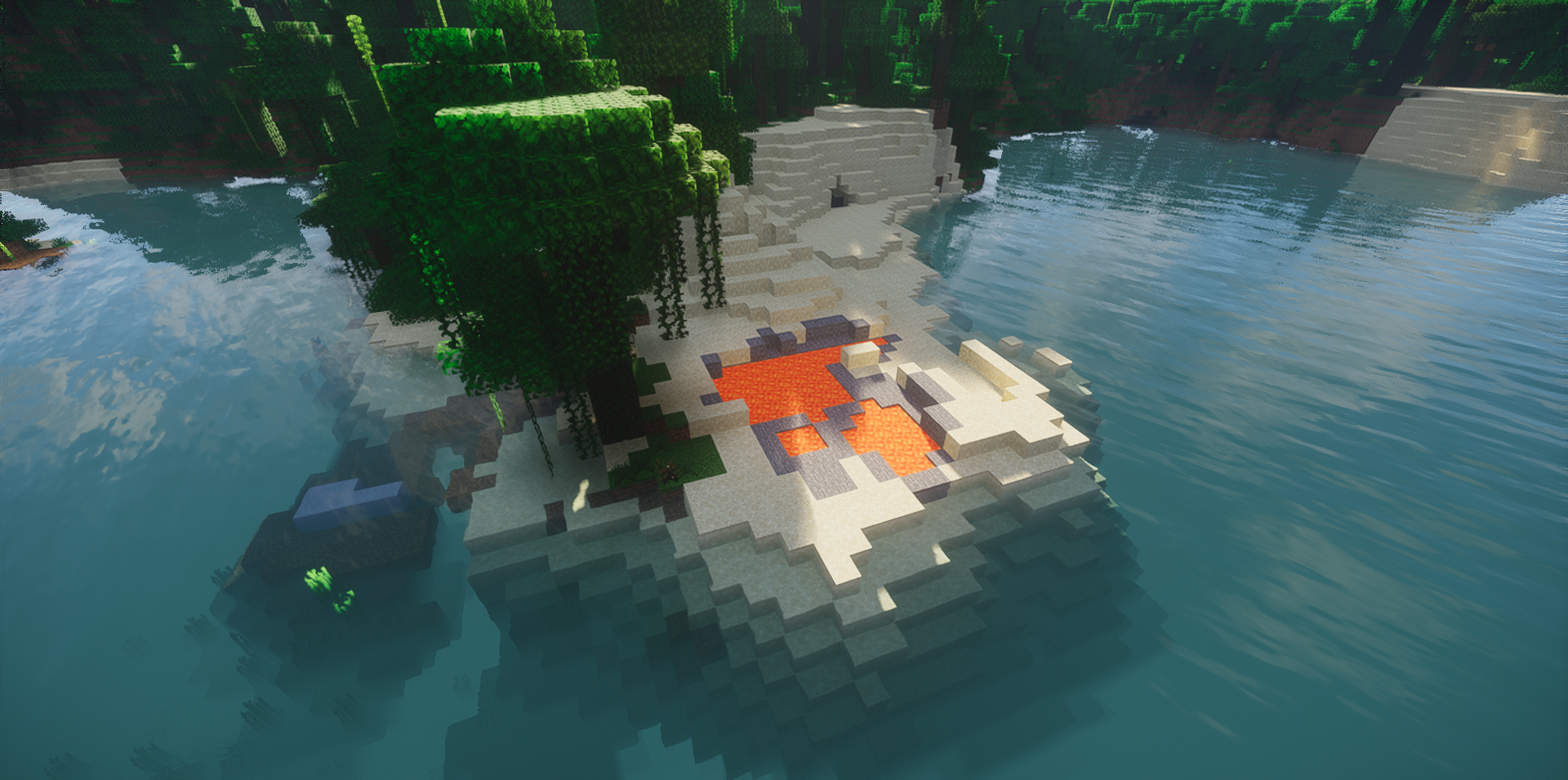
Water is also worked out in detail: wave patterns, parallax, refraction, underwater fog, and volumetric effects create a sense of depth. The shader pack is not limited to one bright feature, but gathers a complete system of lighting, weather, water, and materials.
How to install a shader:
First step: download the shader package from the link below.
Second step: Unpack the downloaded archive and copy the Spring Shaders folder to c:\Users\User\AppData\Roaming\.minecraft\shaderpacks\(if this folder does not exist, create it yourself) (For Windows)
Third step: In the game, go to Settings, then to Graphics Settings. Select the "shaders" section and activate the shader pack of your choice.
Comments (0)