



Stereo’s Default Plus Shaders for Minecraft 26.1.2
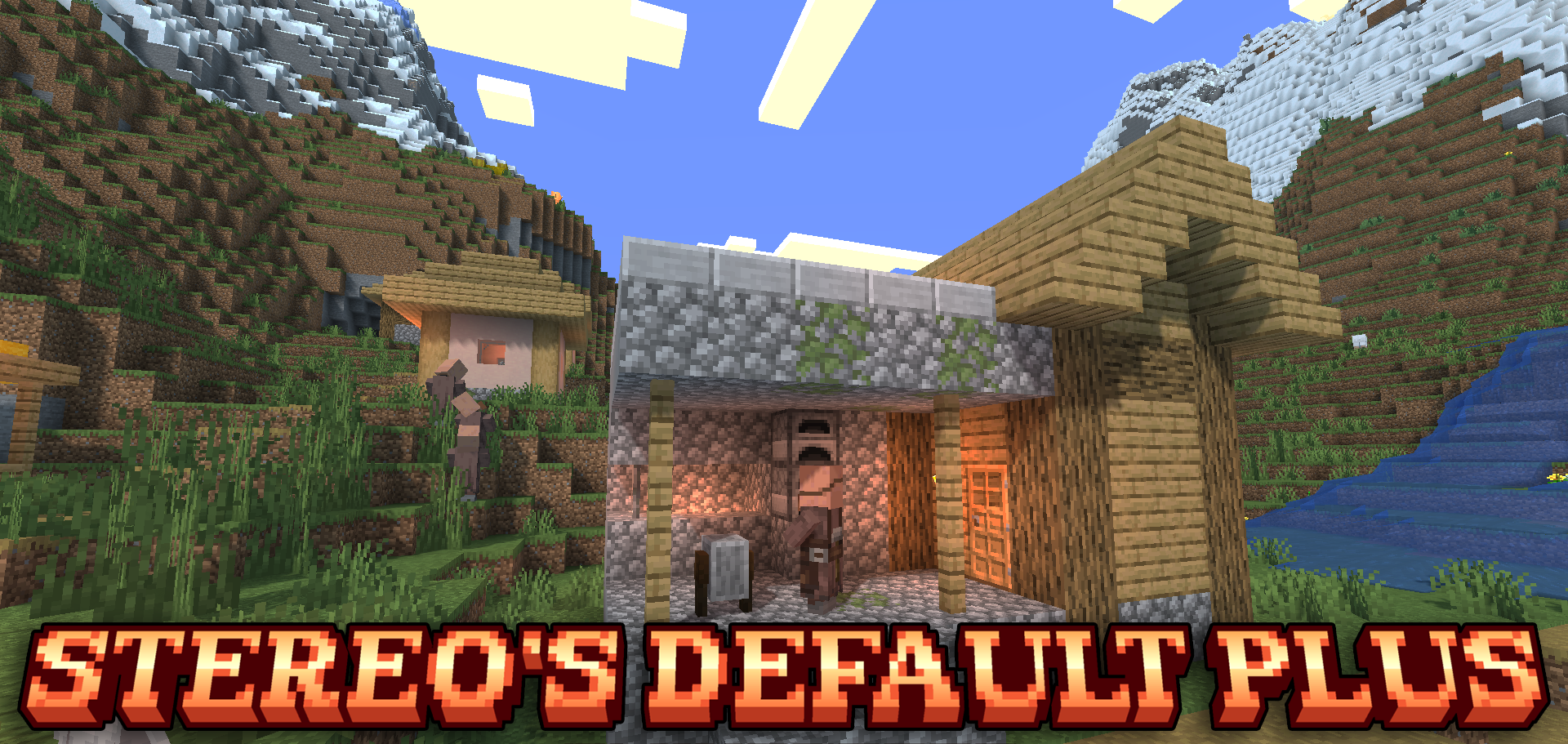
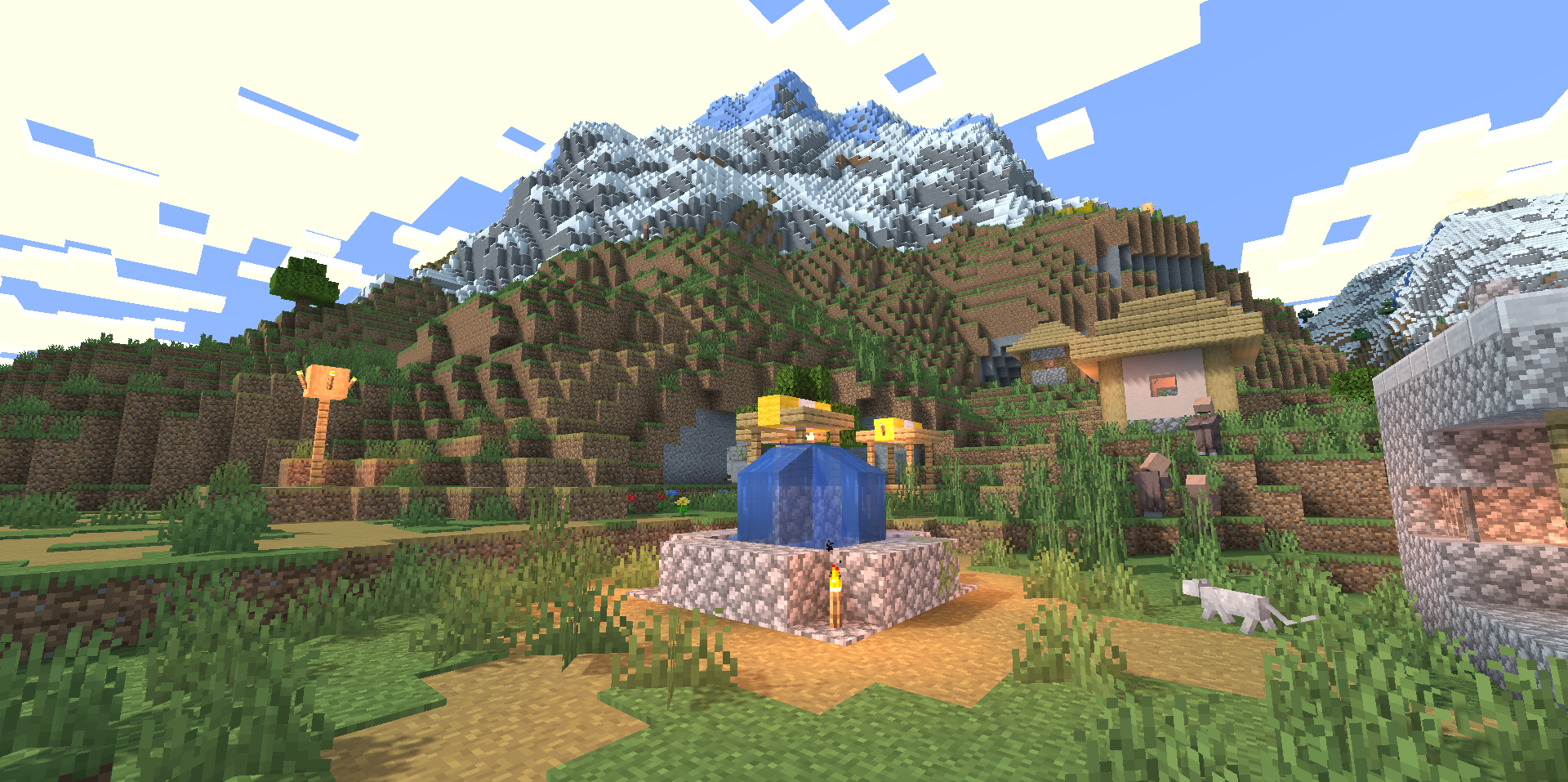
Stereo’s Default Plus Shaders develops the standard style through shadows, soft lighting, and liquid animation. The visual gets a slight blue tint, which makes daytime scenes look cooler and light transitions calmer. Dynamic shadows add volume to buildings, trees, and terrain without hiding the vanilla base.
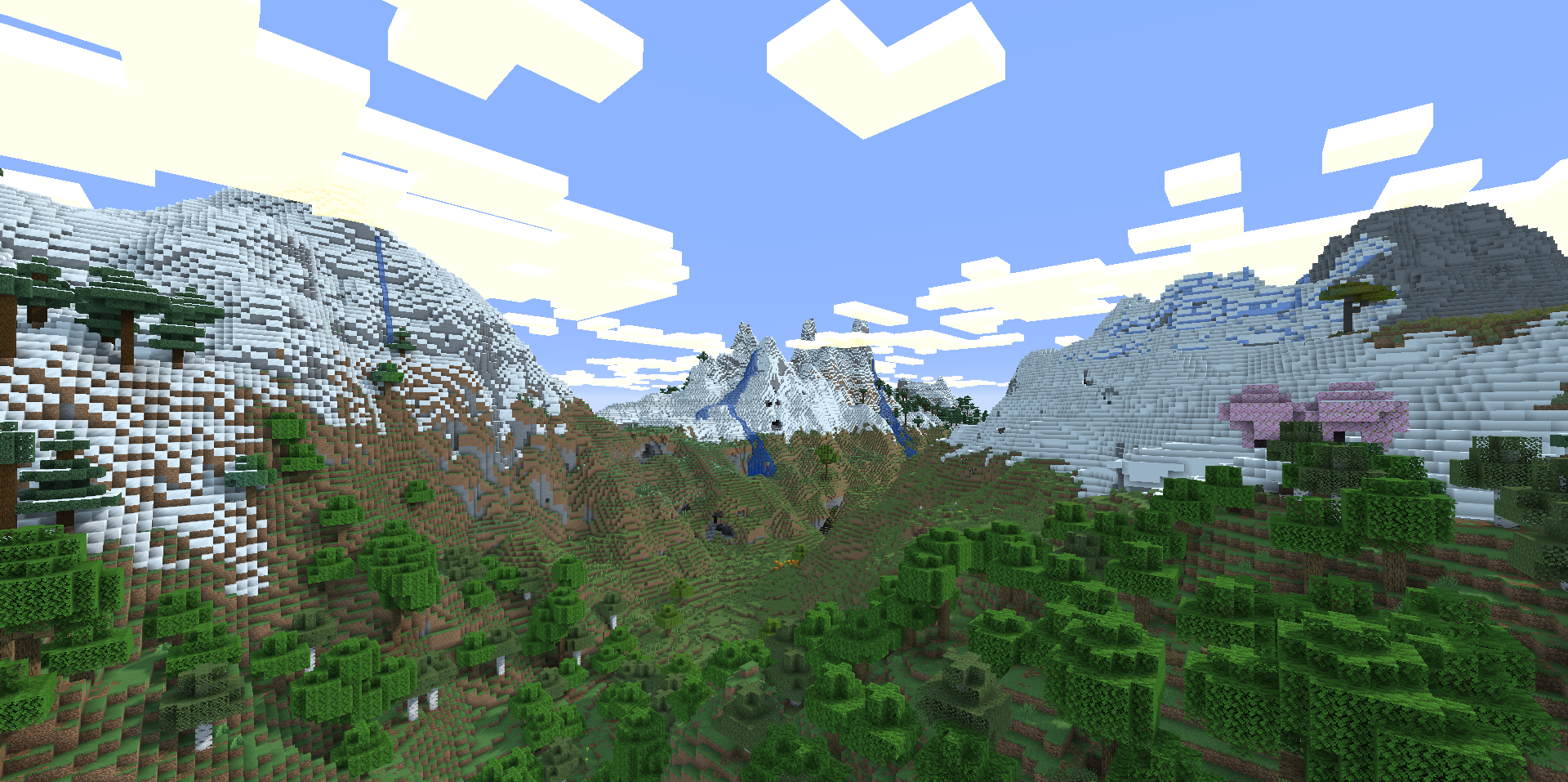
Water and lava begin to move more vividly, so rivers, lakes, lava pools, and cave areas feel less static. An important detail is support for shadows in the Nether and the End. These dimensions also gain depth instead of remaining separate zones without full light processing.
How to install a shader:
First step: download the shader package from the link below.
Second step: Unpack the downloaded archive and copy the Stereo’s Default Plus Shaders folder to c:\Users\User\AppData\Roaming\.minecraft\shaderpacks\(if this folder does not exist, create it yourself) (For Windows)
Third step: In the game, go to Settings, then to Graphics Settings. Select the "shaders" section and activate the shader pack of your choice.
Comments (0)