



Tea Shaders for Minecraft 26.1.2
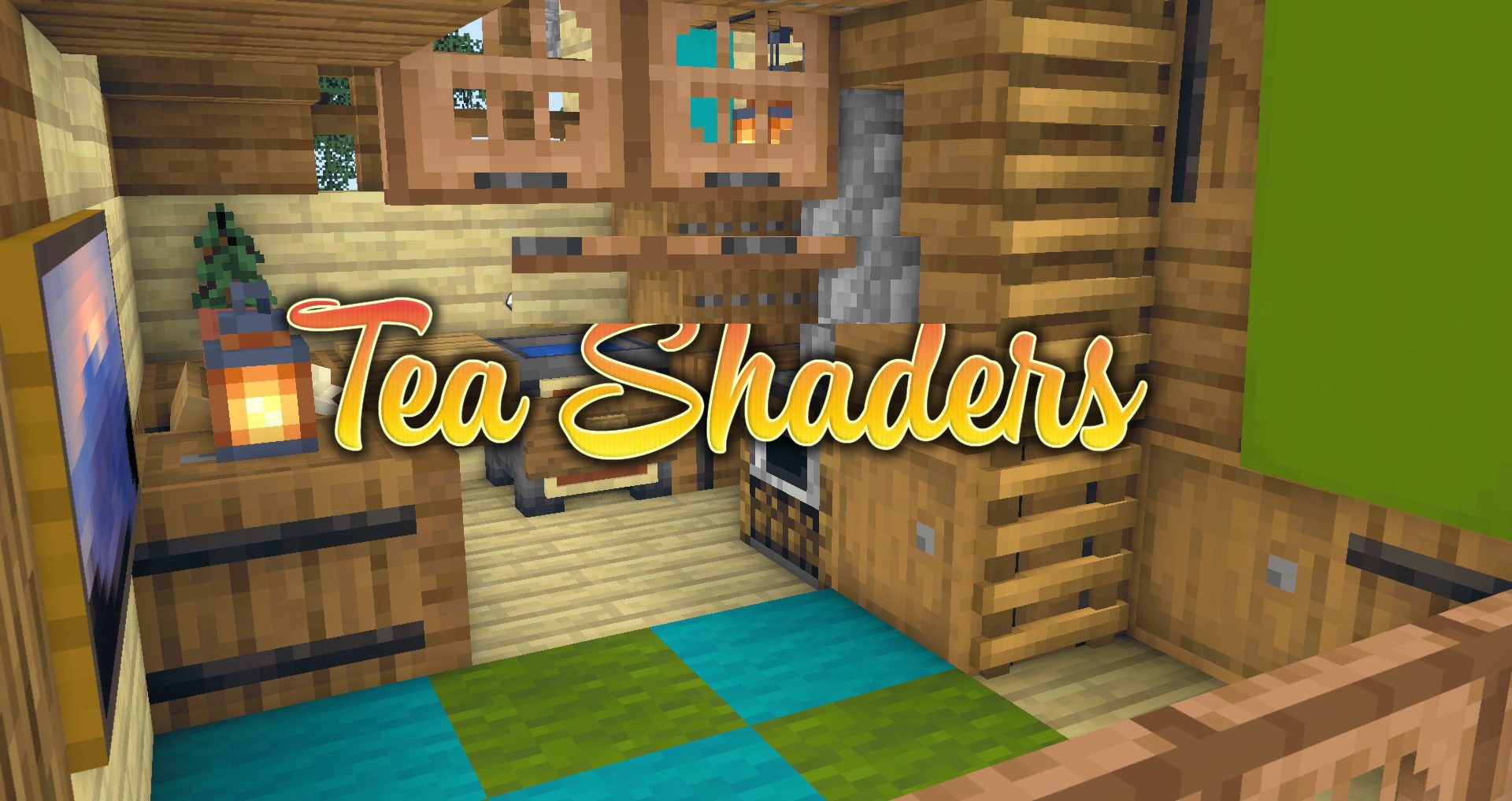
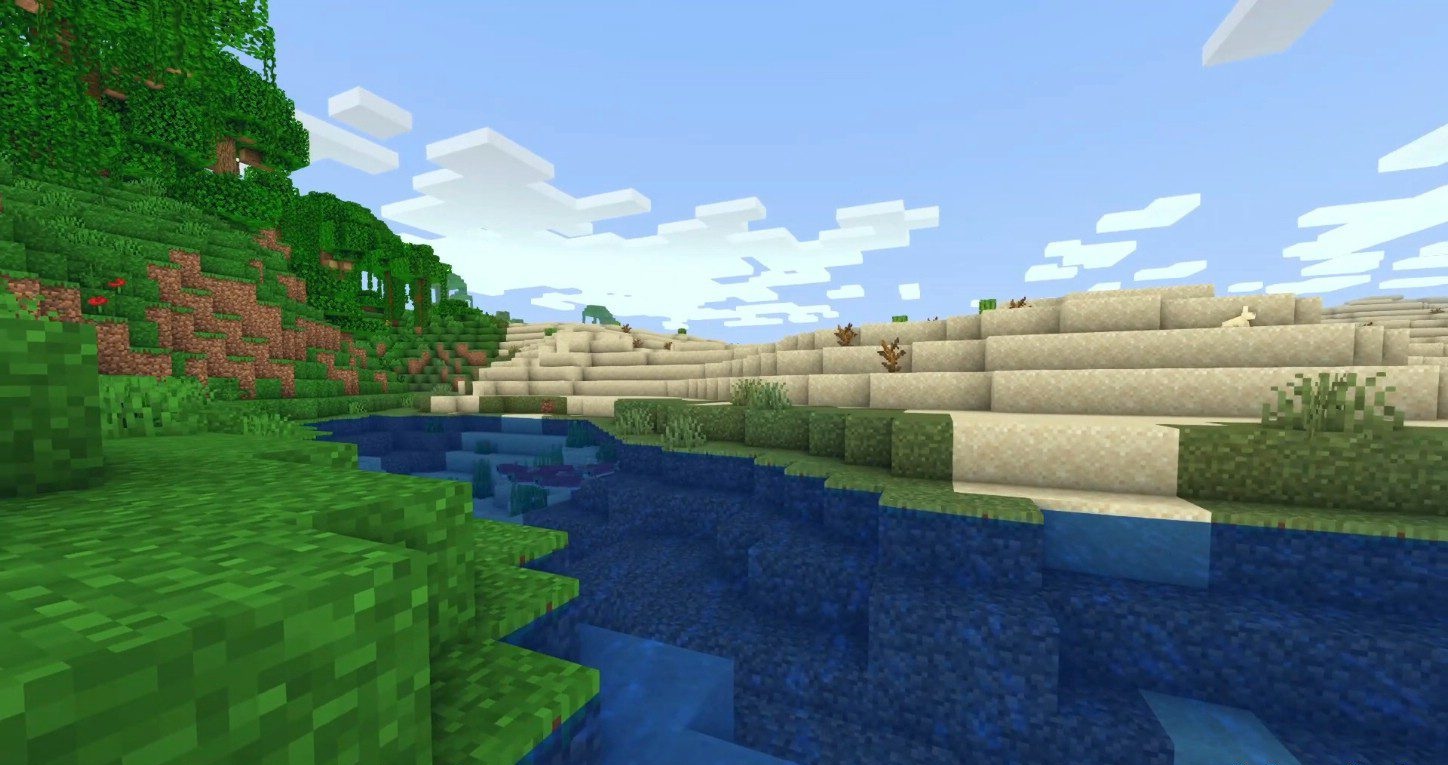
The vanilla style does not necessarily have to be changed beyond recognition, and Tea Shaders works exactly in this direction. The shader pack brings grass and foliage to life with swaying, adds wavy water, customizable fog, underwater refraction, and a heat effect in the Nether. Green elements get a fresher shade, so vegetation looks more alive, but the blocky foundation of Minecraft remains in place.
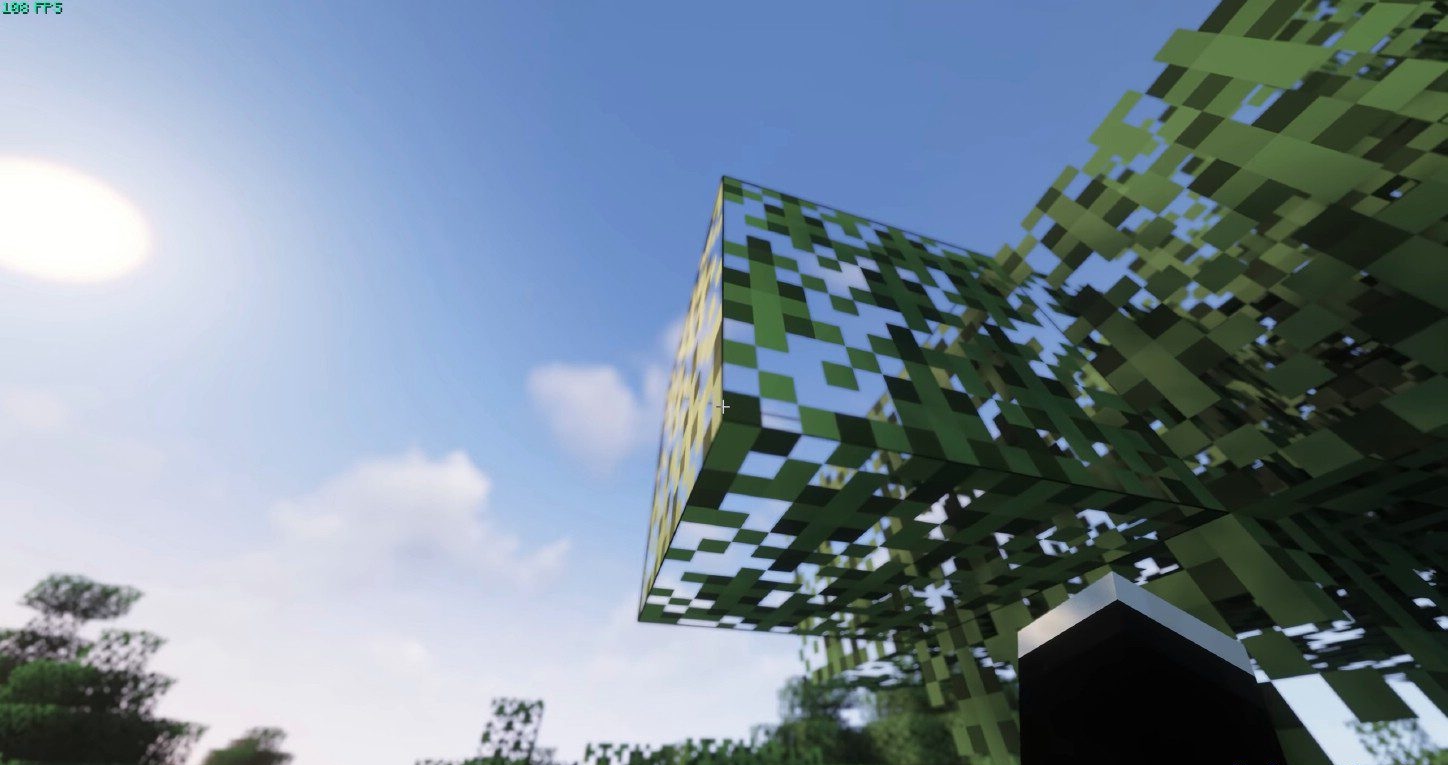
The settings include watercolor graphics with several variants, a custom swamp effect, cel shading, SSAO, HDR, TAA, tone mapping, and improved FXAA. The feature set is large, but all processing is aimed not at completely replacing the visuals, but at developing the familiar image.
How to install a shader:
First step: download the shader package from the link below.
Second step: Unpack the downloaded archive and copy the Tea Shaders folder to c:\Users\User\AppData\Roaming\.minecraft\shaderpacks\(if this folder does not exist, create it yourself) (For Windows)
Third step: In the game, go to Settings, then to Graphics Settings. Select the "shaders" section and activate the shader pack of your choice.
Comments (0)