



Tricked’s Shaders for Minecraft 26.1.2
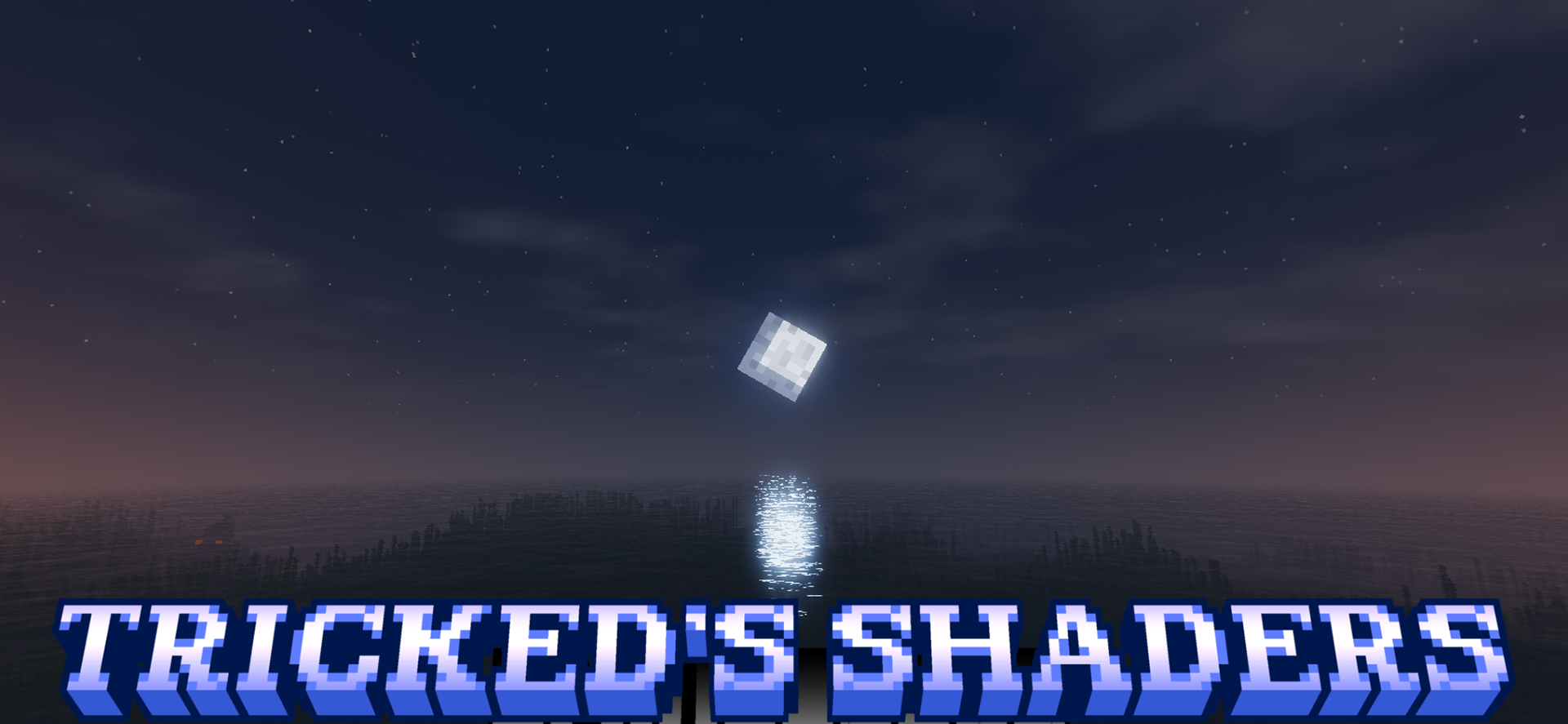
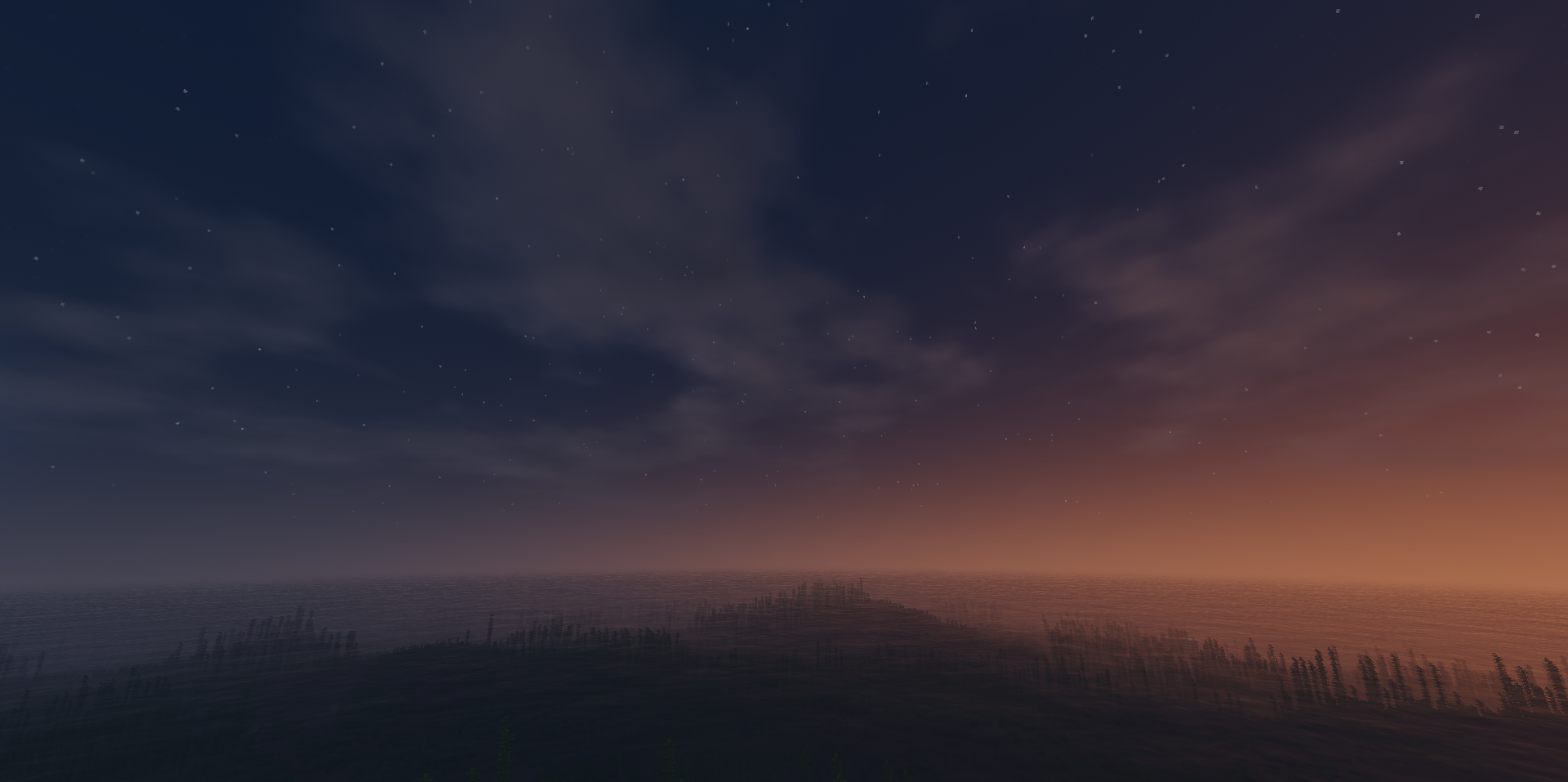
Tricked’s Shaders focuses on a clean, bright, and pleasant picture without losing the vanilla mood. This shader does not overload Minecraft with heavy realism, but carefully polishes the familiar visual style. The world becomes lighter, the colors look richer, and the overall image gains a soft glow. Thanks to this, natural biomes, buildings, and ordinary survival scenes all look good.
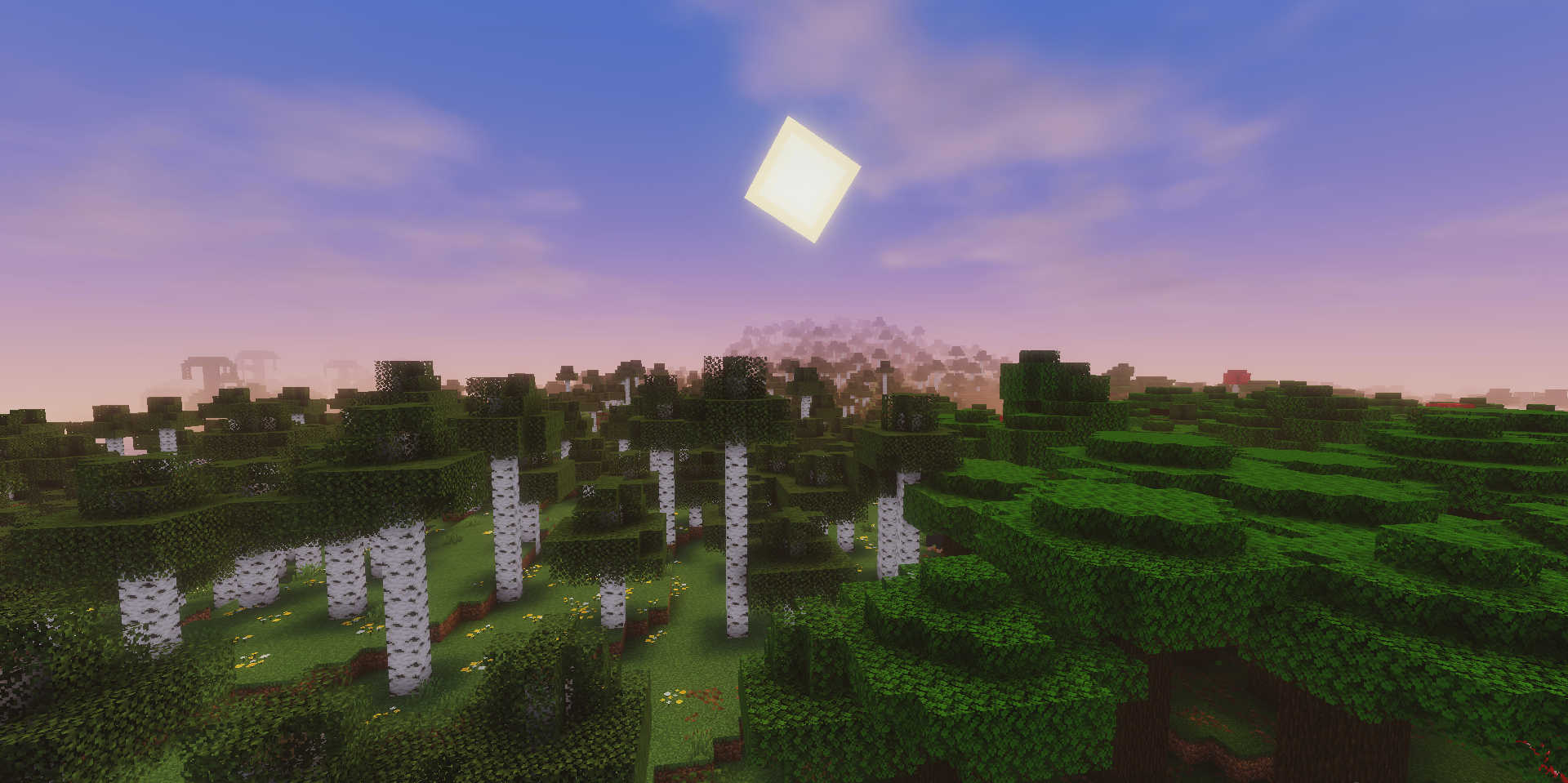
The pack will appeal to those who want to improve the appearance of the game but do not like shaders that are too dark, contrast-heavy, or photorealistic. It creates the feeling of a careful visual refinement: everything remains simple and recognizable, but looks fresher.
How to install a shader:
First step: download the shader package from the link below.
Second step: Unpack the downloaded archive and copy the Tricked’s Shaders folder to c:\Users\User\AppData\Roaming\.minecraft\shaderpacks\(if this folder does not exist, create it yourself) (For Windows)
Third step: In the game, go to Settings, then to Graphics Settings. Select the "shaders" section and activate the shader pack of your choice.
Comments (0)