



UShader Shaders for Minecraft 26.1.2
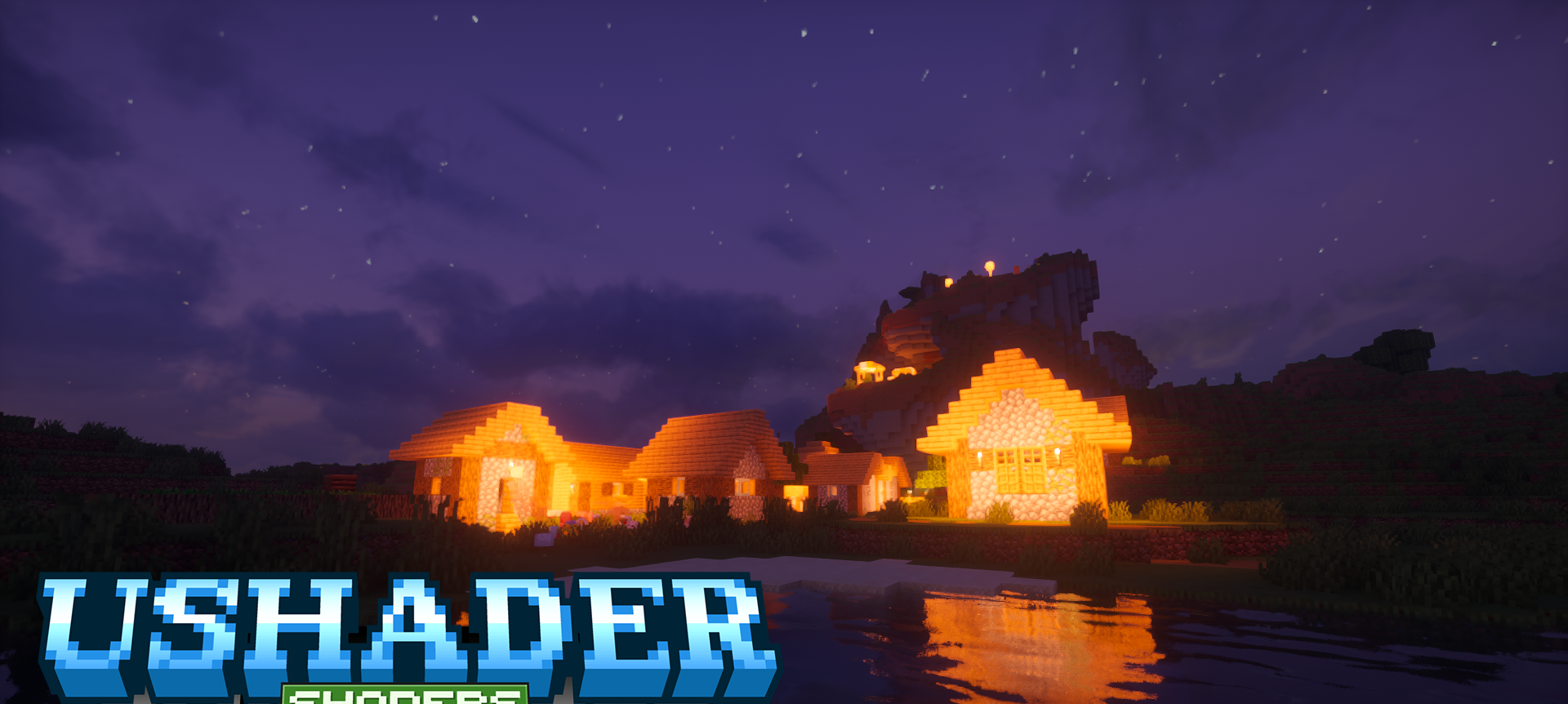
UShader Shaders has been reworked for a more modern image with an emphasis on volume and scene depth. The visual set includes volumetric clouds, fog, and screen-space shading, making terrain, buildings, and natural areas look less flat.
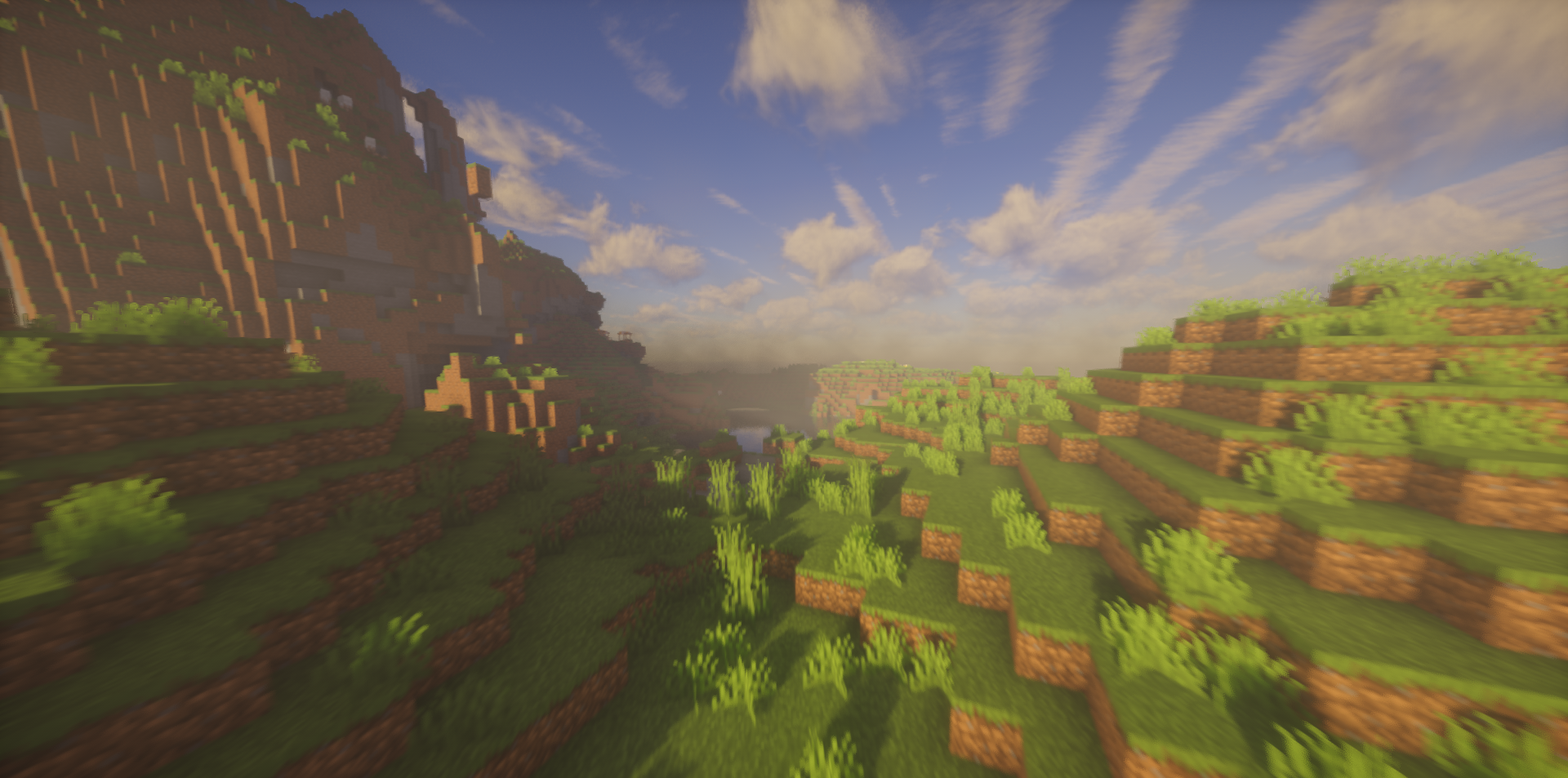
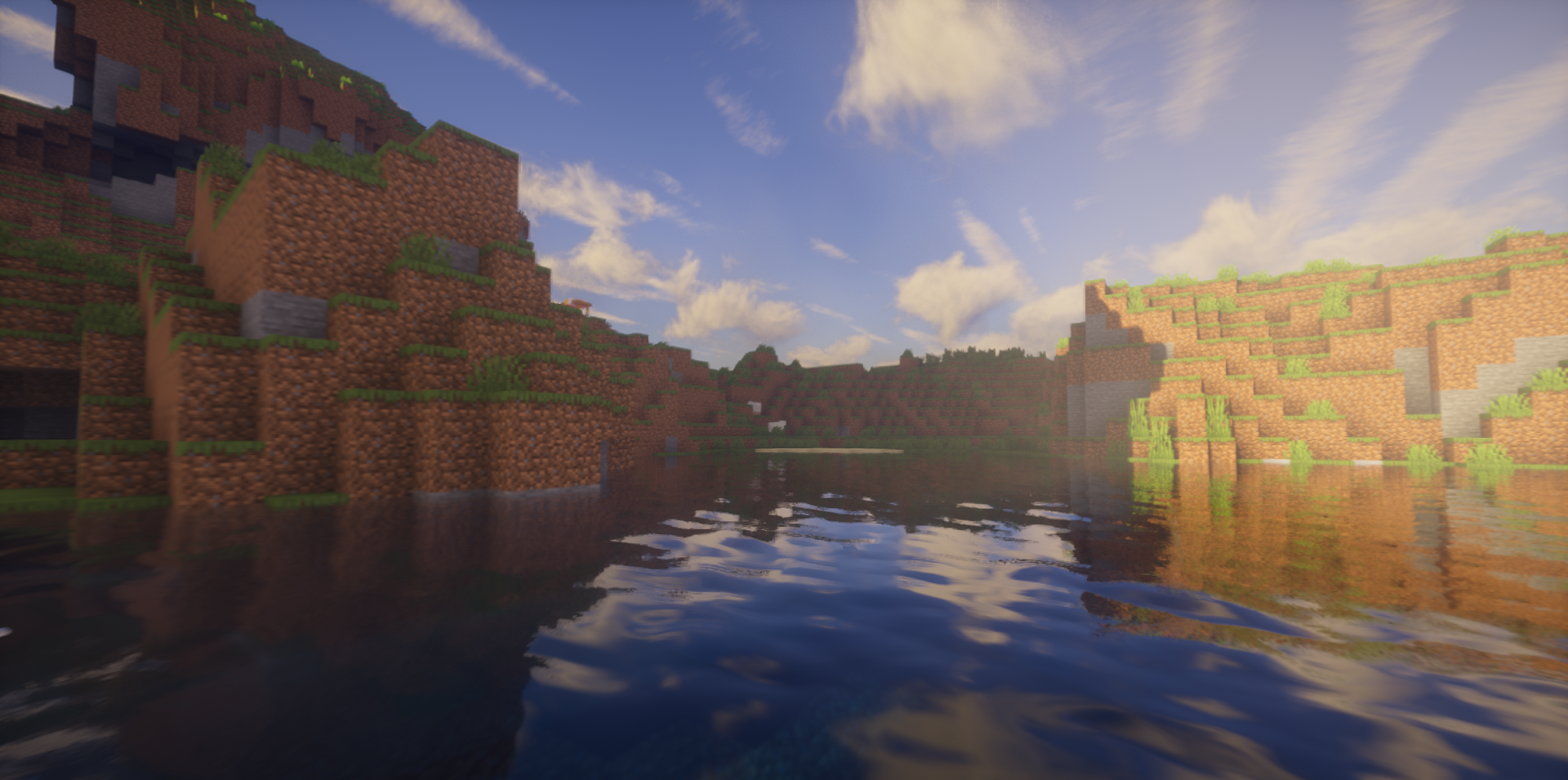
Clouds add mass to the sky, fog softens distant views, and screen-space shadows connect blocks with the environment. The shader does not rely on one flashy filter, but gathers several basic improvements into one system. Light, air, and distance begin to work together, so the world looks denser. Open plains, forests, mountains, and bases receive a more unified visual presentation.
How to install a shader:
First step: download the shader package from the link below.
Second step: Unpack the downloaded archive and copy the UShader Shaders folder to c:\Users\User\AppData\Roaming\.minecraft\shaderpacks\(if this folder does not exist, create it yourself) (For Windows)
Third step: In the game, go to Settings, then to Graphics Settings. Select the "shaders" section and activate the shader pack of your choice.
Comments (0)