



UShader Shaders for Minecraft 26.1.2
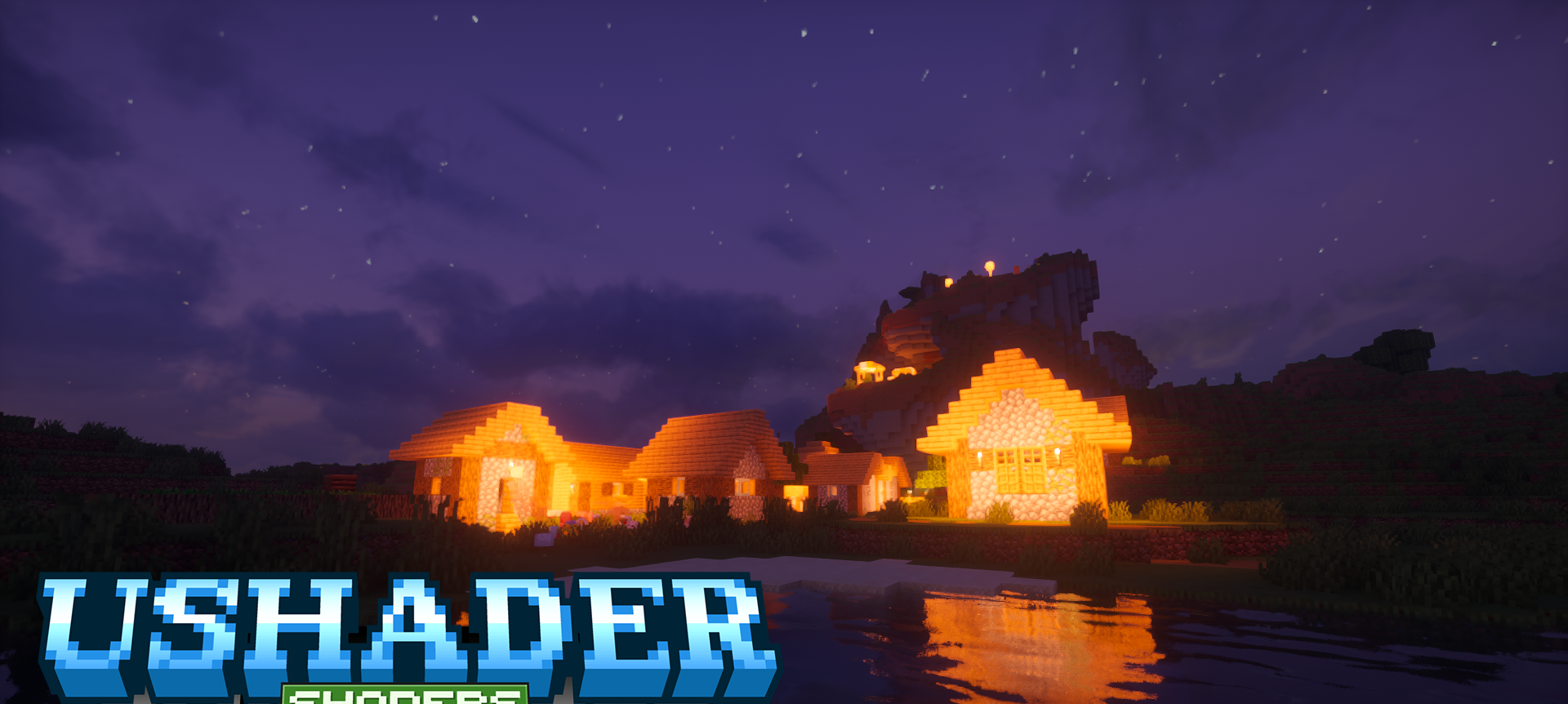
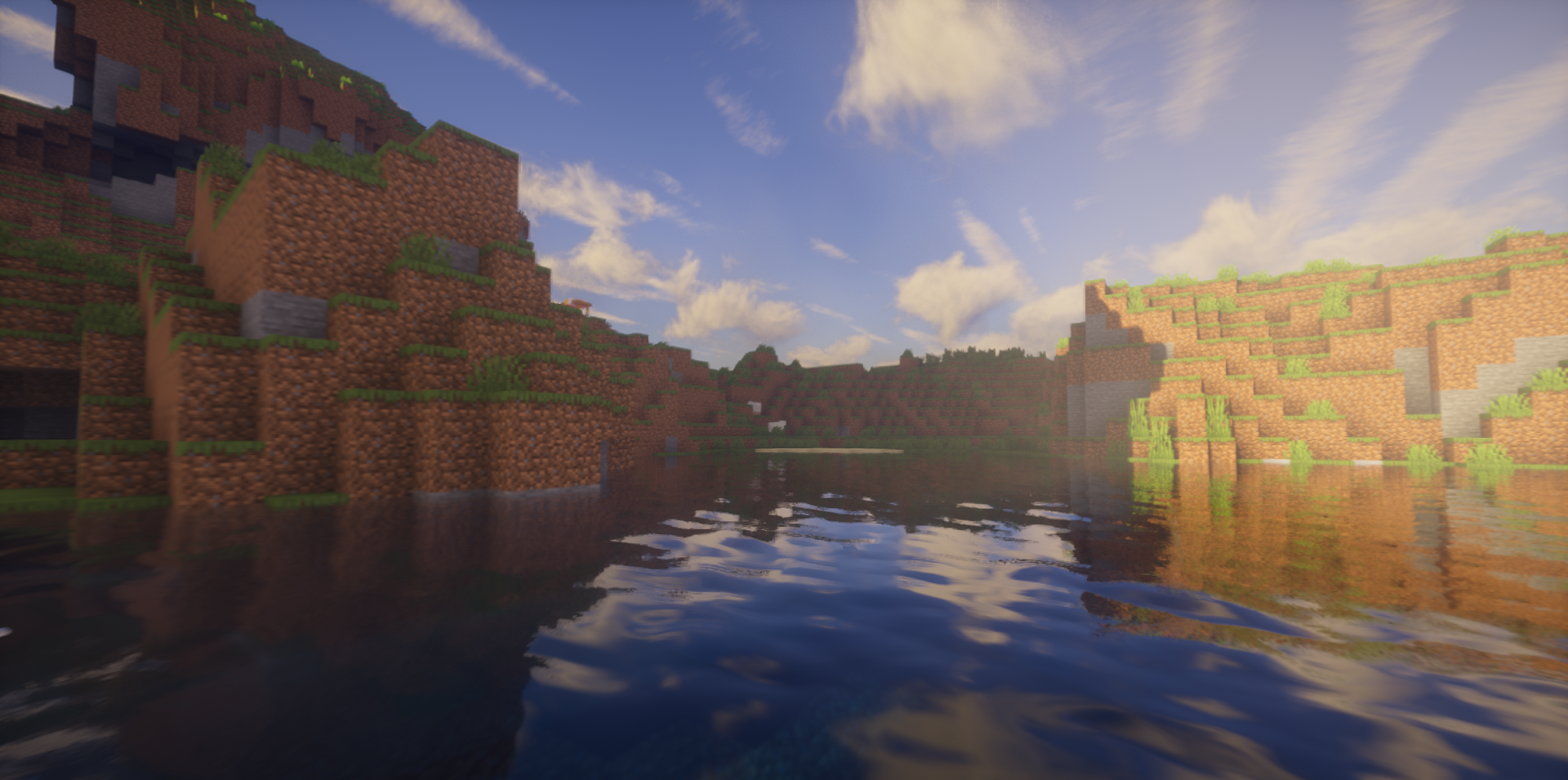
UShader Shaders makes Minecraft more modern through a set of effects that noticeably improve the depth of the scene. Volumetric clouds, fog, and ambient occlusion help the world look less flat than in the regular game. The shader shows itself especially well at a distance: landscapes become softer, transitions between objects become more natural, and the sky gets more volume.
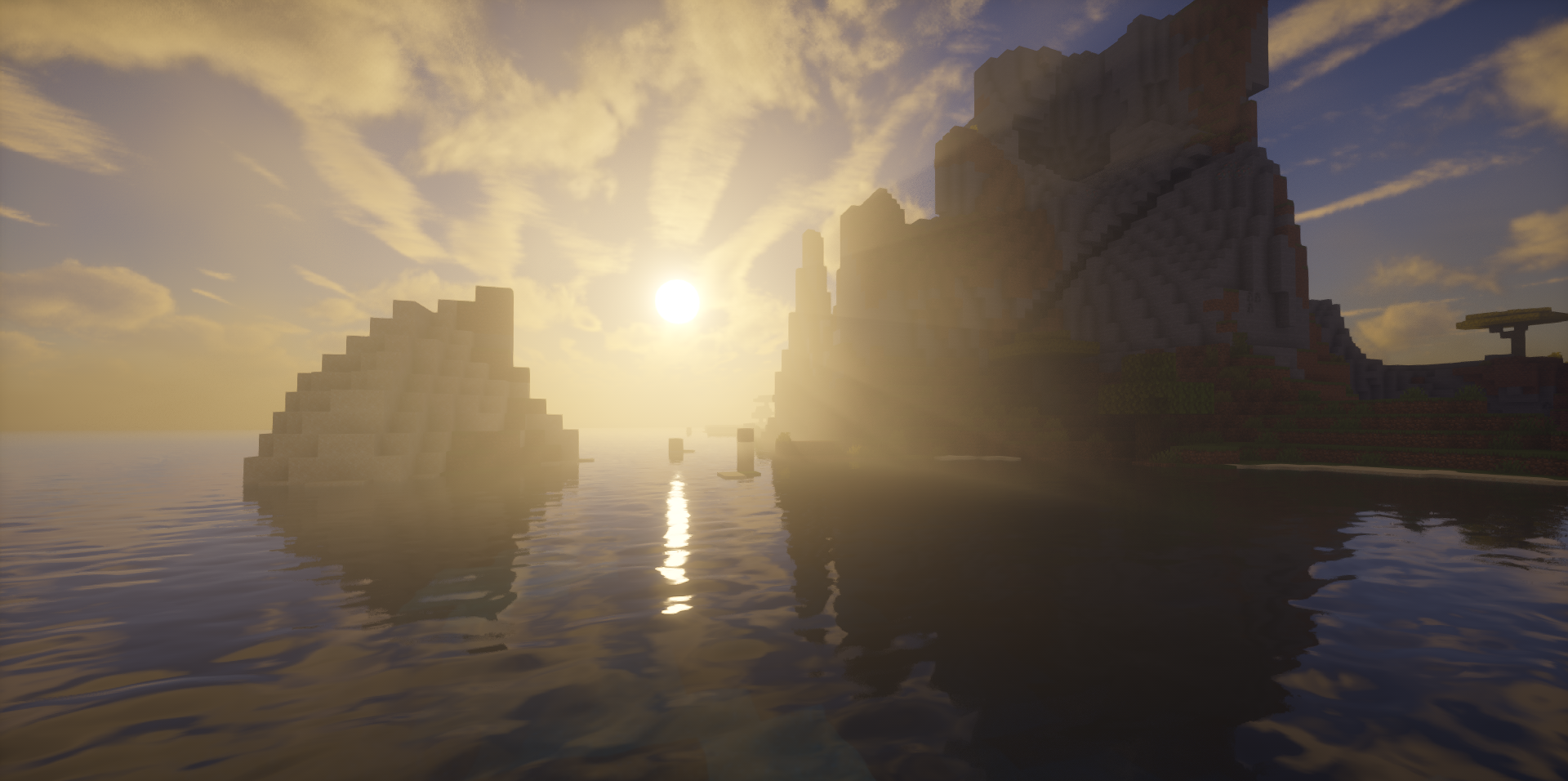
At the same time, the pack does not look like an attempt to completely remake Minecraft into a photorealistic game. Rather, it adds modern visual processing on top of the familiar style, making the picture more cohesive and pleasant.
How to install a shader:
First step: download the shader package from the link below.
Second step: Unpack the downloaded archive and copy the UShader Shaders folder to c:\Users\User\AppData\Roaming\.minecraft\shaderpacks\(if this folder does not exist, create it yourself) (For Windows)
Third step: In the game, go to Settings, then to Graphics Settings. Select the "shaders" section and activate the shader pack of your choice.
Comments (3)