



Wither Rose Shaders for Minecraft 26.1.2
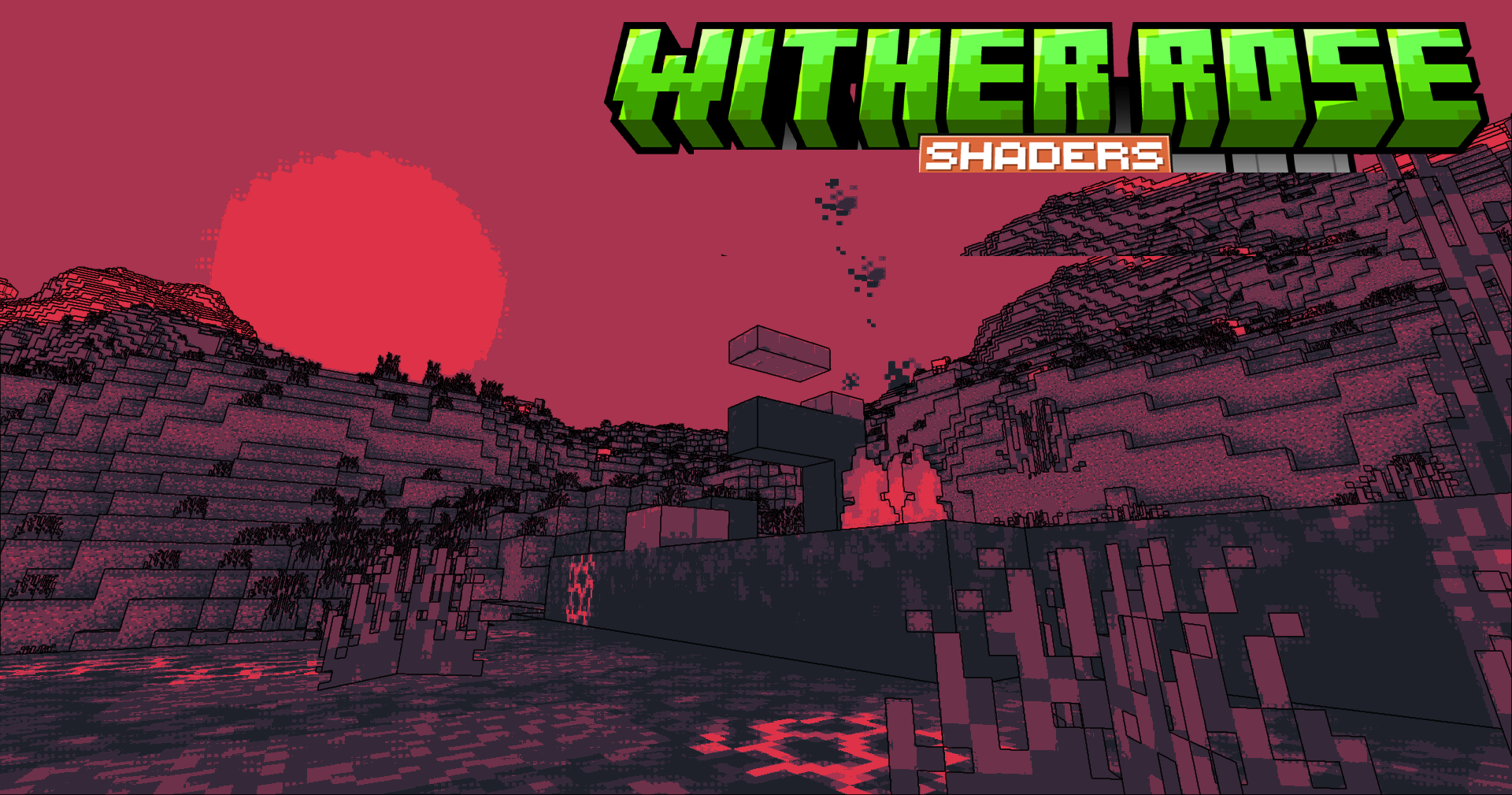
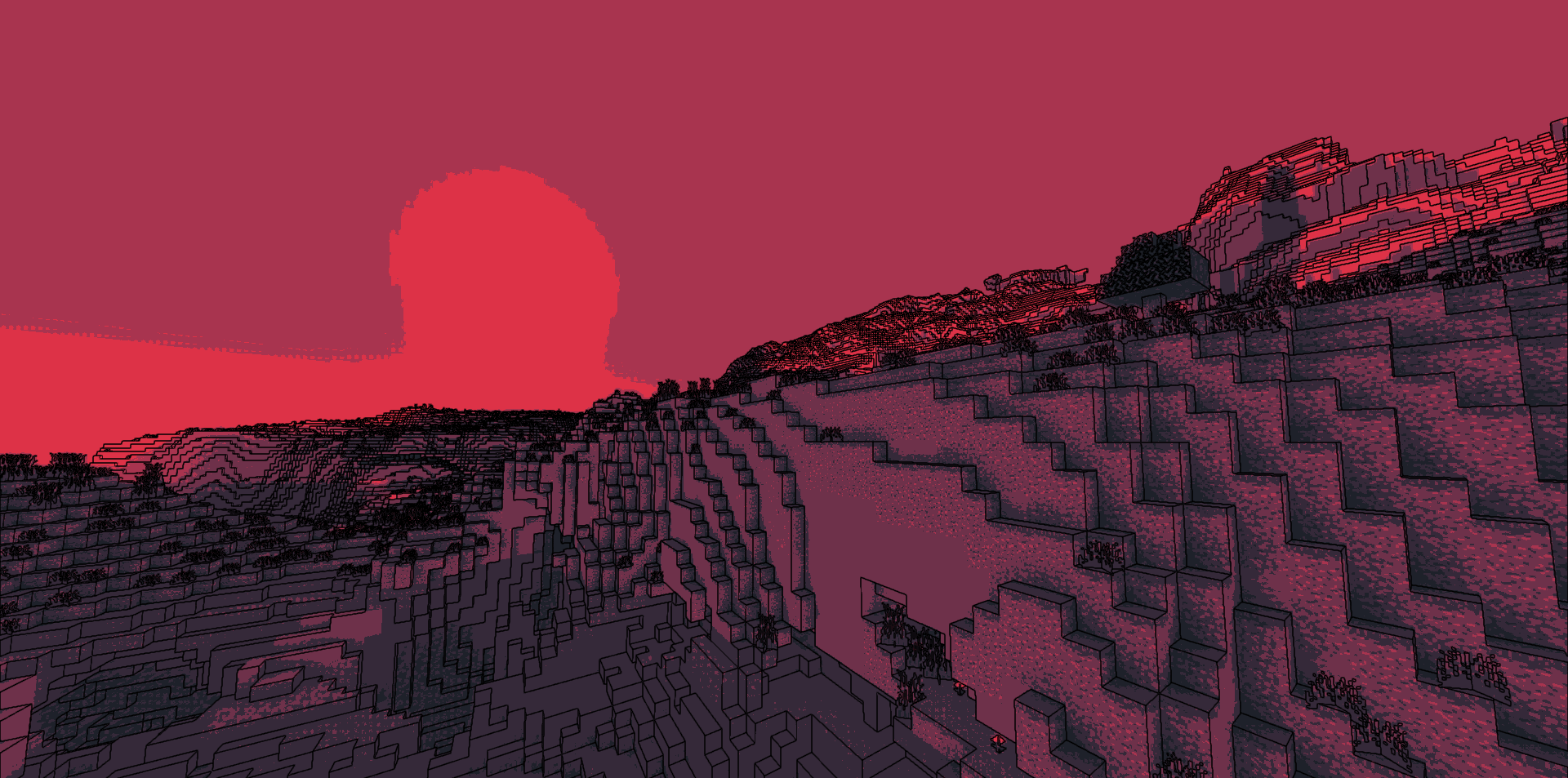
Wither Rose Shaders stands out because it offers not just improved lighting, but a special artistic style. Instead of striving for realism, the shader plays with visual presentation: pixelation, cel shading, and a graphic novel style make it possible to give Minecraft a completely different mood. In one mode, the world can look more retro; in another, it can resemble a drawn scene with emphasized shapes and expressive outlines.
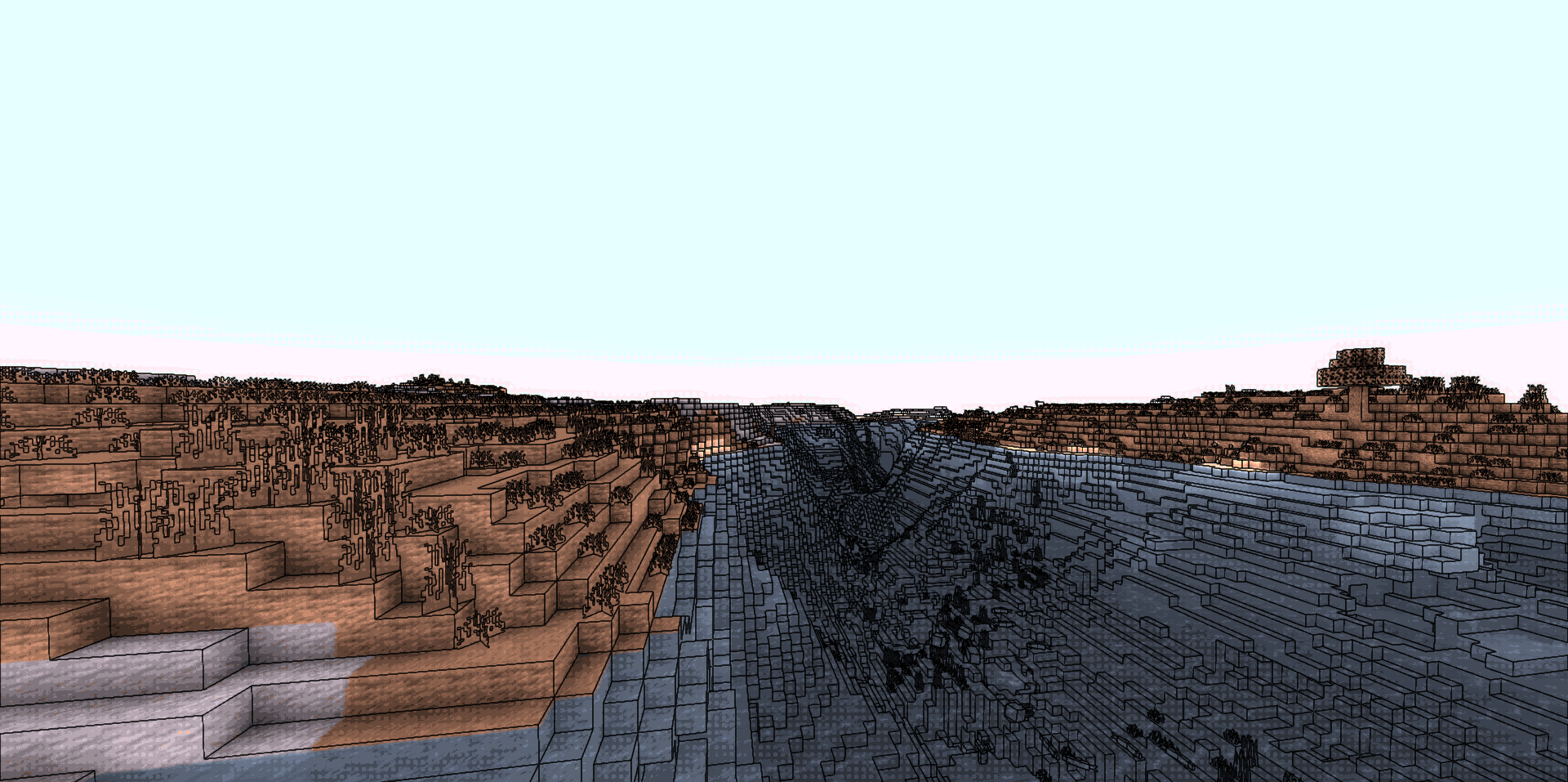
At the same time, the shader does not require huge resources, so it can be used not only for screenshots, but also for regular gameplay. The pack looks interesting on adventure maps, stylized modpacks, and decorative builds.
How to install a shader:
First step: download the shader package from the link below.
Second step: Unpack the downloaded archive and copy the Wither Rose Shaders folder to c:\Users\User\AppData\Roaming\.minecraft\shaderpacks\(if this folder does not exist, create it yourself) (For Windows)
Third step: In the game, go to Settings, then to Graphics Settings. Select the "shaders" section and activate the shader pack of your choice.
Comments (0)