



Zayko Shaders for Minecraft 26.1.2
Zayko Shaders focuses on detailed graphics and a large number of settings. It has PBR effects, emissive textures for mobs, blocks, and items, as well as quality presets from Very Low to Ultra. Because of this, the same shader can look restrained or rich depending on the selected configuration.
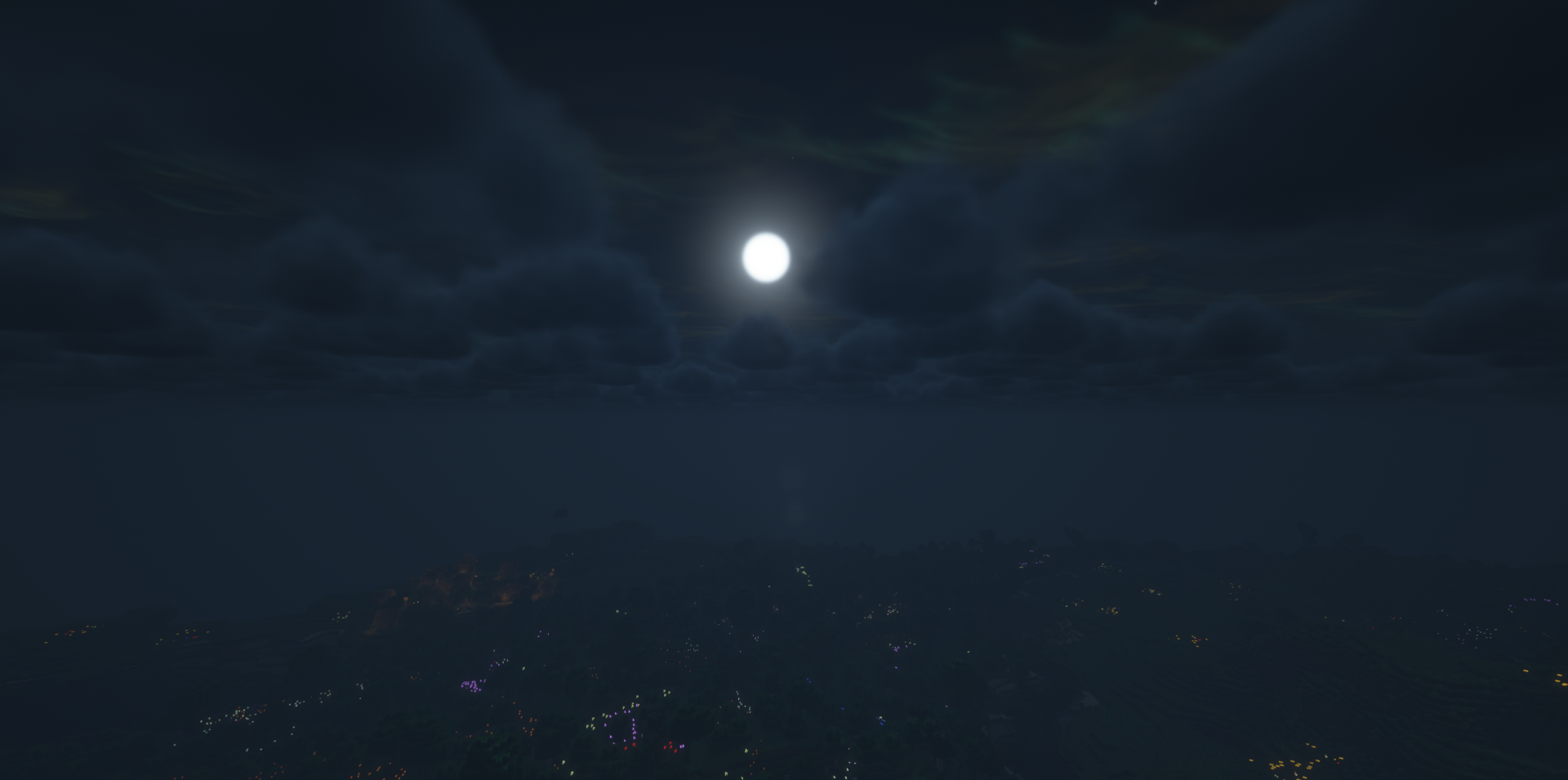
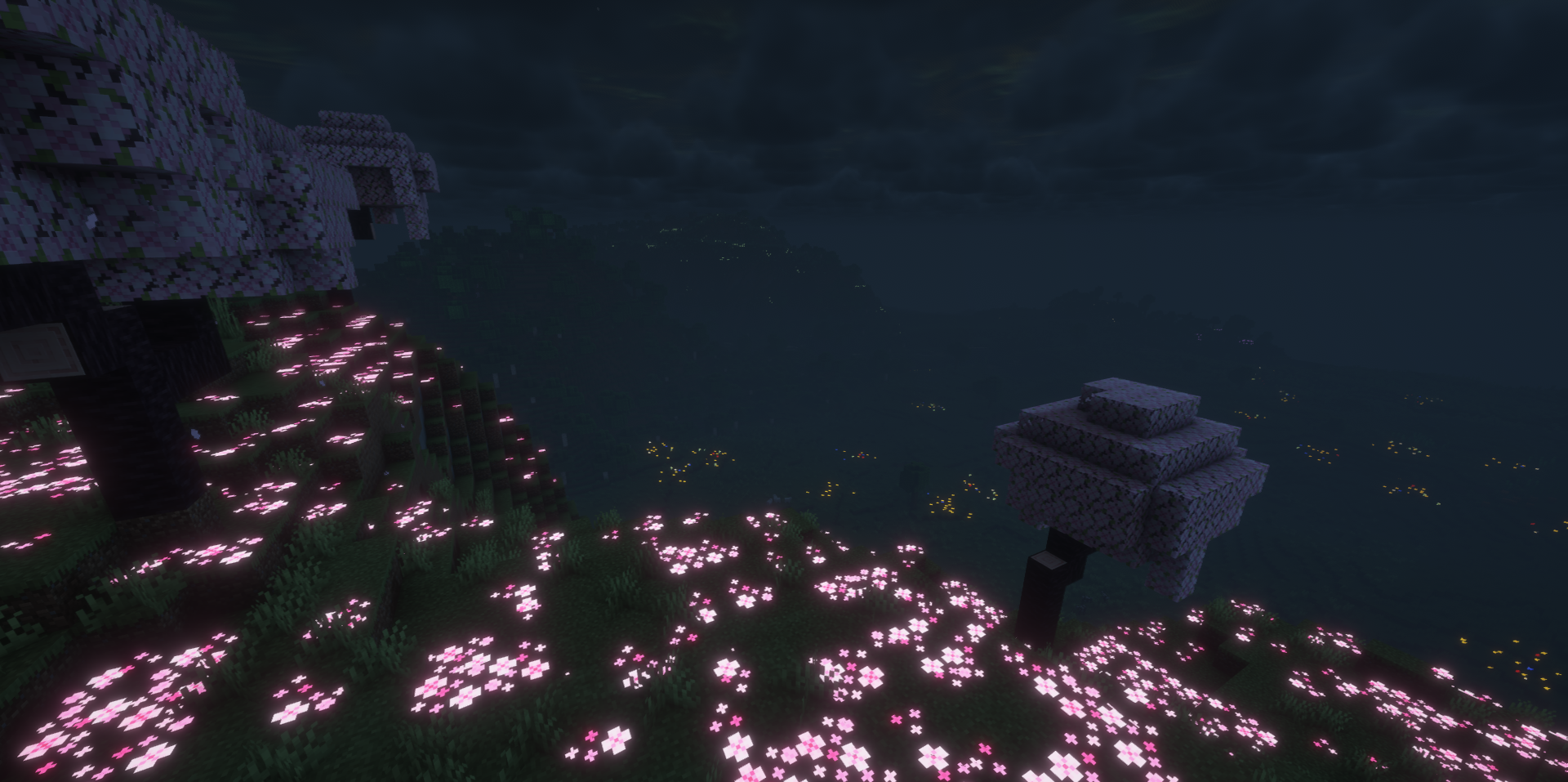
Materials get a more noticeable reaction to light, glowing elements stand out in the darkness, and block surfaces feel more complex. The settings allow you to regulate load and visual density without replacing the entire set. As a result, the image can be either light or more cinematic.
How to install a shader:
First step: download the shader package from the link below.
Second step: Unpack the downloaded archive and copy the Zayko Shaders folder to c:\Users\User\AppData\Roaming\.minecraft\shaderpacks\(if this folder does not exist, create it yourself) (For Windows)
Third step: In the game, go to Settings, then to Graphics Settings. Select the "shaders" section and activate the shader pack of your choice.
Comments (3)