



Adaptive Outline Shaders for Minecraft 26.2
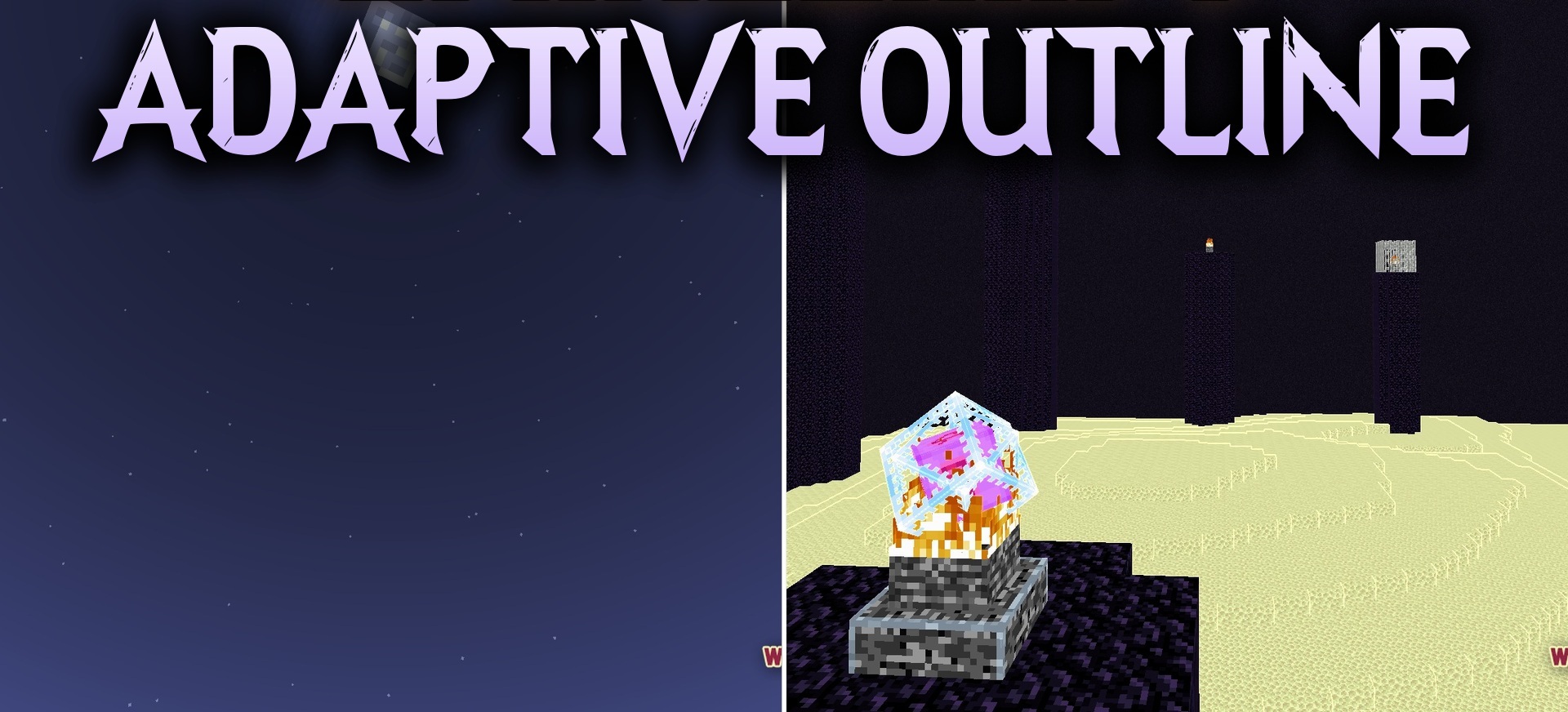
The cartoon stylization in Adaptive Outline Shaders is built around dynamic outlines. Every block and object receives a border, but its brightness does not remain the same across the entire screen. In illuminated areas, the line becomes lighter, while in shadows it shifts toward darker shades, allowing the outlines to fit the current lighting better.
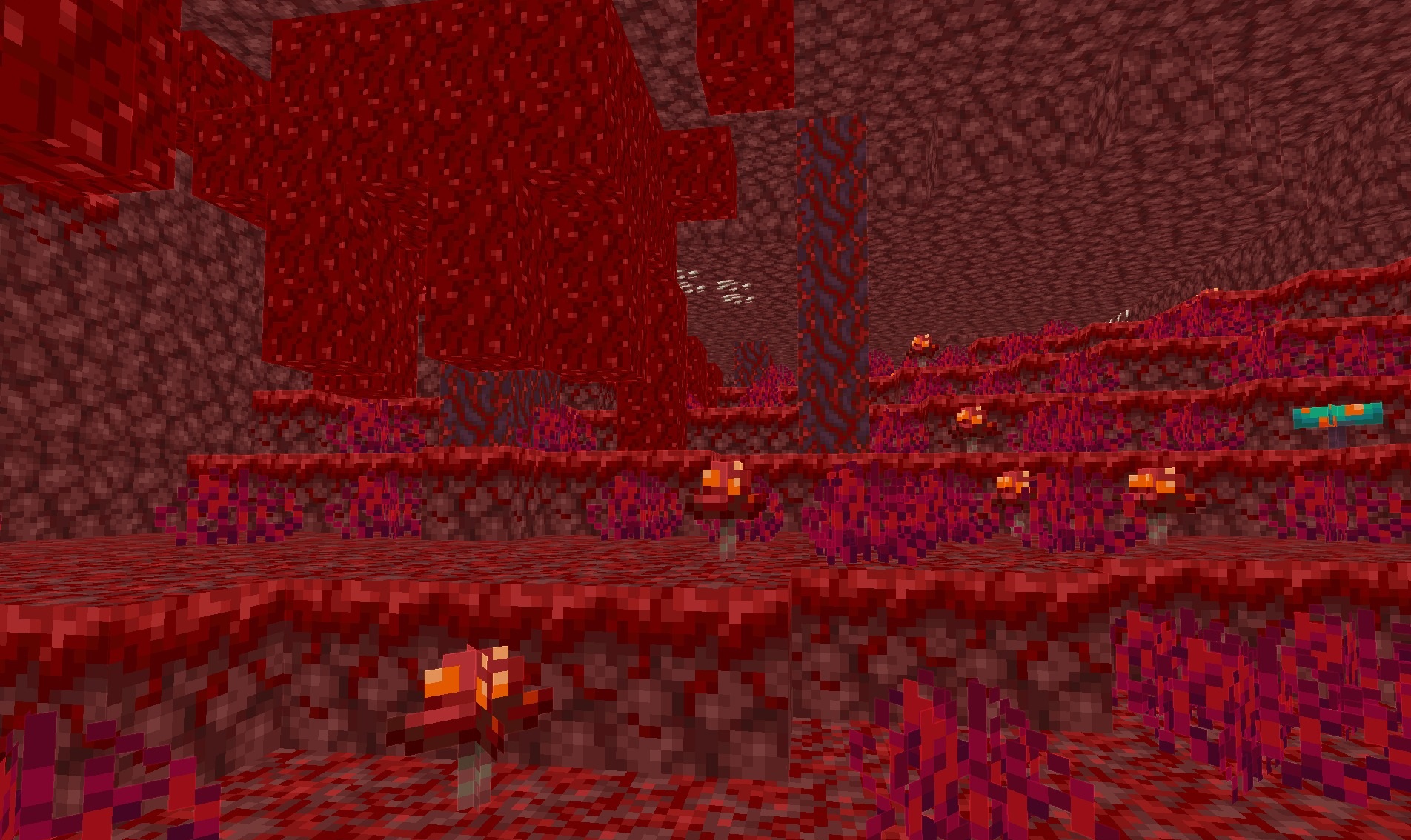
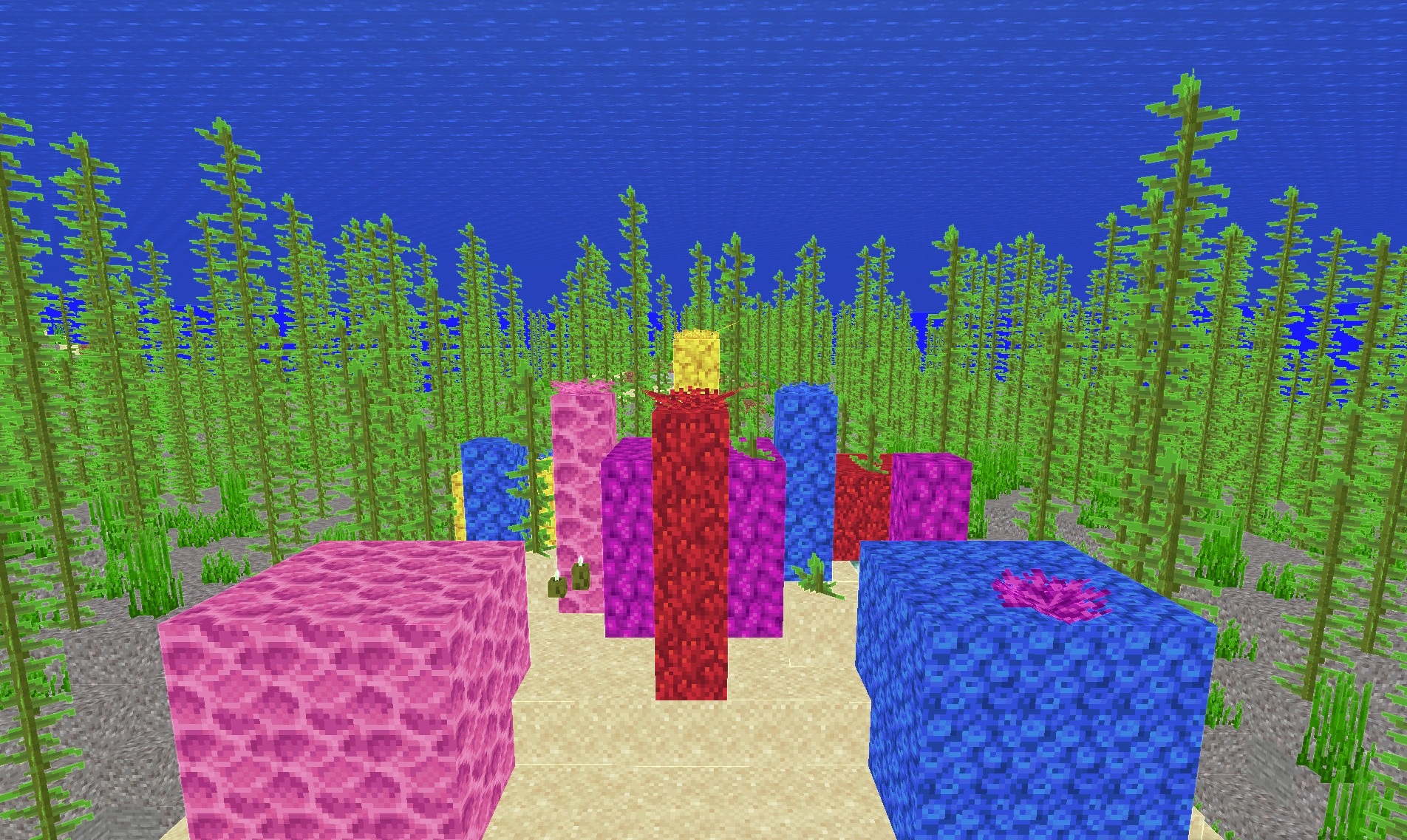
At the same time, the original colors of the blocks remain almost unchanged, and the familiar Minecraft palette remains the basis of the image. This approach makes shapes easier to distinguish and gives the scene a hand-drawn character without completely reworking the materials.
How to install a shader:
First step: download the shader package from the link below.
Second step: Unpack the downloaded archive and copy the Adaptive Outline Shaders folder to c:\Users\User\AppData\Roaming\.minecraft\shaderpacks\(if this folder does not exist, create it yourself) (For Windows)
Third step: In the game, go to Settings, then to Graphics Settings. Select the "shaders" section and activate the shader pack of your choice.
Comments (0)