



Adistira Shaders for Minecraft 26.2
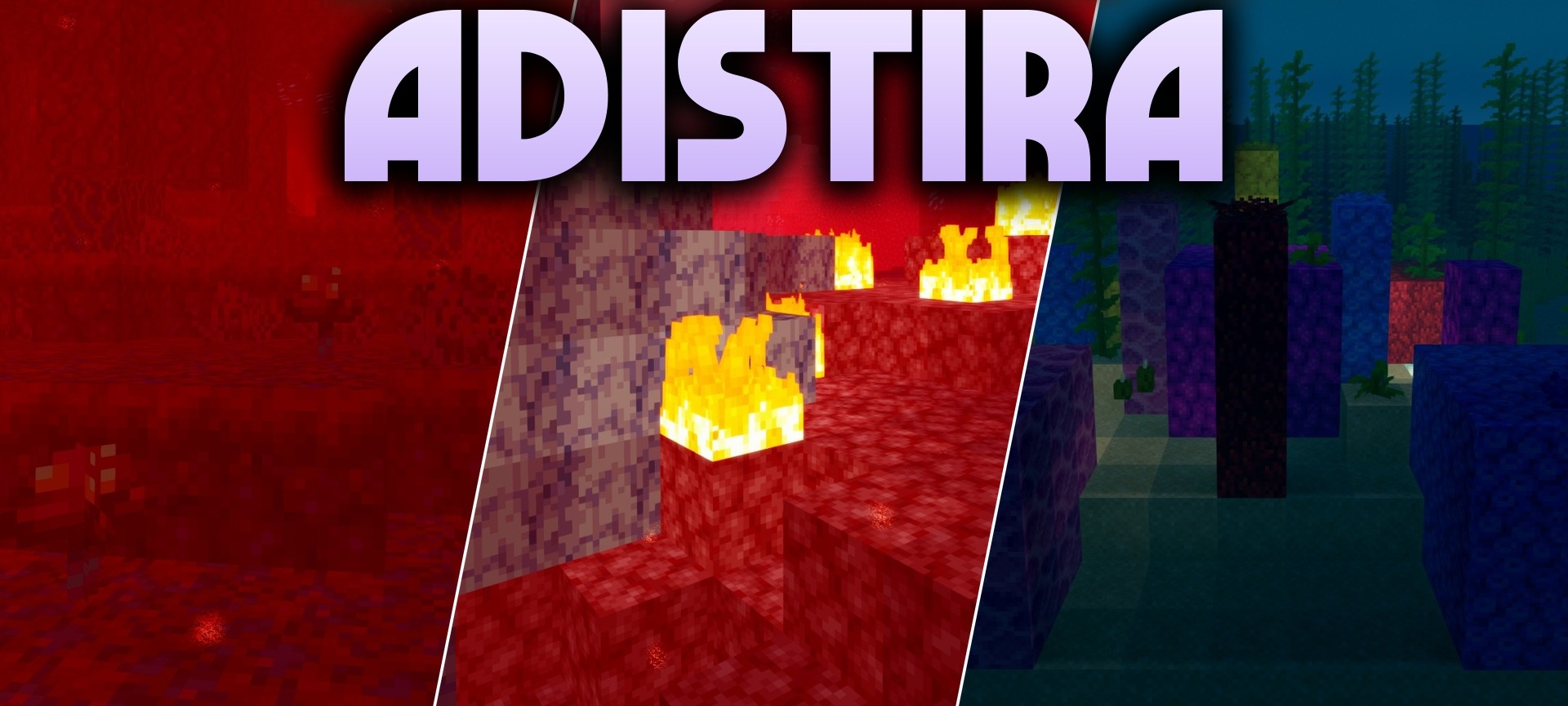
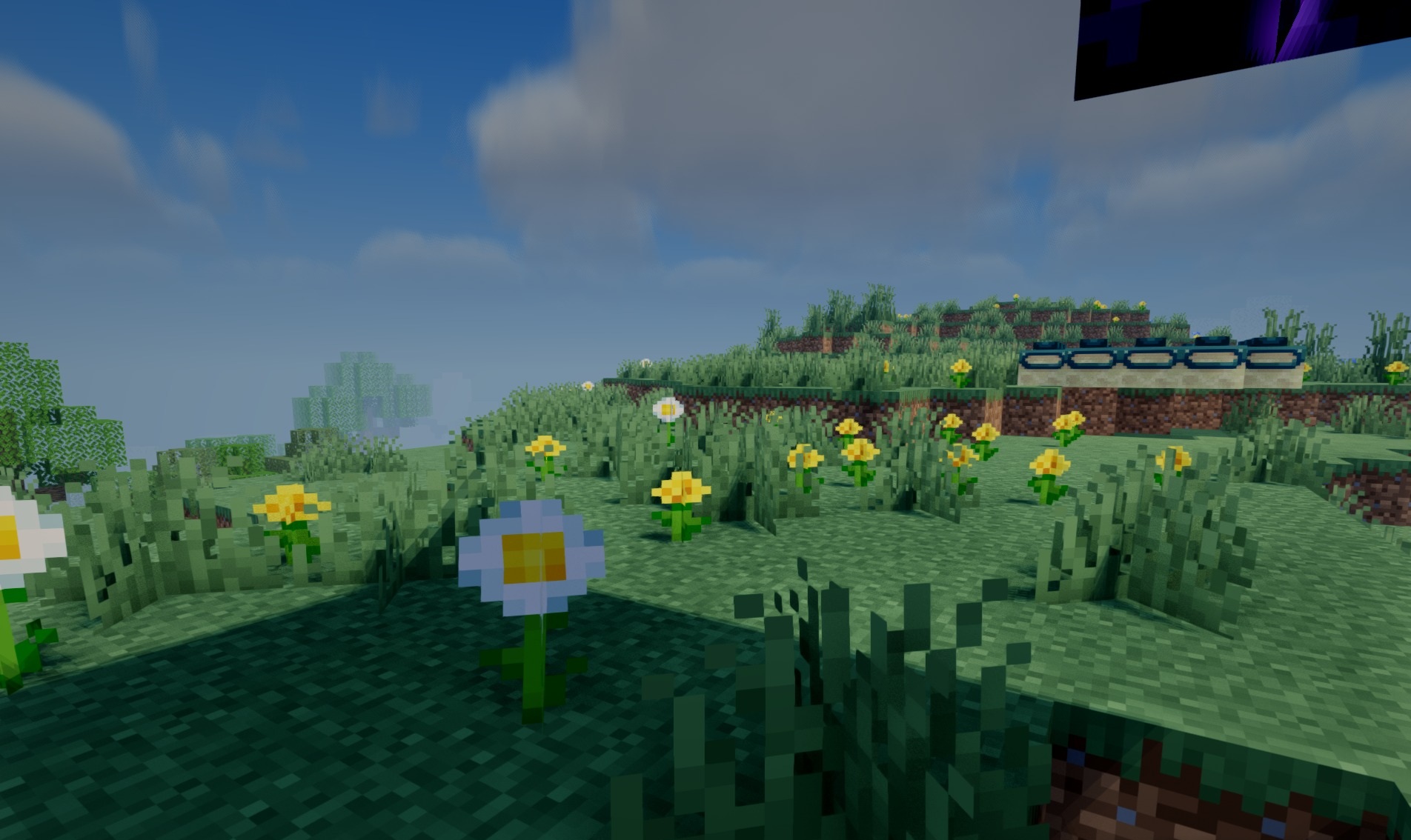
Adistira Shaders uses several modern image-processing methods at once. PBR lighting takes material properties into account, volumetric clouds replace the flat elements of the standard sky, and water receives detailed reflections of the surrounding environment.
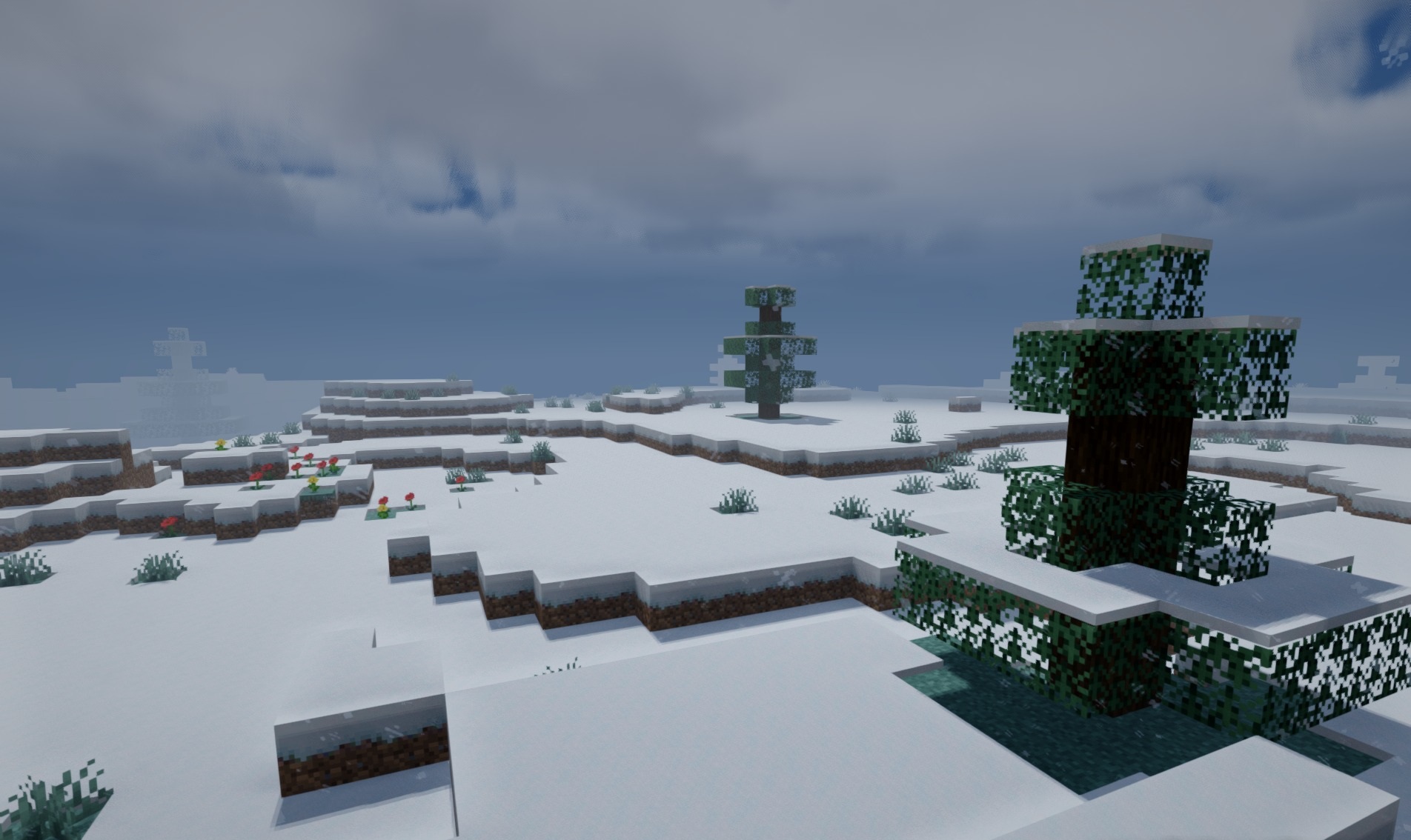
The Overworld, Nether, and End each have their own sky design, making the dimensions differ more strongly from one another in atmosphere. Soft shadows are complemented by TAA temporal anti-aliasing, which reduces the visibility of jagged edges on blocks and items. The color balance is created through ACES tone mapping, helping preserve detail in both bright and darkened areas.
How to install a shader:
First step: download the shader package from the link below.
Second step: Unpack the downloaded archive and copy the Adistira Shaders folder to c:\Users\User\AppData\Roaming\.minecraft\shaderpacks\(if this folder does not exist, create it yourself) (For Windows)
Third step: In the game, go to Settings, then to Graphics Settings. Select the "shaders" section and activate the shader pack of your choice.
Comments (0)