



AerixiumSFA PTGI Shaders for Minecraft 26.2
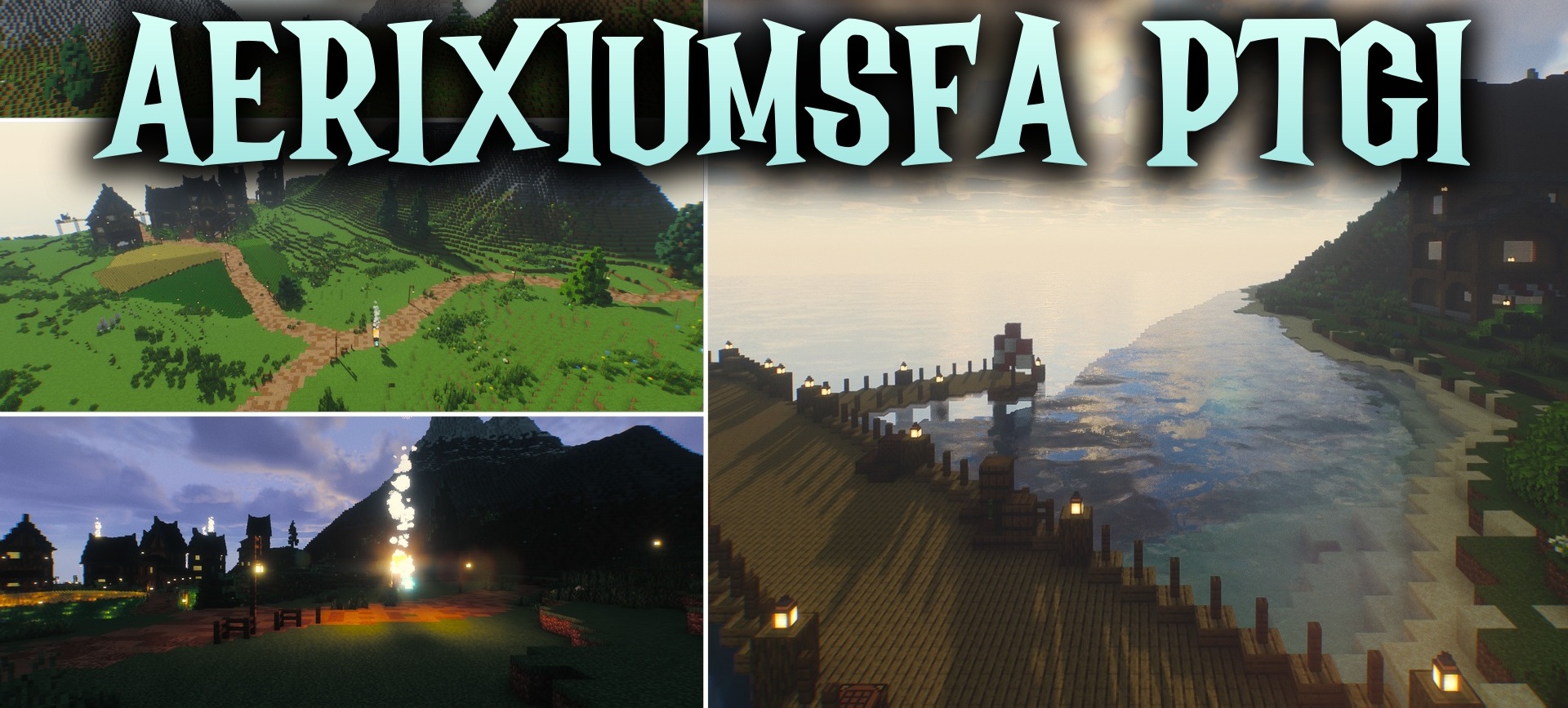
AerixiumSFA PTGI Shaders uses the most complex lighting system in this selection. Global illumination is calculated using ray tracing, so sunlight reflects from surfaces and softly fills dark interiors.
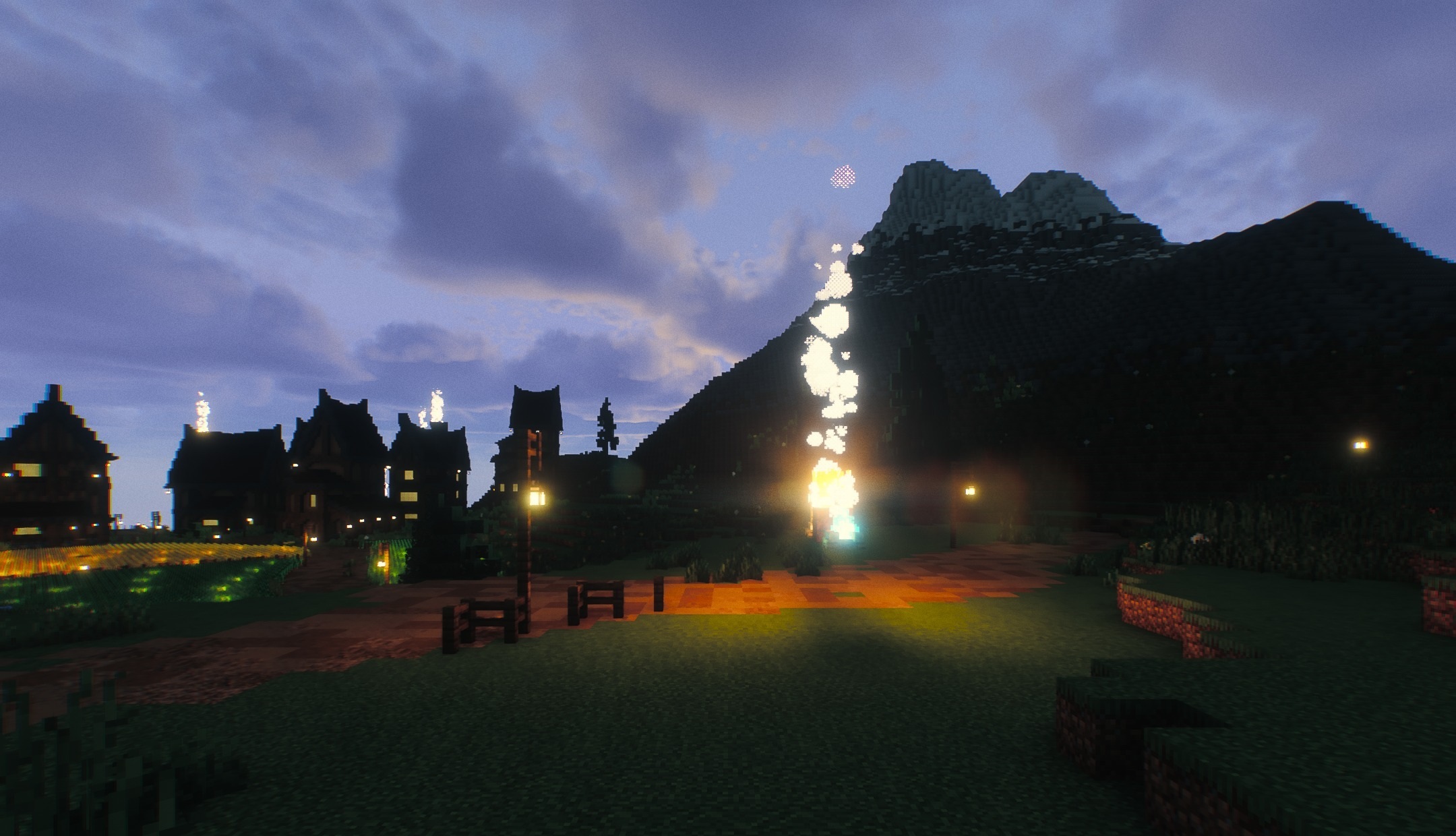
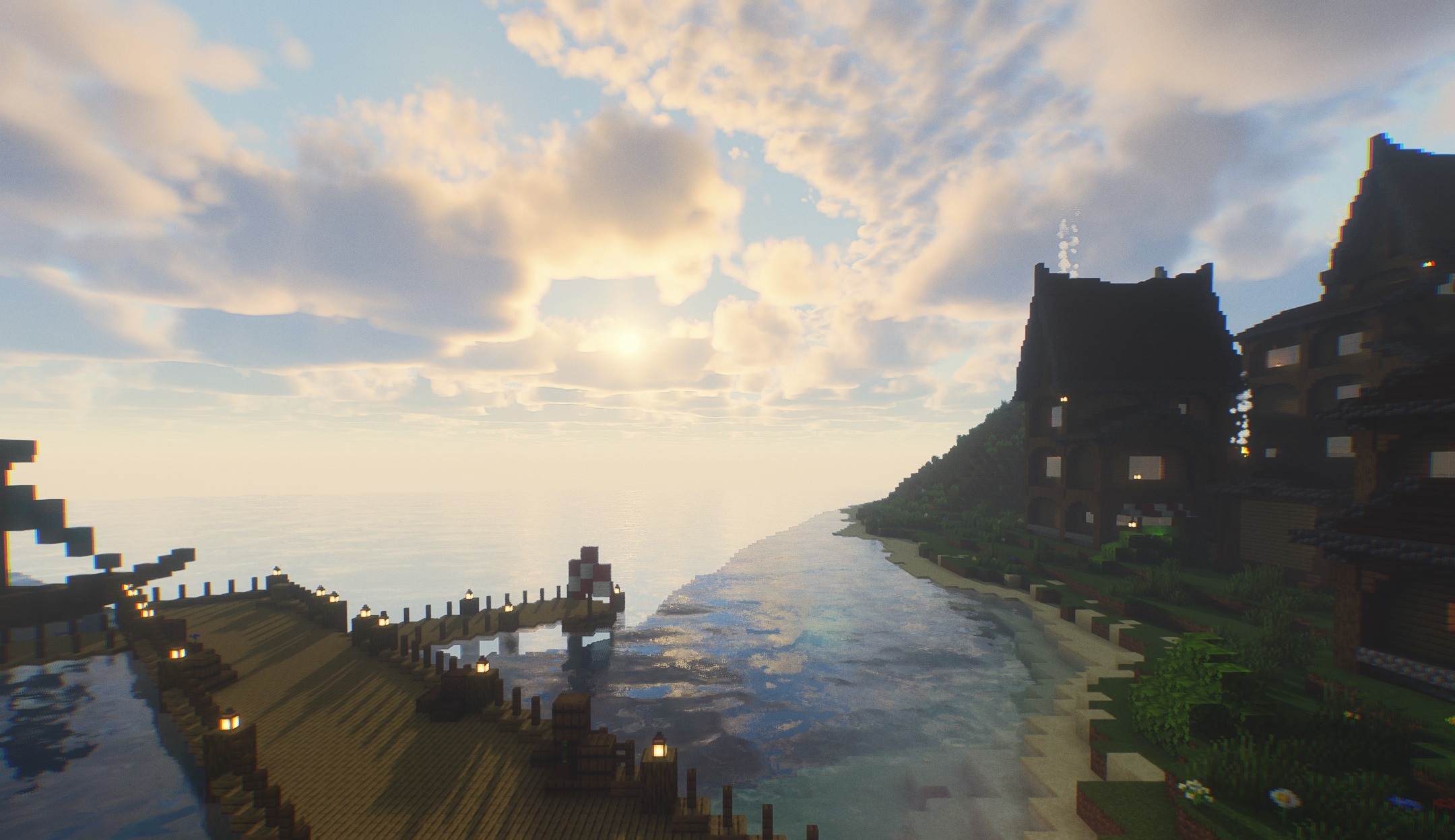
Water and glossy blocks receive clearly visible reflections, while shadows change in sharpness depending on the distance and angle of the light source. Caves and rooms no longer look uniformly dark: reflected light adds depth and volume to them. Realistic physics is combined with bright fantasy shades, so the image remains vivid.
How to install a shader:
First step: download the shader package from the link below.
Second step: Unpack the downloaded archive and copy the AerixiumSFA PTGI Shaders folder to c:\Users\User\AppData\Roaming\.minecraft\shaderpacks\(if this folder does not exist, create it yourself) (For Windows)
Third step: In the game, go to Settings, then to Graphics Settings. Select the "shaders" section and activate the shader pack of your choice.
Comments (2)