



Animetro Shaders for Minecraft 26.2
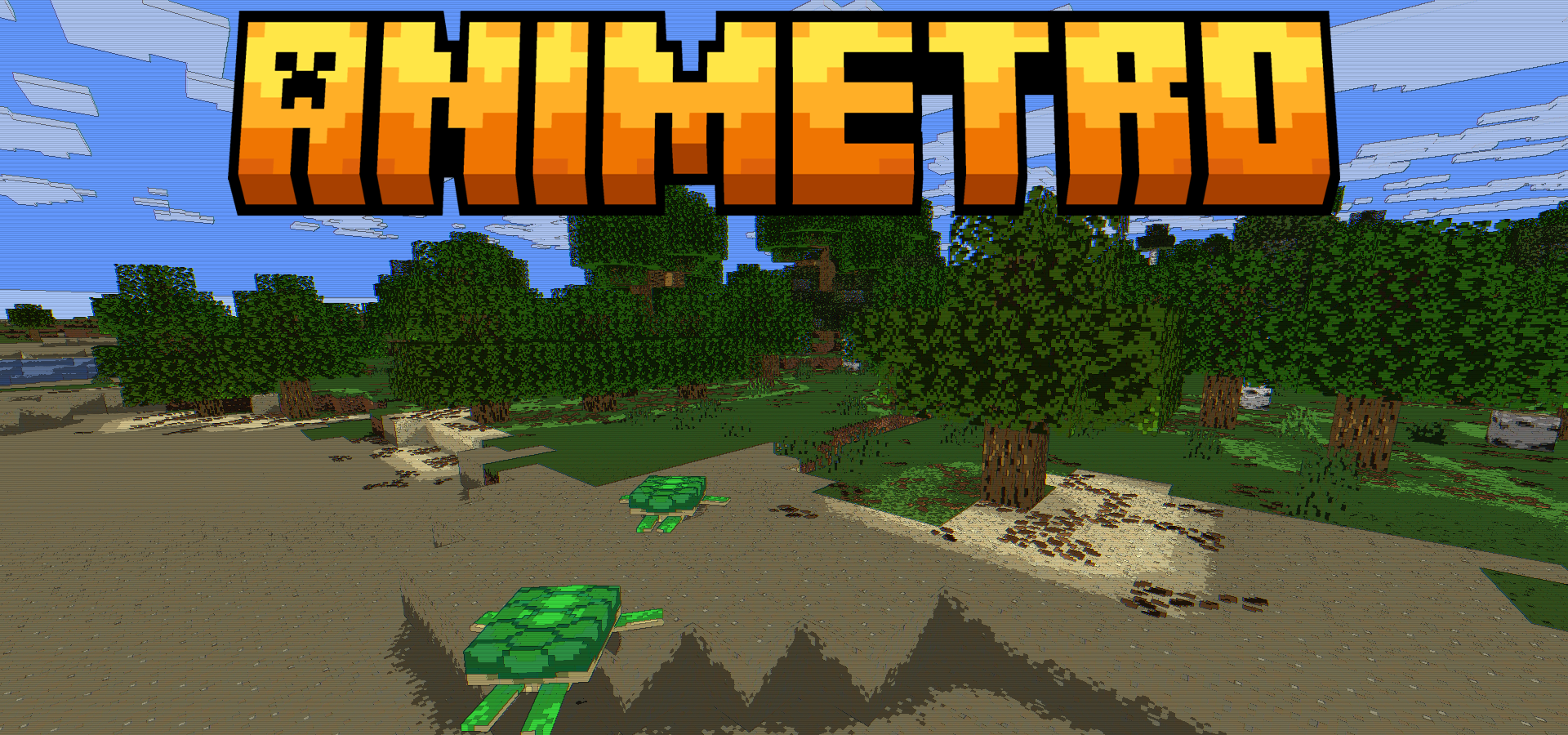
Animetro Shaders moves Minecraft toward a cartoon and retro screen style. Instead of realistic water, complex reflections, and heavy lighting, it works with color and outlines. Smooth brightness transitions become flat bands, making the blocks look as if they were drawn by hand.
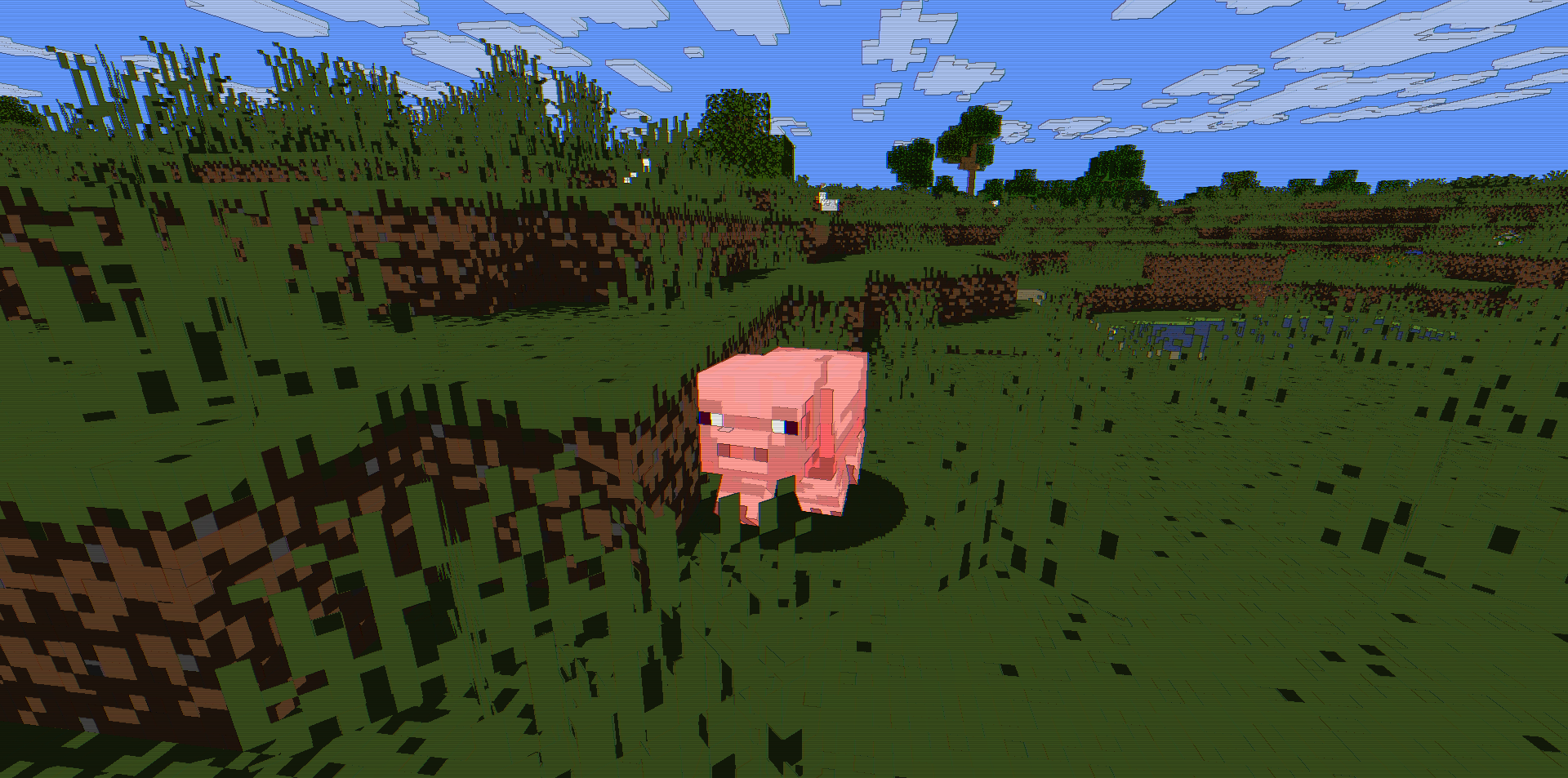
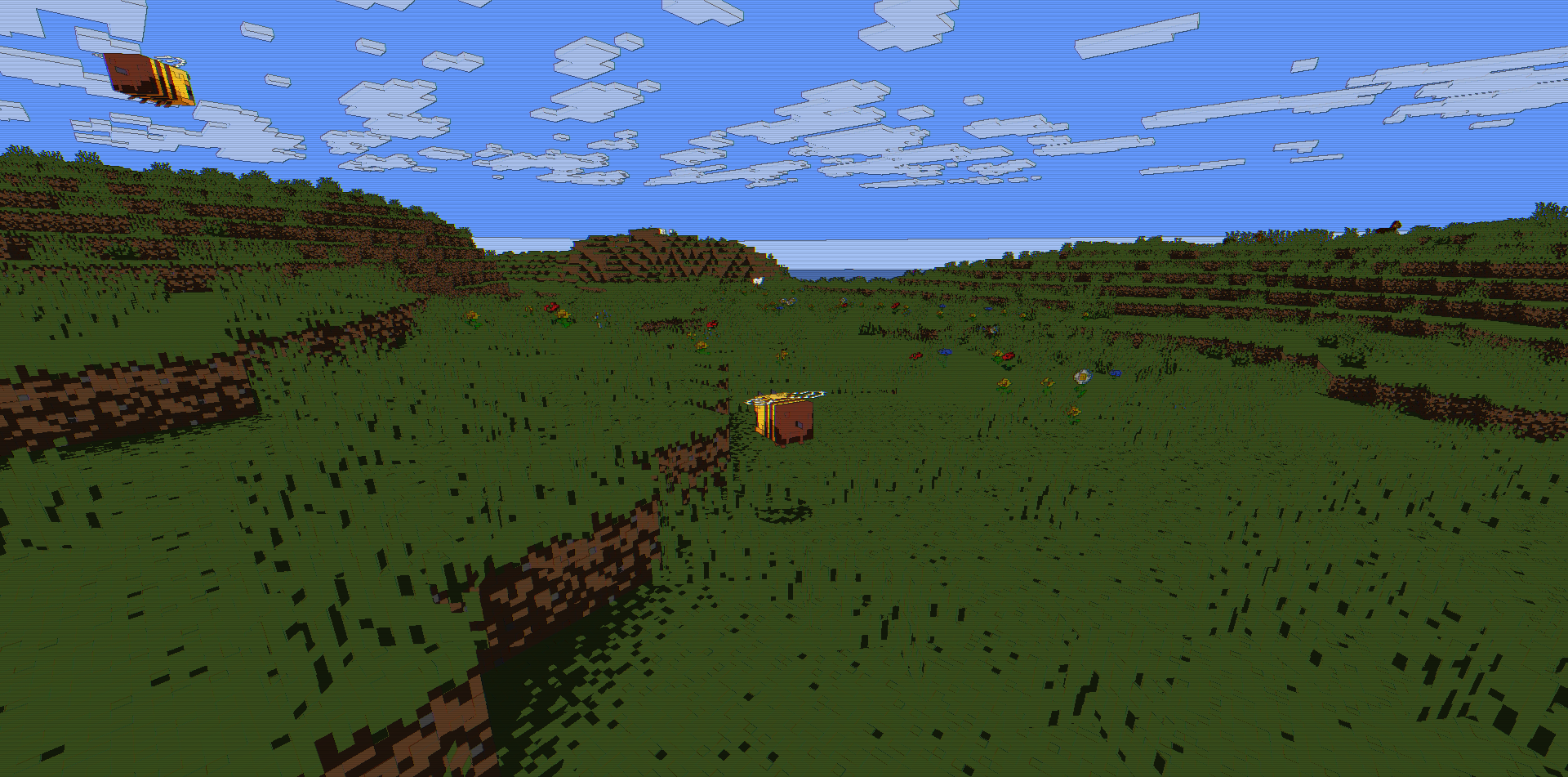
Dark lines around the edges separate objects from the background, while a slight shift in the red and blue channels creates a glitch effect. Thin horizontal lines resembling those of an old television appear over the image. The colors become more vibrant, and the world looks brighter and more graphic. The pack turns the image into a stylized animated frame with subtle retro noise.
How to install a shader:
First step: download the shader package from the link below.
Second step: Unpack the downloaded archive and copy the Animetro Shaders folder to c:\Users\User\AppData\Roaming\.minecraft\shaderpacks\(if this folder does not exist, create it yourself) (For Windows)
Third step: In the game, go to Settings, then to Graphics Settings. Select the "shaders" section and activate the shader pack of your choice.
Comments (0)