



ARTShade Shaders for Minecraft 26.2
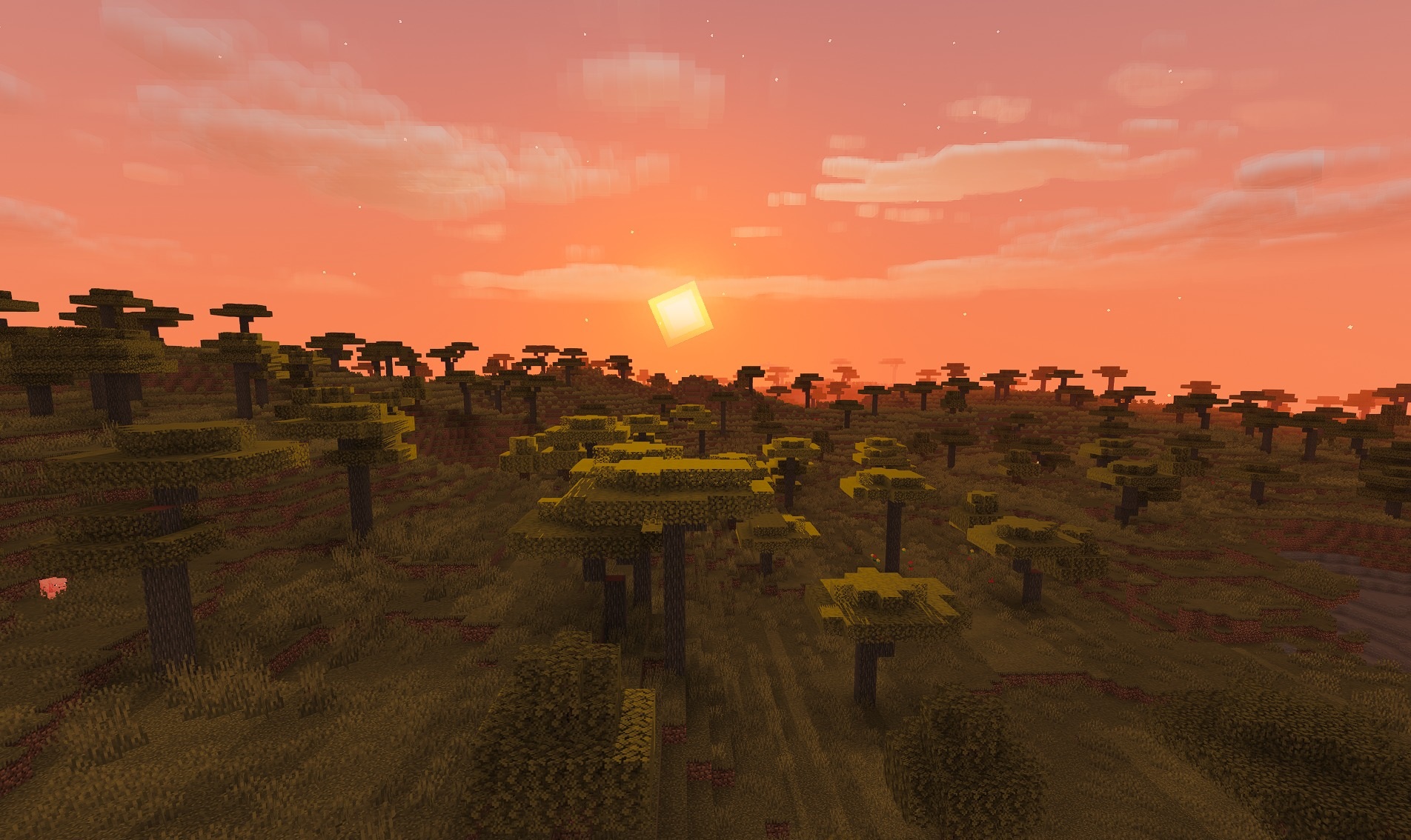
ARTShade Shaders makes the world brighter and noticeably more cartoon-like by using saturated colors, soft shadows, and moderate glow. Light sources such as torches and lava receive a subtle halo, while smooth shadows without overly sharp edges appear beneath trees, mobs, and buildings.
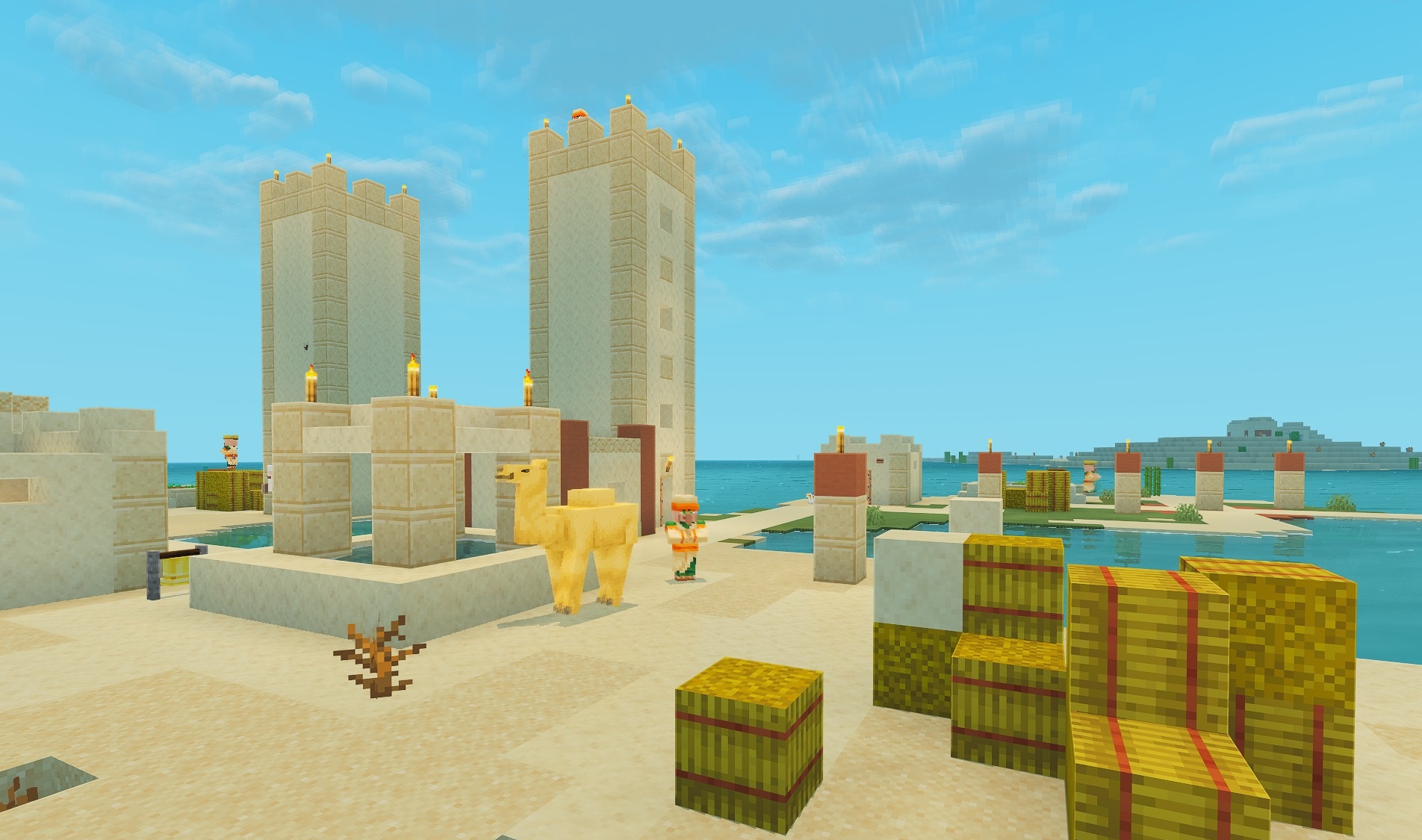
Water reflects the environment and sky, making oceans and lakes more expressive. Leaves and tall grass sway slightly, adding movement to otherwise static biomes. Despite the large number of visual improvements, the pack is designed for relatively weak systems and does not require heavy calculations. The pack’s main feature is a light fantasy style with a bright palette and good performance.
How to install a shader:
First step: download the shader package from the link below.
Second step: Unpack the downloaded archive and copy the ARTShade Shaders folder to c:\Users\User\AppData\Roaming\.minecraft\shaderpacks\(if this folder does not exist, create it yourself) (For Windows)
Third step: In the game, go to Settings, then to Graphics Settings. Select the "shaders" section and activate the shader pack of your choice.
Comments (0)