



Atherial Shaders for Minecraft 26.2
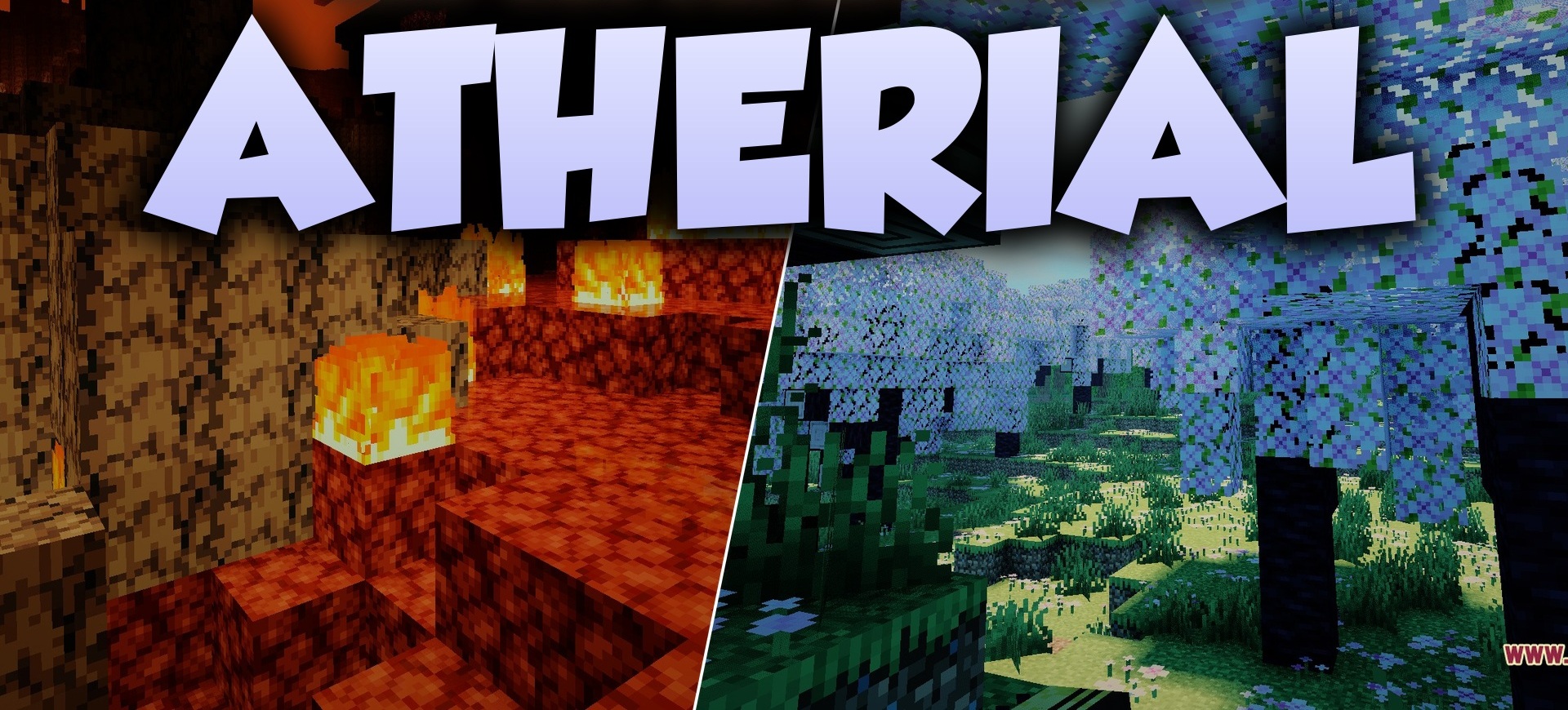
Atherial Shaders combines realistic lighting logic with a more saturated fantasy palette. Daytime scenes become brighter, color transitions become cleaner, and the lighting receives a softer distribution across surfaces. At the same time, the pack is not overloaded with numerous additional filters and tries to maintain a simple visual rhythm.
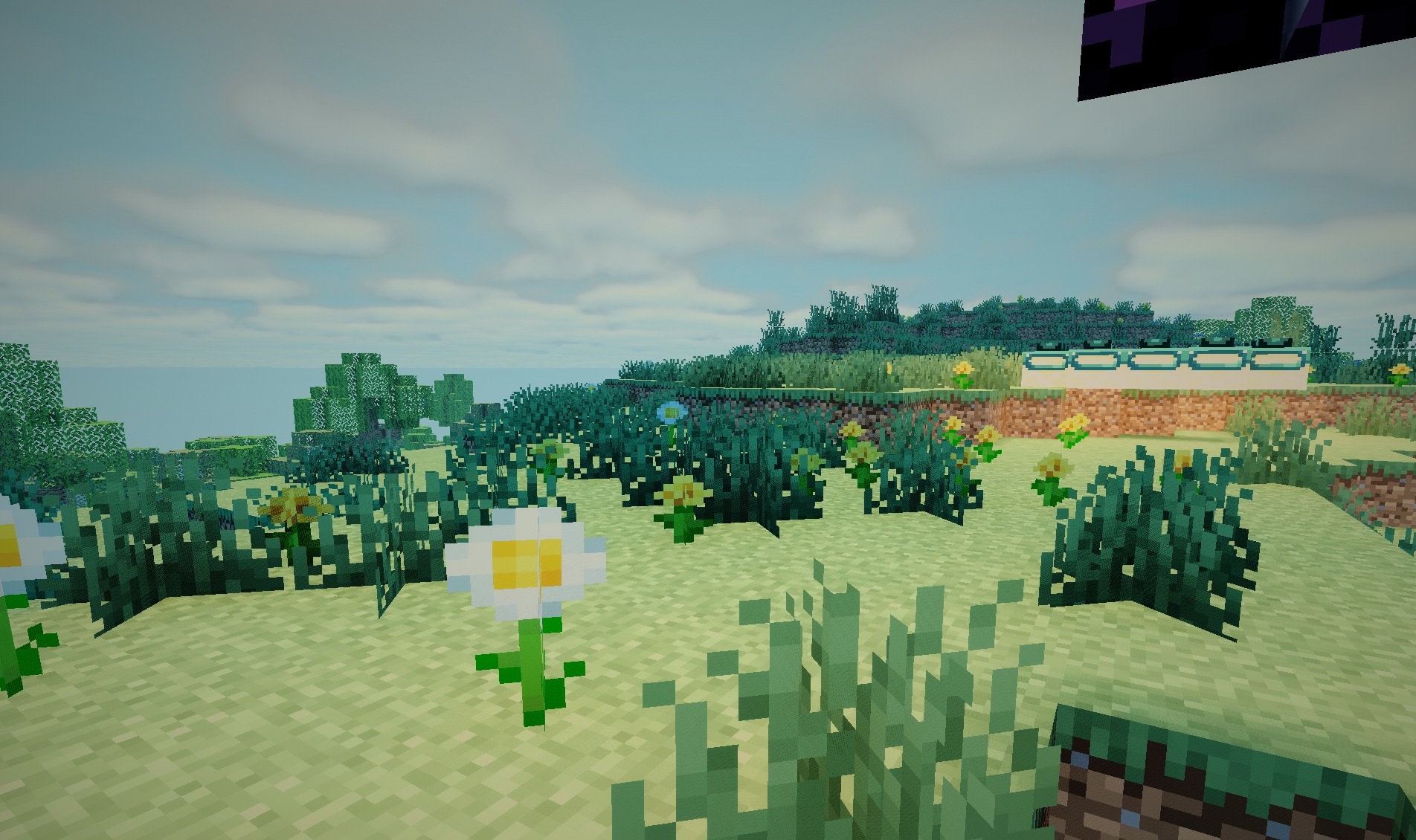
The fantasy appearance is expressed primarily through the colors and overall atmosphere, while the shadows and lighting themselves remain fairly natural. The shader is designed to work through Iris, so it integrates well into modern modpacks without requiring OptiFine.
How to install a shader:
First step: download the shader package from the link below.
Second step: Unpack the downloaded archive and copy the Atherial Shaders folder to c:\Users\User\AppData\Roaming\.minecraft\shaderpacks\(if this folder does not exist, create it yourself) (For Windows)
Third step: In the game, go to Settings, then to Graphics Settings. Select the "shaders" section and activate the shader pack of your choice.
Comments (0)