



AuraLite Shaders for Minecraft 26.2
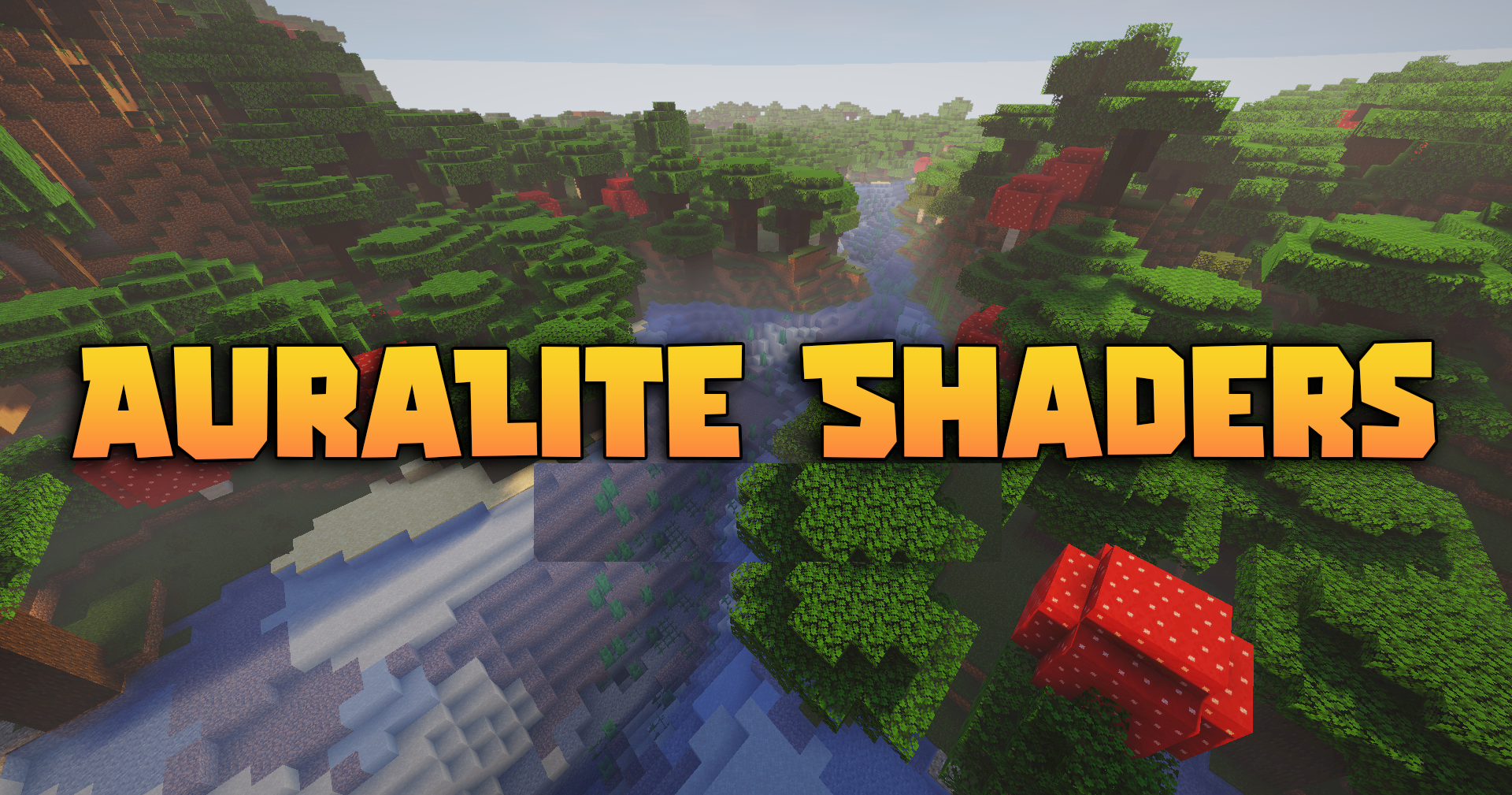
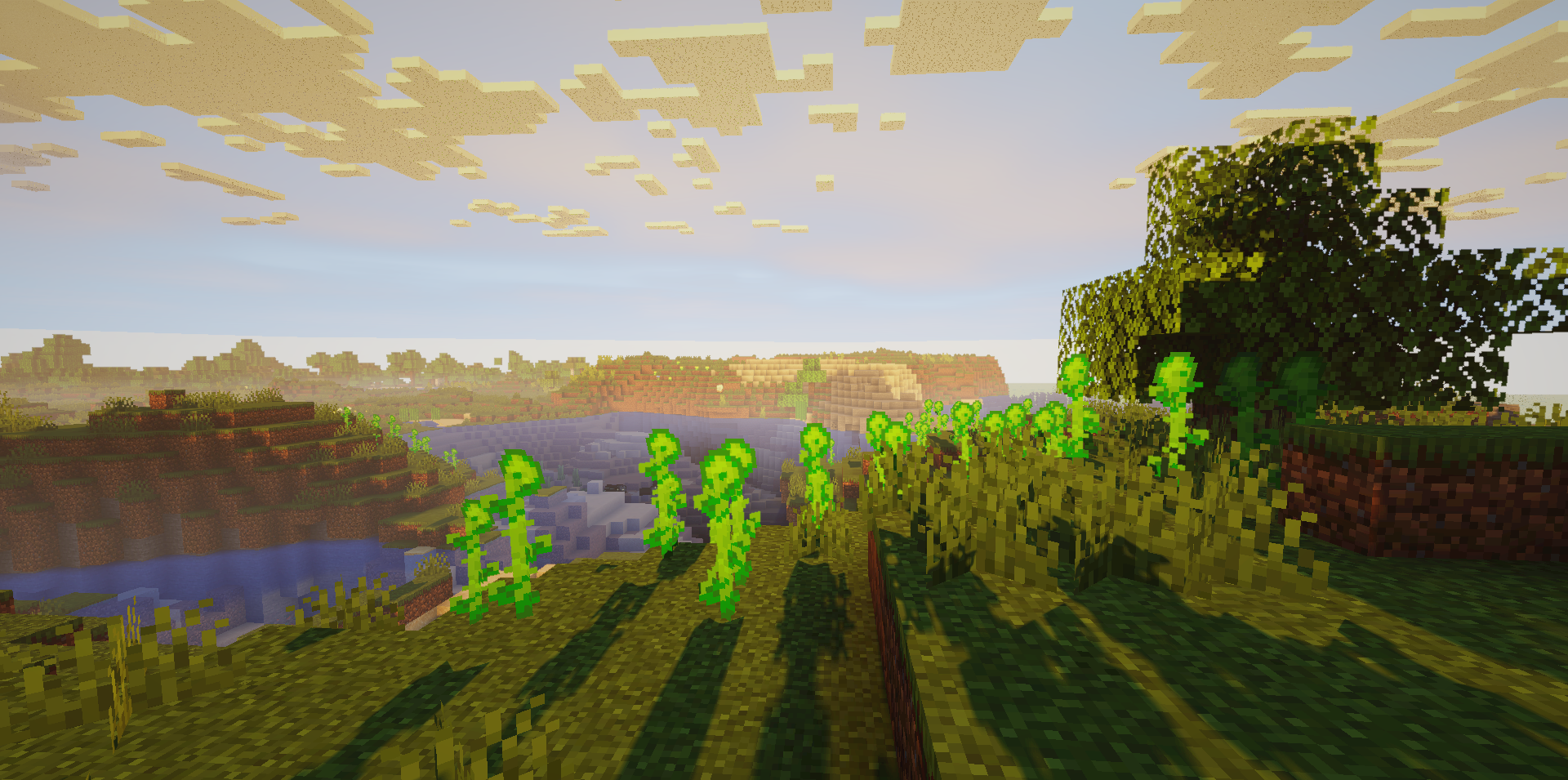
Most of the effect here is built around clean lighting and a volumetric sky. AuraLite Shaders adds dense 3D clouds that players can fly through with elytra, soft HDR bloom, sun rays, and carefully rendered shadows. The image becomes brighter and deeper, but without being overloaded by heavy effects.
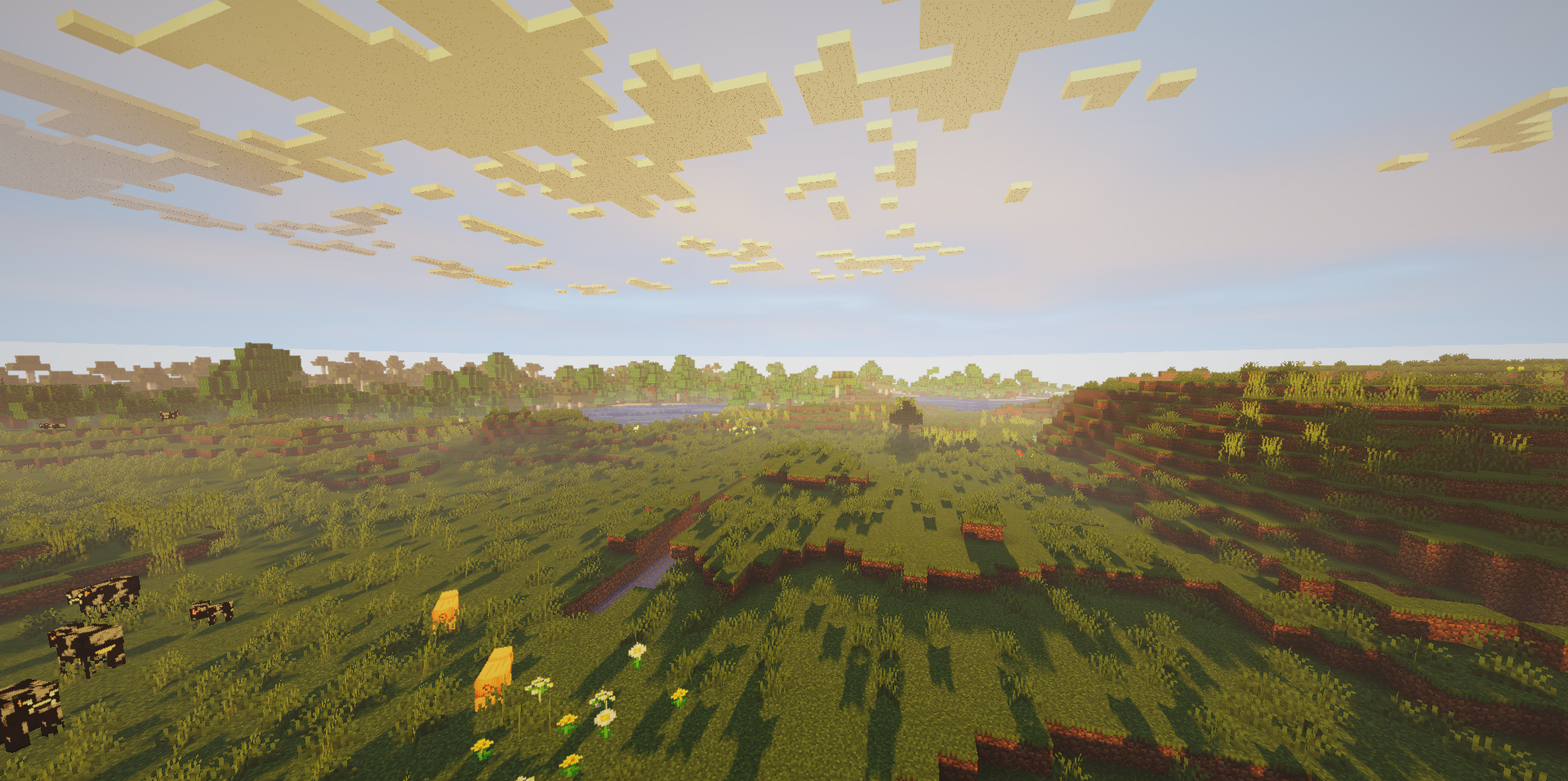
The sky looks more alive, especially in motion, when the clouds create a sense of height and space. LabPBR material support allows certain blocks to look glossier or rougher if the textures use these features. Optional anti-aliasing makes the edges of blocks less sharp.
How to install a shader:
First step: download the shader package from the link below.
Second step: Unpack the downloaded archive and copy the AuraLite Shaders folder to c:\Users\User\AppData\Roaming\.minecraft\shaderpacks\(if this folder does not exist, create it yourself) (For Windows)
Third step: In the game, go to Settings, then to Graphics Settings. Select the "shaders" section and activate the shader pack of your choice.
Comments (0)