



Aurelia Shaders for Minecraft 26.2
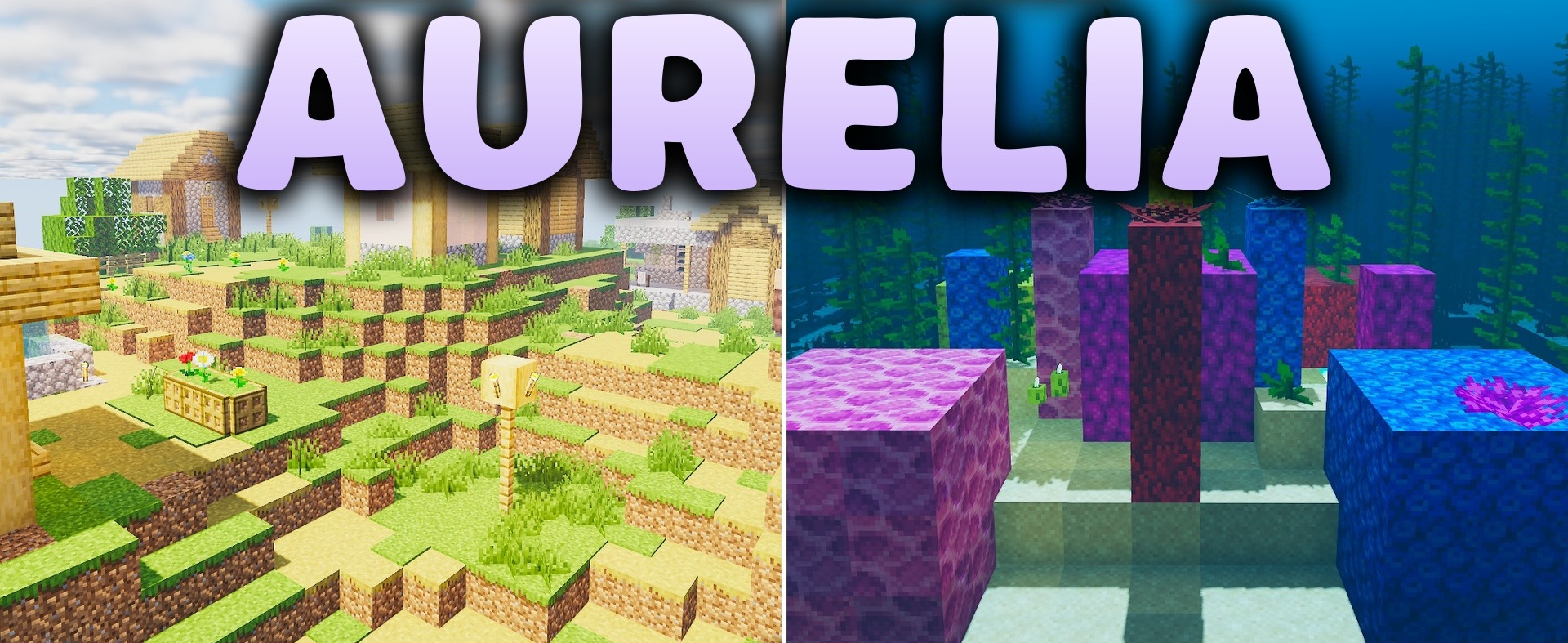
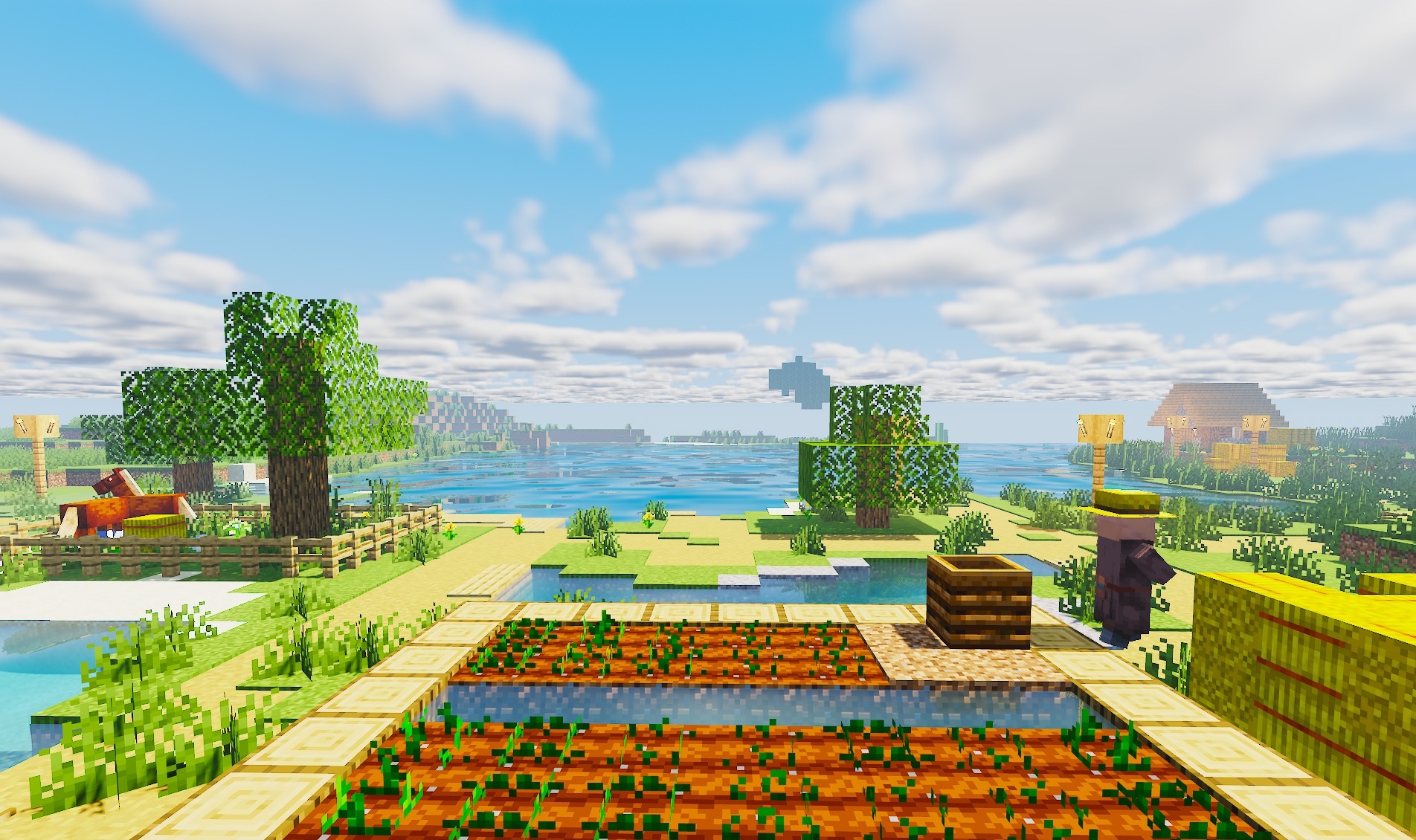
The golden lighting of sunrises and sunsets is one of the central details of Aurelia Shaders. The pack uses PCSS shadows, whose edges gradually become softer depending on the distance from the object, while global illumination adds reflected light to enclosed and darkened spaces.
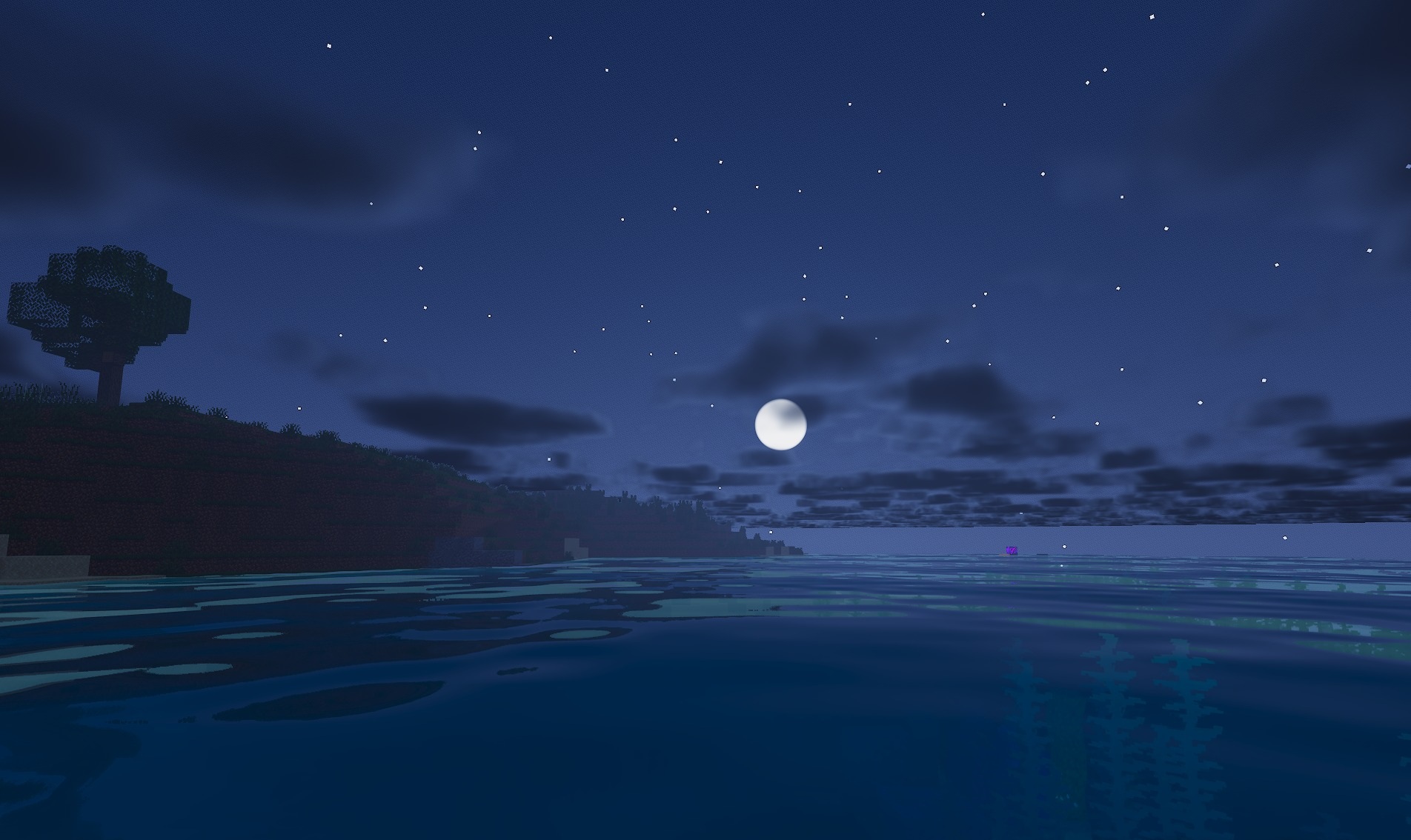
Volumetric clouds form above the landscape and react to the position of the sun and moon. Fog parameters and light color change for different biomes, so a single lighting system is not applied identically across the entire world. Ores receive their own faint glow, making them easier to detect in caves.
How to install a shader:
First step: download the shader package from the link below.
Second step: Unpack the downloaded archive and copy the Aurelia Shaders folder to c:\Users\User\AppData\Roaming\.minecraft\shaderpacks\(if this folder does not exist, create it yourself) (For Windows)
Third step: In the game, go to Settings, then to Graphics Settings. Select the "shaders" section and activate the shader pack of your choice.
Comments (0)