



Aurora Veil Shaders for Minecraft 26.2
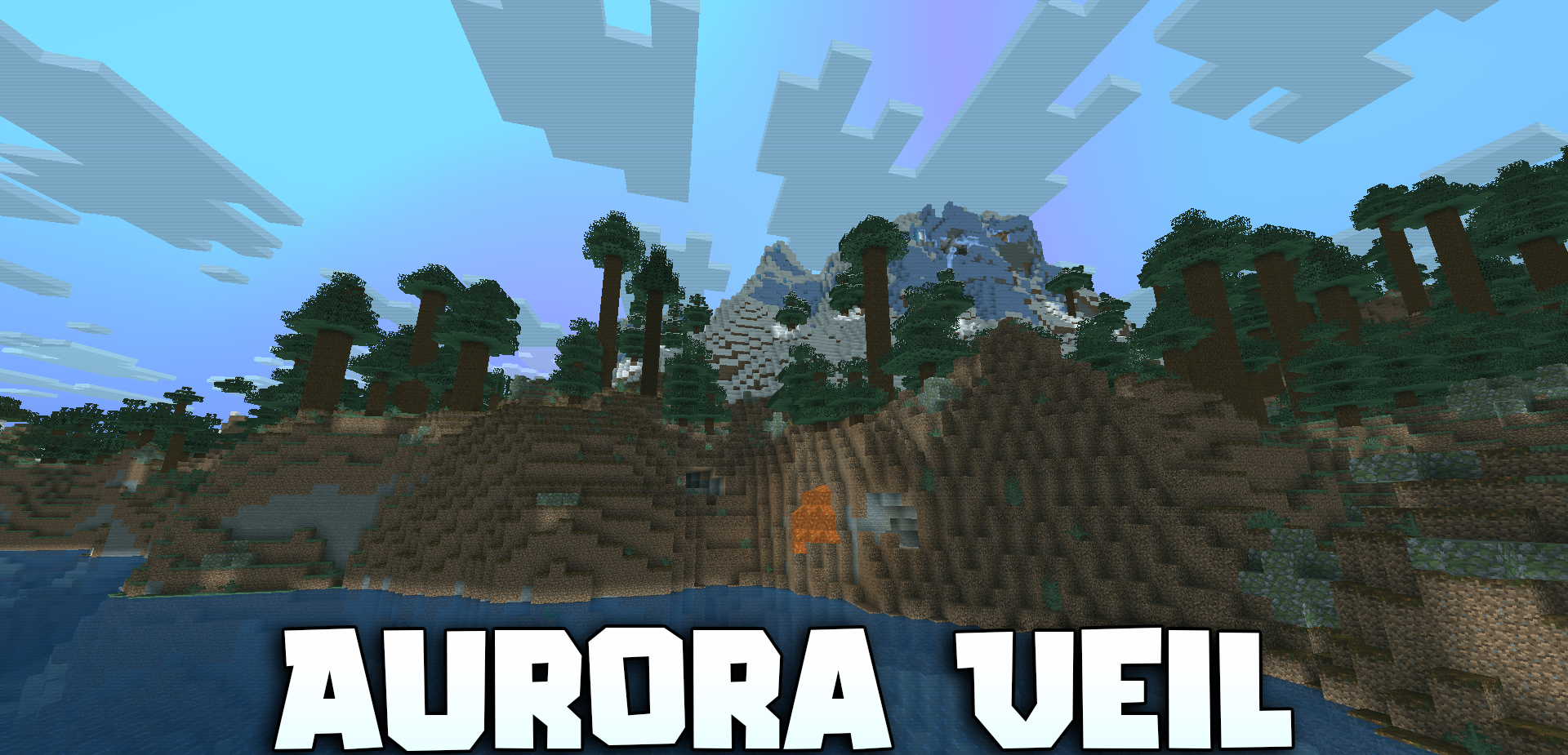
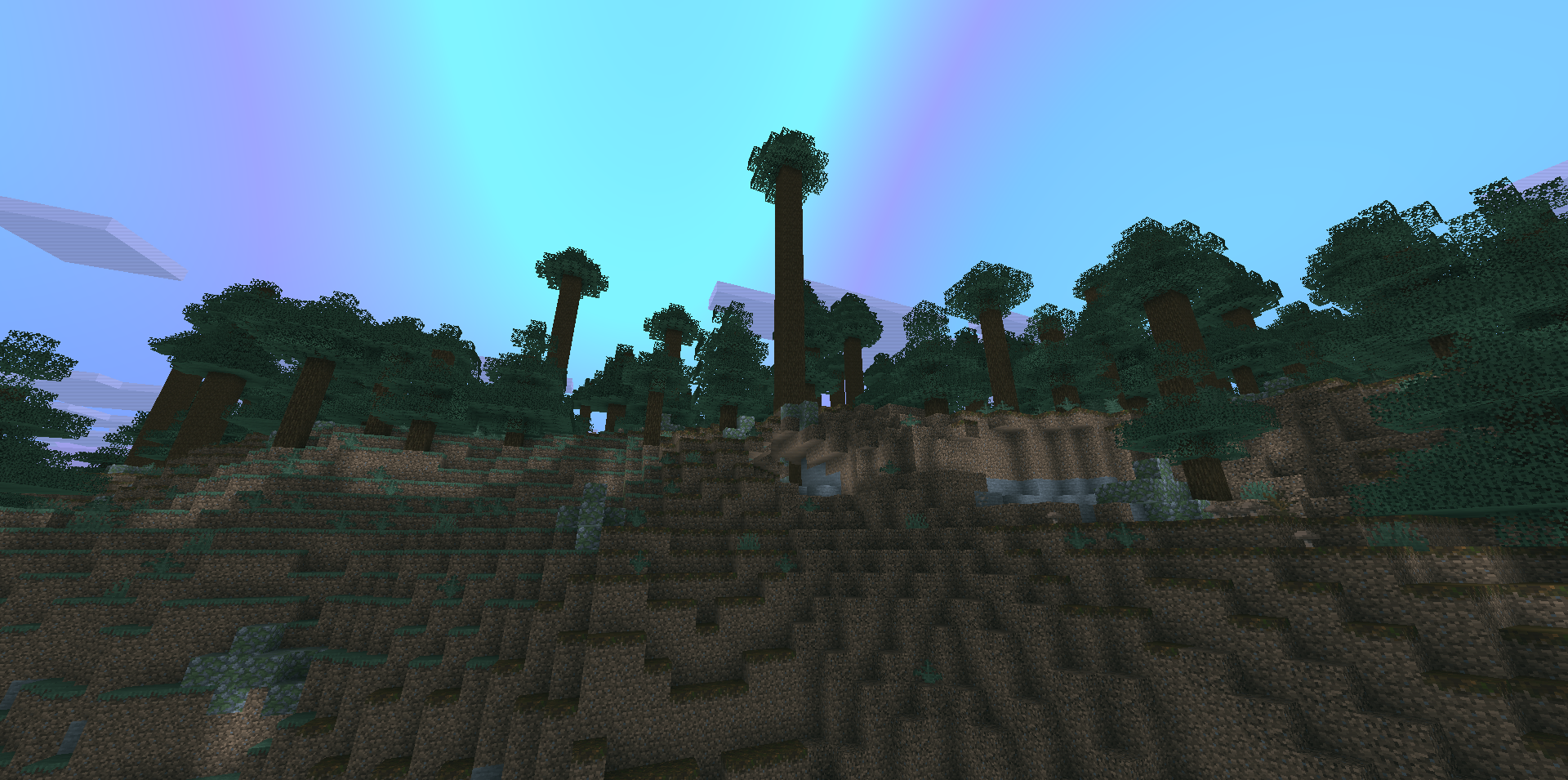
The regular sky is replaced here by a moving colored veil resembling the northern lights. Aurora Veil Shaders colors Minecraft in cool turquoise, light blue, blue, and purple shades, with the effect becoming noticeably stronger at night.
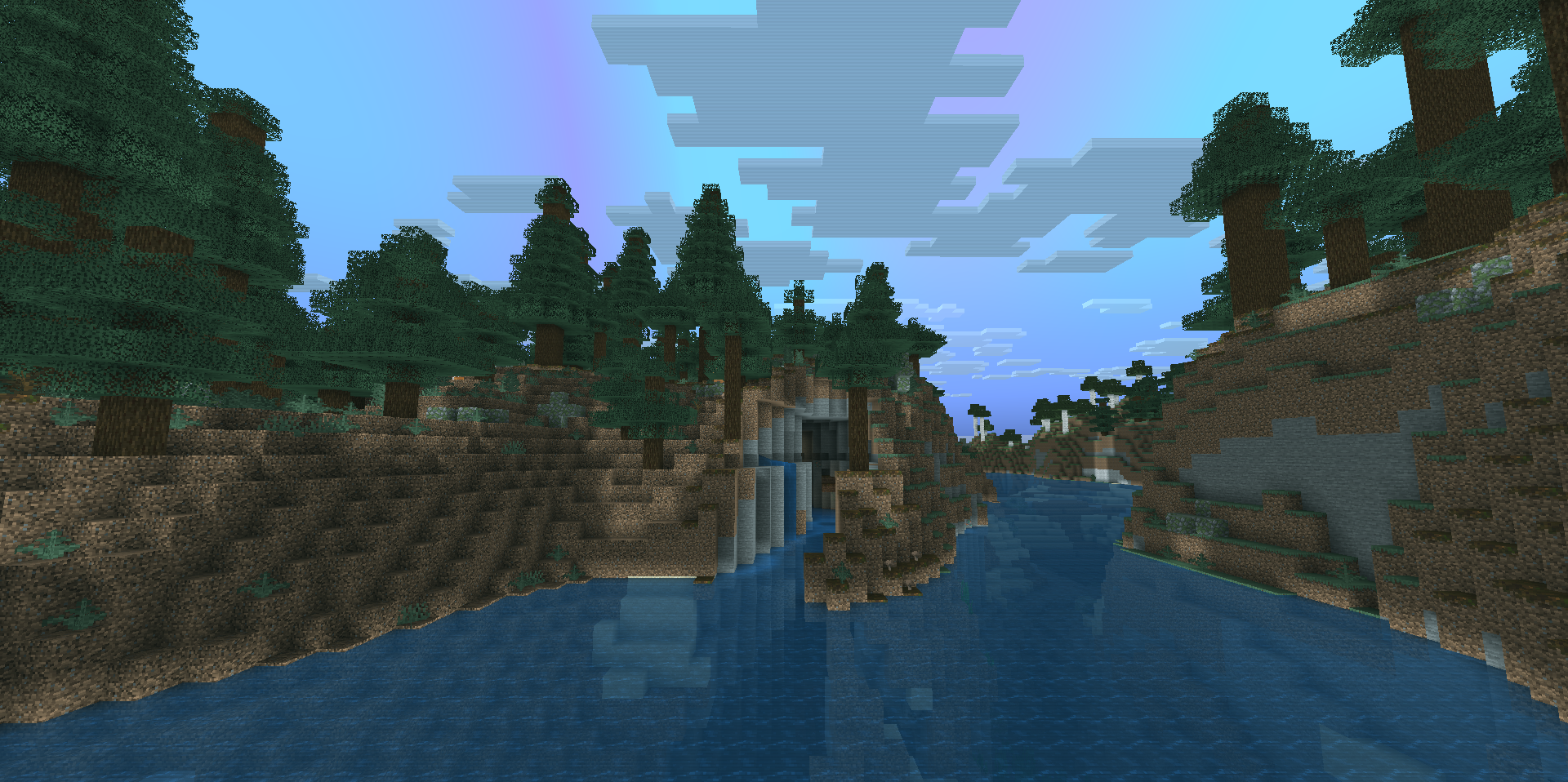
An animated aura moves across the clouds and sky, while global color correction slightly changes the entire world to match the selected palette. The water transitions from turquoise to purple depending on the lighting, becomes more transparent, and retains colored reflections on its surface. The fog changes underwater and in lava, while the Nether receives an unusual mixture of cool tones instead of its familiar fiery palette.
How to install a shader:
First step: download the shader package from the link below.
Second step: Unpack the downloaded archive and copy the Aurora Veil Shaders folder to c:\Users\User\AppData\Roaming\.minecraft\shaderpacks\(if this folder does not exist, create it yourself) (For Windows)
Third step: In the game, go to Settings, then to Graphics Settings. Select the "shaders" section and activate the shader pack of your choice.
Comments (0)