



AVALux Reimagined Shaders for Minecraft 26.2
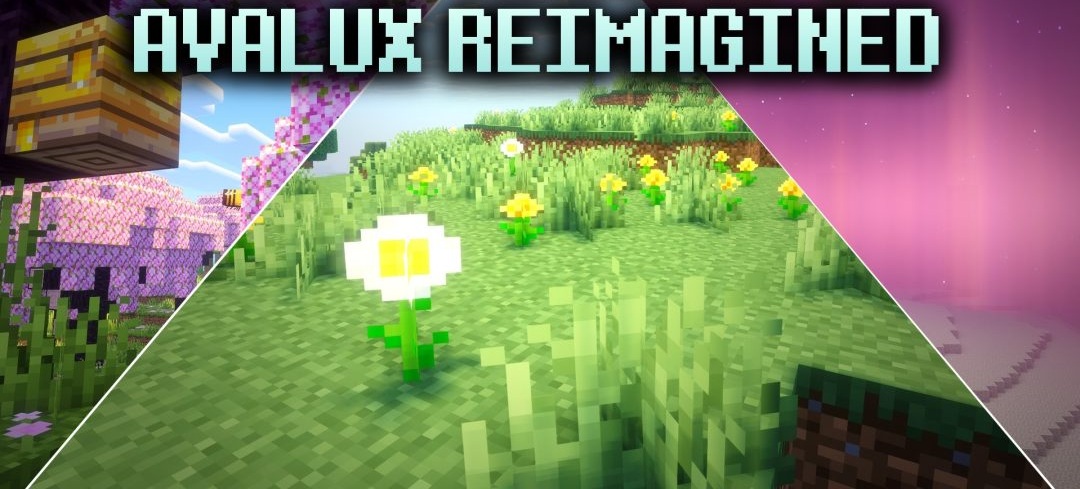
The color of a light source begins to affect the surrounding space after installing AVALux Reimagined Shaders. Different blocks and items create their own colored glow, giving illuminated rooms a wider variety of shades. The daytime cycle is accompanied by soft blocky shadows that change direction and shape as the sun moves.
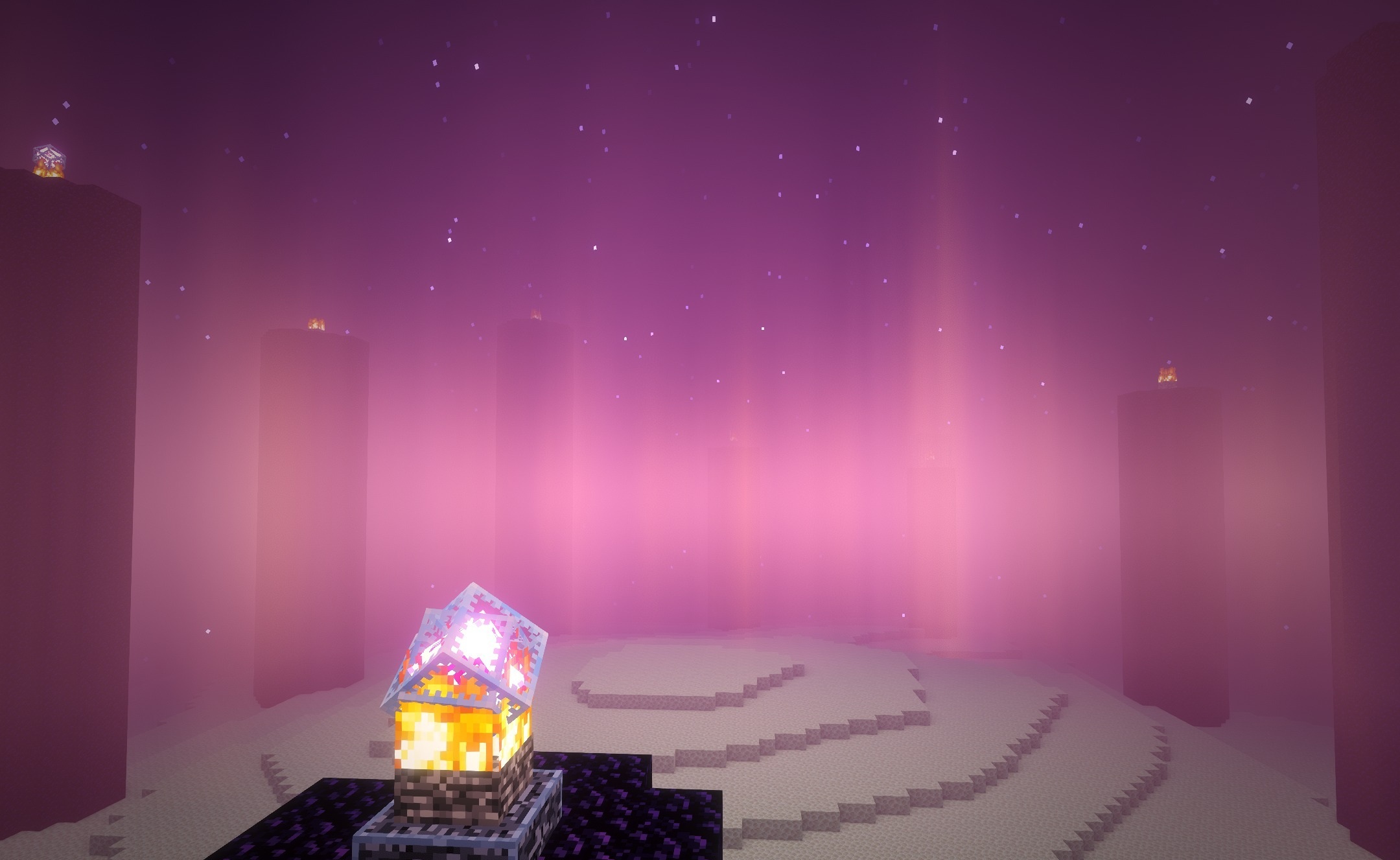
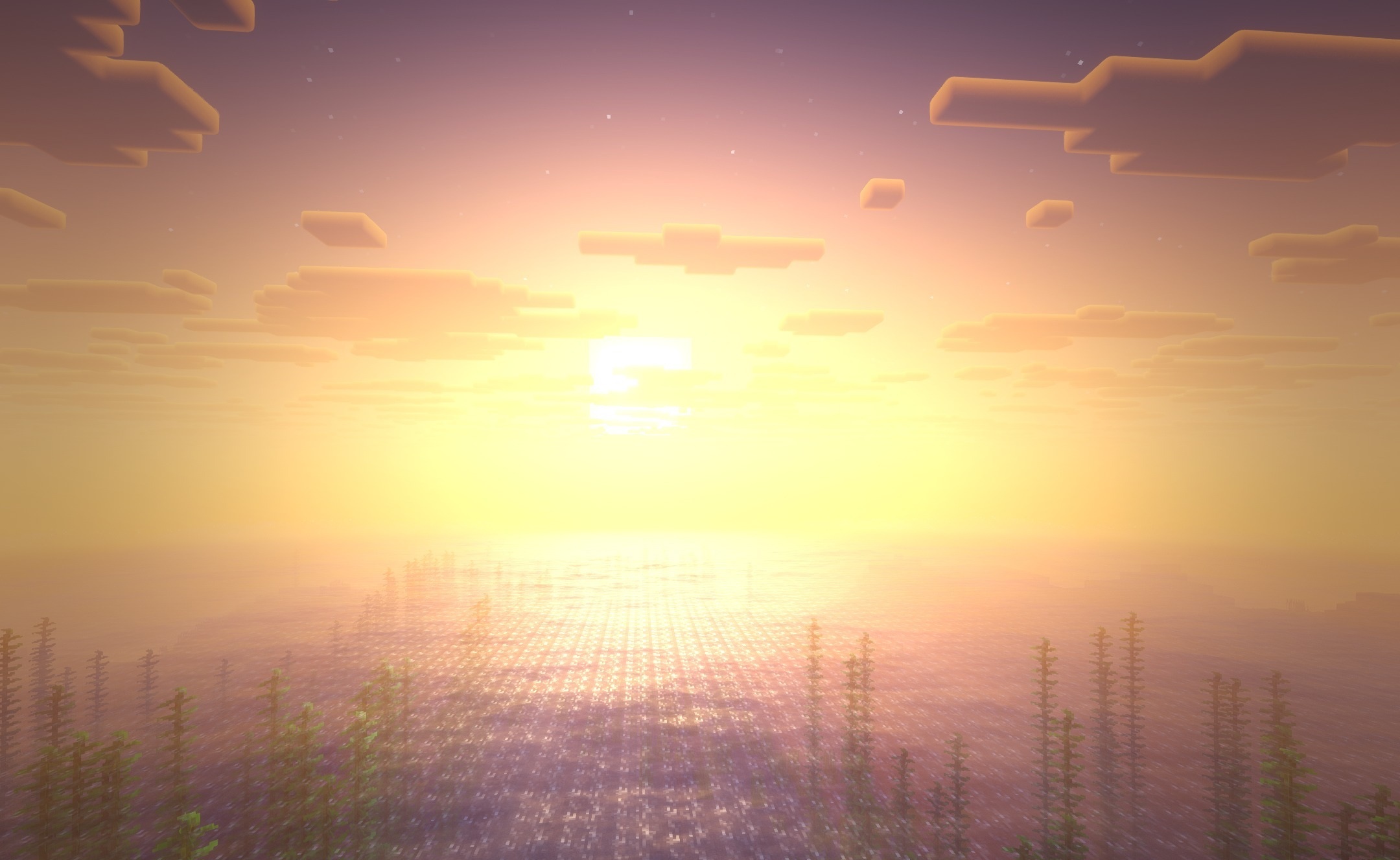
The sky and general lighting receive semi-realistic processing both during the day and at night, while the geometry of structures and Minecraft’s characteristic style remain recognizable. Several performance profiles are provided for different systems, ranging from less demanding to higher-quality options.
How to install a shader:
First step: download the shader package from the link below.
Second step: Unpack the downloaded archive and copy the AVALux Reimagined Shaders folder to c:\Users\User\AppData\Roaming\.minecraft\shaderpacks\(if this folder does not exist, create it yourself) (For Windows)
Third step: In the game, go to Settings, then to Graphics Settings. Select the "shaders" section and activate the shader pack of your choice.
Comments (0)