



Bad Shaders for Minecraft 26.2
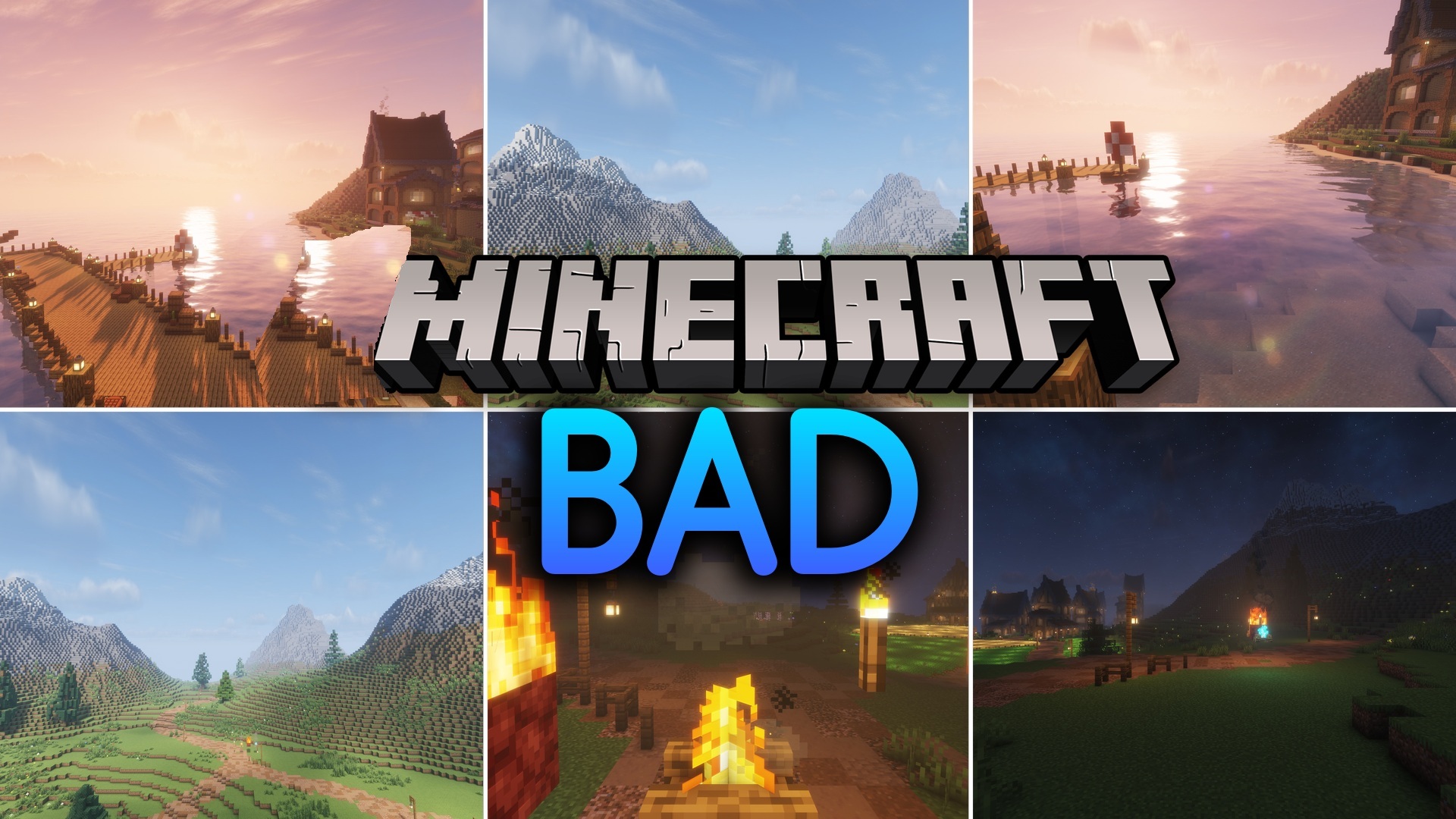
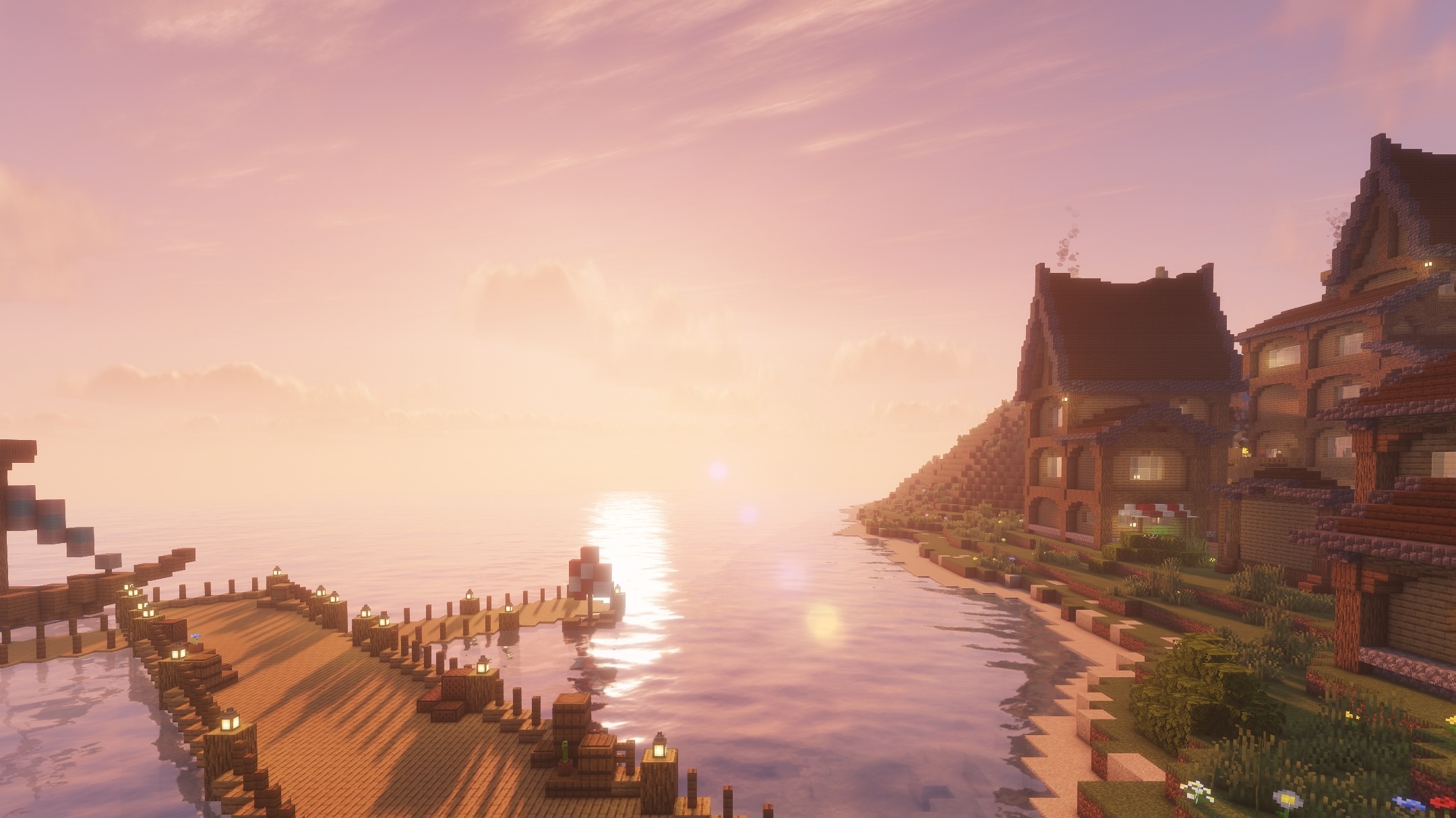
Bad Shaders creates a sharper and more unusual visual style. Instead of a neutral sky, it uses detailed daytime and nighttime textures, while the distribution of light across blocks is changed through its own lighting system.
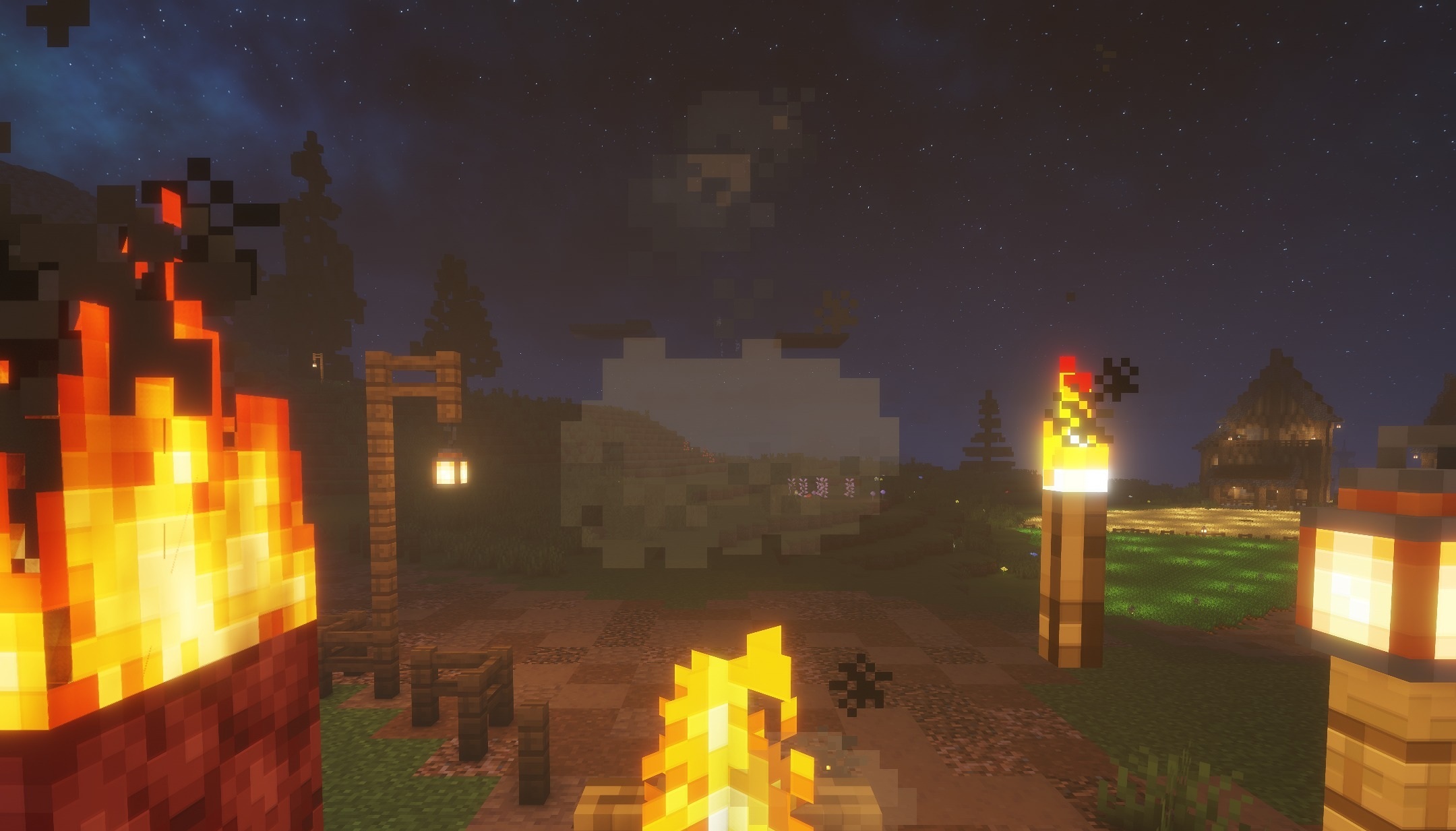
The most noticeable feature is strong motion blur, which appears when the camera turns quickly or the player moves. Because of this, familiar exploration and combat feel much more dynamic, although this effect will not suit everyone. The shader does not try to completely replace the standard graphics but instead overlays them with several expressive filters.
How to install a shader:
First step: download the shader package from the link below.
Second step: Unpack the downloaded archive and copy the Bad Shaders folder to c:\Users\User\AppData\Roaming\.minecraft\shaderpacks\(if this folder does not exist, create it yourself) (For Windows)
Third step: In the game, go to Settings, then to Graphics Settings. Select the "shaders" section and activate the shader pack of your choice.
Comments (0)