



Baunilha Shaders for Minecraft 26.2
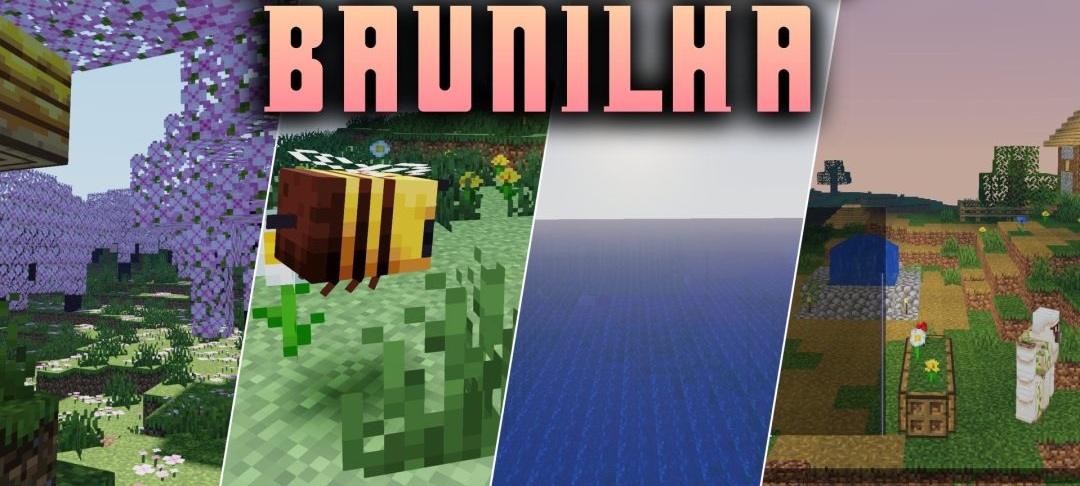
Baunilha Shaders keeps Minecraft’s standard graphics as its foundation and carefully complements them with lighting and shadows. Blocks begin to cast soft shadows, so buildings, terrain, and other objects are separated from each other more clearly and gain additional depth.
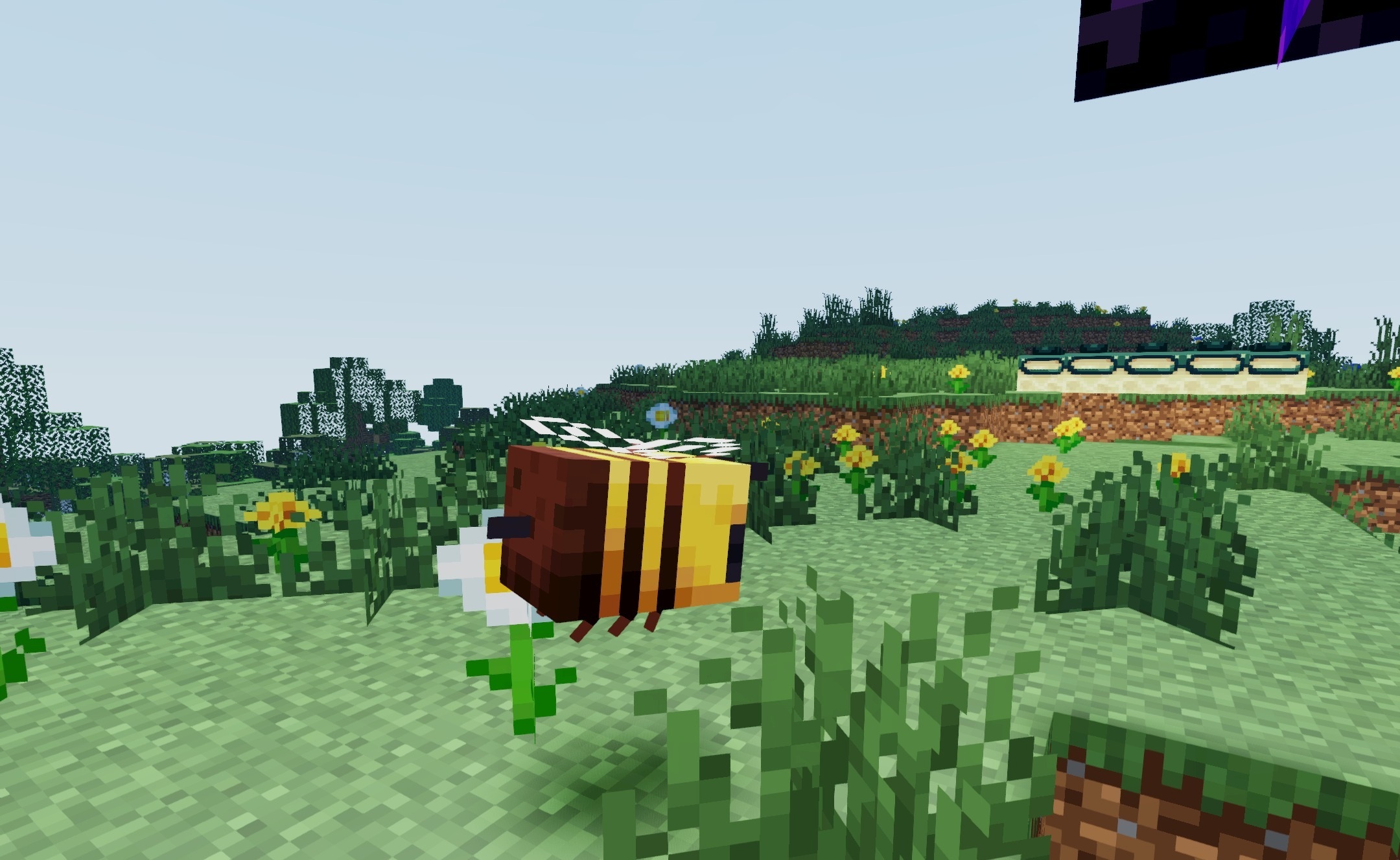
At the same time, textures remain sharp even in dark rooms and caves — the shader does not hide details with excessive darkness or blur. Four profiles are provided for adjusting the load: “potato,” “low,” “medium,” and “high.” You can reduce the quality of the effects in favor of frame rate or enable more complete lighting processing on a powerful computer.
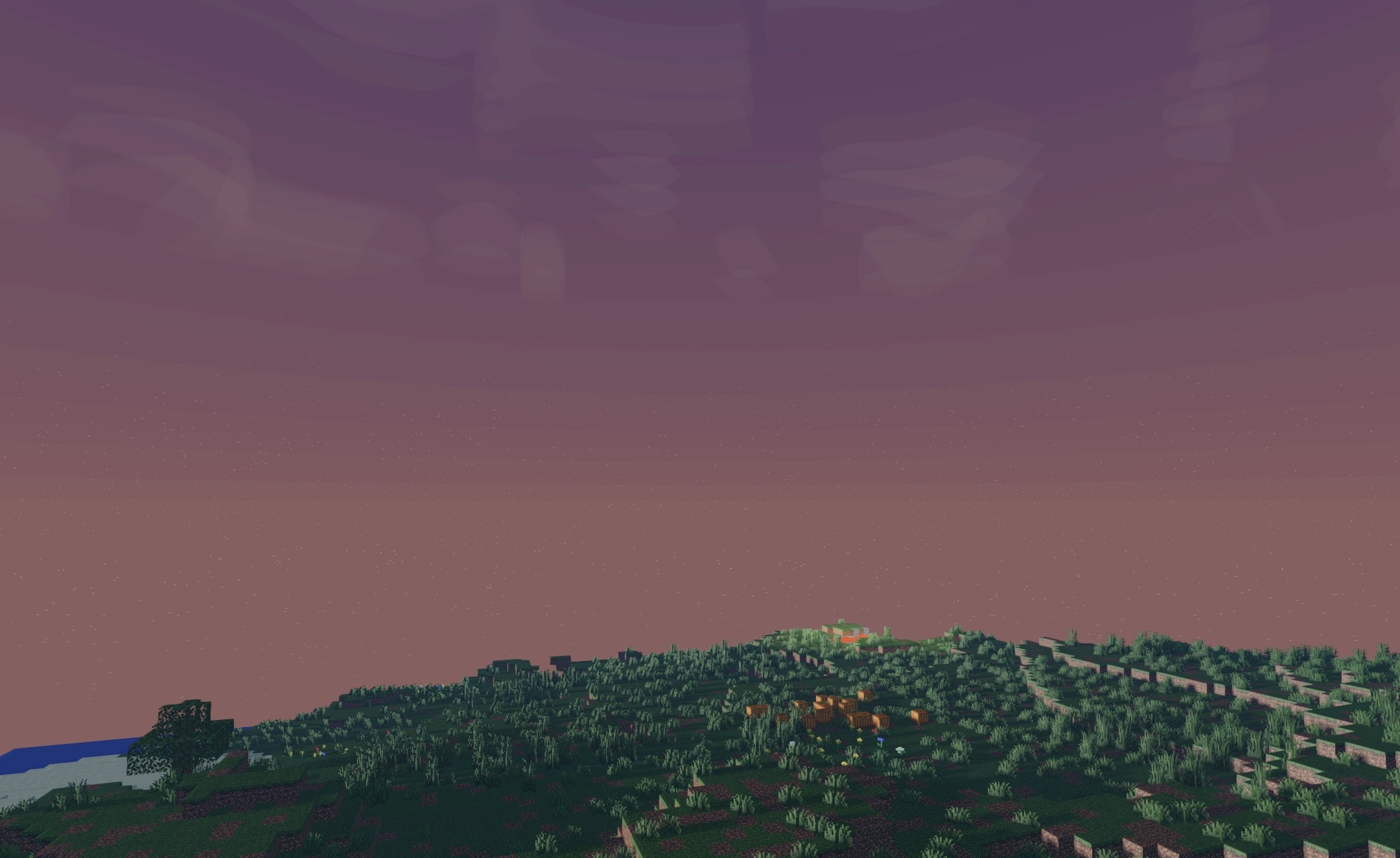
How to install a shader:
First step: download the shader package from the link below.
Second step: Unpack the downloaded archive and copy the Baunilha Shaders folder to c:\Users\User\AppData\Roaming\.minecraft\shaderpacks\(if this folder does not exist, create it yourself) (For Windows)
Third step: In the game, go to Settings, then to Graphics Settings. Select the "shaders" section and activate the shader pack of your choice.
Comments (0)