



Beyond Belief Shaders for Minecraft 26.2
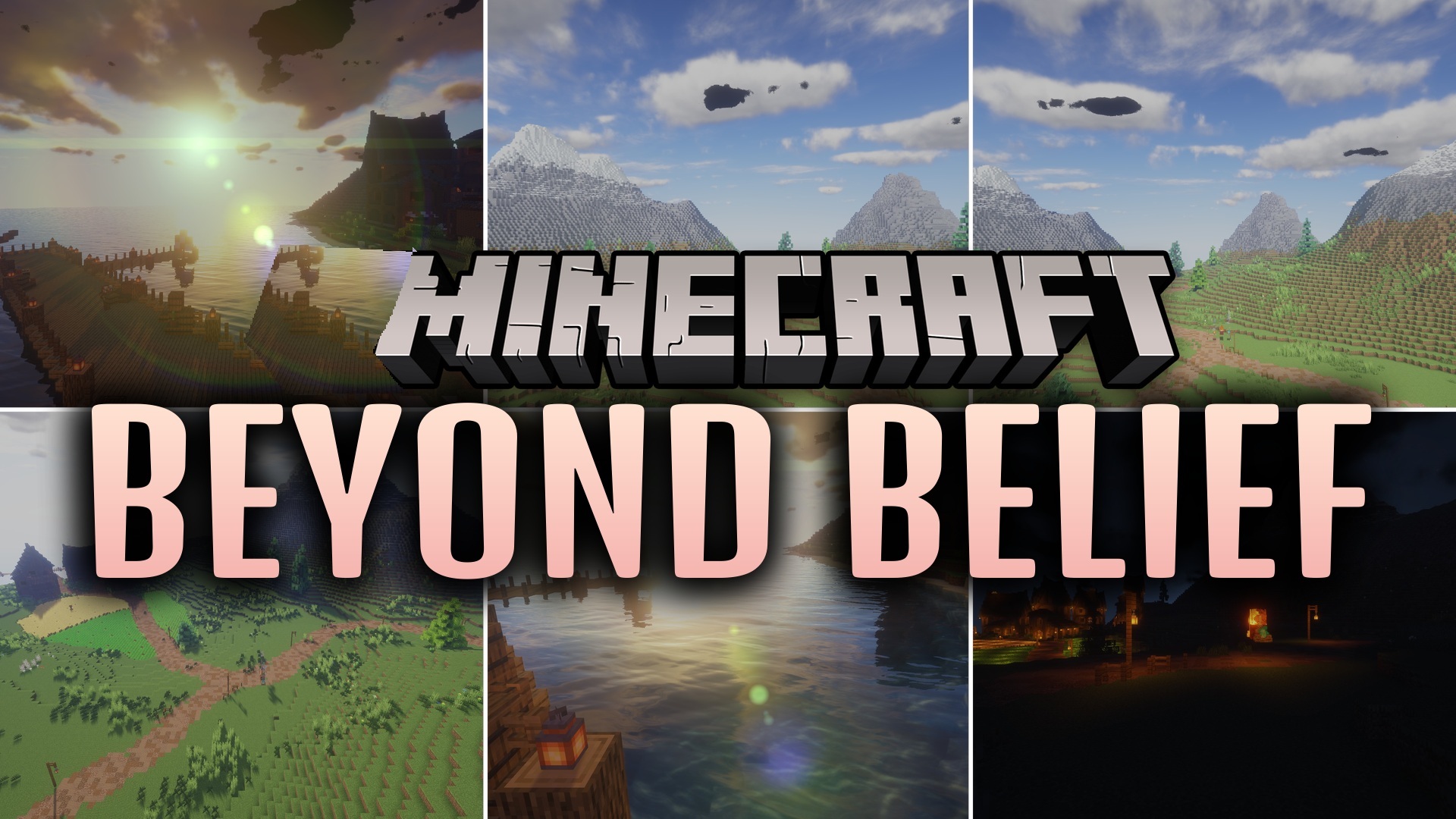
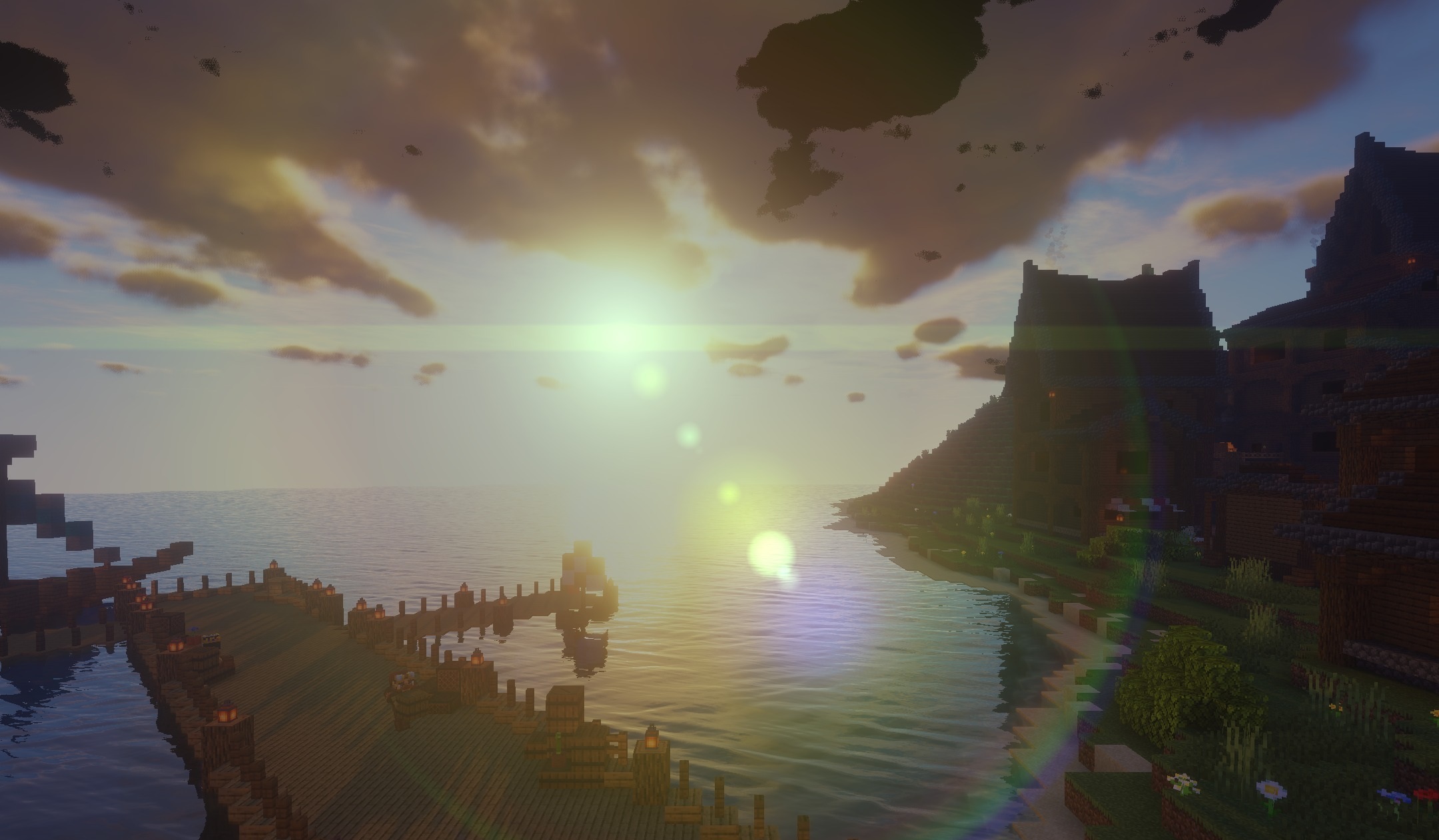
Realistic lighting developed through years of updates and improvements forms the basis of Beyond Belief Shaders. The shader changes the behavior of sunlight and shadows so that terrain, trees, and structures gain more noticeable depth. During the day, surfaces are illuminated more naturally, while shaded areas become deeper and more contrasting.
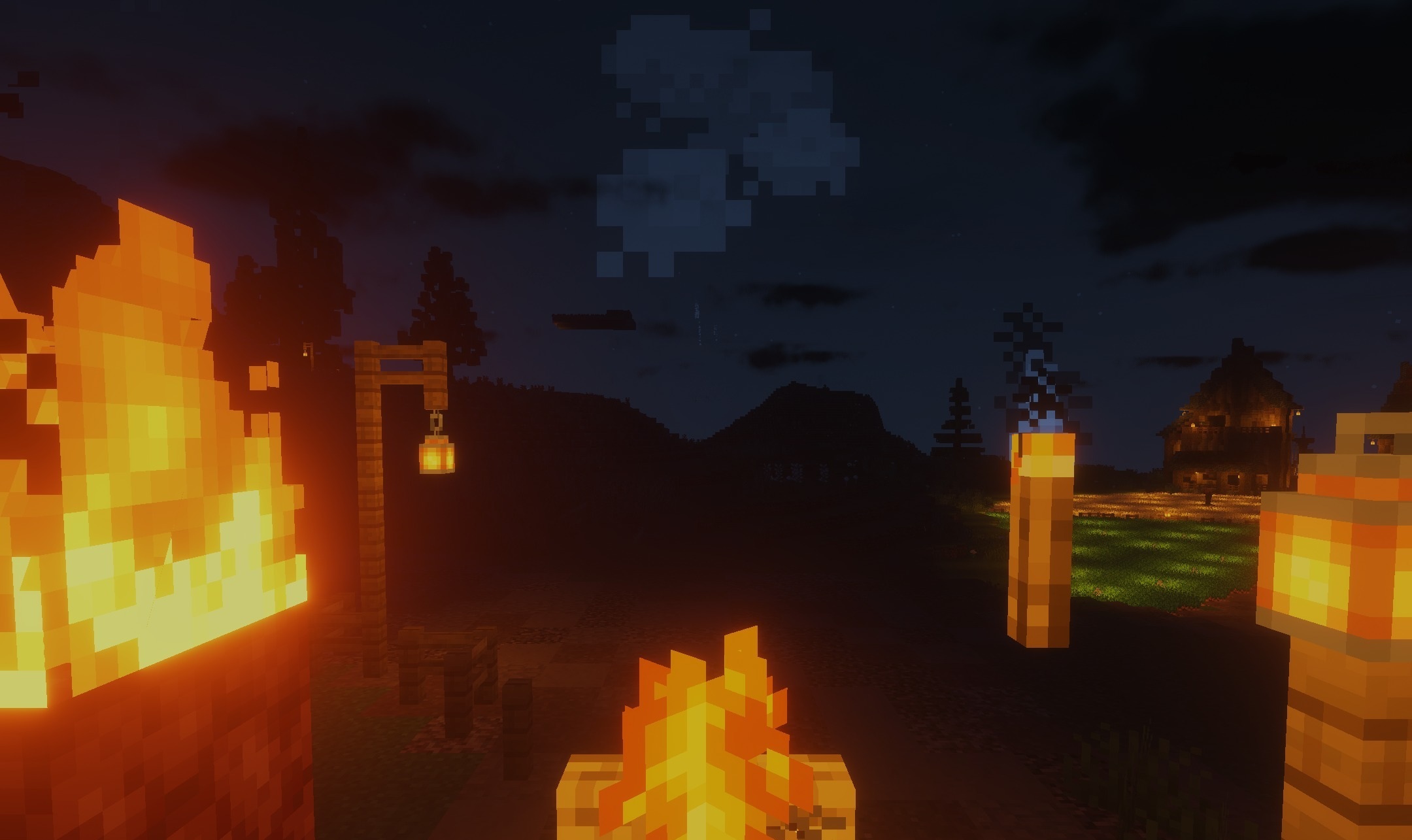
The image is not built around a single unusual effect: the pack consistently improves the overall visuals while maintaining a cohesive look across different biomes and in any weather. Long-term development has made it possible to gradually fix visual shortcomings and improve the lighting system.
How to install a shader:
First step: download the shader package from the link below.
Second step: Unpack the downloaded archive and copy the Beyond Belief Shaders folder to c:\Users\User\AppData\Roaming\.minecraft\shaderpacks\(if this folder does not exist, create it yourself) (For Windows)
Third step: In the game, go to Settings, then to Graphics Settings. Select the "shaders" section and activate the shader pack of your choice.
Comments (0)