



Blocky Shaders for Minecraft 26.2
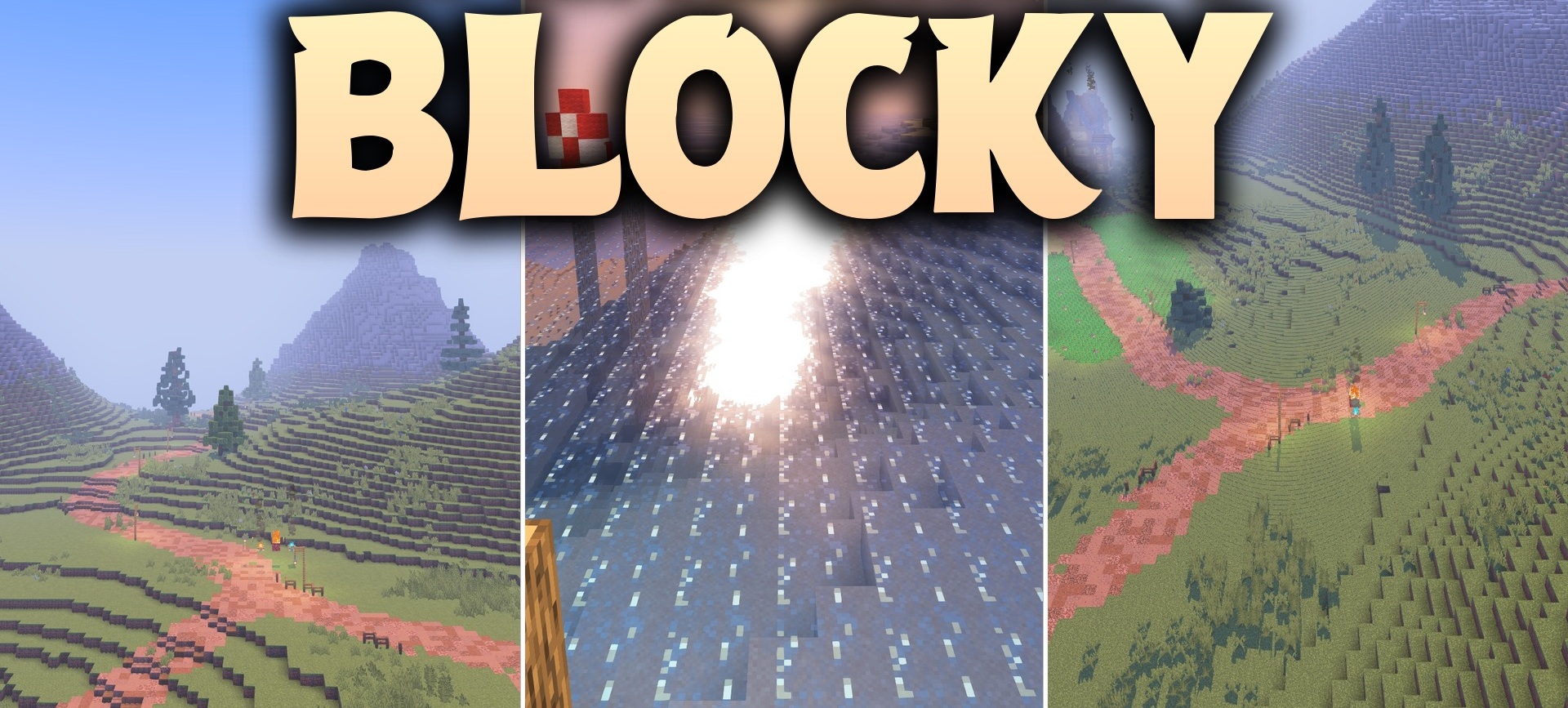
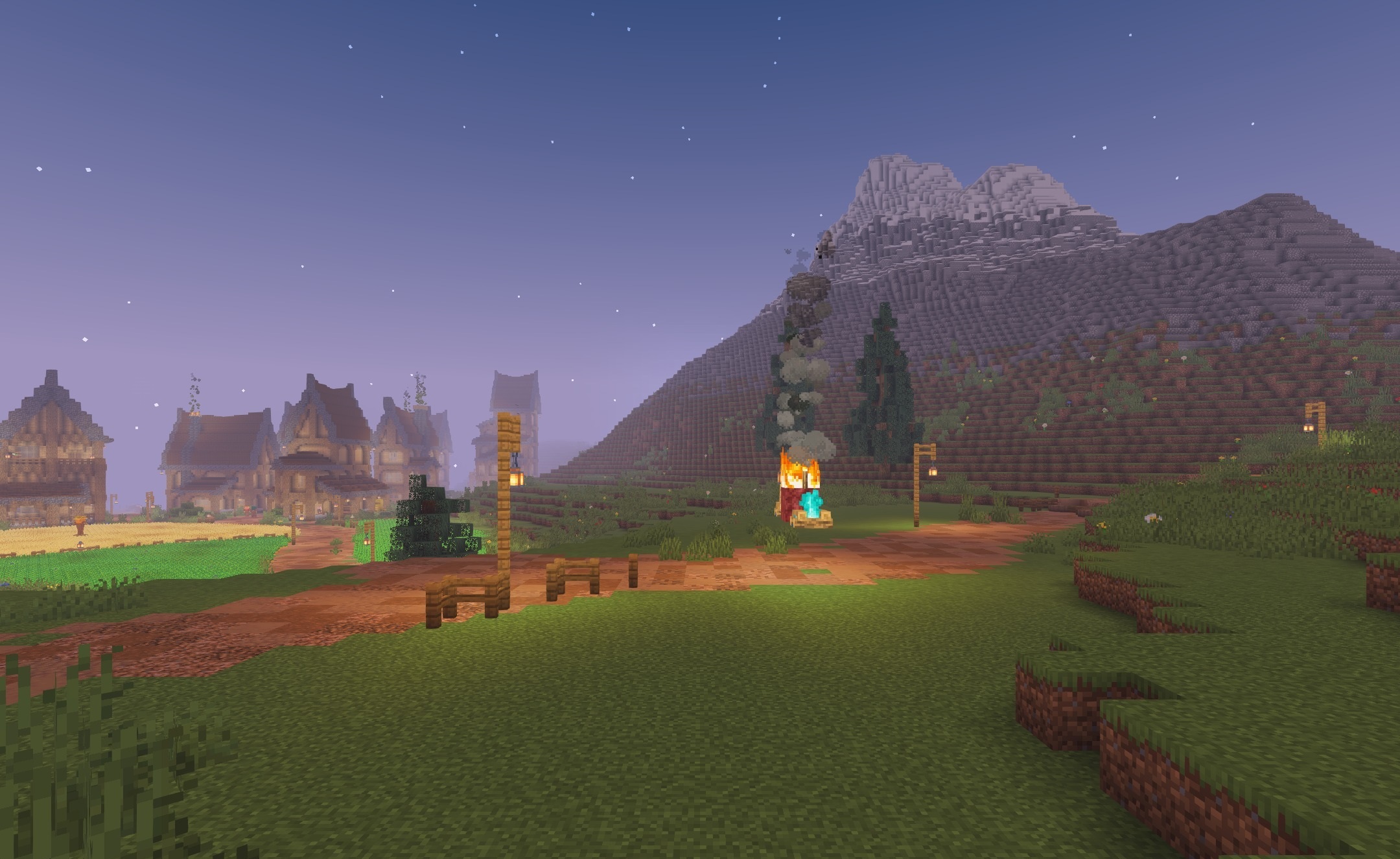
Blocky Shaders combines vanilla graphics with more expressive lighting and a slight cartoon-like style. The sun and moon create clear shadows from trees, mobs, and structures, while torches, lava, and other glowing blocks receive a noticeable glow. Thanks to this, caves, houses, and evening streets look livelier without losing Minecraft's blocky simplicity.
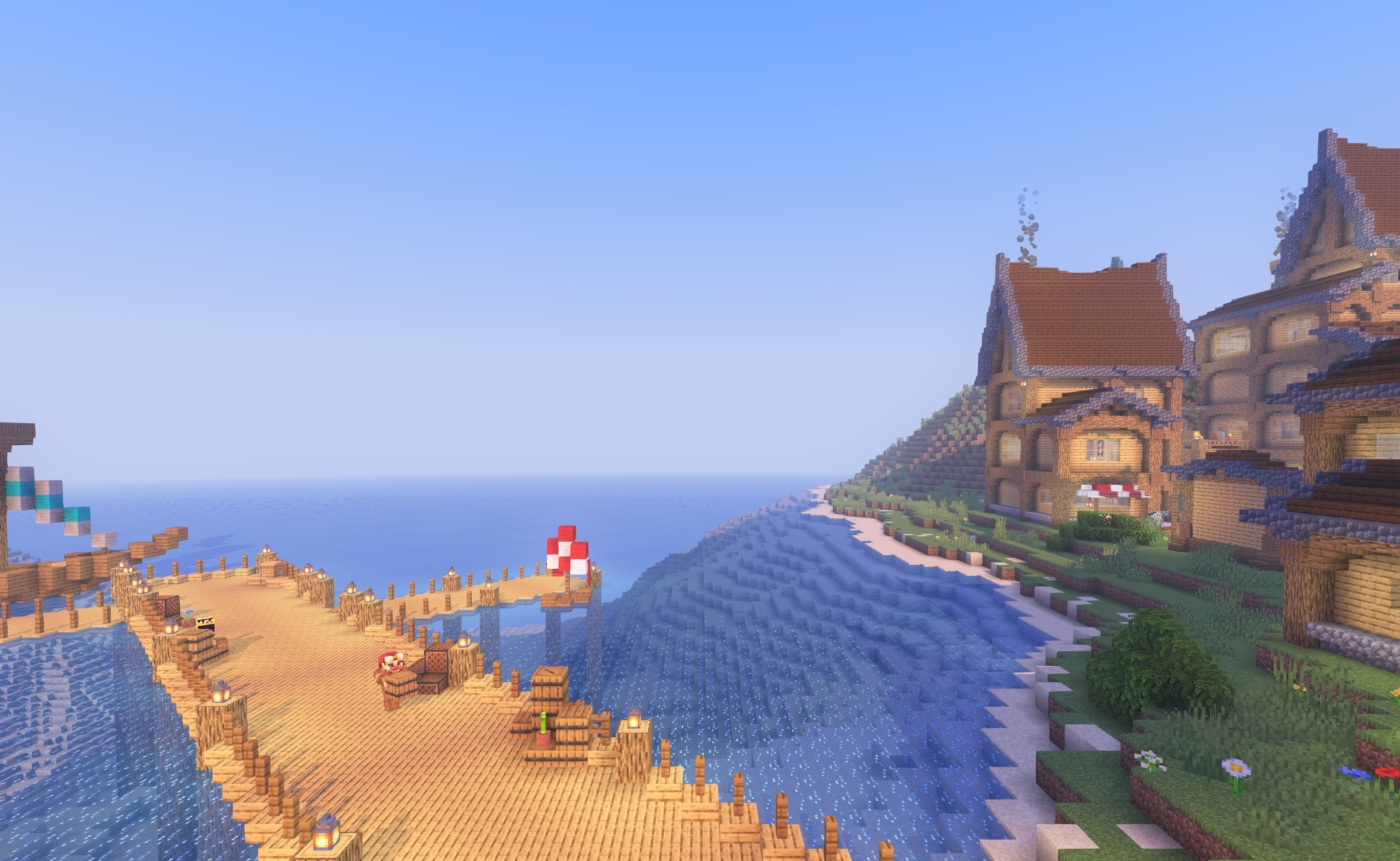
The shader supports PBR textures, allowing compatible blocks to reflect light, show surface irregularities, or look rougher. Despite the additional effects, the pack is focused on performance and can run on relatively old computers.
How to install a shader:
First step: download the shader package from the link below.
Second step: Unpack the downloaded archive and copy the Blocky Shaders folder to c:\Users\User\AppData\Roaming\.minecraft\shaderpacks\(if this folder does not exist, create it yourself) (For Windows)
Third step: In the game, go to Settings, then to Graphics Settings. Select the "shaders" section and activate the shader pack of your choice.
Comments (1)