



Bloom Shaders for Minecraft 26.2
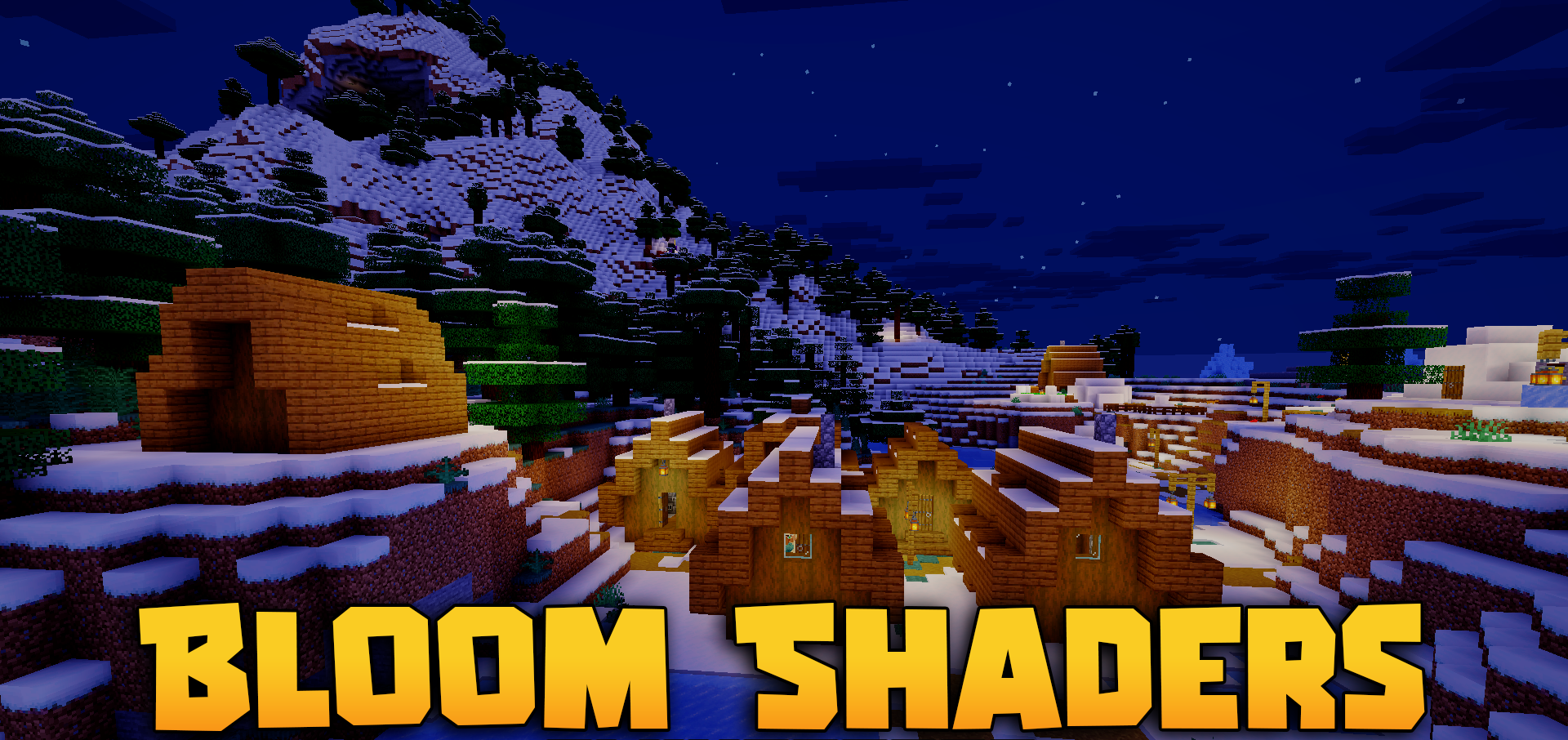
Bloom Shaders makes the vanilla image warmer and brighter without overloading it with complex graphical effects. The colors become more vibrant, the lighting looks softer, and the overall tone of the world shifts in a sunnier direction.
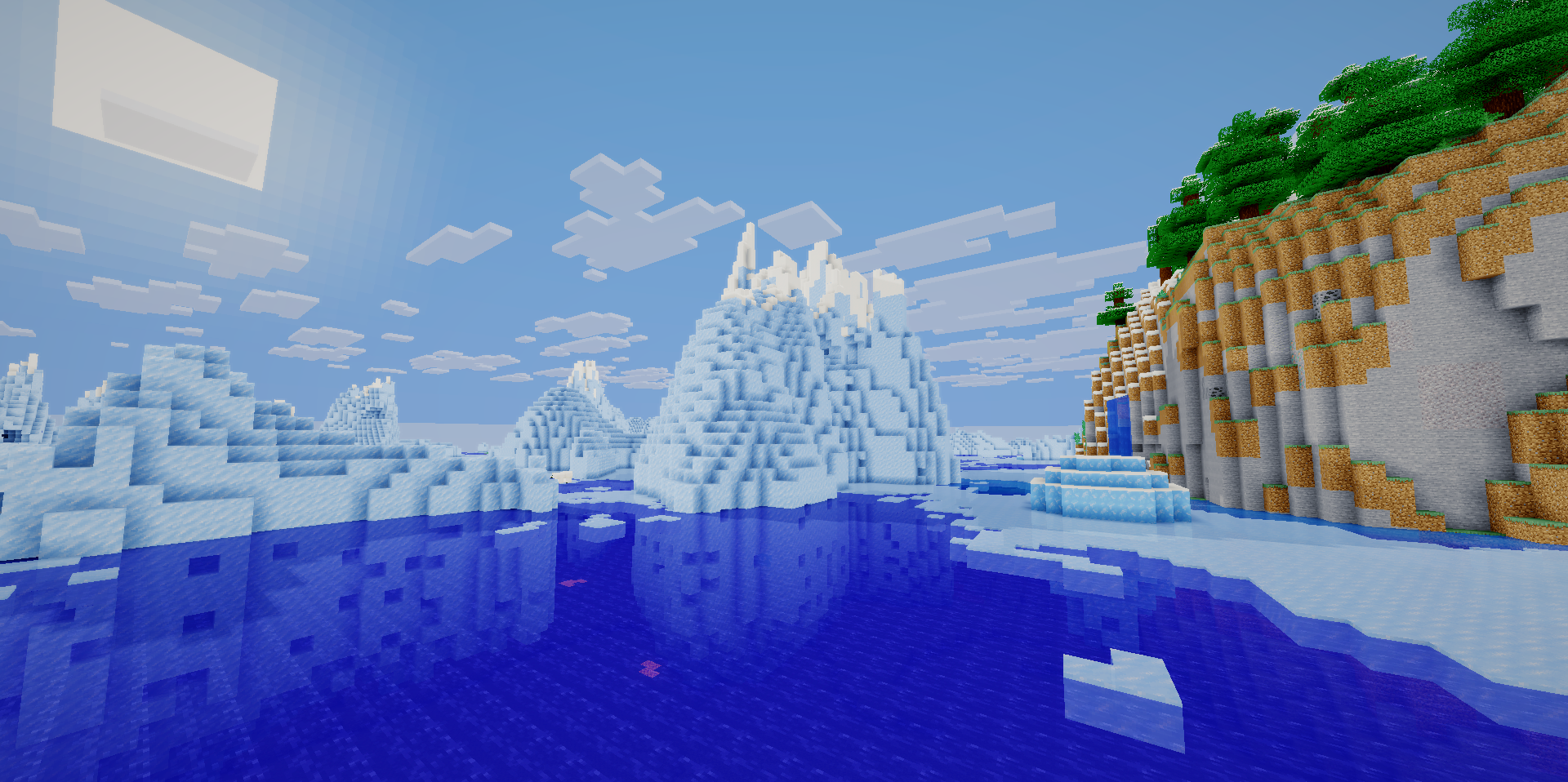
The pack preserves the blocky style: it does not try to replace the game with realistic graphics, add heavy reflections, or create complex shadows. By avoiding resource-intensive effects, the shader pack remains lightweight and runs smoothly on low-end computers and older laptops. Its changes are noticeable during regular survival gameplay: grass, the sky, buildings, and daytime scenes look more vivid, but without making it feel as if a completely different visual engine has been placed over the game.
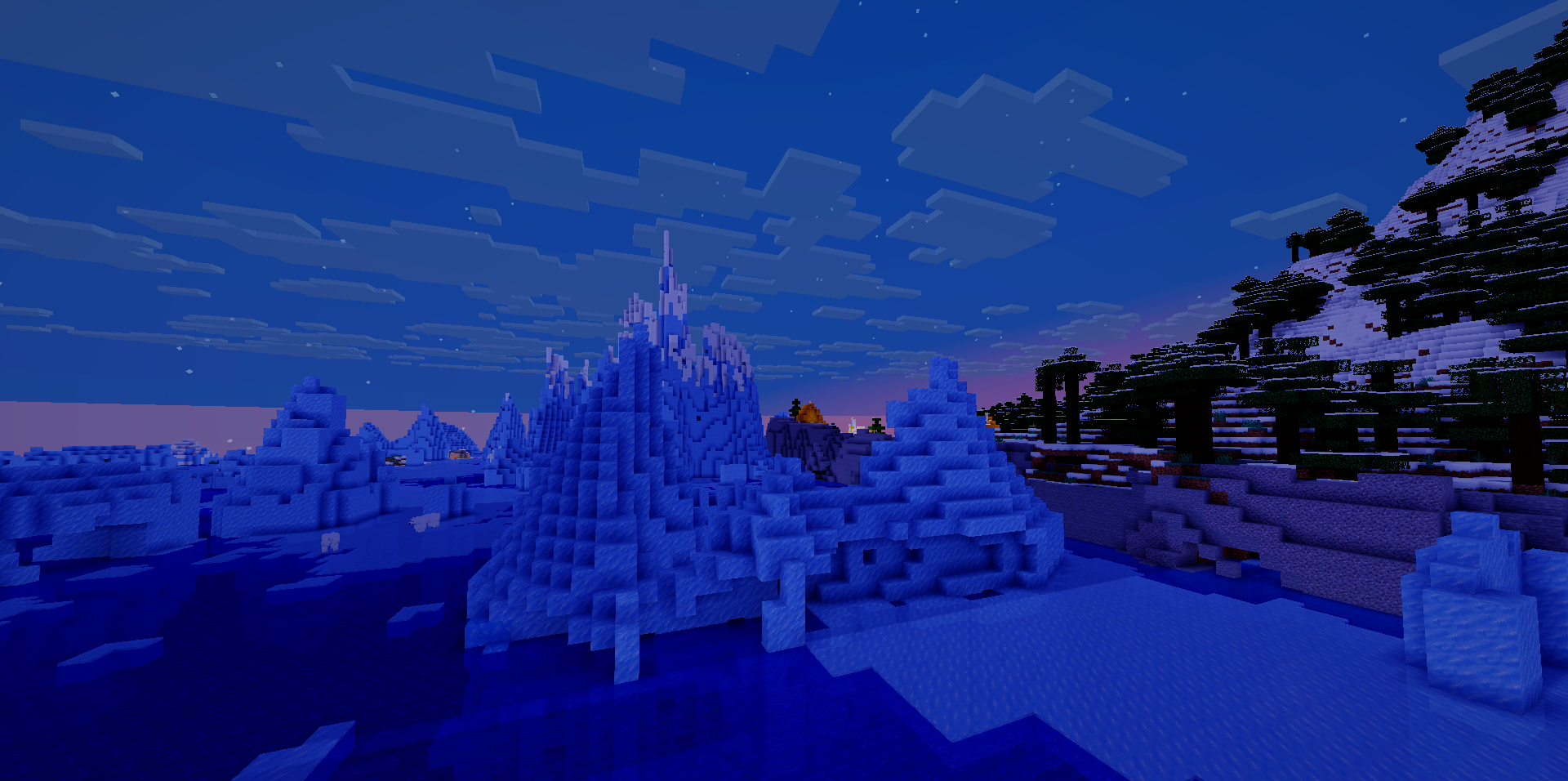
How to install a shader:
First step: download the shader package from the link below.
Second step: Unpack the downloaded archive and copy the Bloom Shaders folder to c:\Users\User\AppData\Roaming\.minecraft\shaderpacks\(if this folder does not exist, create it yourself) (For Windows)
Third step: In the game, go to Settings, then to Graphics Settings. Select the "shaders" section and activate the shader pack of your choice.
Comments (0)