



Bluei’s Better Visuals MacOS for Minecraft 26.2
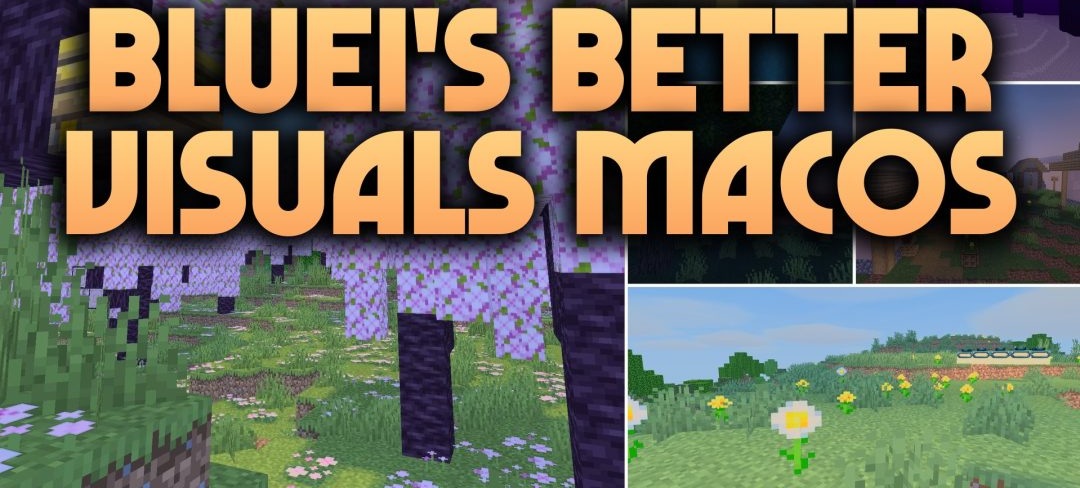
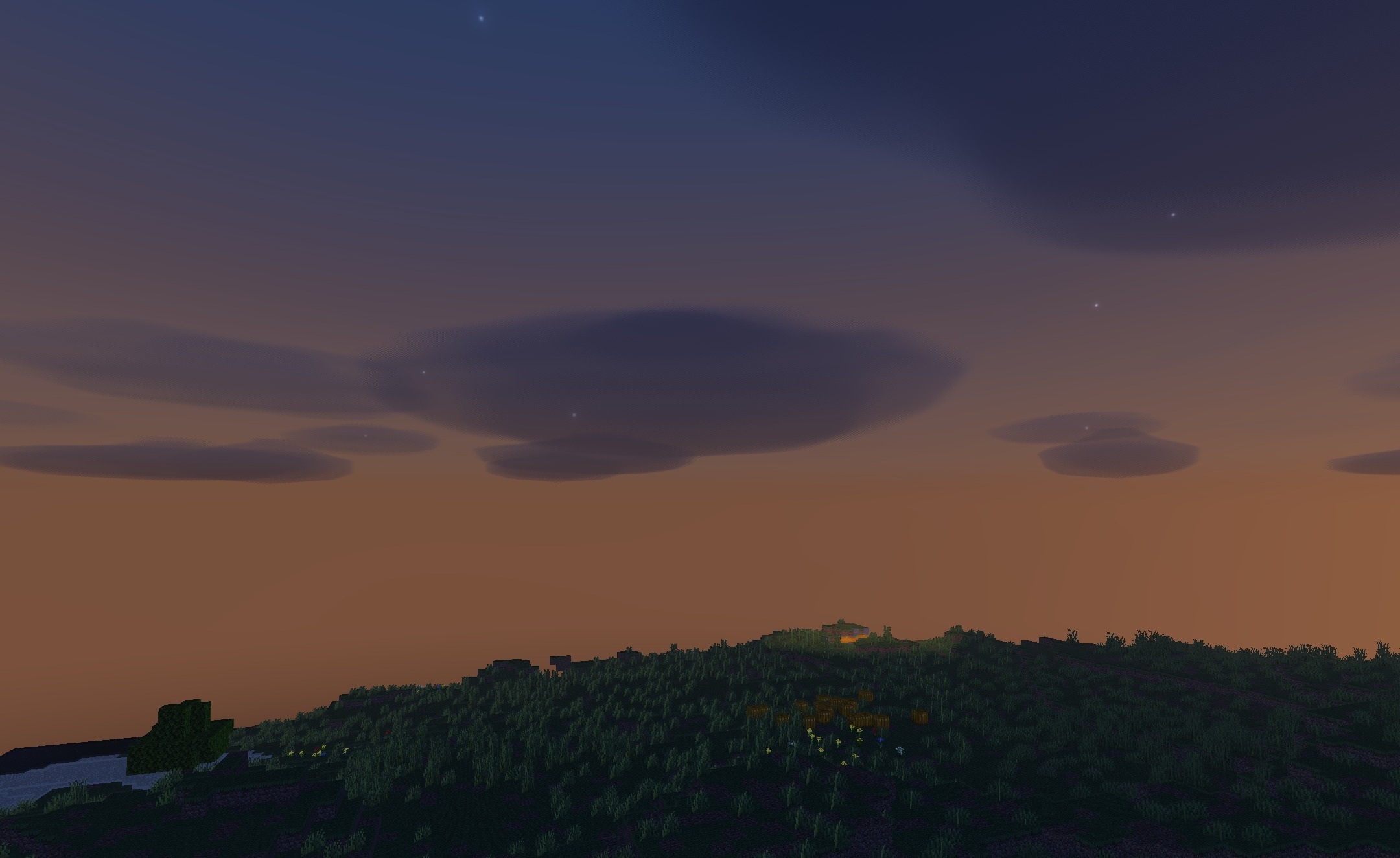
Mac computers are the main platform for which Bluei’s Better Visuals MacOS Shaders is configured. The pack updates the visuals without heavy graphical processing: blocks receive soft shadows, sunlight becomes more balanced, and the sky and water surfaces become cleaner.
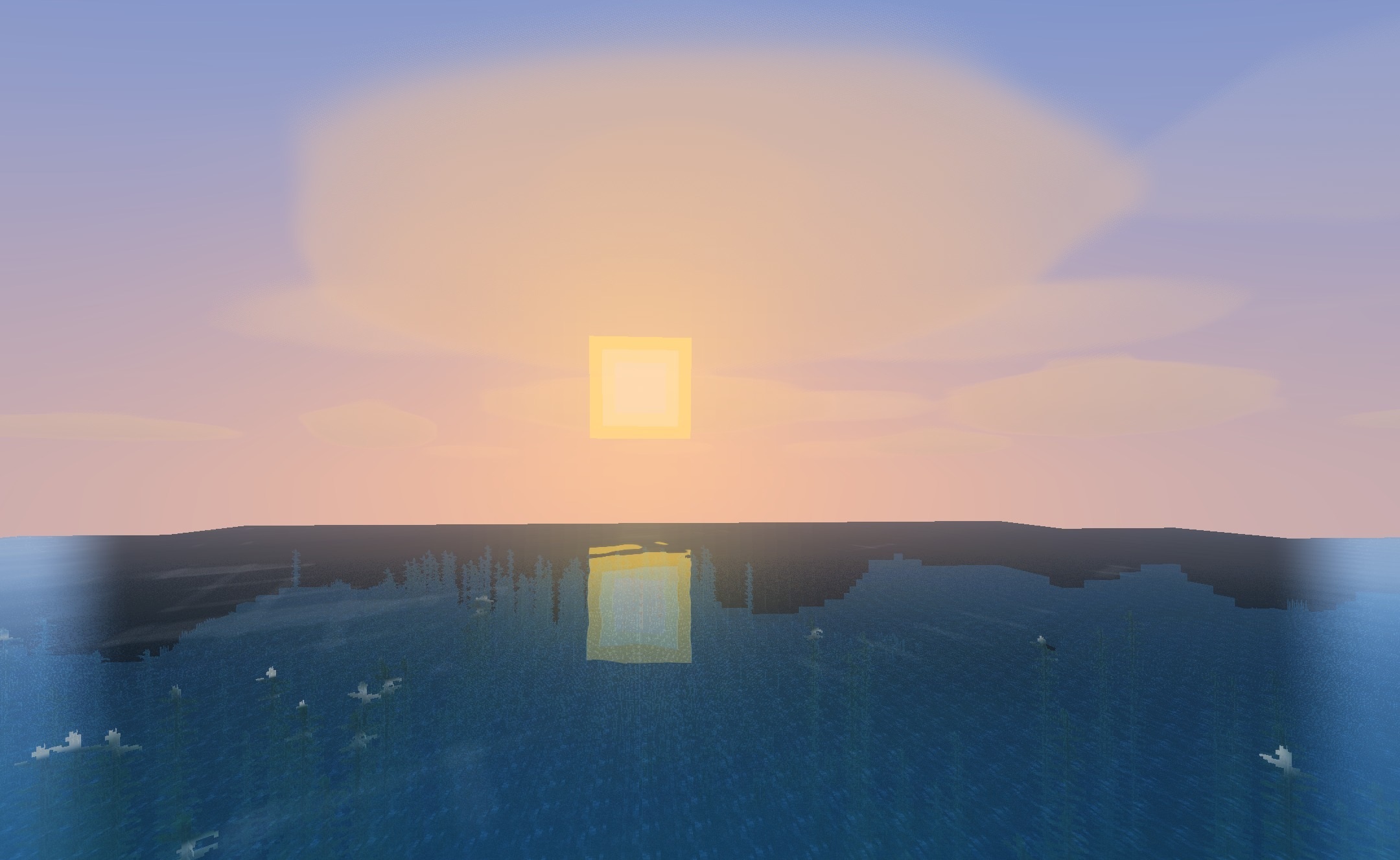
In oceans and rivers, water transparency is increased and surface lighting is changed, while the underwater space remains clearly visible. Dark caves do not turn into completely black areas, while bright places preserve details without excessive overexposure. The shader is designed to maintain a stable frame rate on both entry-level and more powerful Mac computers.
How to install a shader:
First step: download the shader package from the link below.
Second step: Unpack the downloaded archive and copy the Bluei’s Better Visuals MacOS folder to c:\Users\User\AppData\Roaming\.minecraft\shaderpacks\(if this folder does not exist, create it yourself) (For Windows)
Third step: In the game, go to Settings, then to Graphics Settings. Select the "shaders" section and activate the shader pack of your choice.
Comments (0)