



BTB Back to Basics Shaders for Minecraft 26.2
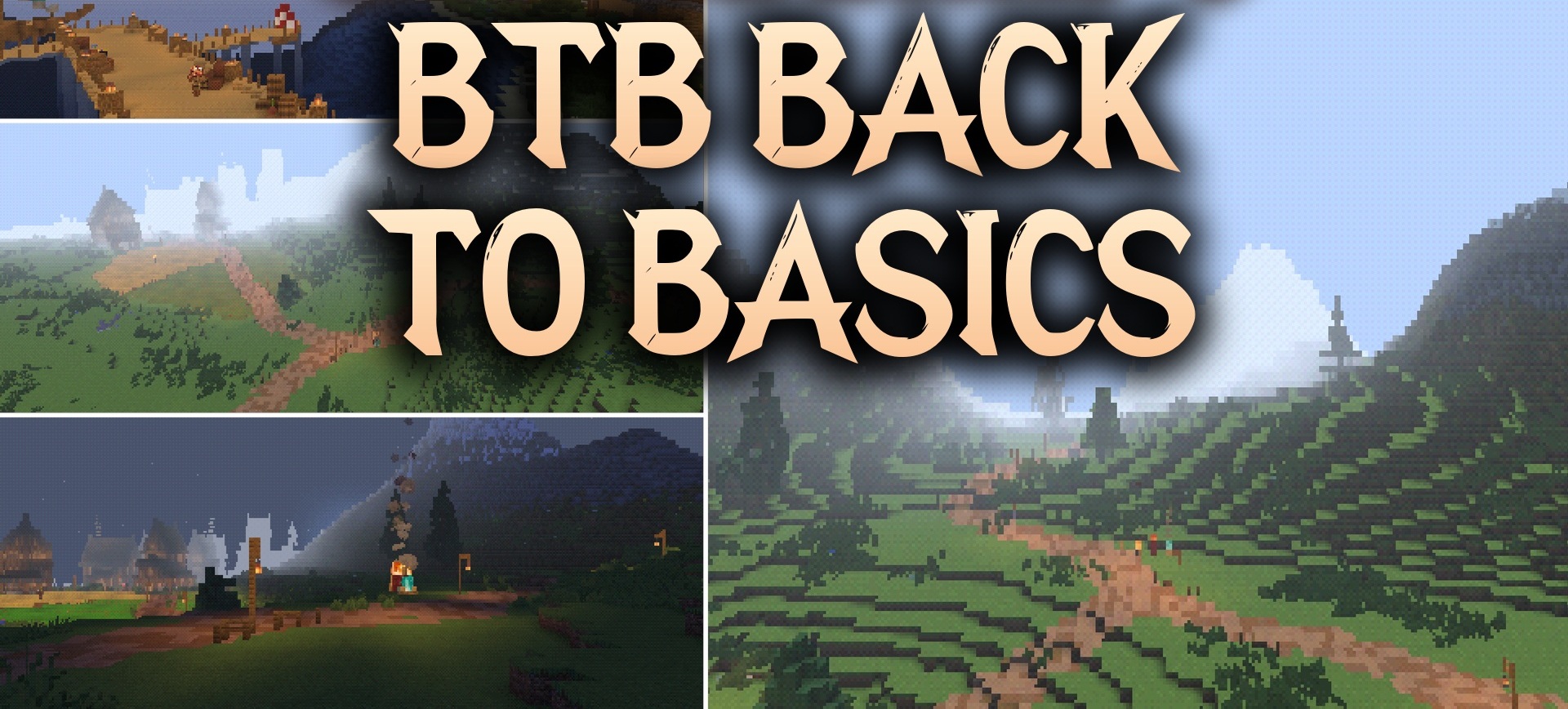
The graphics of old 3D games return to Minecraft with BTB Back to Basics Shaders. The pack stylizes the image after the era of the first PlayStation: shapes remain angular, lighting looks simplified, and the overall image gains a slightly strange retro character.
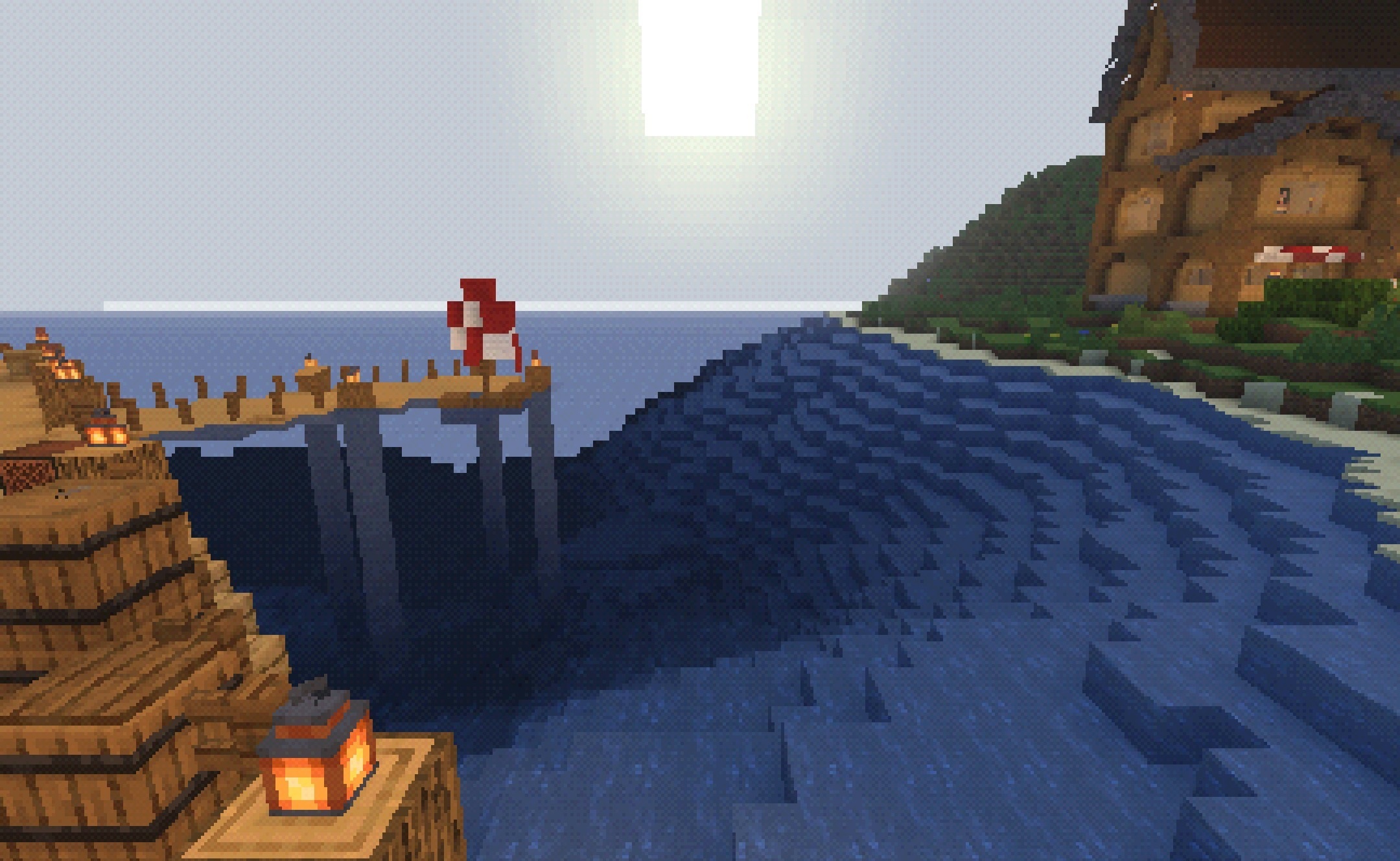
Familiar blocks and items are easy to recognize because the shader does not replace them with new realistic models. This style is suitable for unusual maps, modpacks with elements of old games, and playthroughs with deliberately outdated graphics. Simple effects do not create a heavy load, so the pack works on slow and old computers.
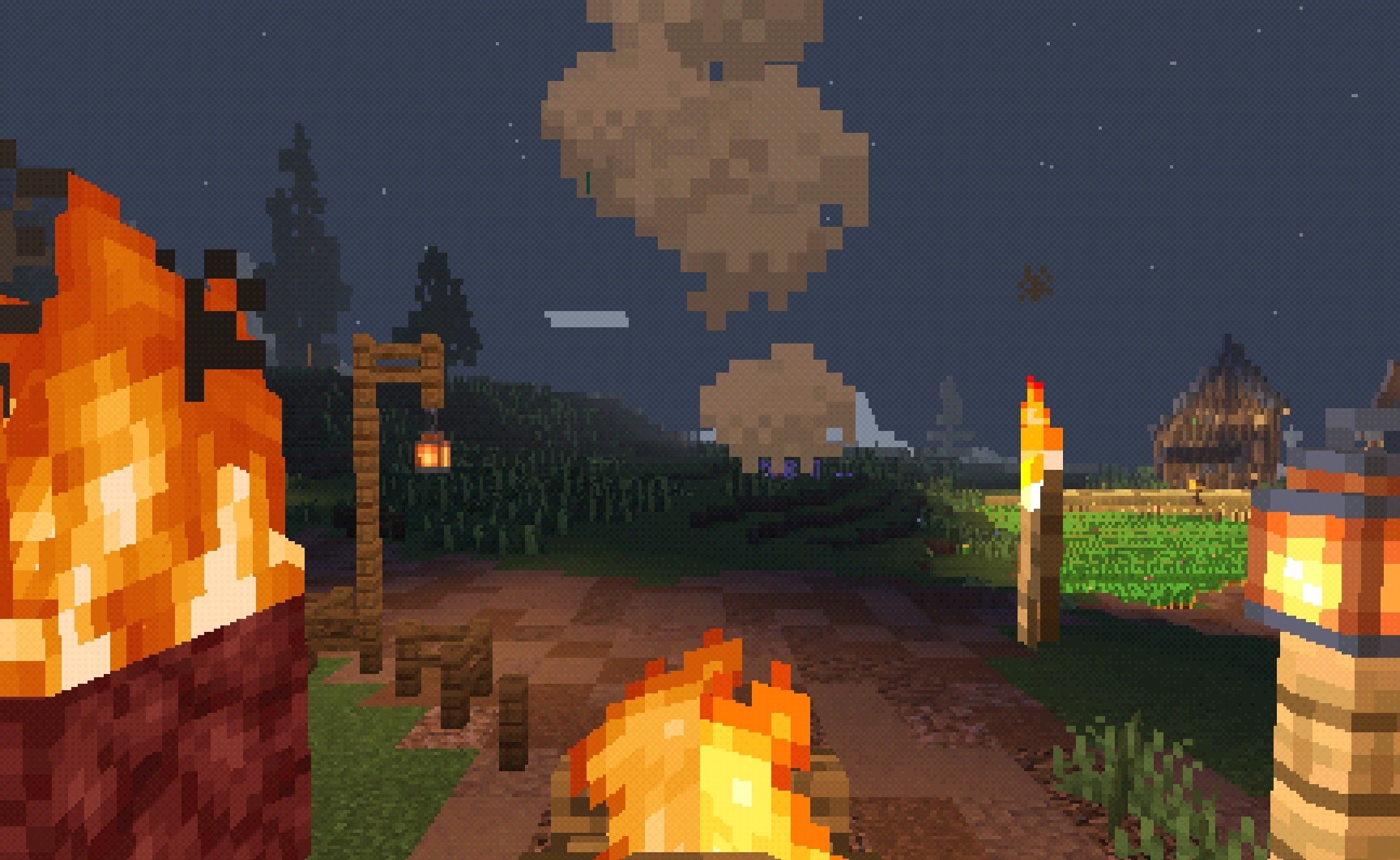
How to install a shader:
First step: download the shader package from the link below.
Second step: Unpack the downloaded archive and copy the BTB Back to Basics Shaders folder to c:\Users\User\AppData\Roaming\.minecraft\shaderpacks\(if this folder does not exist, create it yourself) (For Windows)
Third step: In the game, go to Settings, then to Graphics Settings. Select the "shaders" section and activate the shader pack of your choice.
Comments (0)