



Builder’s QOL Shaders for Minecraft 26.2
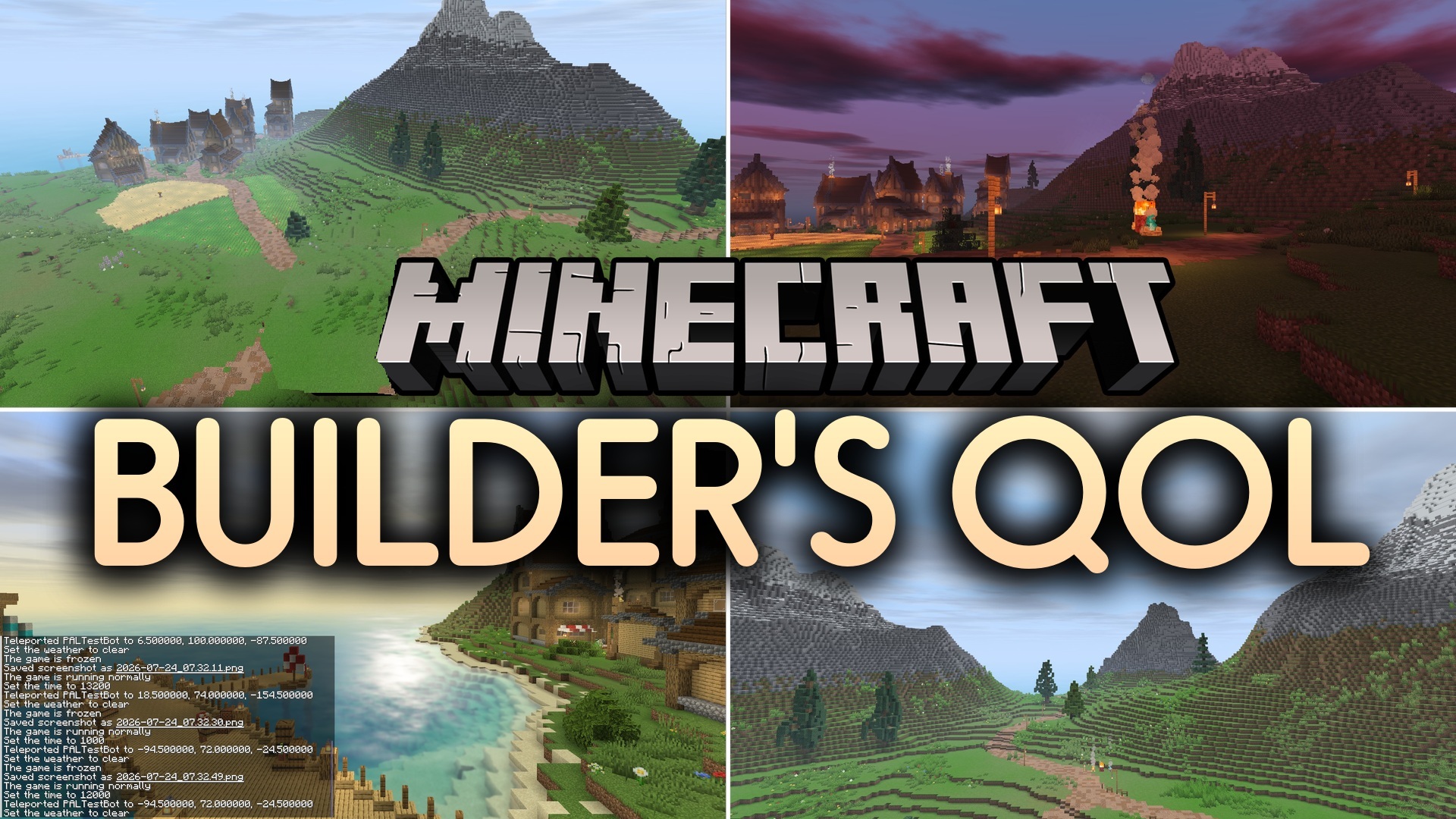
Clear visibility of every block is important for builders, so heavy blur, strong haze, and excessive reflections often only get in the way. Builder’s QOL Shaders improves the lighting without such effects and preserves Minecraft's familiar angular graphics.
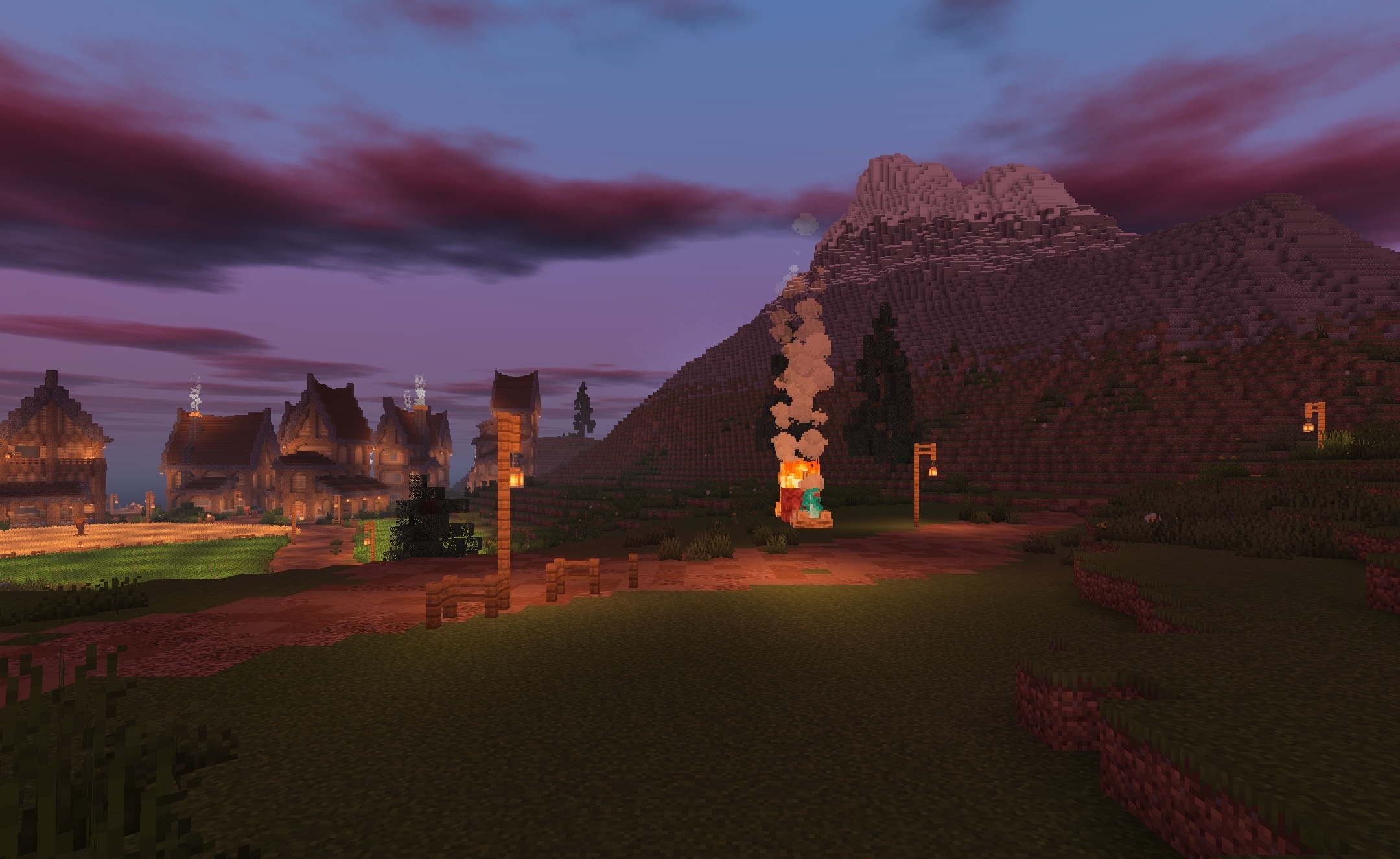
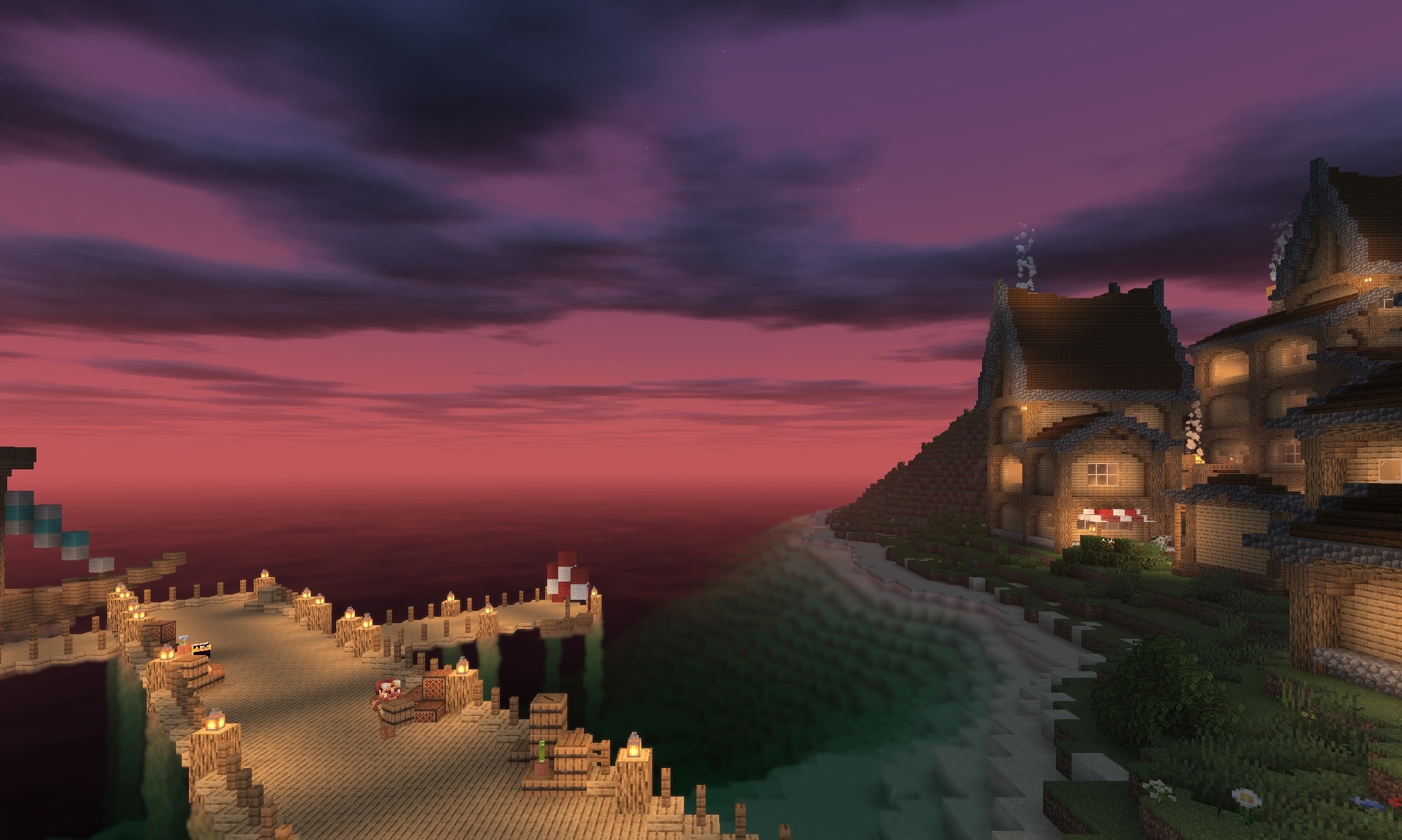
Material boundaries remain clearly visible when working with facades, roofs, and small decorative elements. The pack is designed for older computers and low-end devices, so it maintains a high frame rate even in large builds. The changes look restrained: the light becomes cleaner, shadows help distinguish volume, and the colors do not shift into an excessively saturated palette.
How to install a shader:
First step: download the shader package from the link below.
Second step: Unpack the downloaded archive and copy the Builder’s QOL Shaders folder to c:\Users\User\AppData\Roaming\.minecraft\shaderpacks\(if this folder does not exist, create it yourself) (For Windows)
Third step: In the game, go to Settings, then to Graphics Settings. Select the "shaders" section and activate the shader pack of your choice.
Comments (0)