



BVS Best Vanilla Shaders for Minecraft 26.2
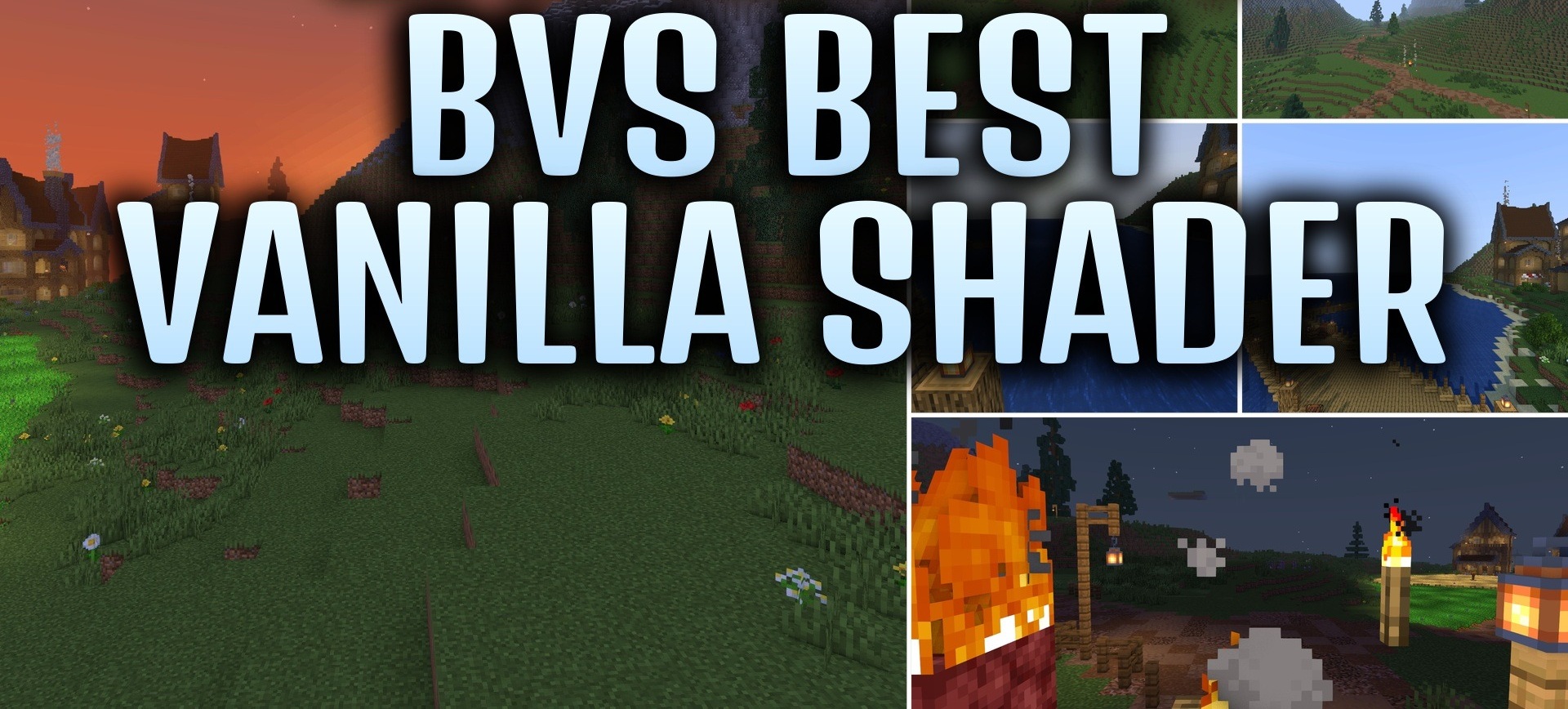
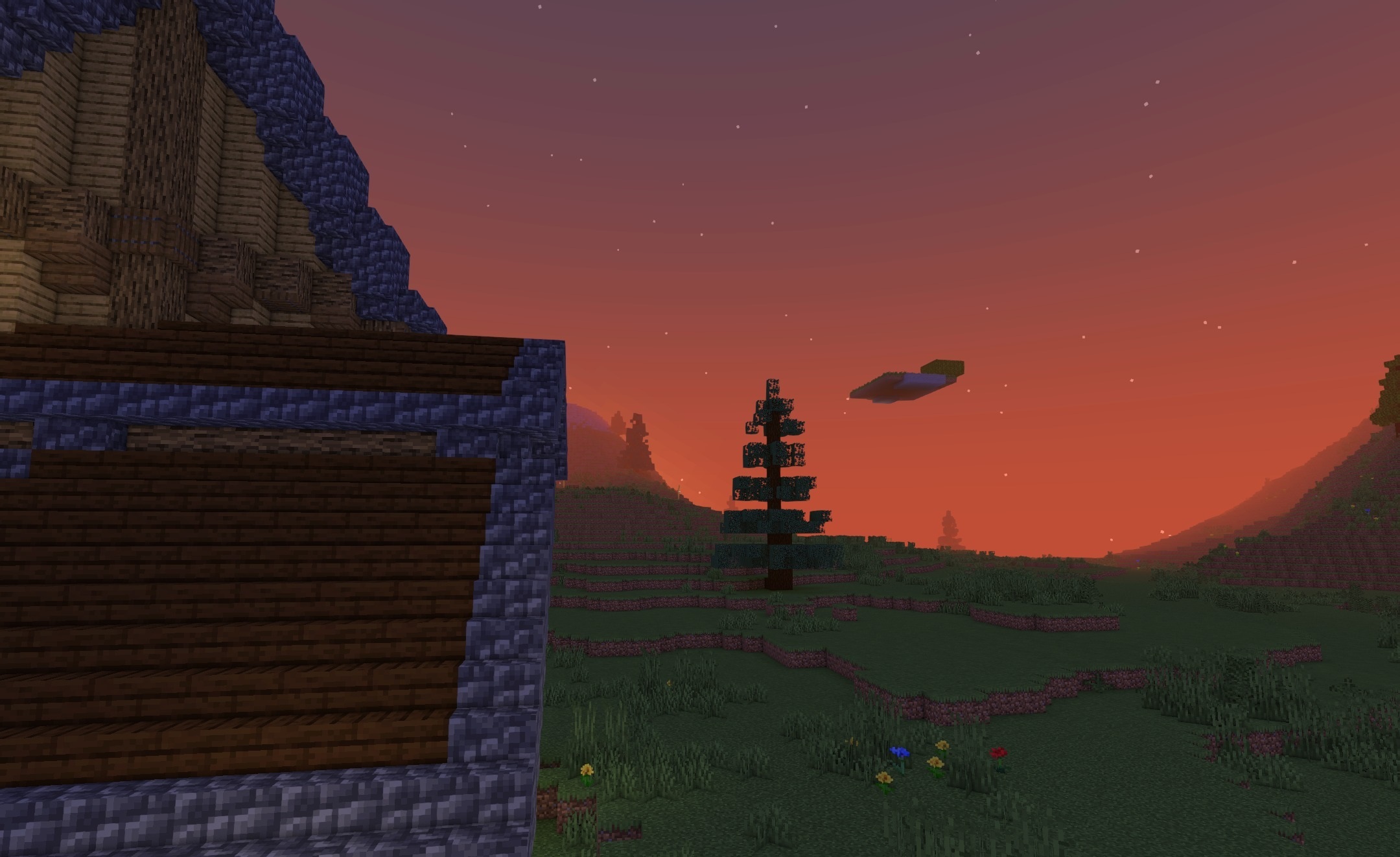
BVS Best Vanilla Shaders improves Minecraft's standard visuals without replacing them with a different artistic style. Different light sources can color the surrounding space with their own shades, while soft shadows add depth to buildings and the landscape. Grass and foliage move slightly, so natural areas do not look static.
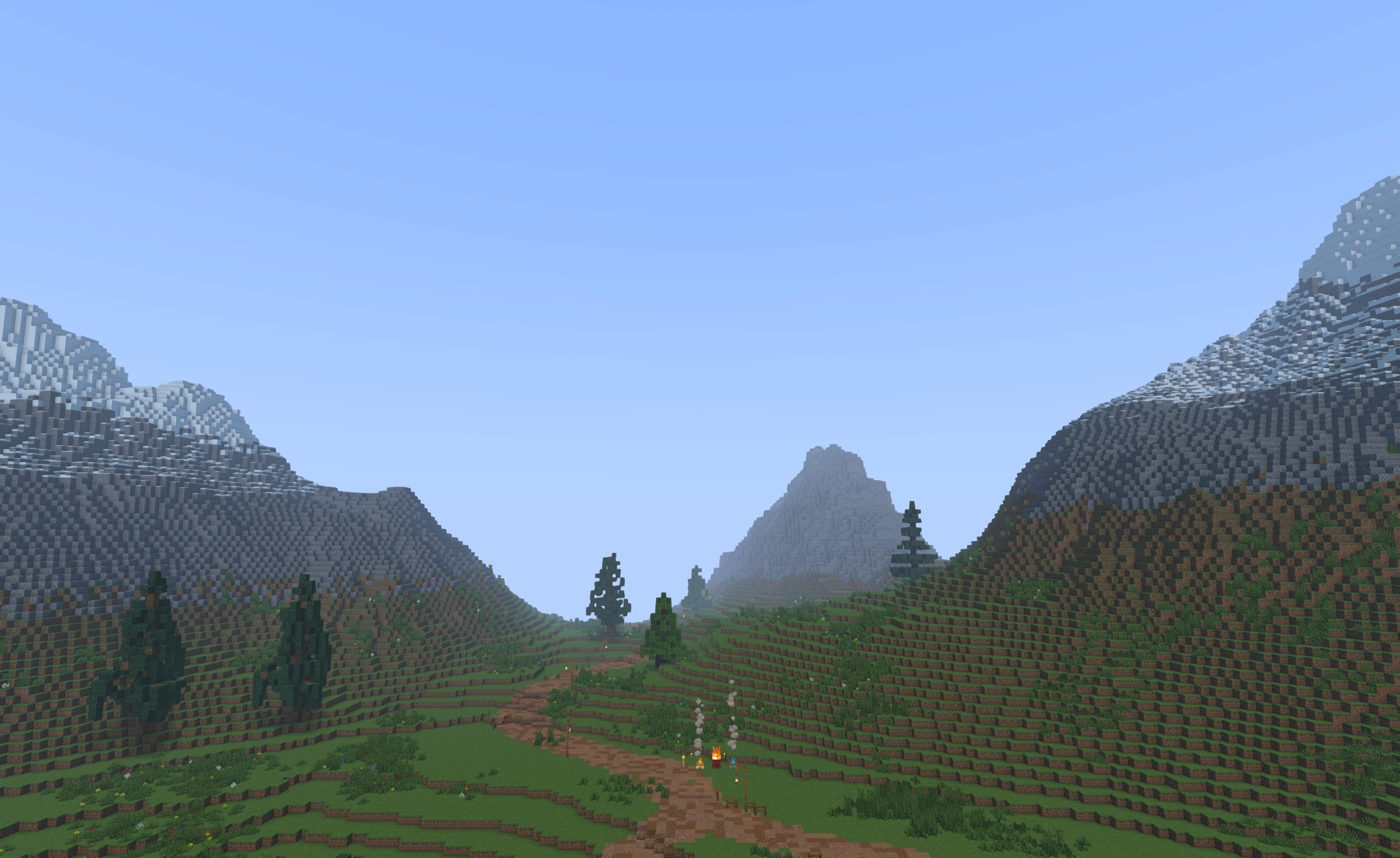
Support for PBR materials allows compatible textures to show relief, shine, and roughness. Profiles ranging from the lightest to high settings are prepared for computers of different power levels. Thanks to this, you can reduce the load or increase image quality without lengthy manual configuration.
How to install a shader:
First step: download the shader package from the link below.
Second step: Unpack the downloaded archive and copy the BVS Best Vanilla Shaders folder to c:\Users\User\AppData\Roaming\.minecraft\shaderpacks\(if this folder does not exist, create it yourself) (For Windows)
Third step: In the game, go to Settings, then to Graphics Settings. Select the "shaders" section and activate the shader pack of your choice.
Comments (0)