



BVSF Shaders for Minecraft 26.2
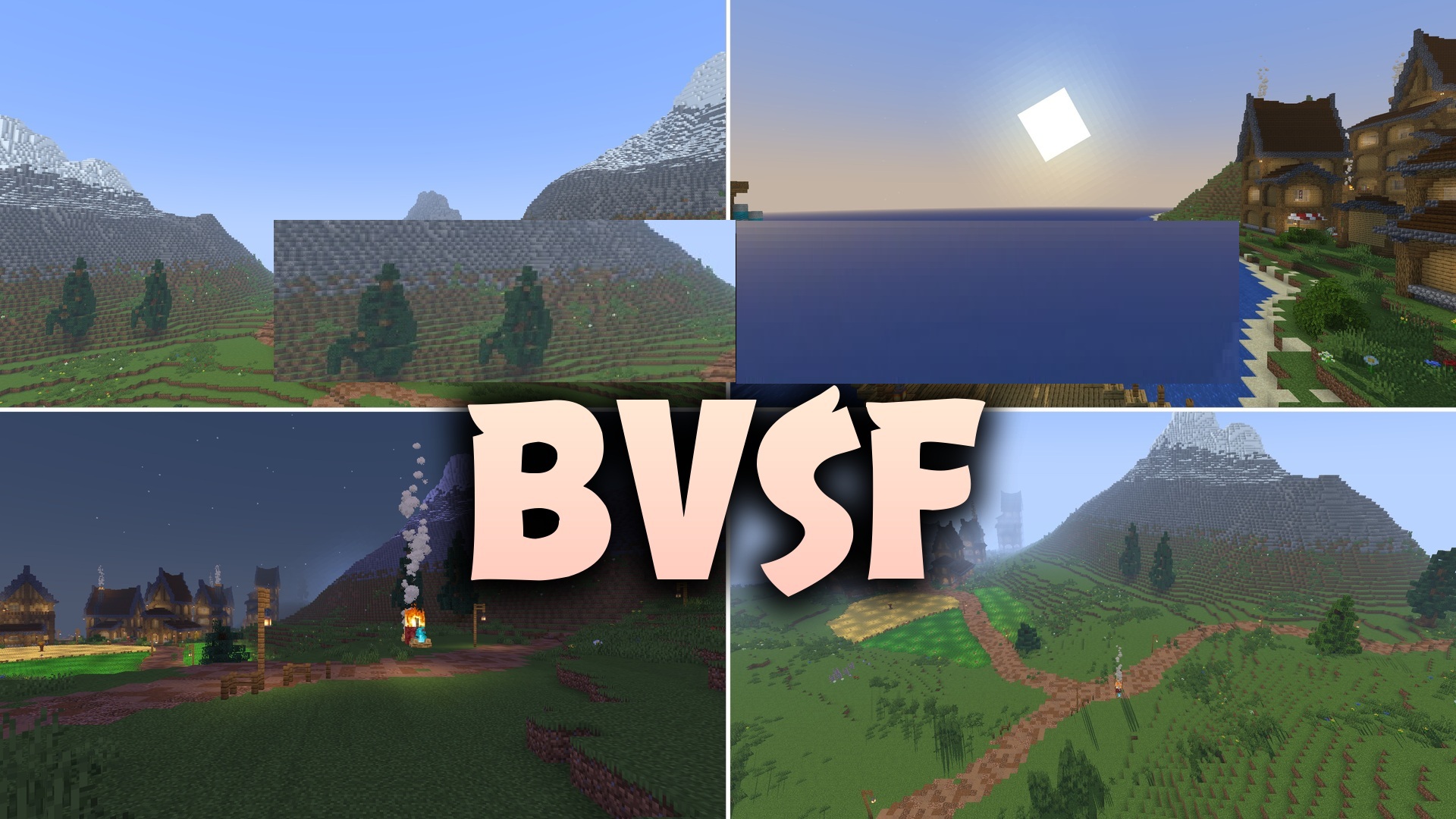
Colored light sources and customizable profiles appear after installing BVSF Shaders. This is a lightweight version of BVS designed for low-end and older computers. Torches, lava, and glowing blocks can color the space around them, so rooms with different lamps get their own shades.
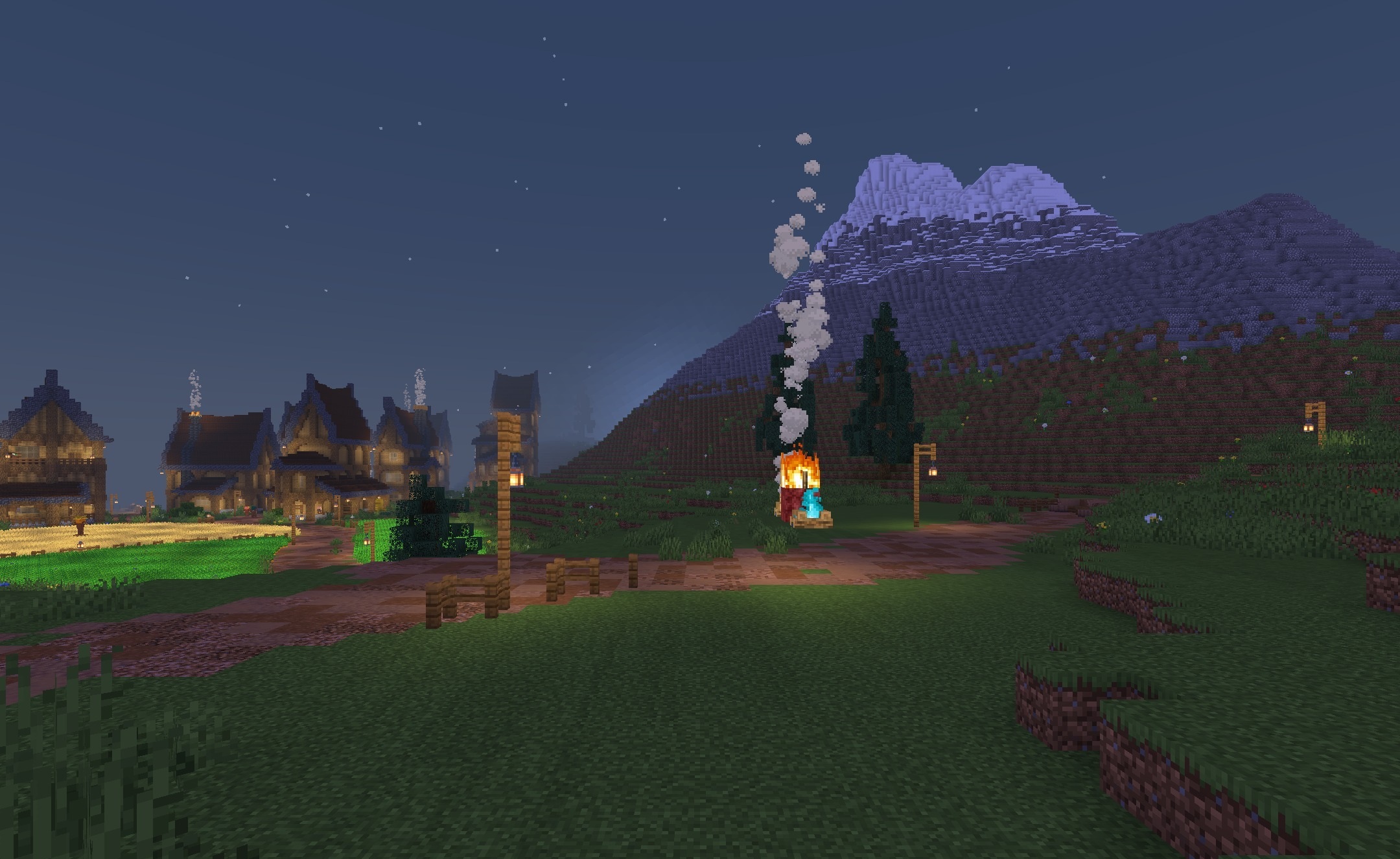
The sun creates moving shadows that gradually change direction throughout the day. Profiles from minimal to high quality are available for quick selection, allowing the load to be adjusted for a specific device. A high frame rate remains a priority, while the image stays clear enough for building, traveling, and taking screenshots.
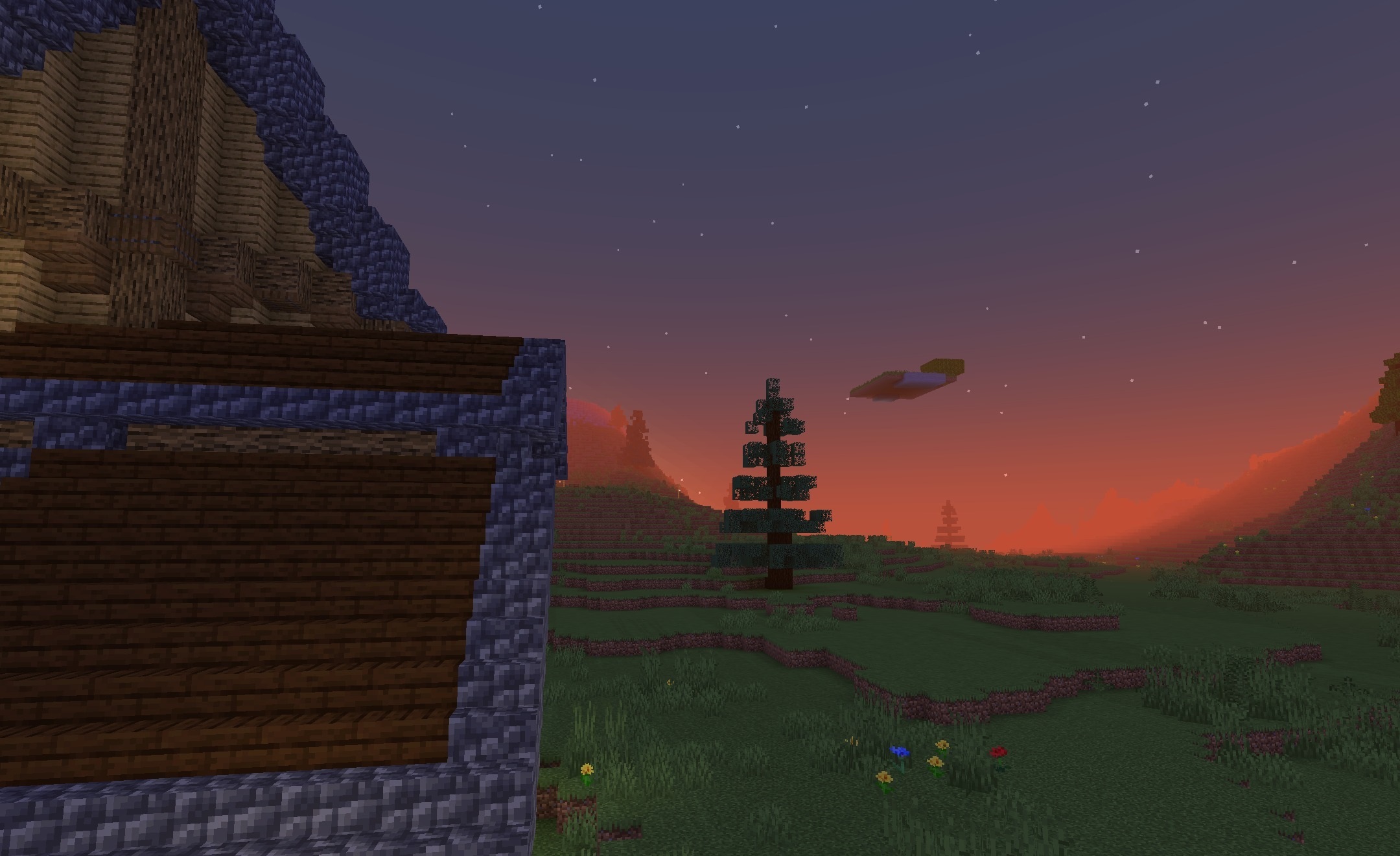
How to install a shader:
First step: download the shader package from the link below.
Second step: Unpack the downloaded archive and copy the BVSF Shaders folder to c:\Users\User\AppData\Roaming\.minecraft\shaderpacks\(if this folder does not exist, create it yourself) (For Windows)
Third step: In the game, go to Settings, then to Graphics Settings. Select the "shaders" section and activate the shader pack of your choice.
Comments (0)