



Bybyshader Shaders for Minecraft 26.2
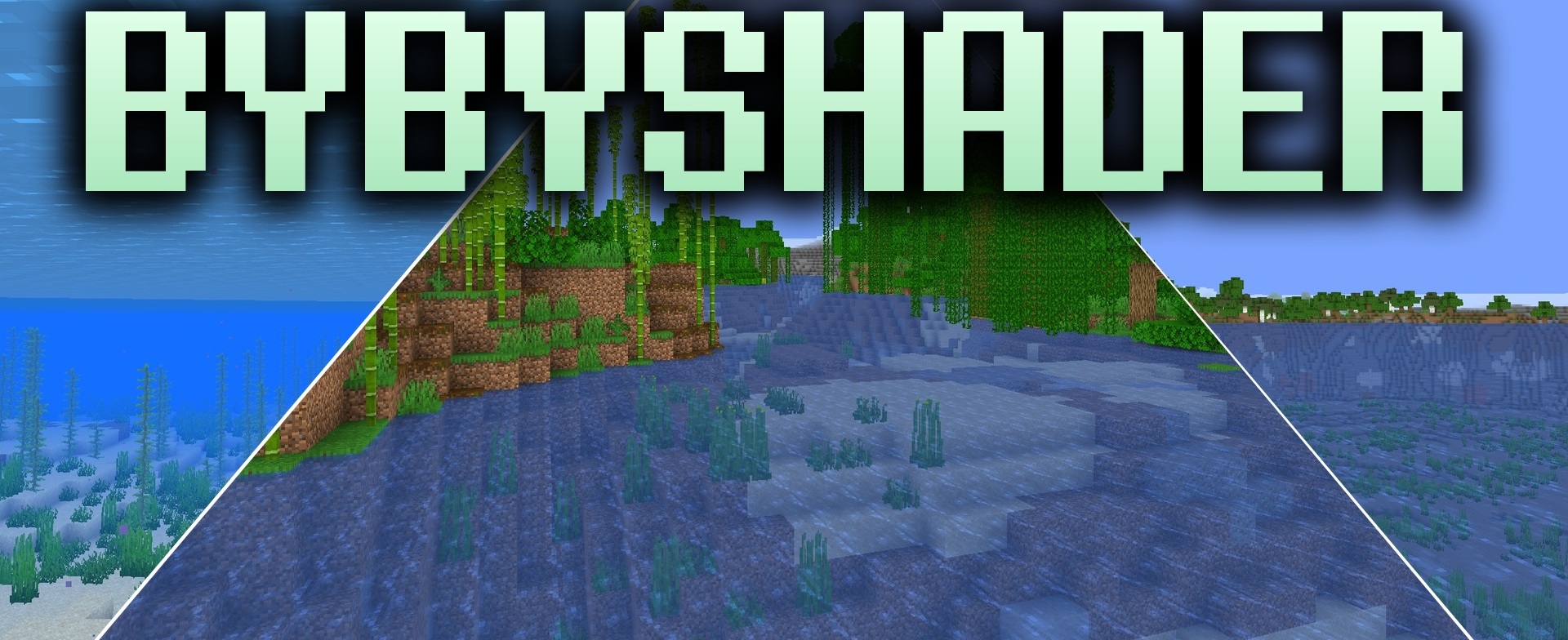
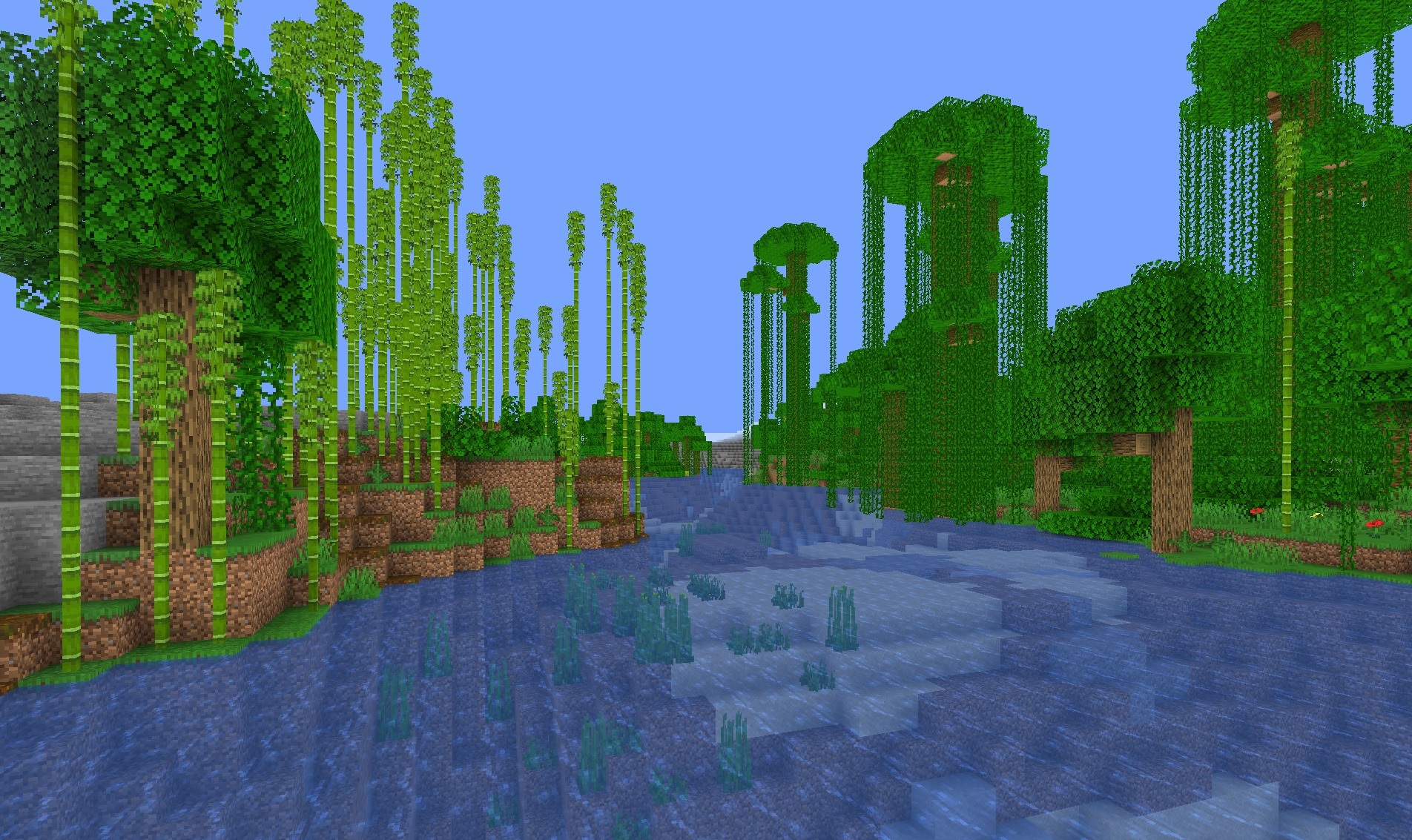
Bybyshader Shaders creates a bright and slightly cinematic image. It increases color saturation and adds a soft glow around the sun, lava, and torches while remaining lightweight enough for most computers.
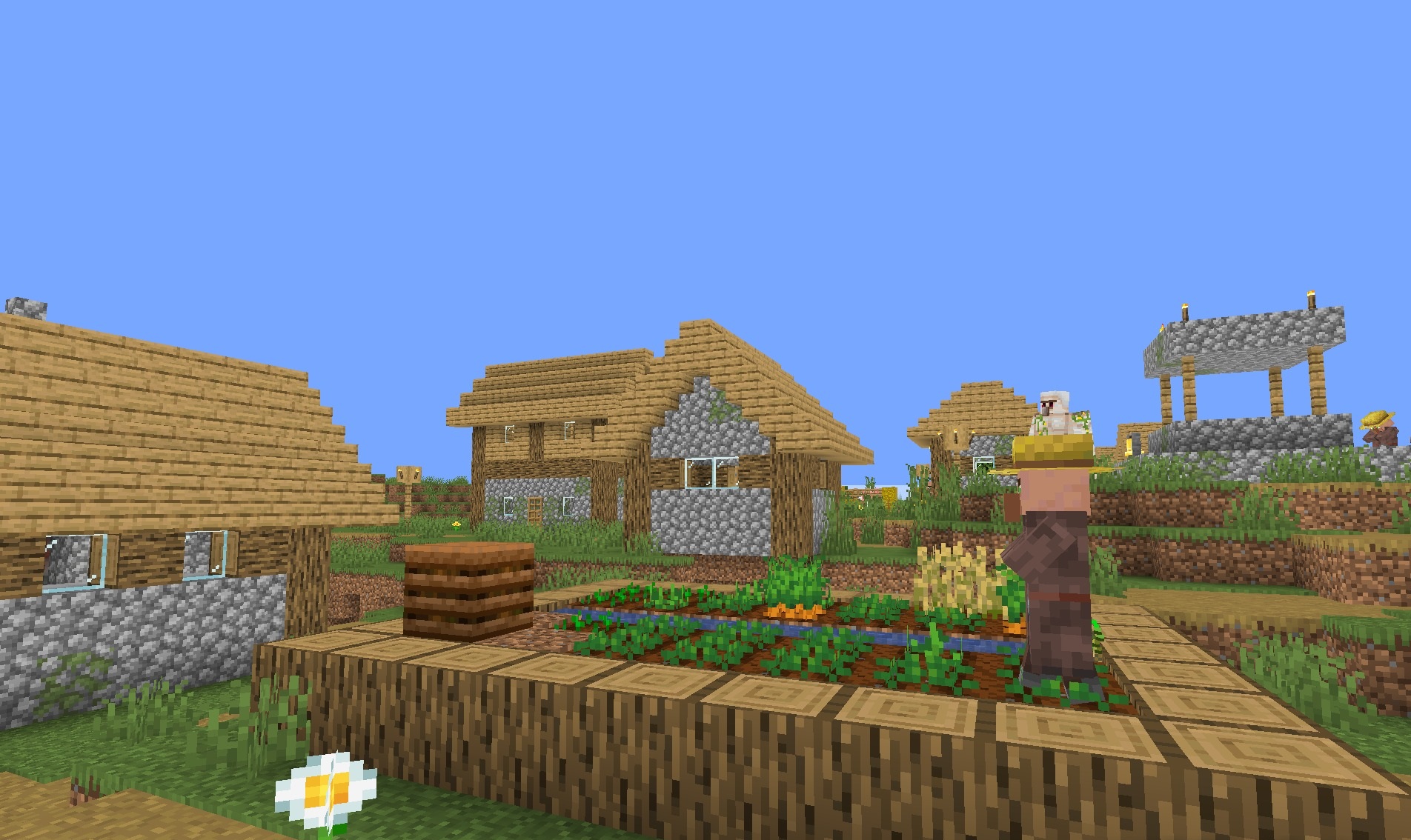
A barely noticeable chromatic aberration appears around the edges of the image, resembling the effect of a camera lens, while subtle film grain makes the picture feel less sterile. All effects are fairly moderate, so the standard textures and block shapes remain clearly recognizable. The pack does not aim for complex ray tracing or photorealism but instead offers fantasy lighting with the feel of film photography.
How to install a shader:
First step: download the shader package from the link below.
Second step: Unpack the downloaded archive and copy the Bybyshader Shaders folder to c:\Users\User\AppData\Roaming\.minecraft\shaderpacks\(if this folder does not exist, create it yourself) (For Windows)
Third step: In the game, go to Settings, then to Graphics Settings. Select the "shaders" section and activate the shader pack of your choice.
Comments (0)