



CelShade Shaders for Minecraft 26.2
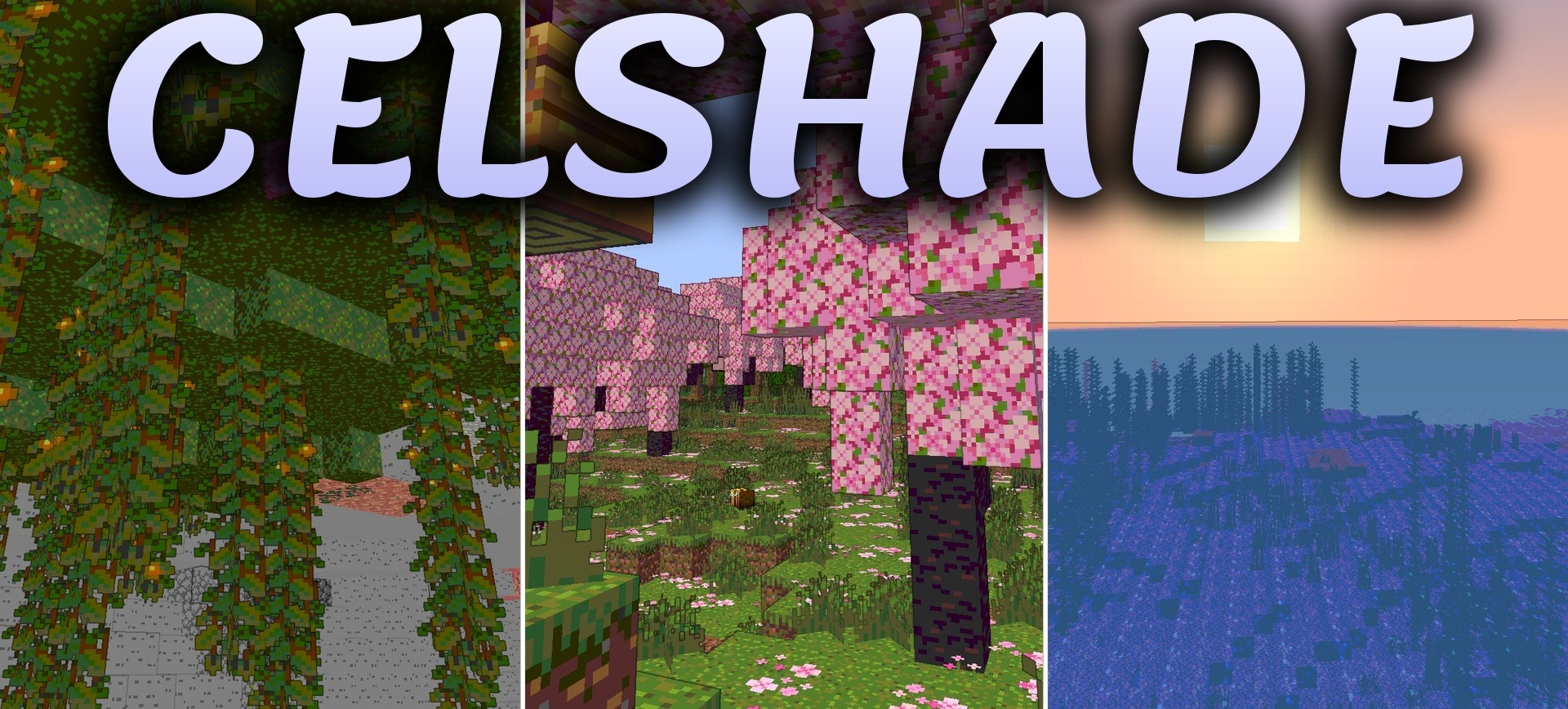
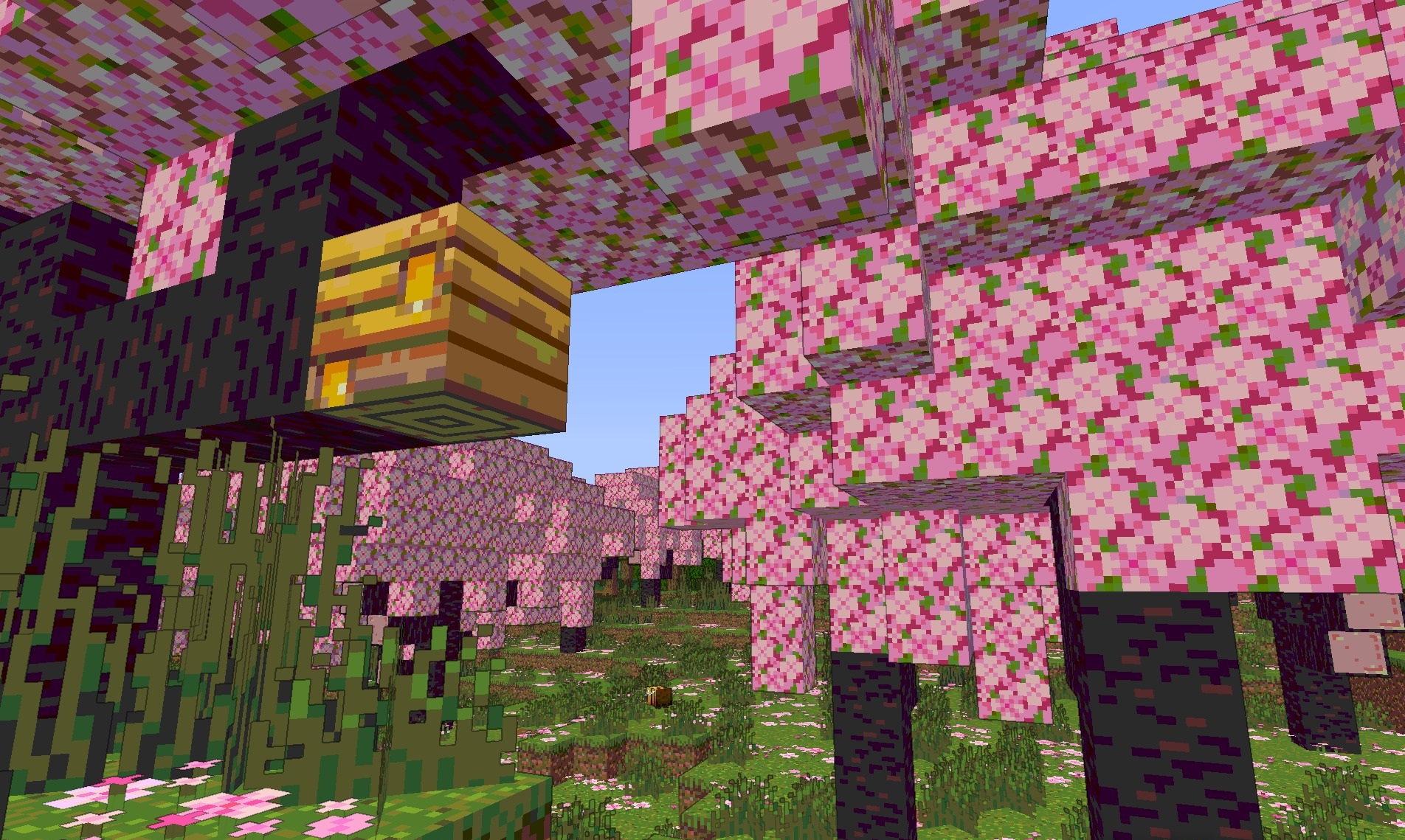
The graphics of CelShade Shaders are built around the principles of cel shading and old hand-drawn comics. Black outlines appear around blocks, creatures, and items, emphasizing their geometry and separating objects from one another.
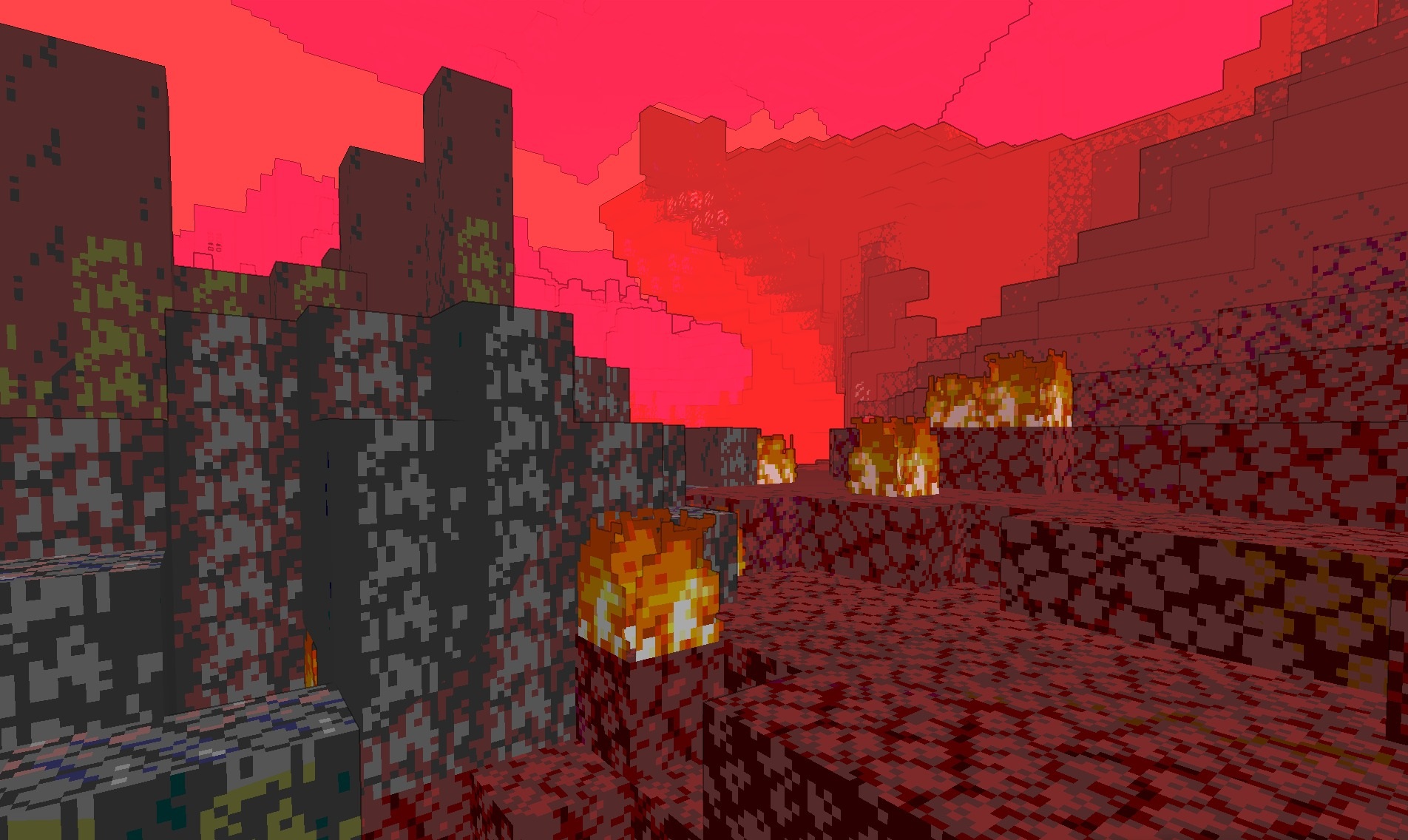
Posterization reduces the number of smooth color transitions and divides surfaces into larger areas of shades, creating the characteristic flat shading. Because of this, the three-dimensional world begins to resemble an interactive illustration or animated film. Line thickness and color palette parameters can be adjusted through the settings, allowing the strength of the stylization to be changed.
How to install a shader:
First step: download the shader package from the link below.
Second step: Unpack the downloaded archive and copy the CelShade Shaders folder to c:\Users\User\AppData\Roaming\.minecraft\shaderpacks\(if this folder does not exist, create it yourself) (For Windows)
Third step: In the game, go to Settings, then to Graphics Settings. Select the "shaders" section and activate the shader pack of your choice.
Comments (0)