



CineDream Plus Java Version for Minecraft 26.2
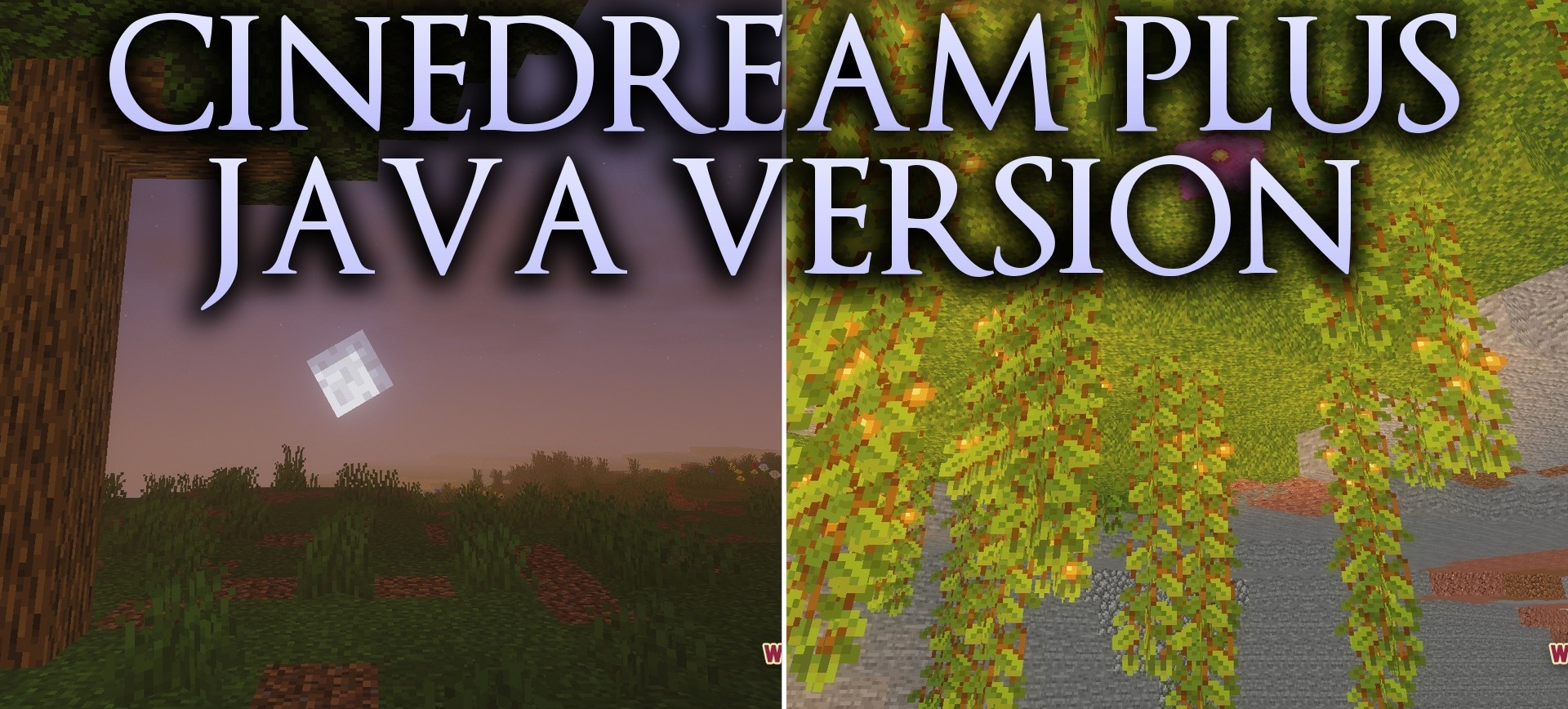
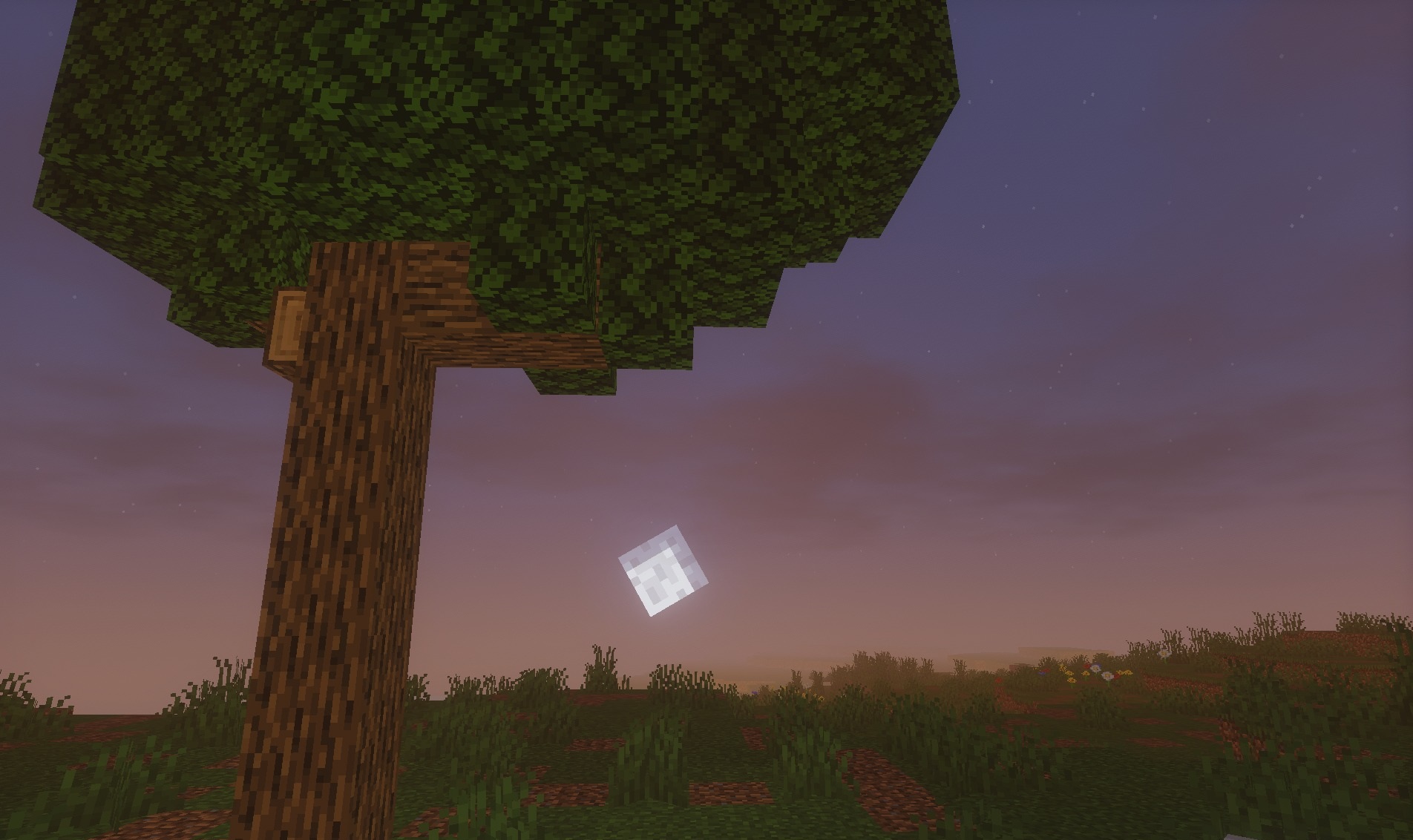
The cinematic presentation here is created not through a single filter but through a combination of lighting, color, and contrast. CineDream Plus Java Version blends realistic and fantasy shades so that landscapes look like scenes from a stylized movie.
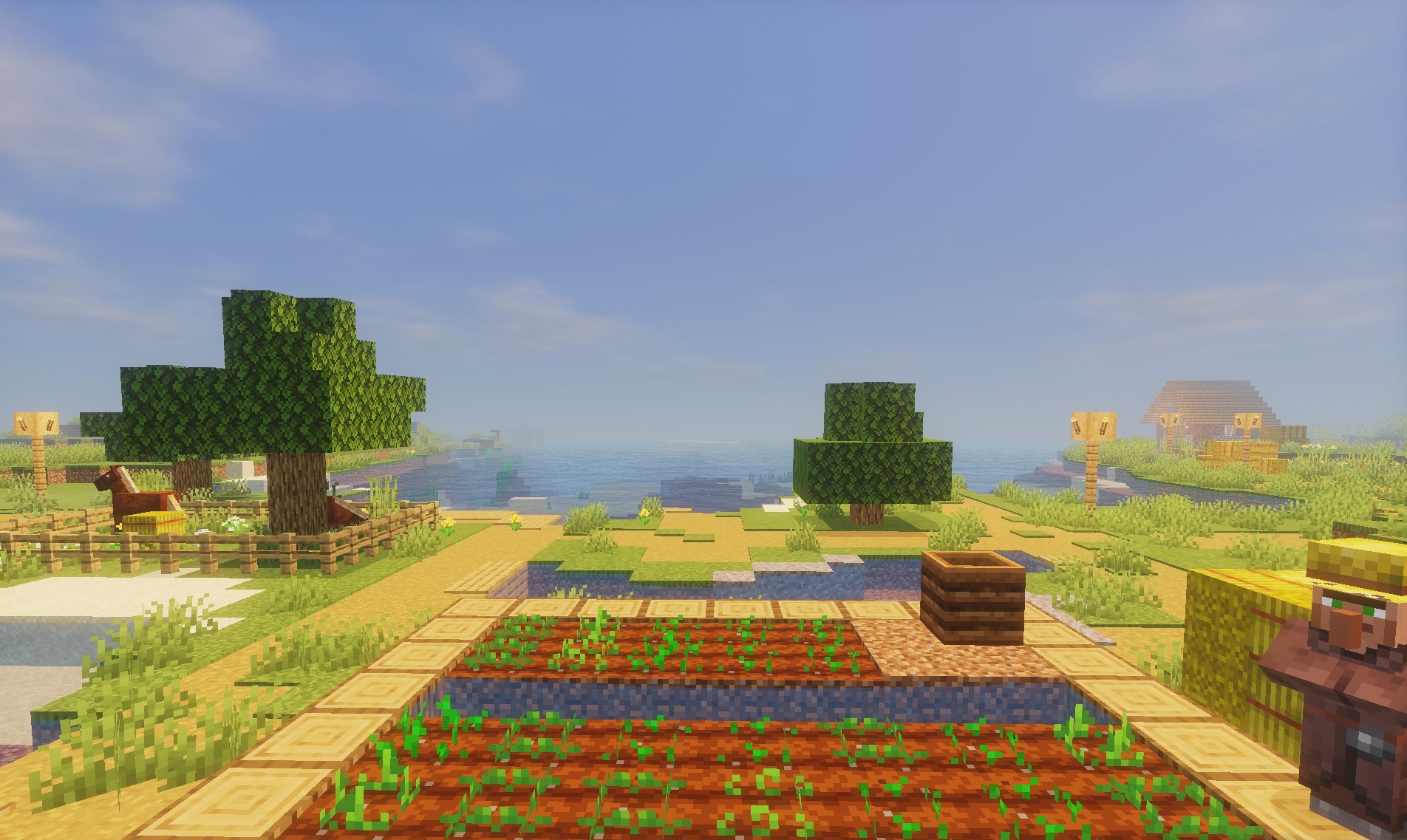
At the same time, the original atmosphere of vanilla Minecraft is preserved: the shapes of blocks and the general logic of the environment do not change, while the rework is focused specifically on lighting. Transitions between bright and dark areas become softer, and the color scheme gains a more cohesive character. The shader is intended for those who want a more expressive image without completely changing the artistic direction of the game.
How to install a shader:
First step: download the shader package from the link below.
Second step: Unpack the downloaded archive and copy the CineDream Plus Java Version folder to c:\Users\User\AppData\Roaming\.minecraft\shaderpacks\(if this folder does not exist, create it yourself) (For Windows)
Third step: In the game, go to Settings, then to Graphics Settings. Select the "shaders" section and activate the shader pack of your choice.
Comments (0)