



Colorblind Swap Shaders for Minecraft 26.2
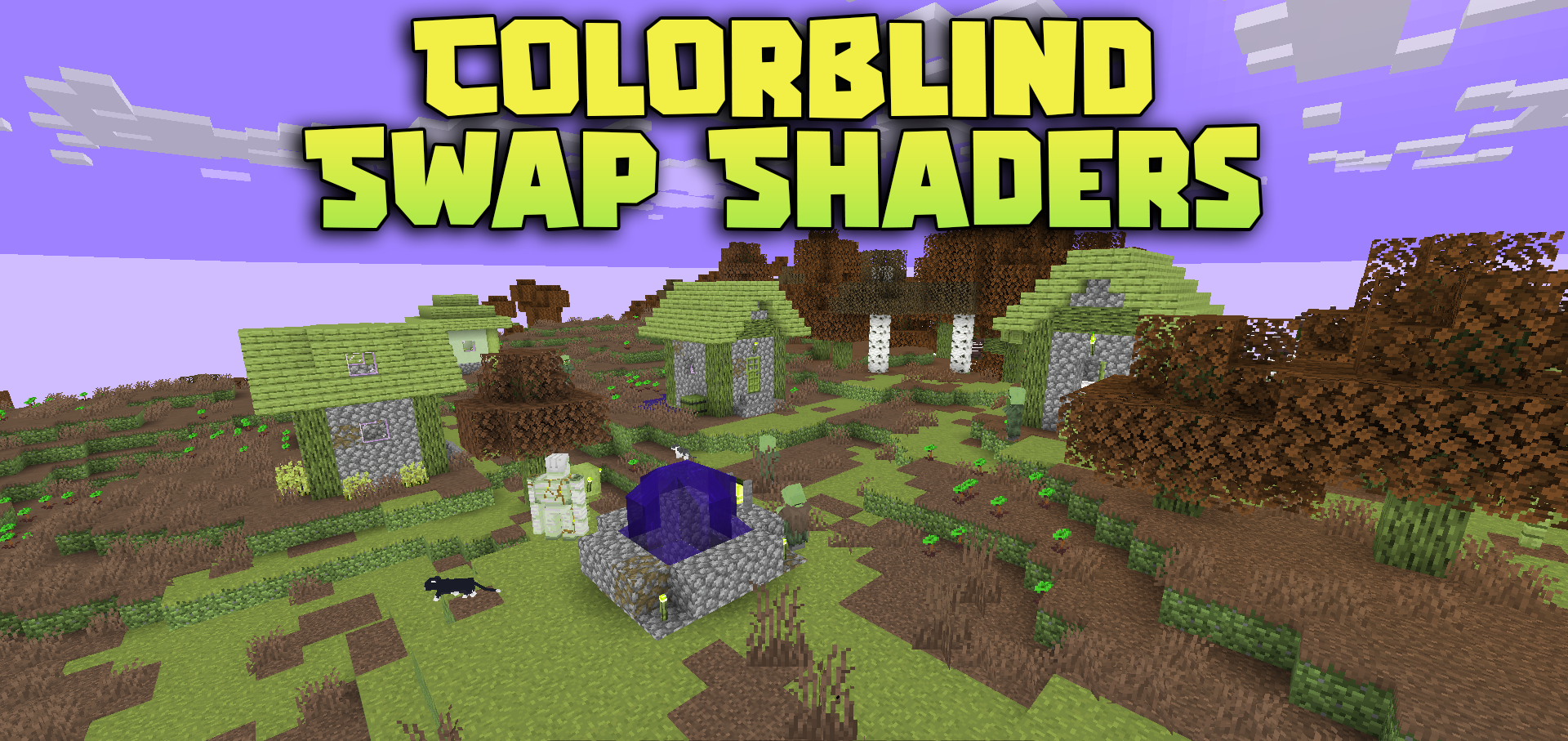
Colorblind Swap Shaders works not with shadows, water, or volumetric lighting, but with the color perception of the entire screen. On a timer, the shader gradually changes the world’s palette, switching the display of red, green, and blue shades.
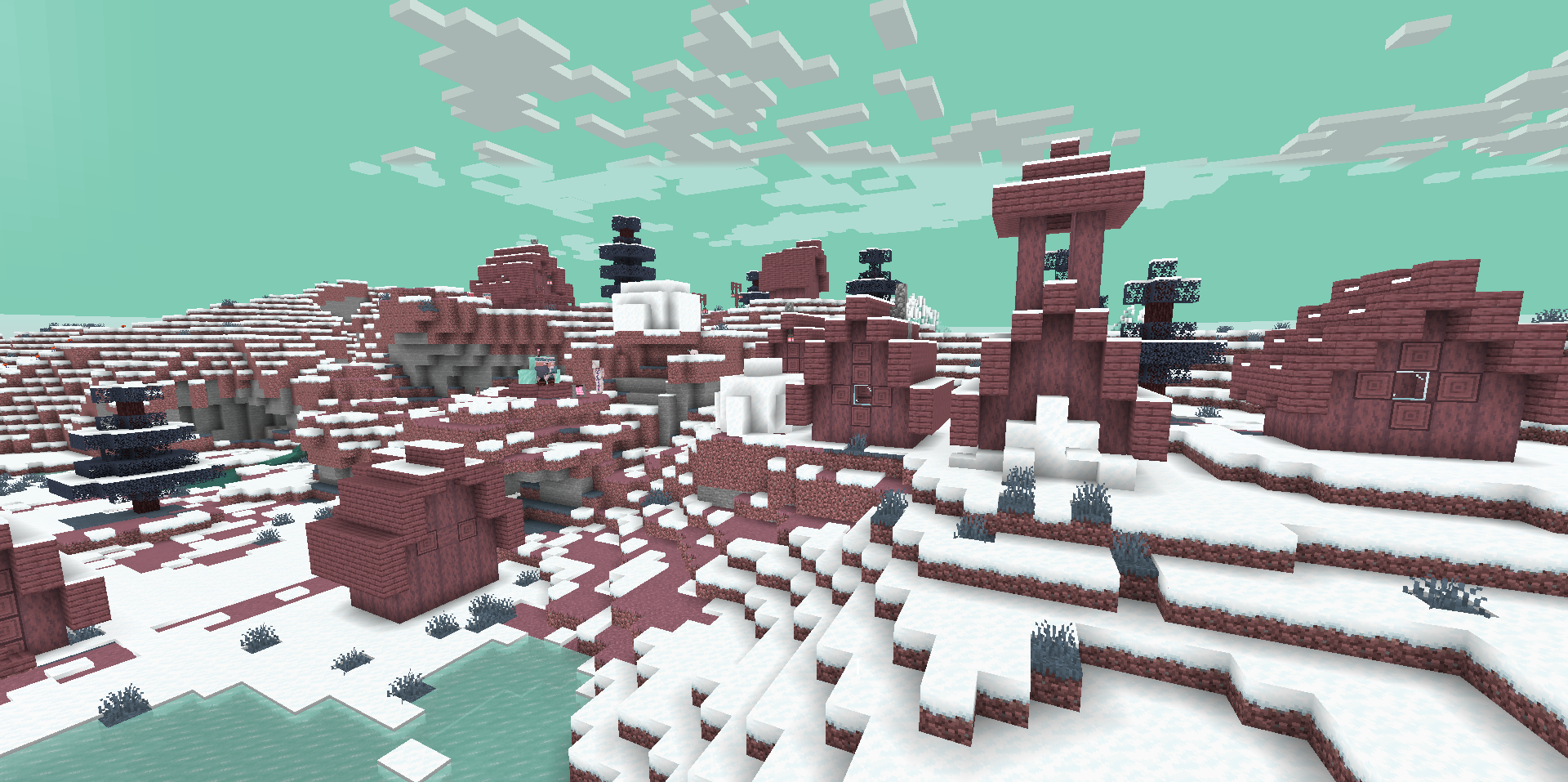
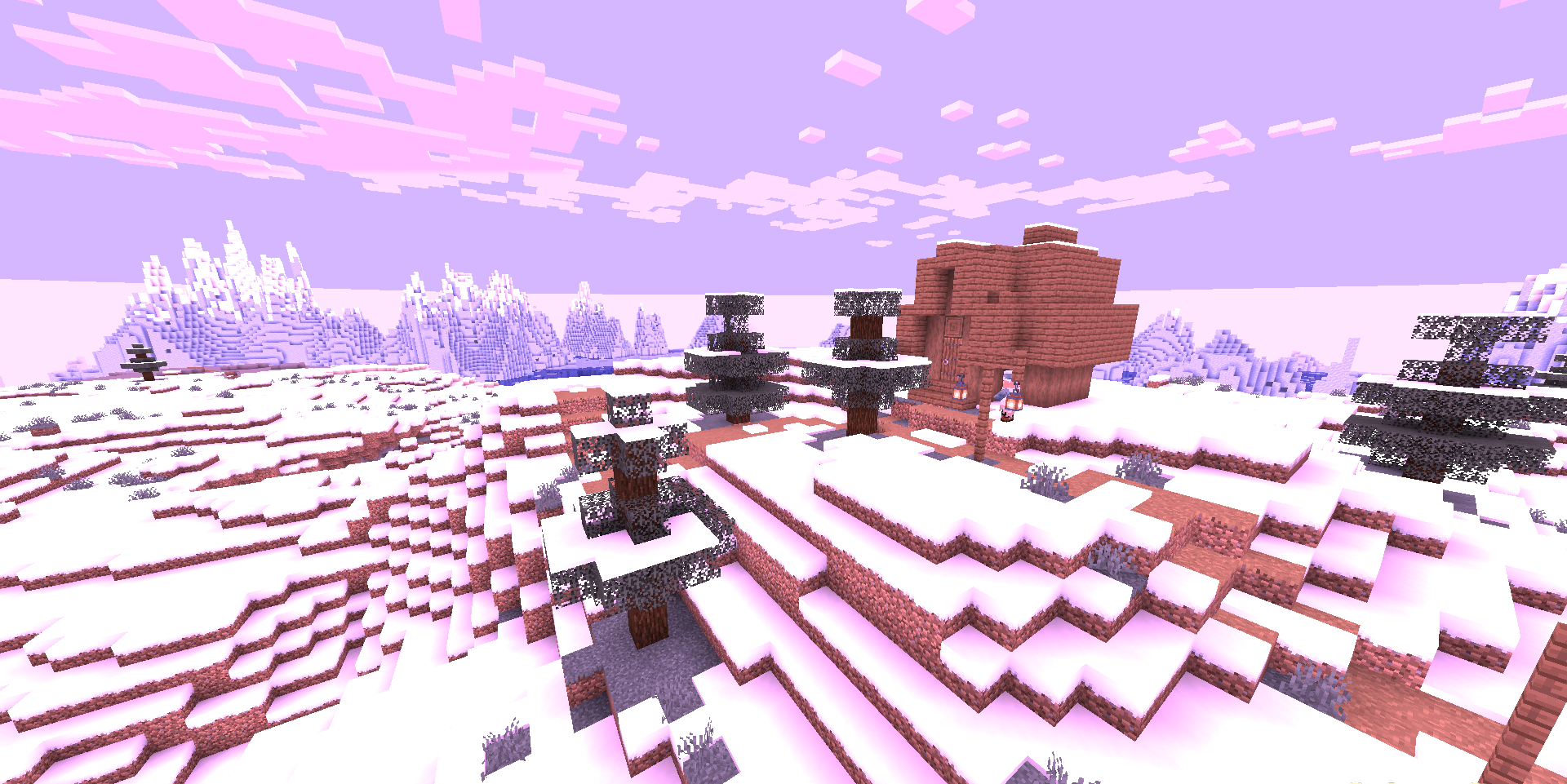
The colors do not change abruptly: the transitions are smooth, so the image has time to adjust before the next state. Before a new cycle, a short flash of opposite colors appears, making the mode change feel like a separate visual effect. The world looks different every few minutes, although its geometry, lighting, and blocks remain the same.
How to install a shader:
First step: download the shader package from the link below.
Second step: Unpack the downloaded archive and copy the Colorblind Swap Shaders folder to c:\Users\User\AppData\Roaming\.minecraft\shaderpacks\(if this folder does not exist, create it yourself) (For Windows)
Third step: In the game, go to Settings, then to Graphics Settings. Select the "shaders" section and activate the shader pack of your choice.
Comments (0)