



Complementary Unbound HardRock TFC for Minecraft 26.2
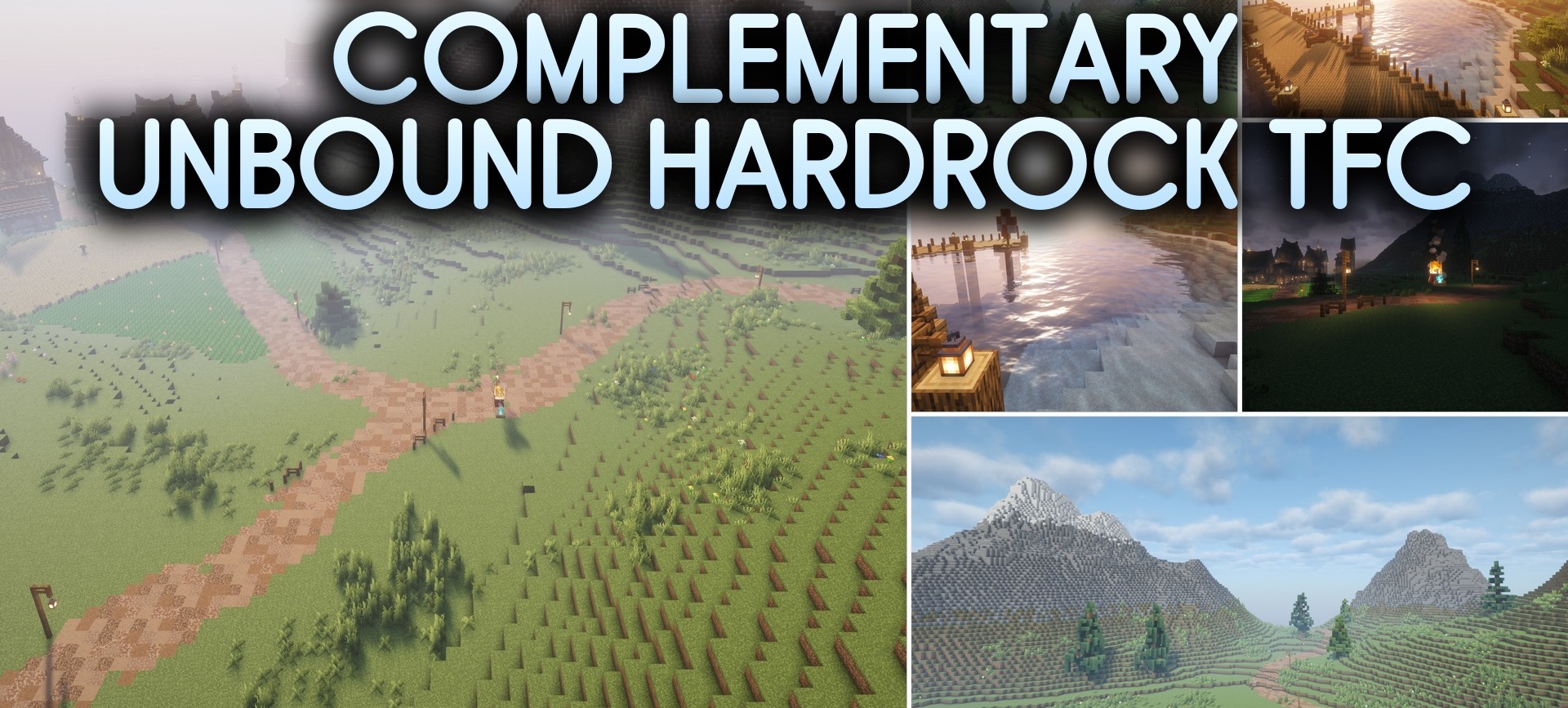
A separate version of Complementary Unbound HardRock TFC Shaders has been prepared for the HardRock TerraFirmaCraft modpack. It already contains settings selected for modified blocks, natural materials, and terrain generation, so the player does not have to manually search for a suitable combination of settings.
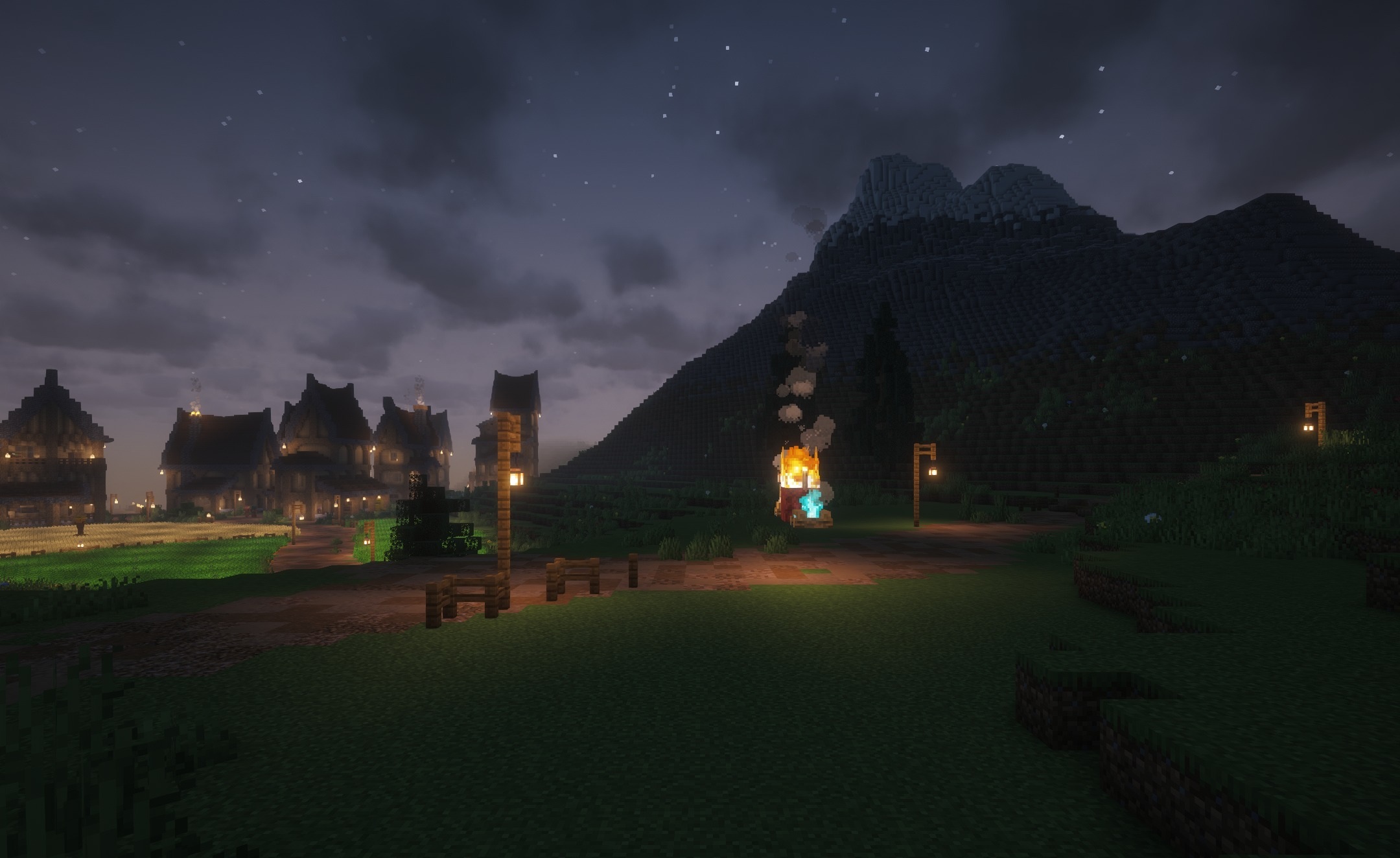
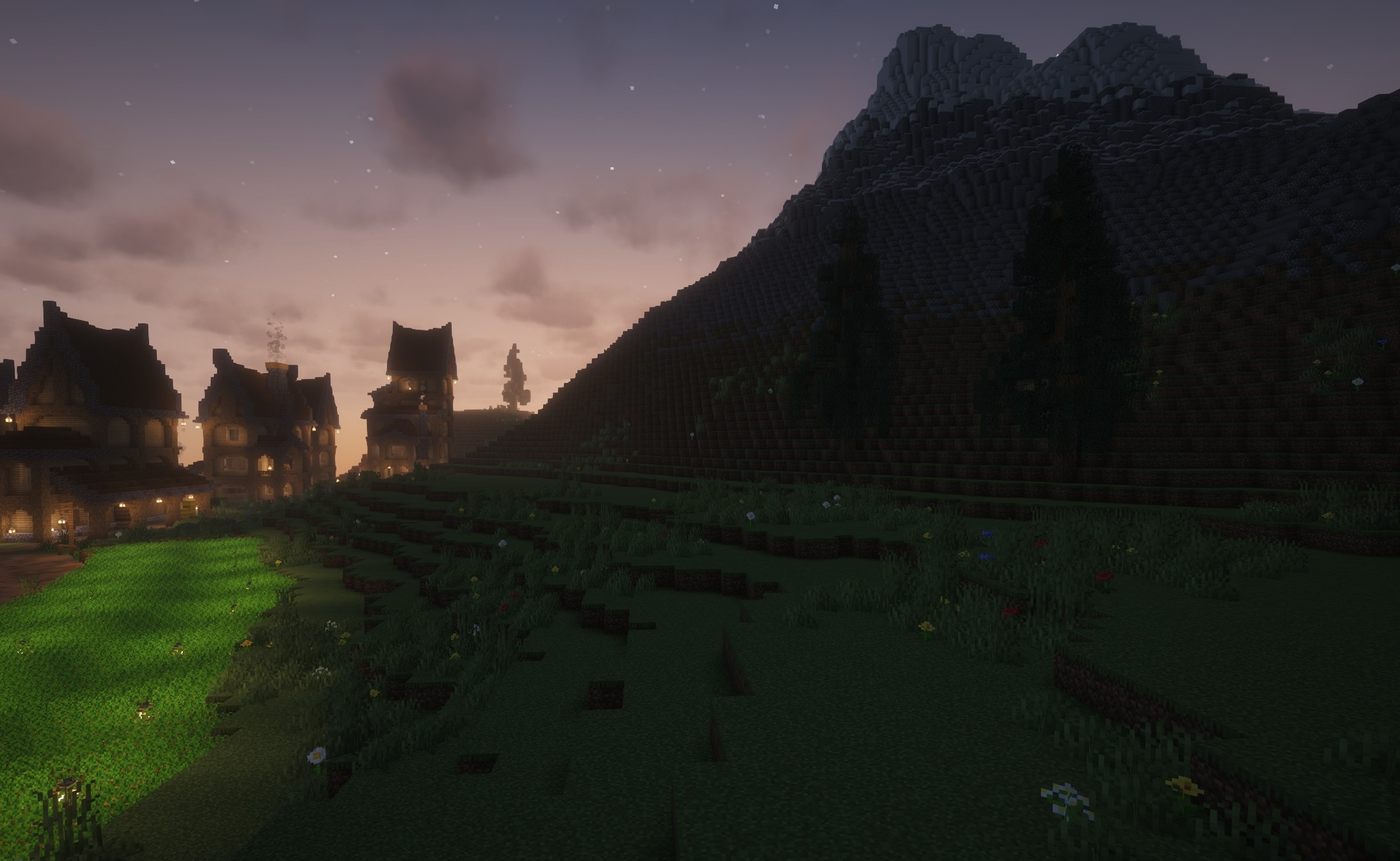
Water in rivers and oceans becomes clearer, sunlight falls naturally on slopes, and trees and buildings cast soft shadows. The color palette supports the harsh natural atmosphere of the modpack and does not make the image excessively bright. The shader takes the terrain features of TerraFirmaCraft into account, making mountains, forests, and coastlines look cohesive.
How to install a shader:
First step: download the shader package from the link below.
Second step: Unpack the downloaded archive and copy the Complementary Unbound HardRock TFC folder to c:\Users\User\AppData\Roaming\.minecraft\shaderpacks\(if this folder does not exist, create it yourself) (For Windows)
Third step: In the game, go to Settings, then to Graphics Settings. Select the "shaders" section and activate the shader pack of your choice.
Comments (0)