



Composition Shaders for Minecraft 26.2
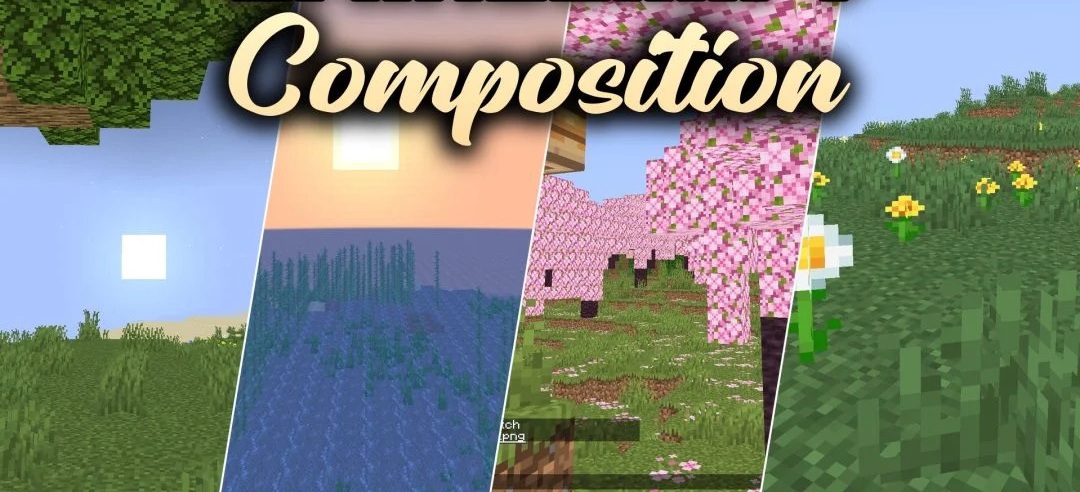
Composition Shaders is intended not so much for completely transforming the graphics as for working with frame composition. Special visual guides are added to the screen to help arrange objects when creating screenshots and recording in-game scenes.
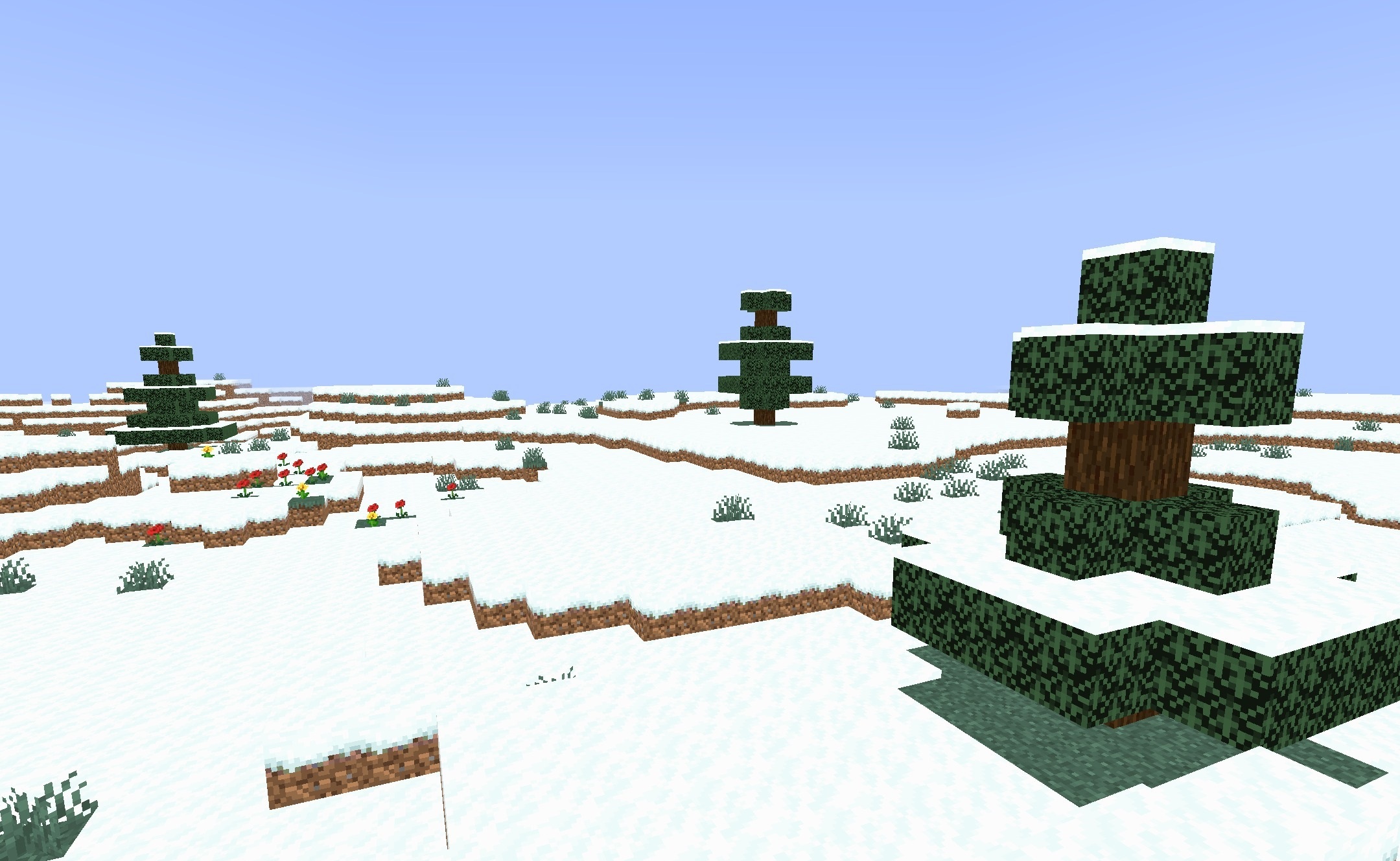
With their help, it becomes easier to control the balance of the image, the position of the main object, and the amount of empty space directly during shooting without moving the frame into a separate editor. The pack interacts with Minecraft’s standard graphics pipeline and does not require complex lighting processing for its main function.
How to install a shader:
First step: download the shader package from the link below.
Second step: Unpack the downloaded archive and copy the Composition Shaders folder to c:\Users\User\AppData\Roaming\.minecraft\shaderpacks\(if this folder does not exist, create it yourself) (For Windows)
Third step: In the game, go to Settings, then to Graphics Settings. Select the "shaders" section and activate the shader pack of your choice.
Comments (0)