



Contour Shaders for Minecraft 26.2
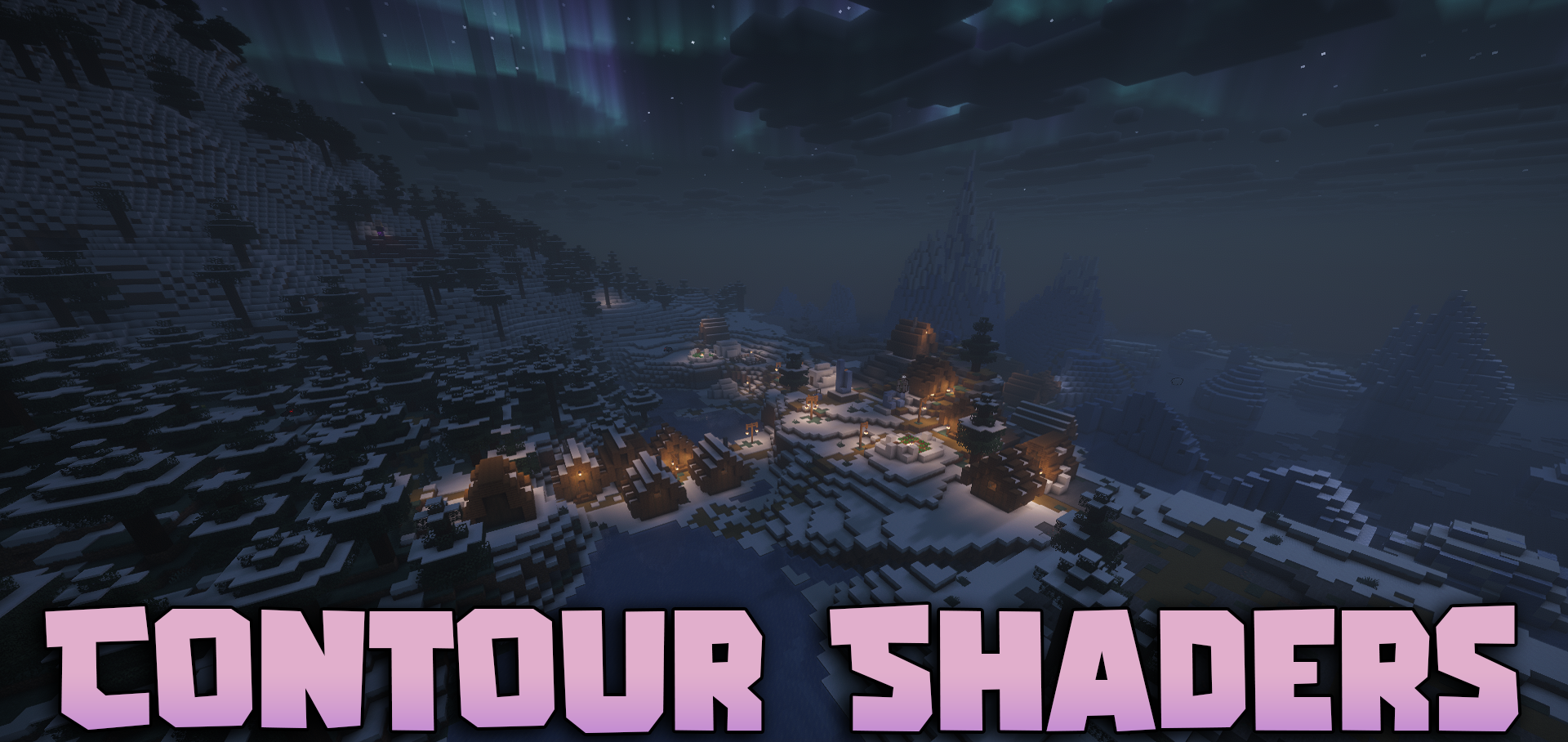
Outlines around objects immediately change the perception of the world, even if the blocks and lighting remain familiar. Contour Shaders adds colored lines around mobs, players, and dropped items. The color is selected to match the object itself: a creeper may have a green outline, a cow may have a brown one, and other creatures receive their own shades.
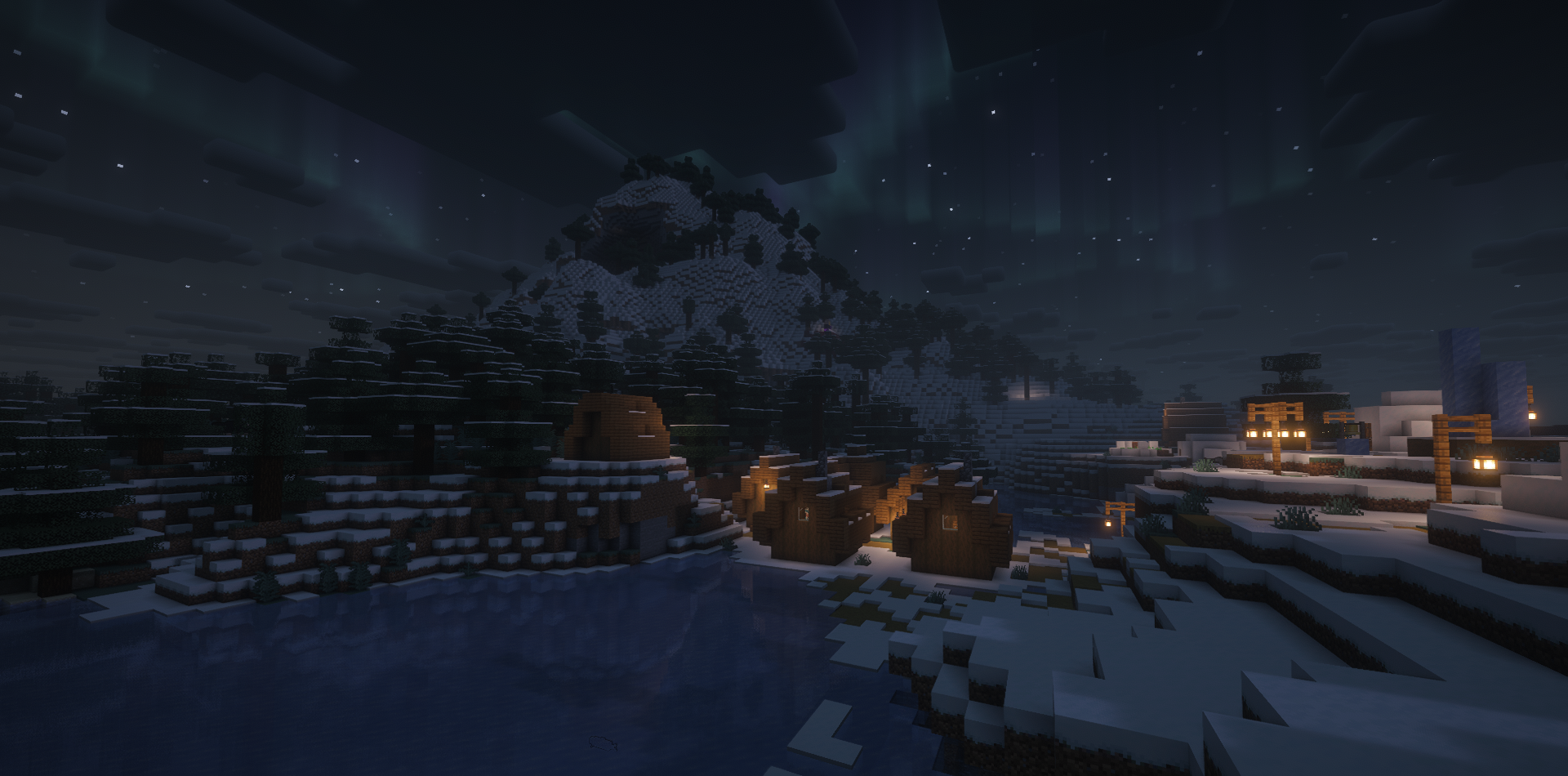
This makes mobs stand out more clearly against the landscape and makes items on the ground easier to notice. The settings allow you to change the thickness and saturation of the lines, while a separate rainbow mode makes the outlines shimmer in different colors. The shader preserves the basic lighting, shadow, and water effects without turning the image into a flat filter.
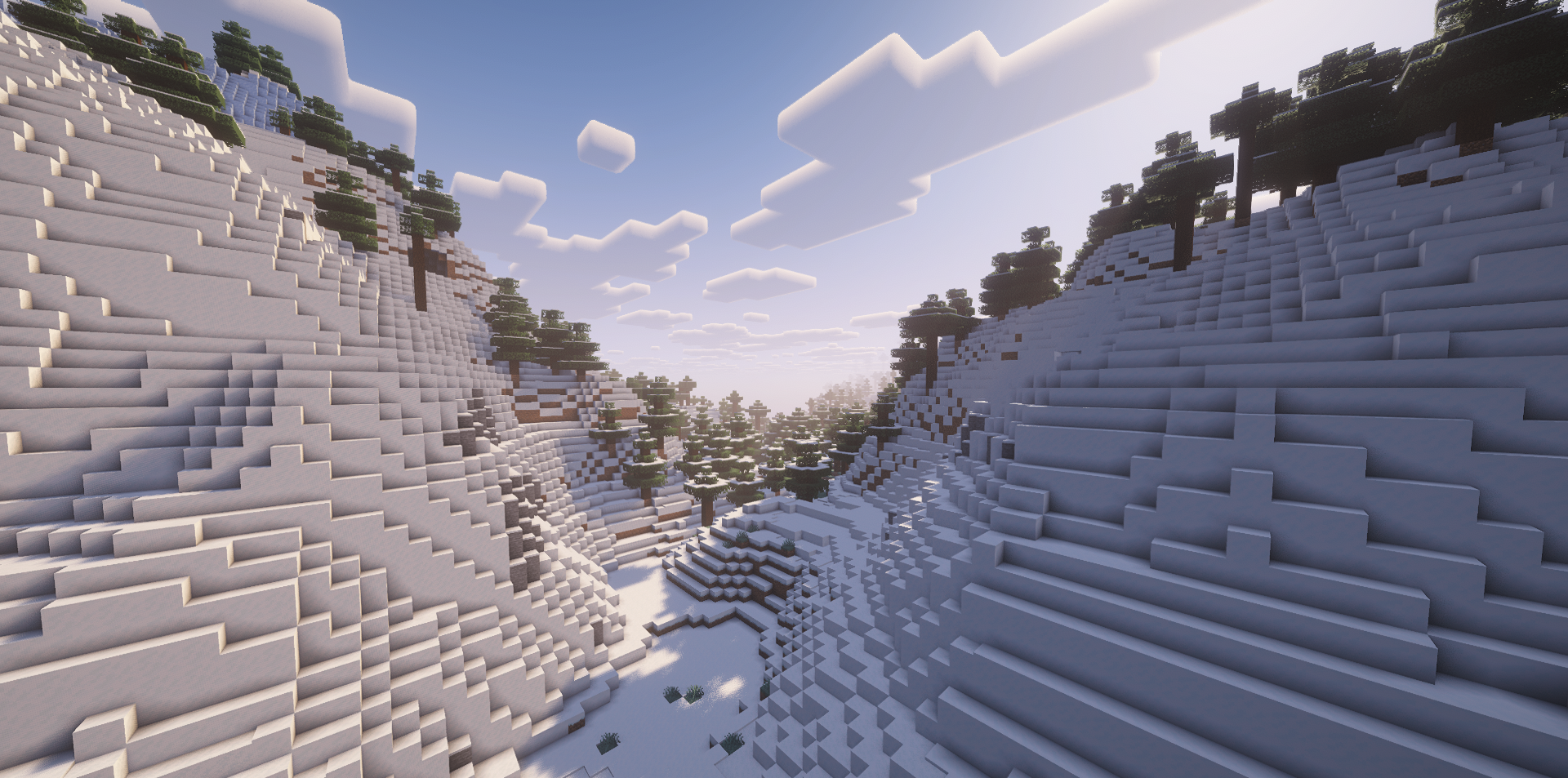
How to install a shader:
First step: download the shader package from the link below.
Second step: Unpack the downloaded archive and copy the Contour Shaders folder to c:\Users\User\AppData\Roaming\.minecraft\shaderpacks\(if this folder does not exist, create it yourself) (For Windows)
Third step: In the game, go to Settings, then to Graphics Settings. Select the "shaders" section and activate the shader pack of your choice.
Comments (0)