



CTMPOMFIX Chocapic13′ Shaders for Minecraft 26.2
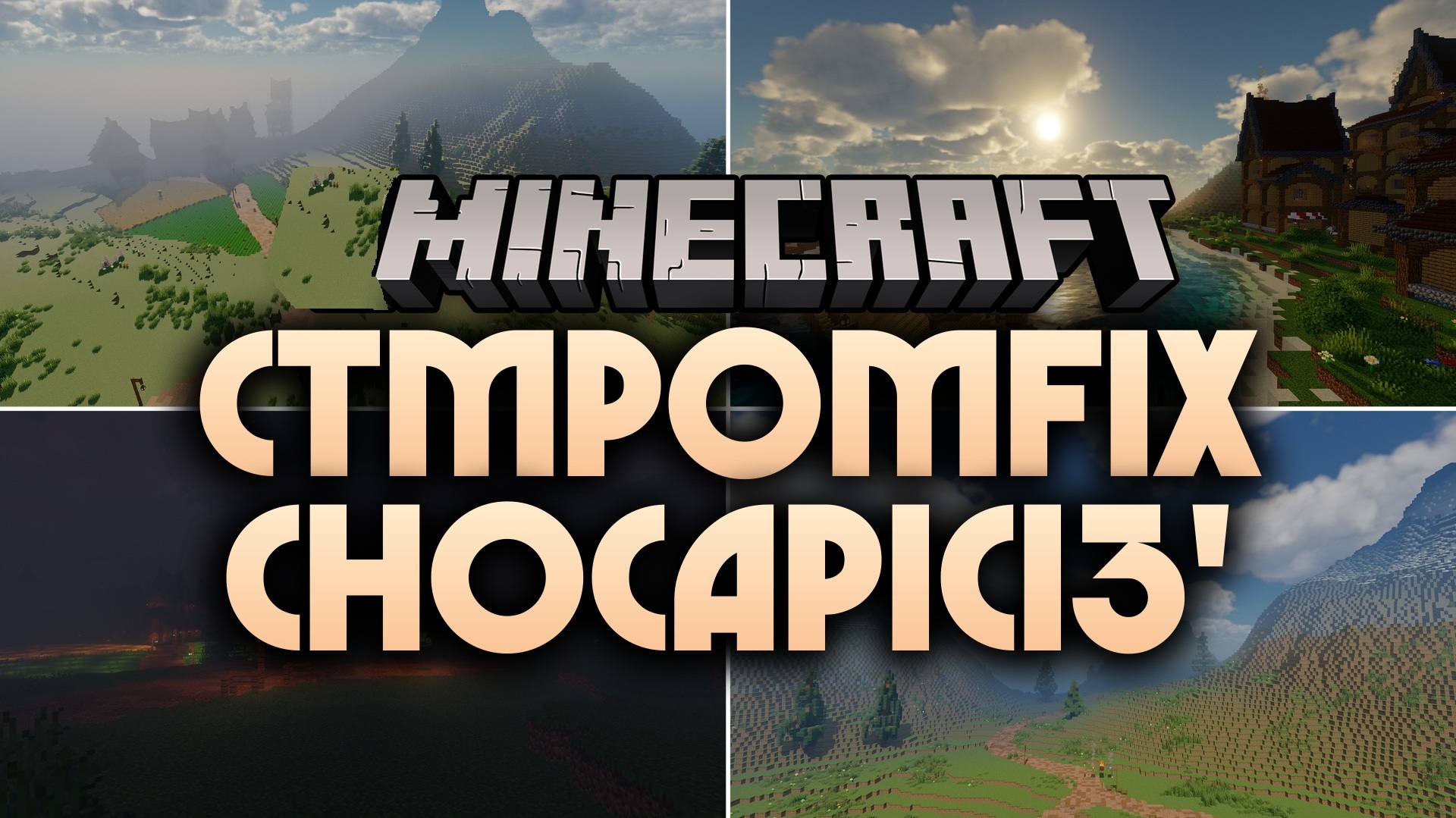
CTMPOMFIX Chocapic13′ Shaders adds visible depth and unevenness to blocks by using materials with physically based light reflection. Stone, wood, and other surfaces stop looking completely flat if a compatible texture pack is installed.
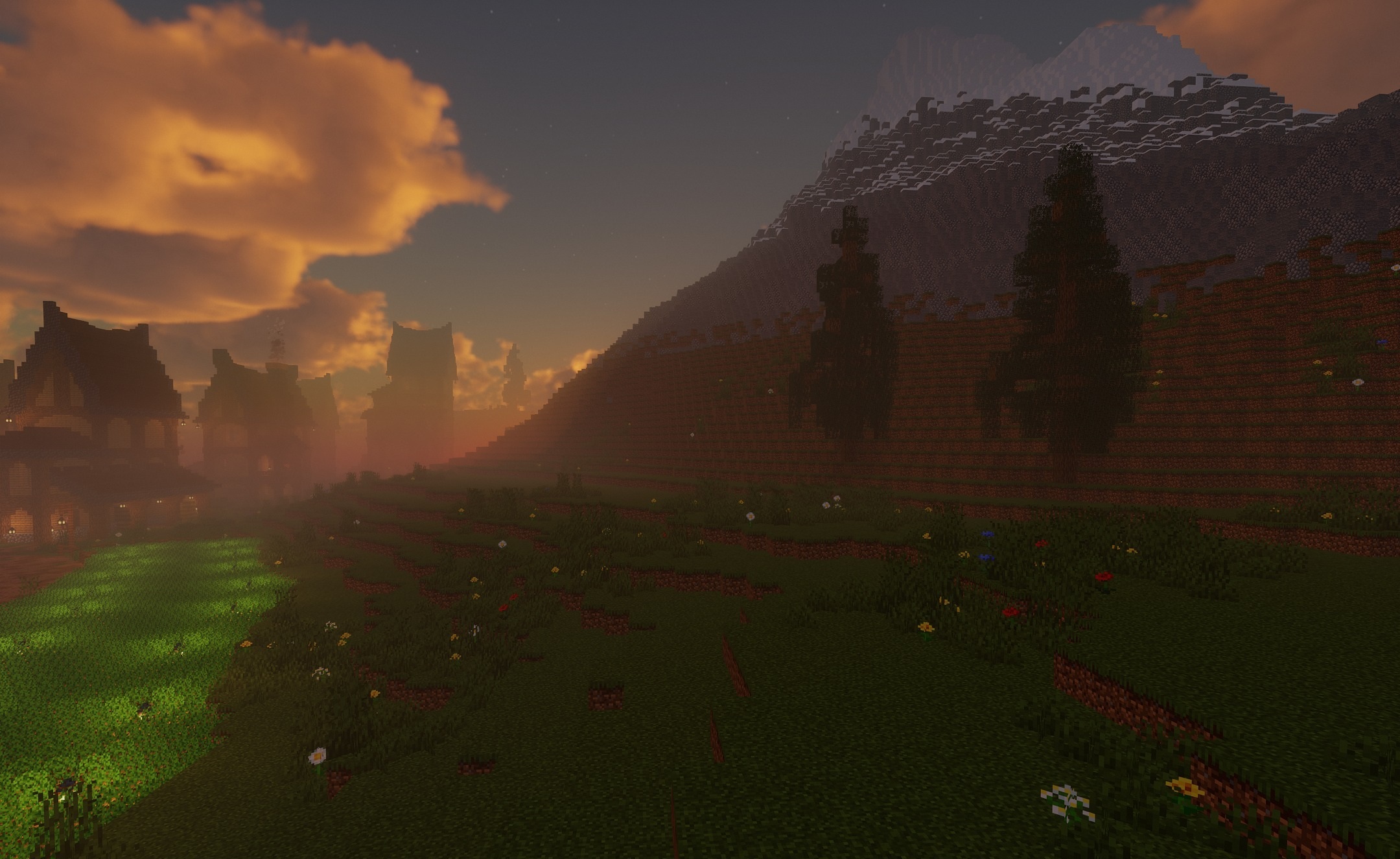
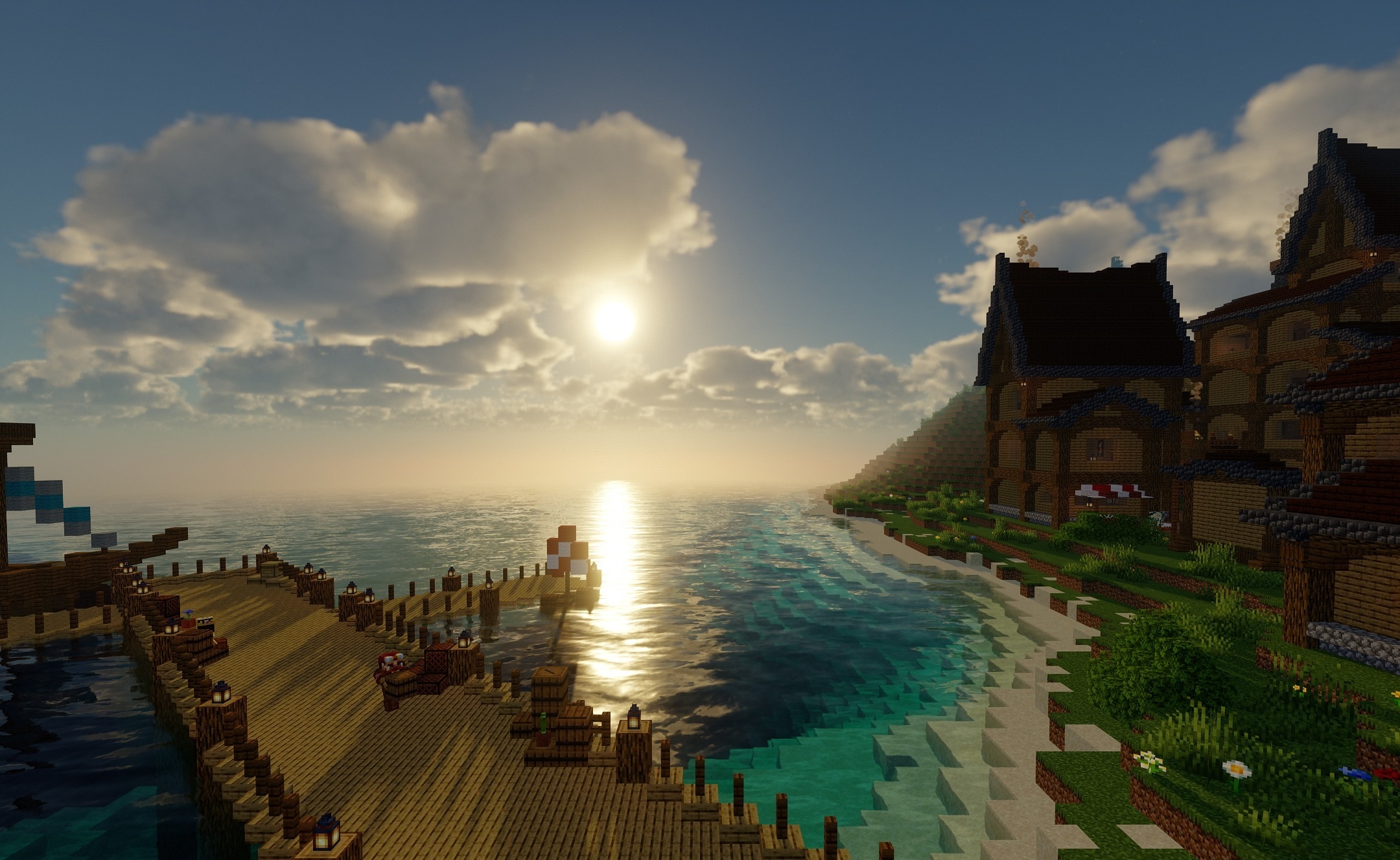
Additional ray tracing can be enabled for more natural light propagation in corners, rooms, and caves. Atmospheric haze is illuminated over long distances, creating a volumetric sky and expressive landscapes. Compatibility with Distant Horizons and Iris allows distant mountains and valleys to remain visible without losing the main effects.
How to install a shader:
First step: download the shader package from the link below.
Second step: Unpack the downloaded archive and copy the CTMPOMFIX Chocapic13′ Shaders folder to c:\Users\User\AppData\Roaming\.minecraft\shaderpacks\(if this folder does not exist, create it yourself) (For Windows)
Third step: In the game, go to Settings, then to Graphics Settings. Select the "shaders" section and activate the shader pack of your choice.
Comments (0)