



Dark Extreme Shaders for Minecraft 26.2
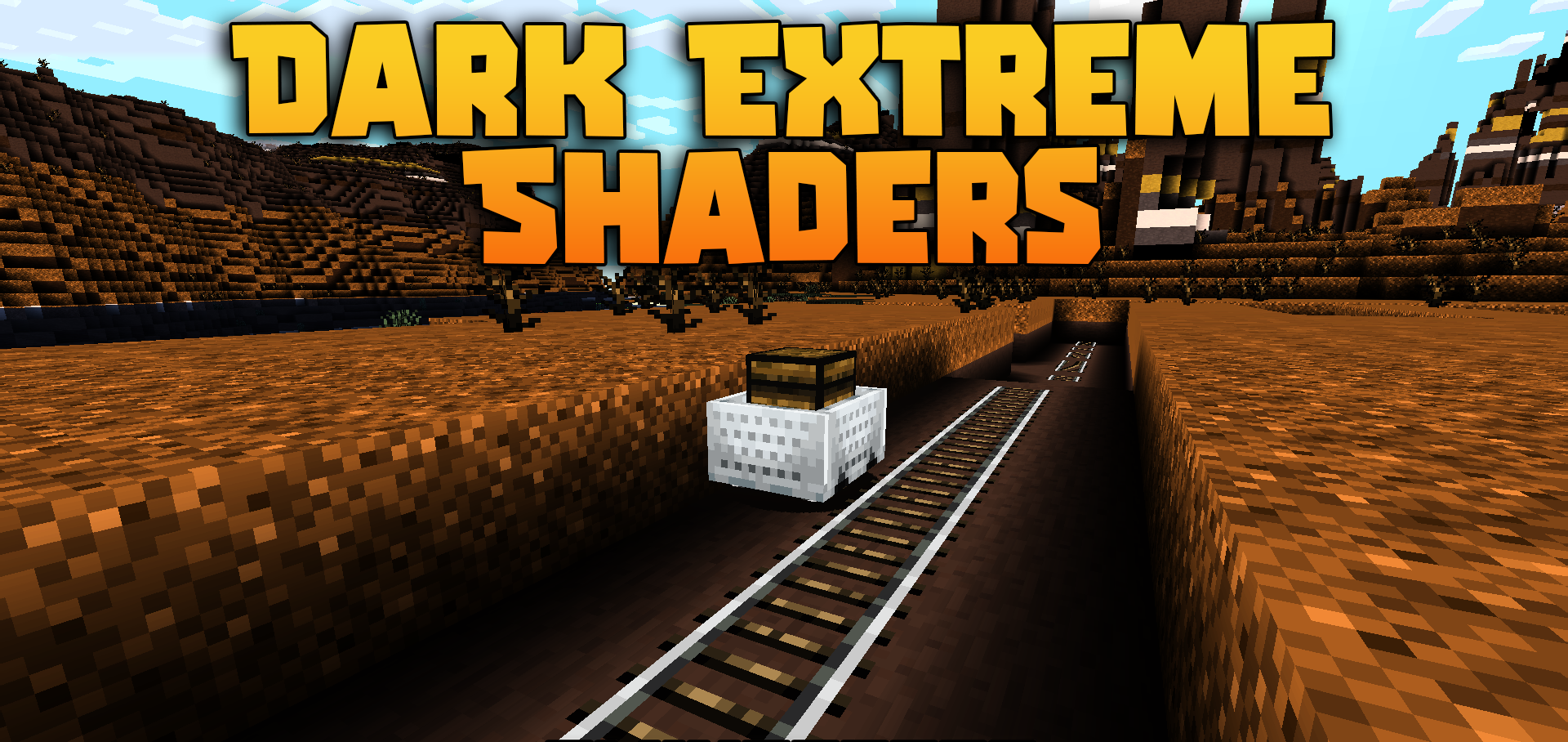
Complete darkness becomes not a background element here, but the main rule of survival. Dark Extreme Shaders drastically darkens nights, caves, and every place without lighting. Where the regular game still leaves some visibility, this shader turns the area into an almost completely black screen.
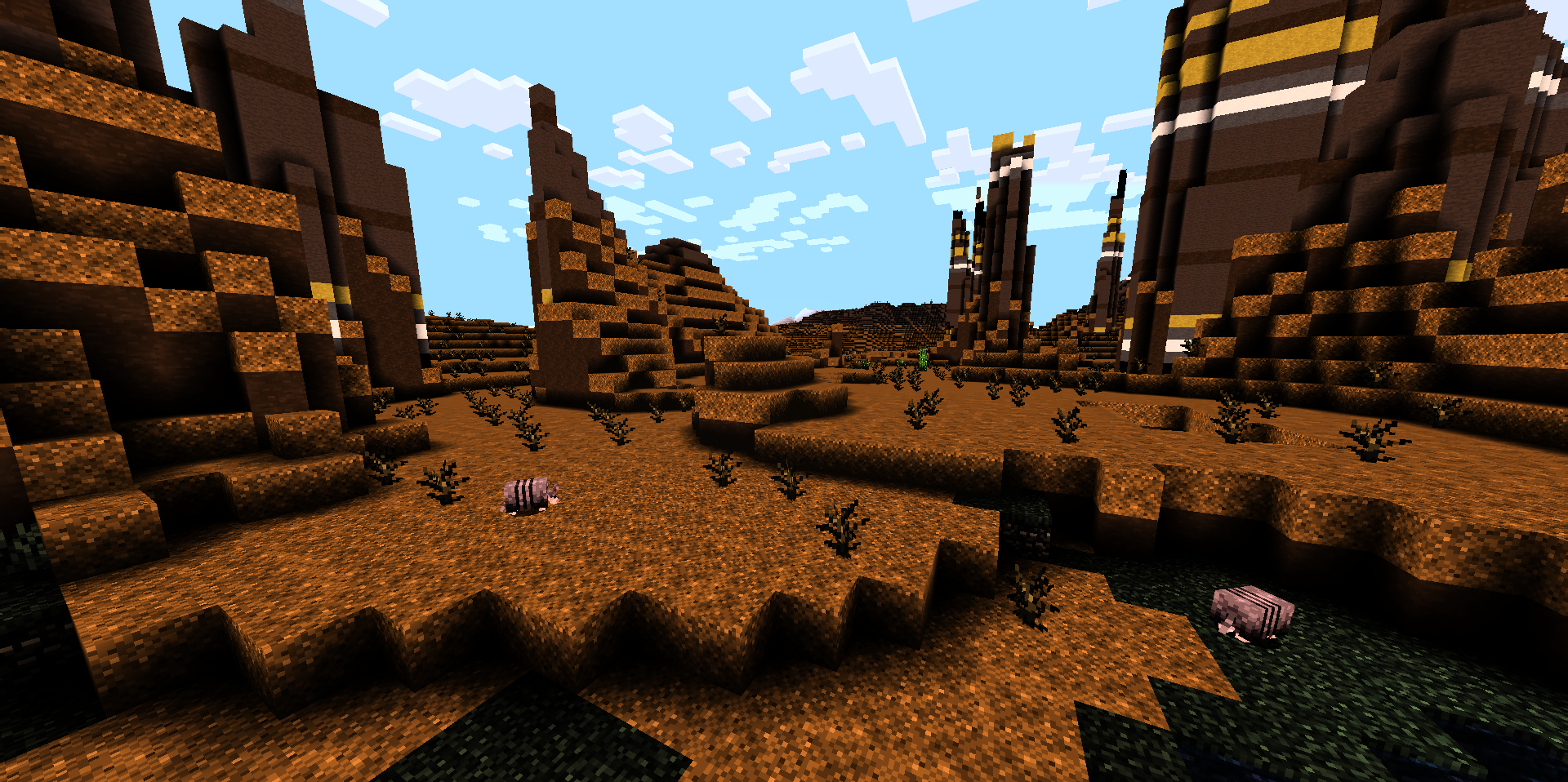
Moving without torches, lanterns, or other light sources becomes difficult: tunnels, forests, and abandoned buildings have to be explored more carefully. The pack does not burden the game with complex reflections, water, or volumetric lighting, so it runs quickly and requires no detailed configuration. The shader changes the balance of perception: light becomes a valuable guide again, while every unlit area looks more dangerous.
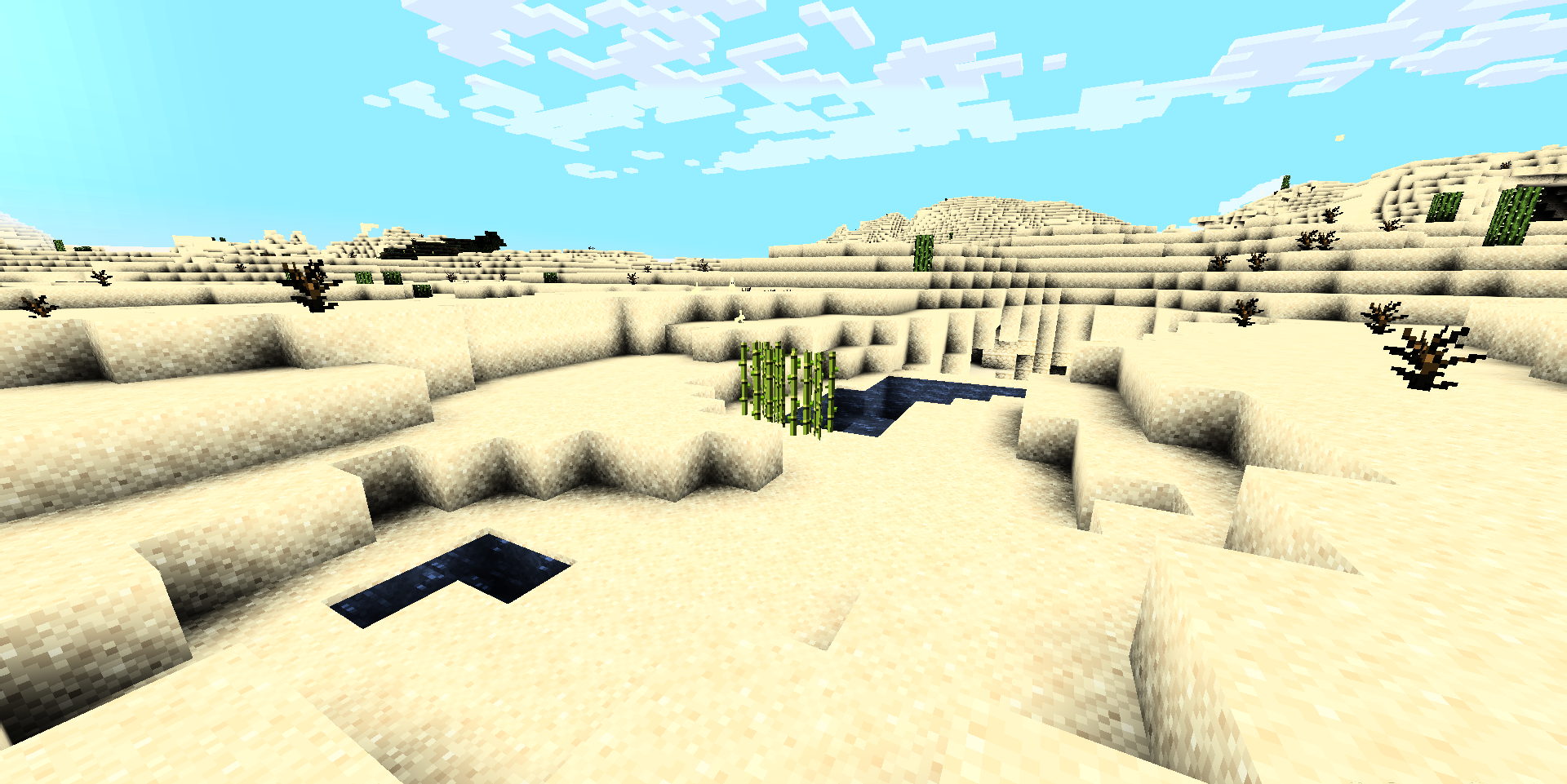
How to install a shader:
First step: download the shader package from the link below.
Second step: Unpack the downloaded archive and copy the Dark Extreme Shaders folder to c:\Users\User\AppData\Roaming\.minecraft\shaderpacks\(if this folder does not exist, create it yourself) (For Windows)
Third step: In the game, go to Settings, then to Graphics Settings. Select the "shaders" section and activate the shader pack of your choice.
Comments (0)