



DERCODE Lite Shaders for Minecraft 26.2
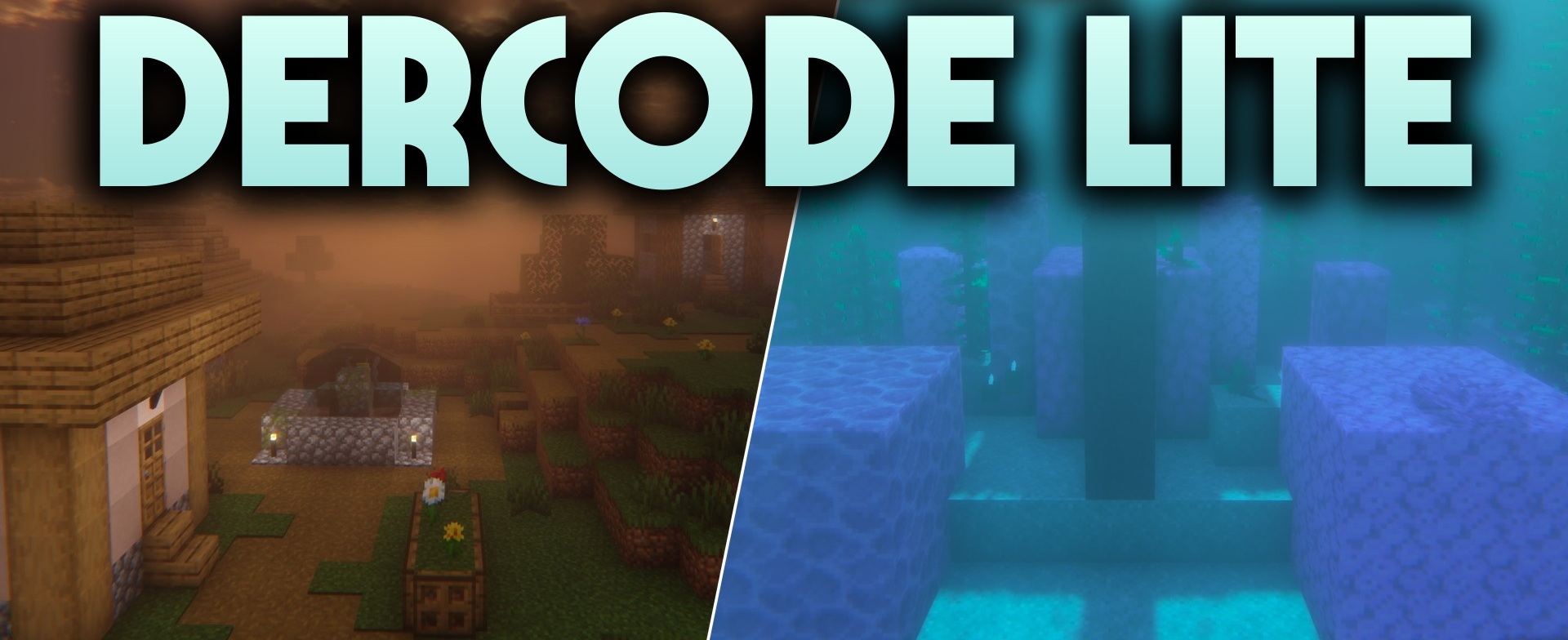
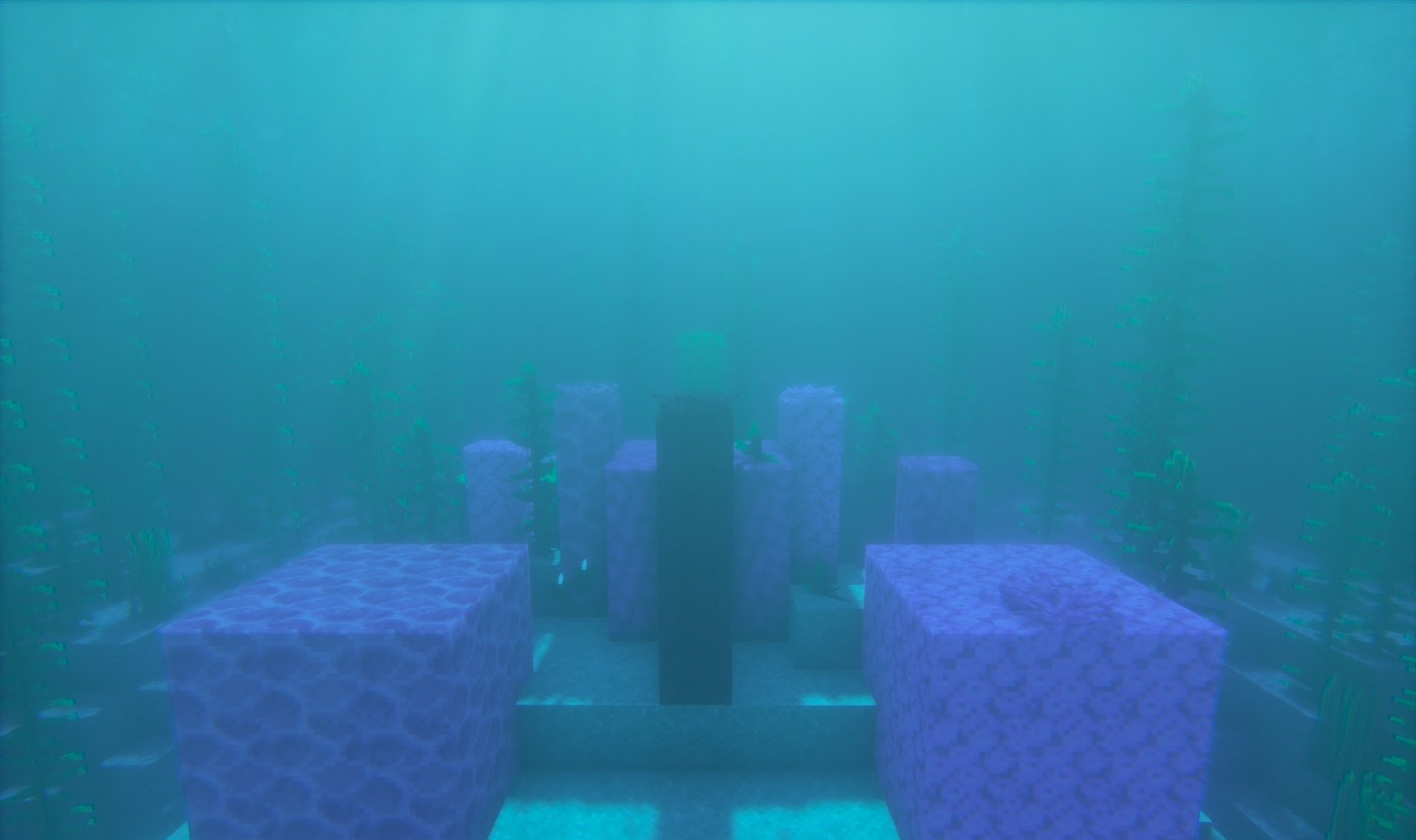
A lightweight version of the visual direction of Dercode and Derivative is presented in DERCODE Lite Shaders. The pack adds soft dynamic shadows from the sun and moon, reworks horizon colors, and makes water more transparent while maintaining moderate computer requirements.
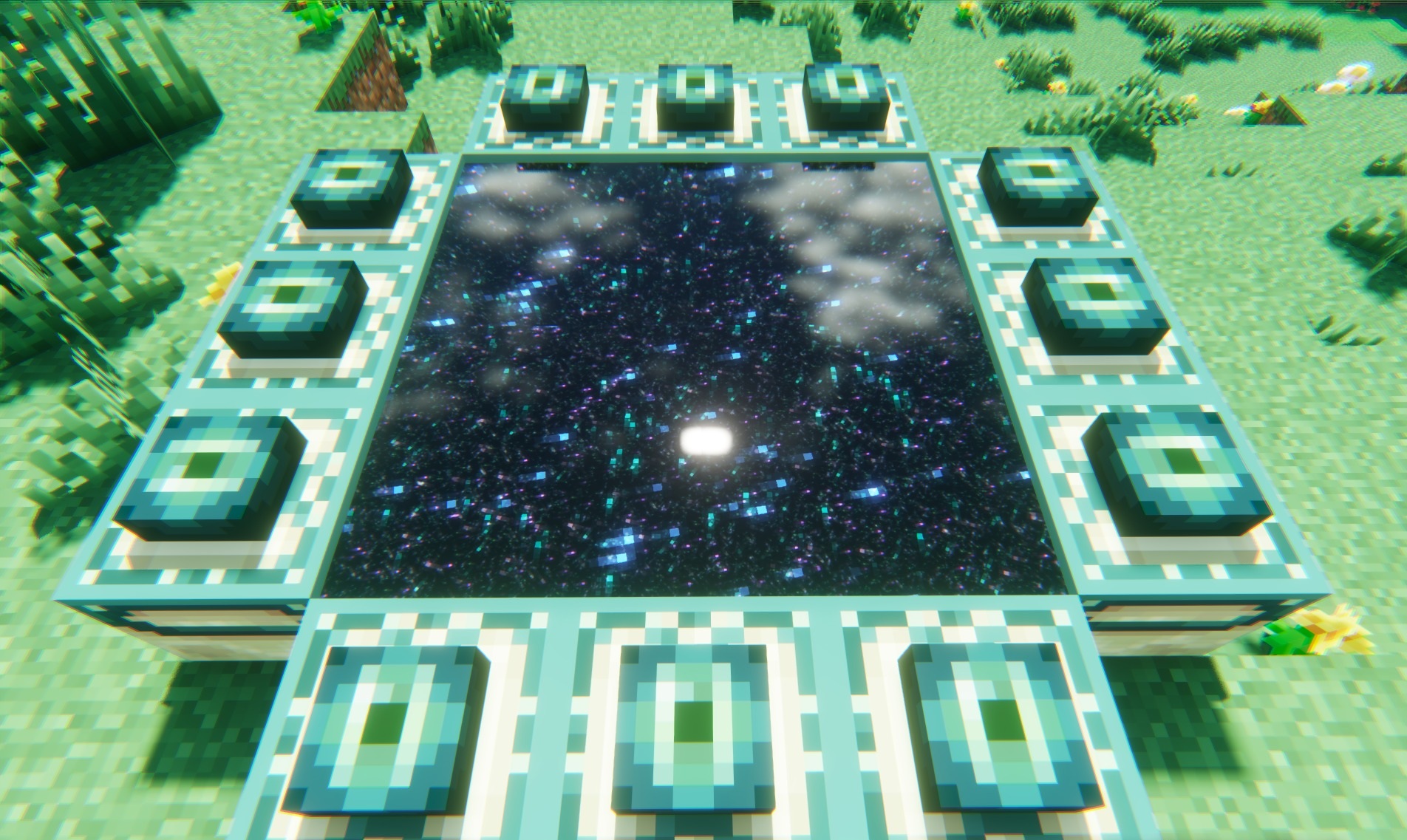
Daytime biomes receive a clean and saturated palette, while in nighttime locations and caves, light sources stand out more clearly against the surrounding darkness. The visual style lies between realism and fantasy: physically plausible lighting elements coexist with more colorful processing of the sky and environment. Many of the heavy effects of the original visual direction have been simplified or removed.
How to install a shader:
First step: download the shader package from the link below.
Second step: Unpack the downloaded archive and copy the DERCODE Lite Shaders folder to c:\Users\User\AppData\Roaming\.minecraft\shaderpacks\(if this folder does not exist, create it yourself) (For Windows)
Third step: In the game, go to Settings, then to Graphics Settings. Select the "shaders" section and activate the shader pack of your choice.
Comments (0)