



DreadShade for Minecraft 26.2
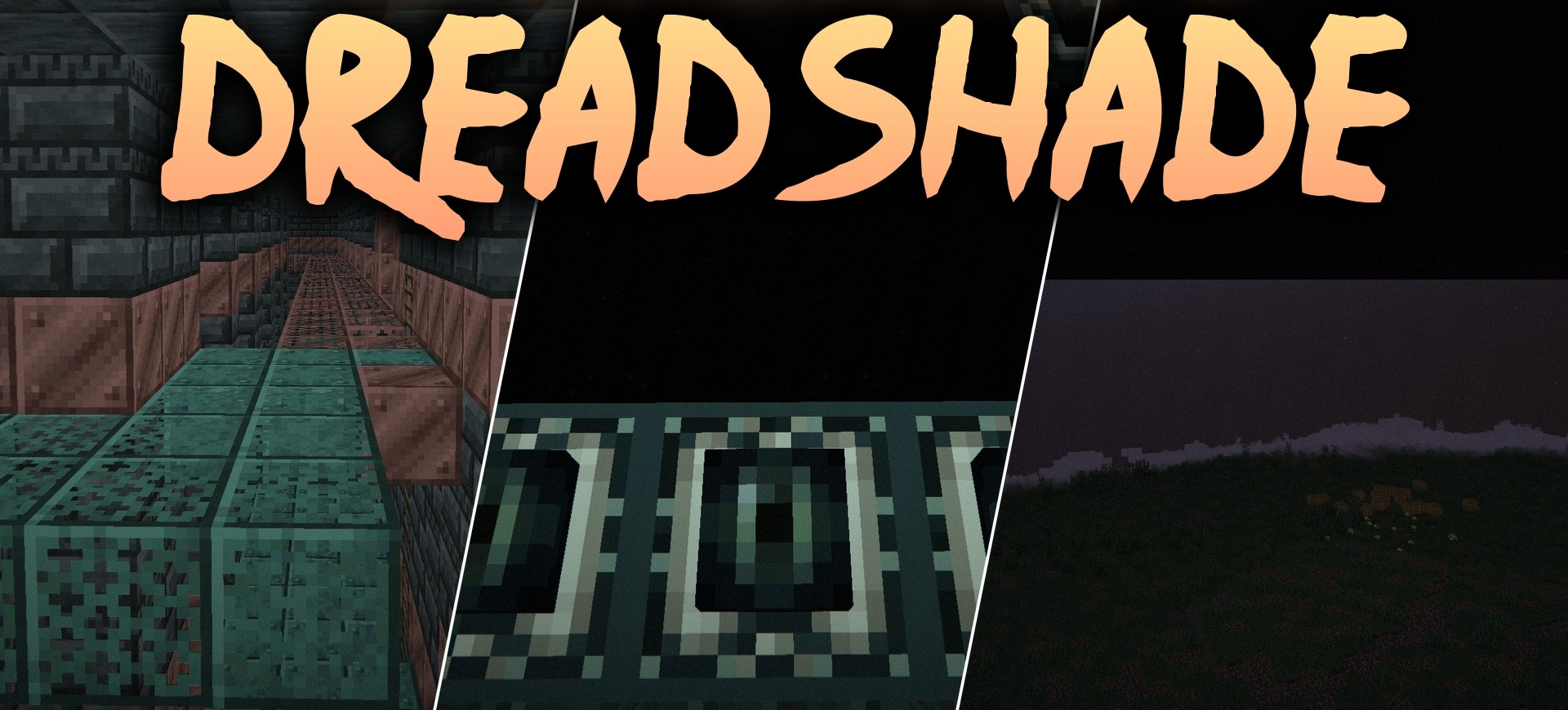
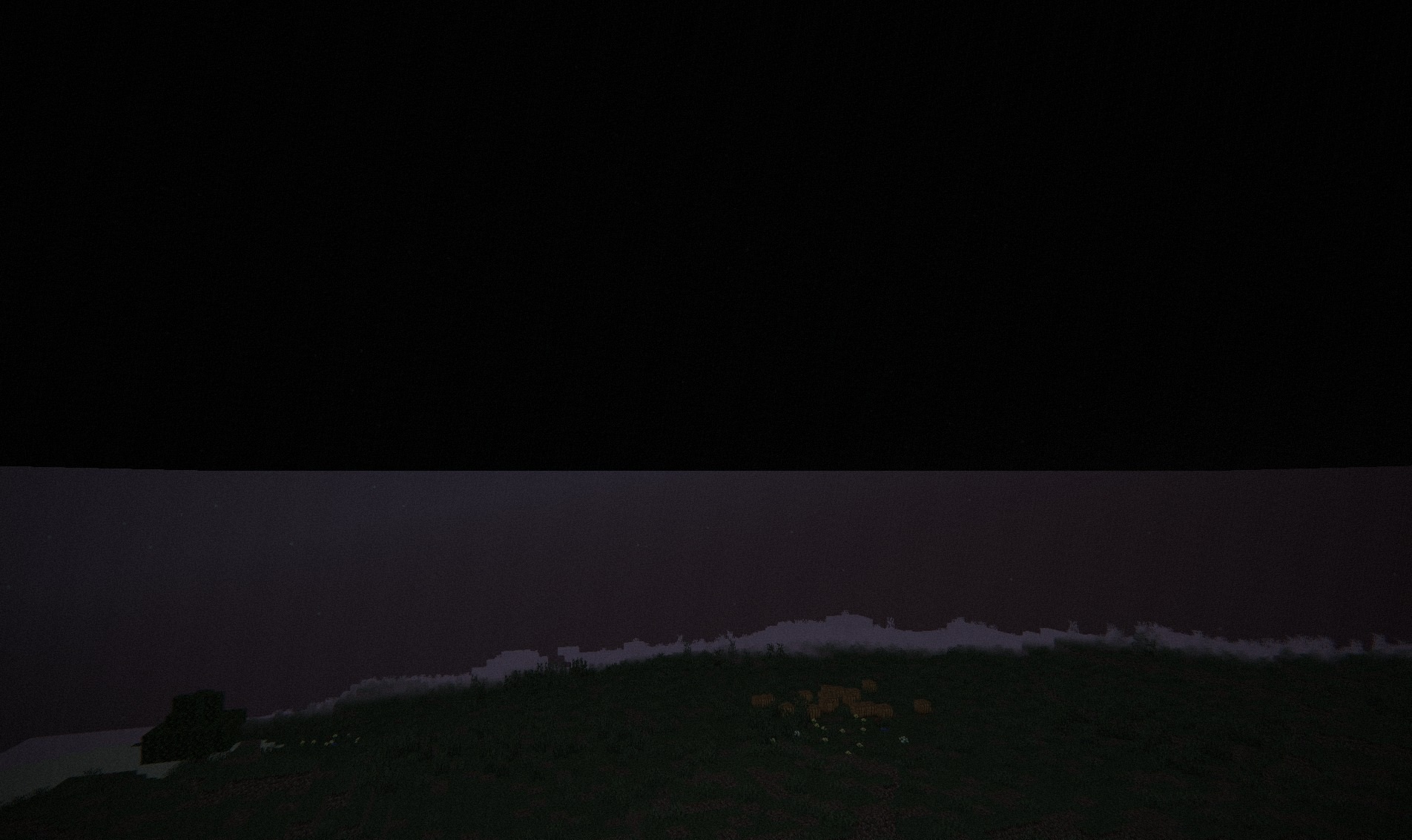
With DreadShade, the ordinary world quickly turns into a space with a horror atmosphere. Colors become muted, distant objects gradually disappear behind dense low-lying fog, and the edges of the screen darken with a tunnel vision effect. Because of this, the field of view visually narrows, and the central part of the frame remains the only relatively easy-to-see area.
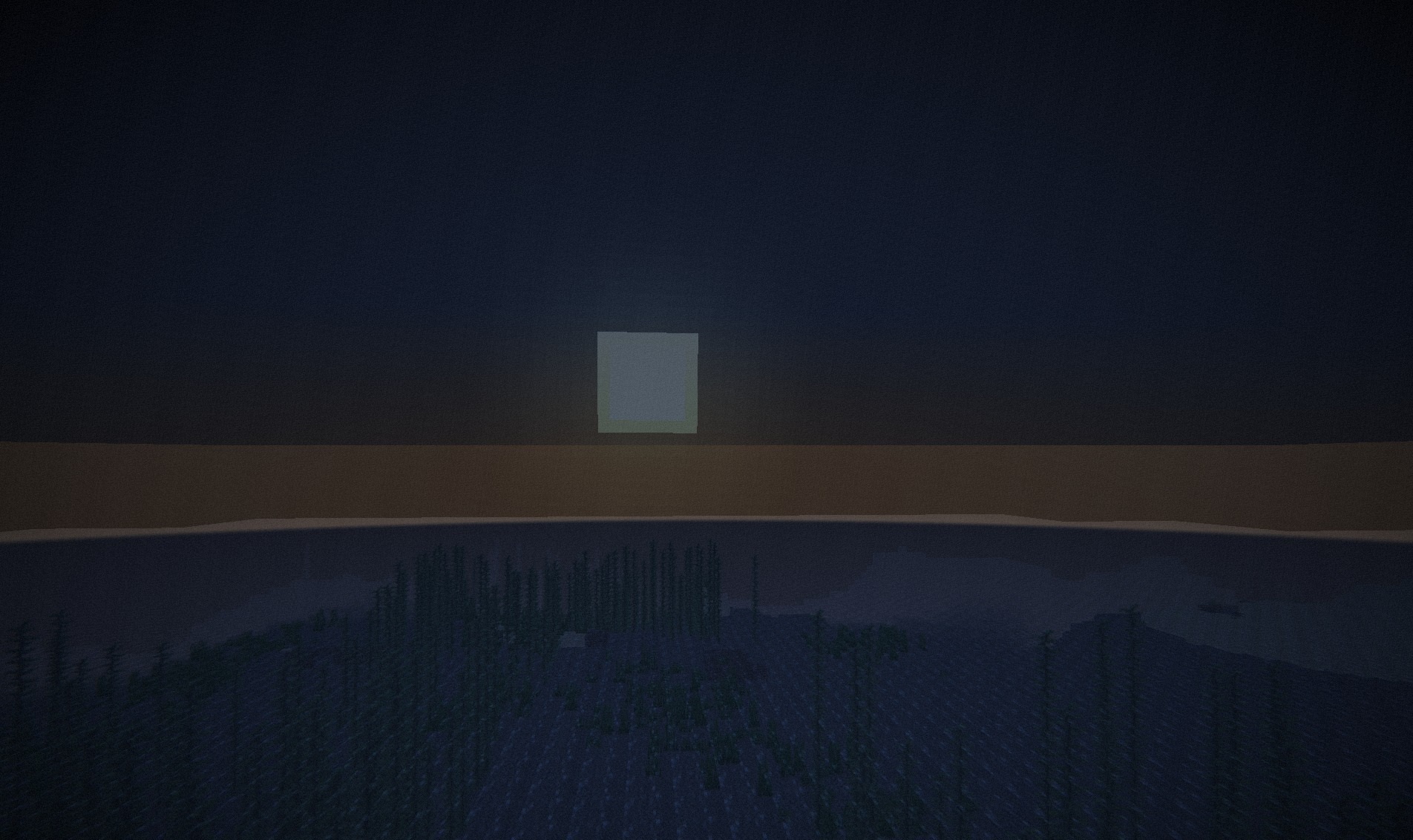
Even bright light sources do not provide the familiar feeling of safety: lanterns and torches appear weaker against the overall darkness. The shader works as post-processing and changes the already rendered image rather than adding new gameplay mechanics.
How to install a shader:
First step: download the shader package from the link below.
Second step: Unpack the downloaded archive and copy the DreadShade folder to c:\Users\User\AppData\Roaming\.minecraft\shaderpacks\(if this folder does not exist, create it yourself) (For Windows)
Third step: In the game, go to Settings, then to Graphics Settings. Select the "shaders" section and activate the shader pack of your choice.
Comments (0)