



DreamFall Shaders for Minecraft 26.2
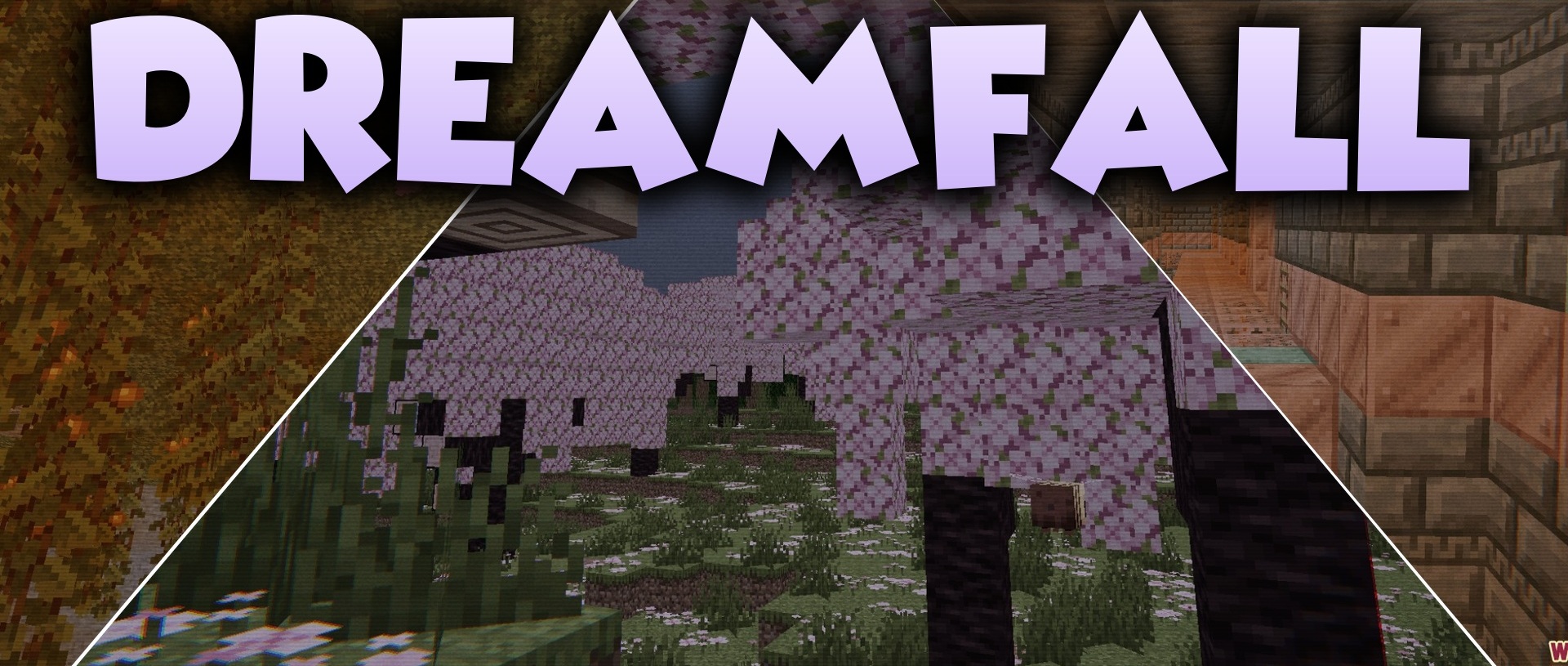
The aesthetic of an old VHS recording becomes the foundation of DreamFall Shaders. The image looks as if the gameplay were being recorded on a videotape from the 1990s: colors become darker, light behaves unusually, and familiar daytime scenes take on an unsettling tone.
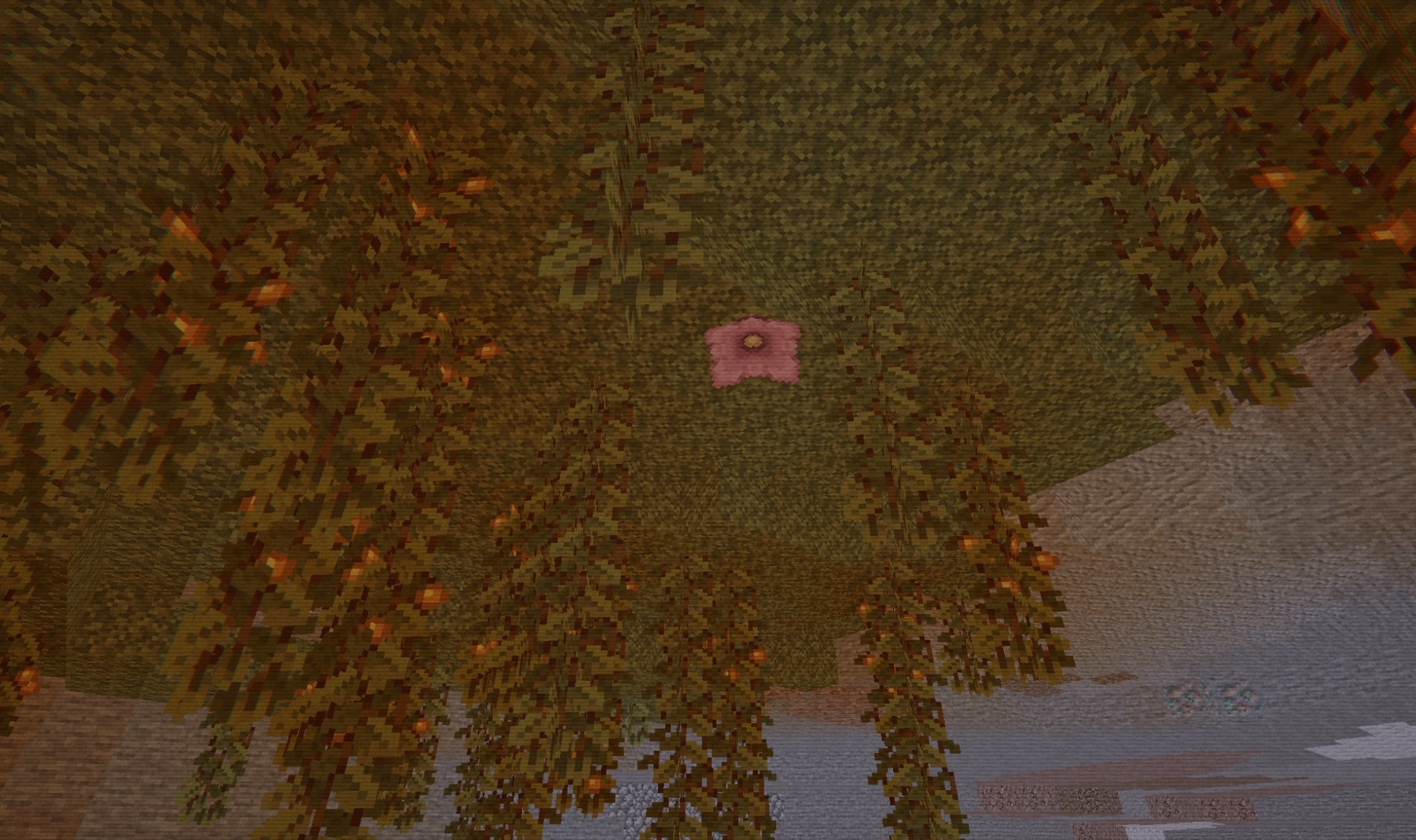
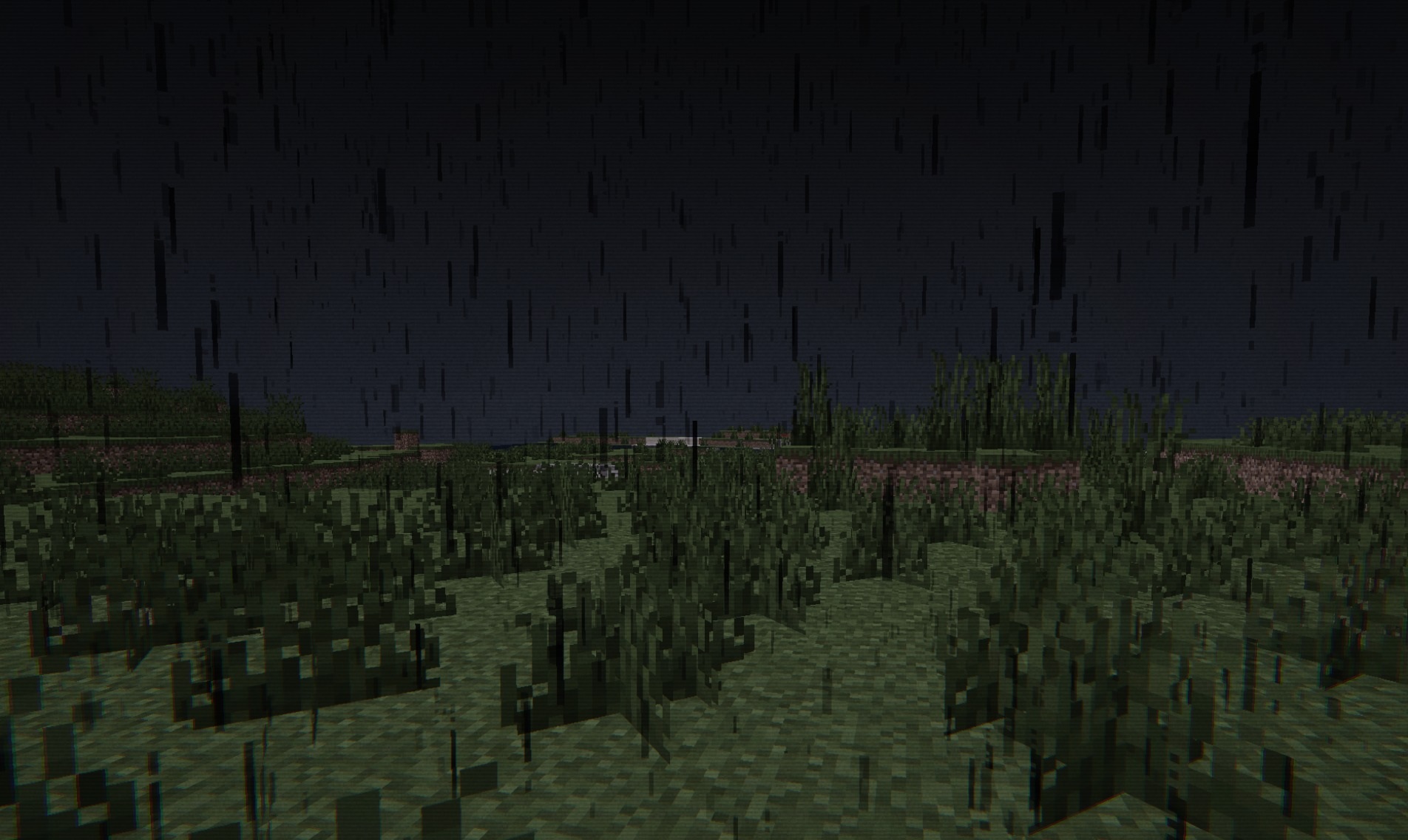
The standard shapes of blocks do not change, so the horror effect is created entirely through image processing. The pack imitates the style of found footage and applies this presentation to forests, villages, caves, and other ordinary locations. Sunlight and shadows stop feeling natural and begin contributing to the overall strange atmosphere.
How to install a shader:
First step: download the shader package from the link below.
Second step: Unpack the downloaded archive and copy the DreamFall Shaders folder to c:\Users\User\AppData\Roaming\.minecraft\shaderpacks\(if this folder does not exist, create it yourself) (For Windows)
Third step: In the game, go to Settings, then to Graphics Settings. Select the "shaders" section and activate the shader pack of your choice.
Comments (0)