



E LITE MakeUp Shaders for Minecraft 26.2
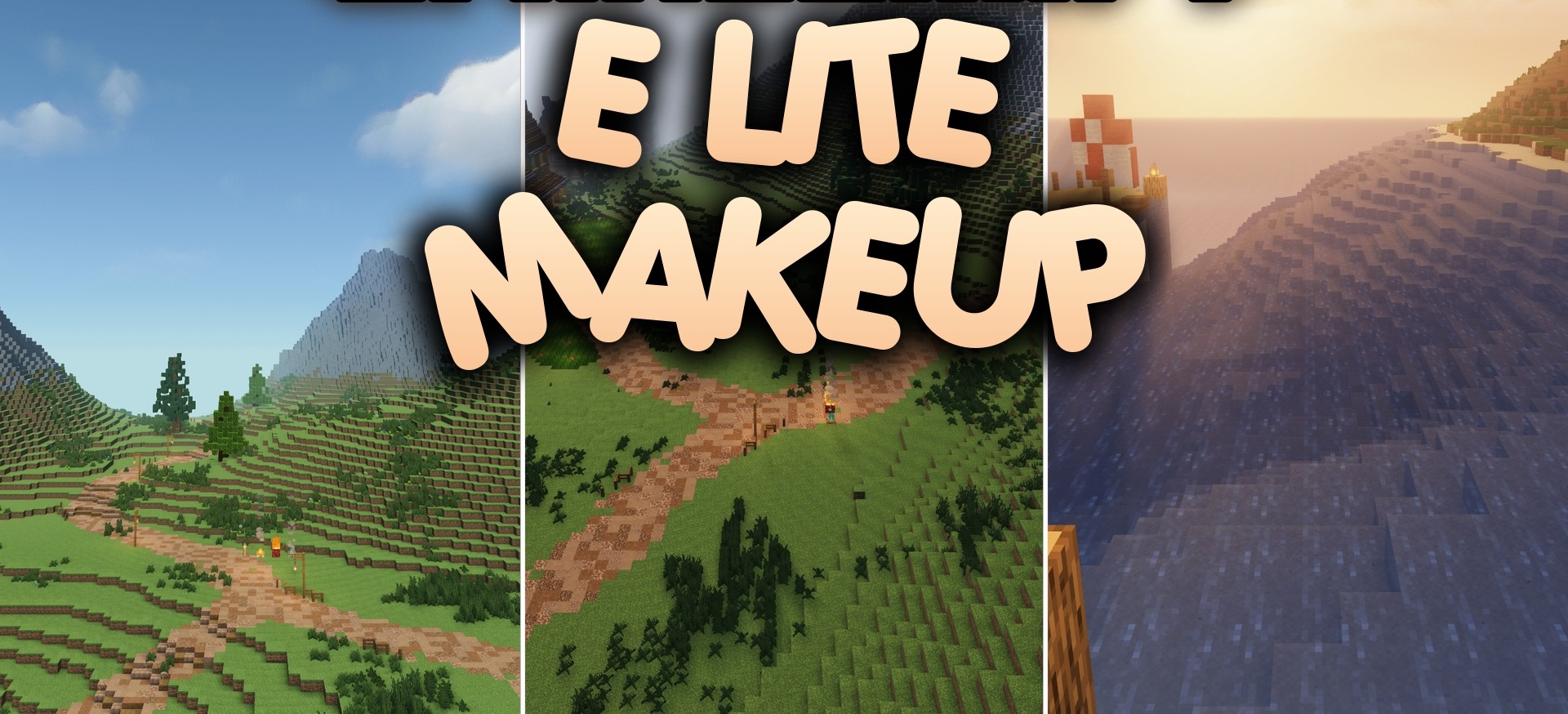
E LITE MakeUp Shaders combines several visual options and allows you to adjust the image for a specific world. The settings include realistic, classic, and fantasy combinations of colors, lighting, and shadows.
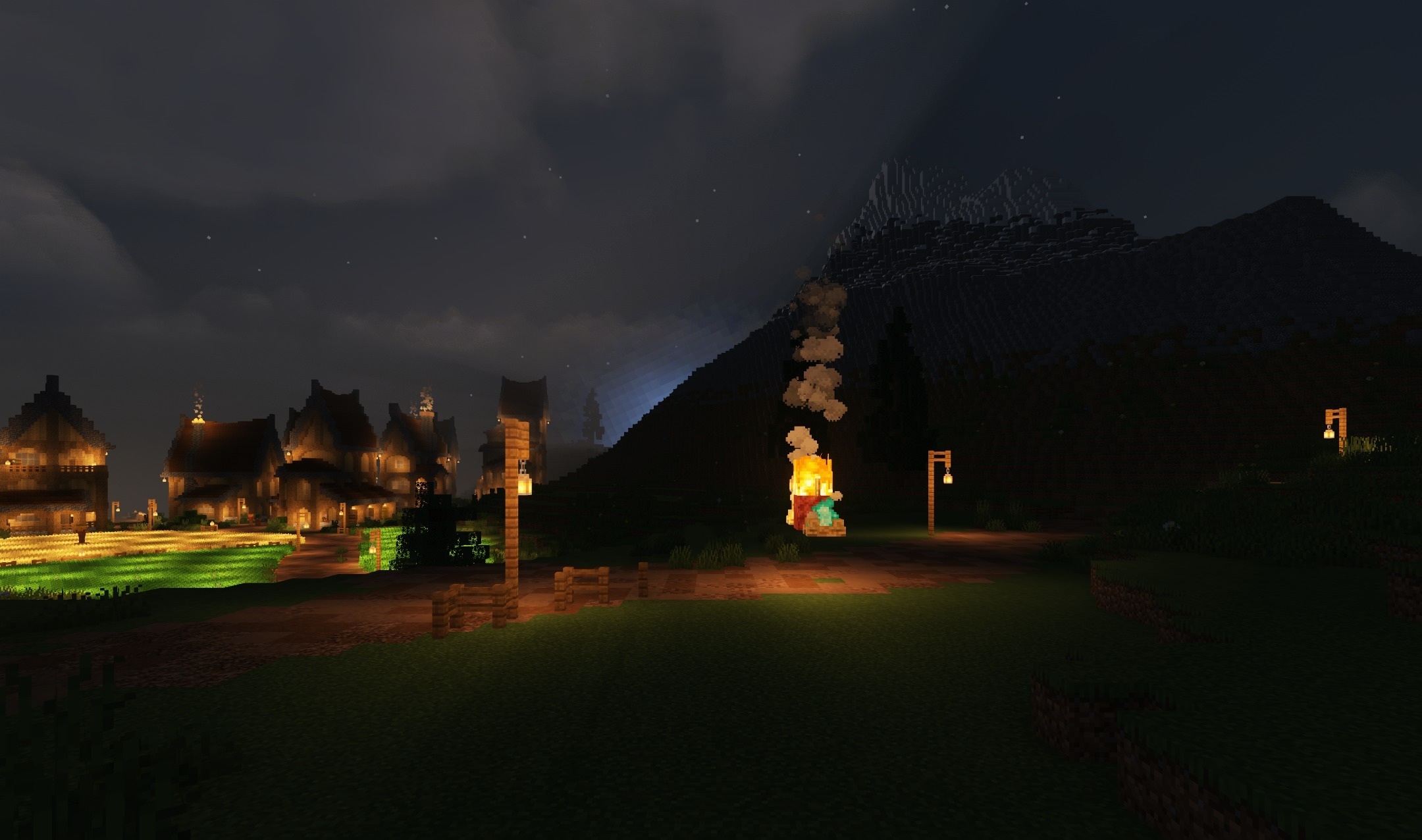
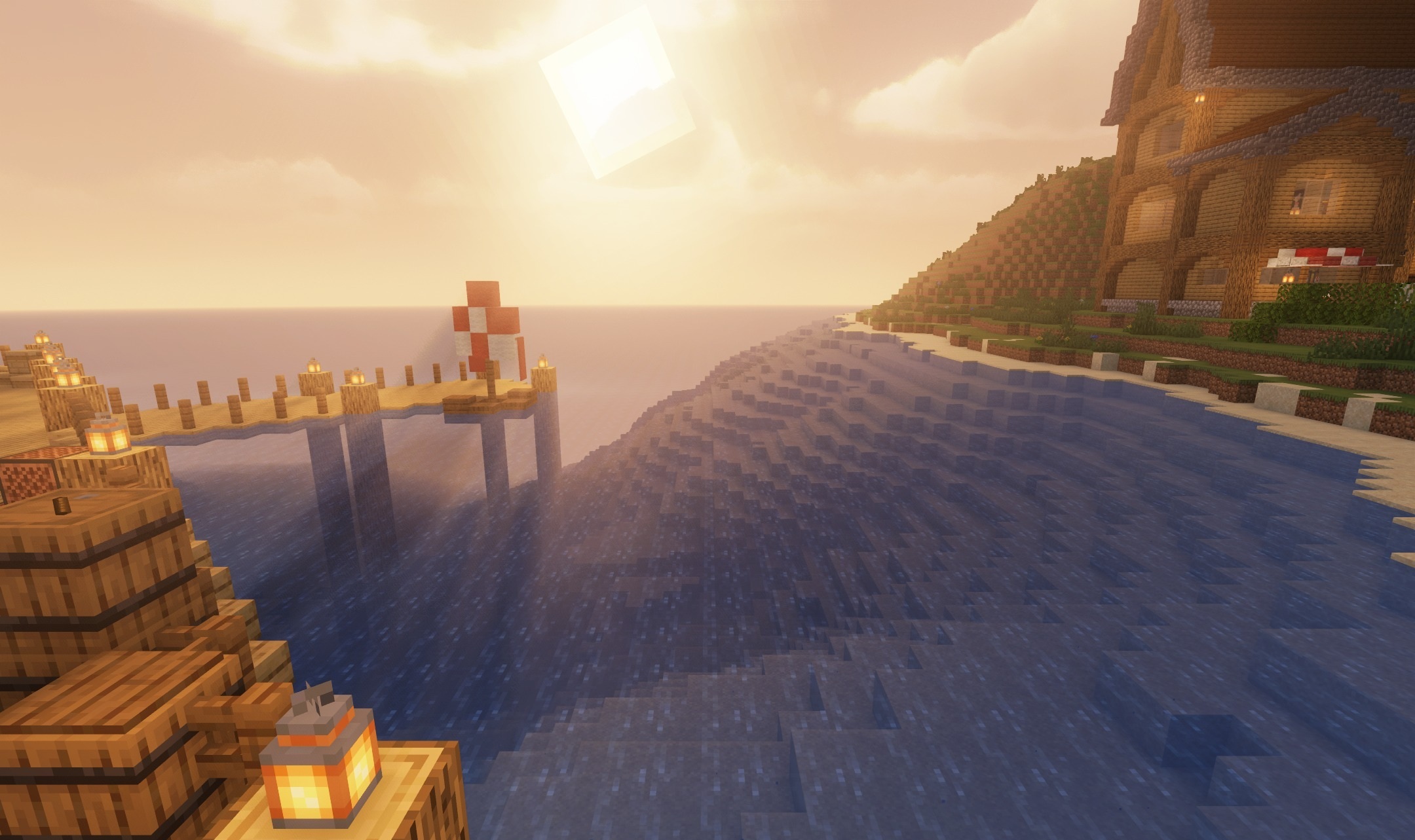
Block brightness, environmental saturation, and effect quality can be adjusted manually, allowing you to choose a balance between appearance and frame rate. The shader is performance-oriented, so it does not require a powerful computer for stable gameplay. Even at reduced settings, sunlight becomes more expressive, while the surrounding colors look cleaner and more saturated.
How to install a shader:
First step: download the shader package from the link below.
Second step: Unpack the downloaded archive and copy the E LITE MakeUp Shaders folder to c:\Users\User\AppData\Roaming\.minecraft\shaderpacks\(if this folder does not exist, create it yourself) (For Windows)
Third step: In the game, go to Settings, then to Graphics Settings. Select the "shaders" section and activate the shader pack of your choice.
Comments (0)