



Eclipse Lite Cinematic Shaders for Minecraft 26.2
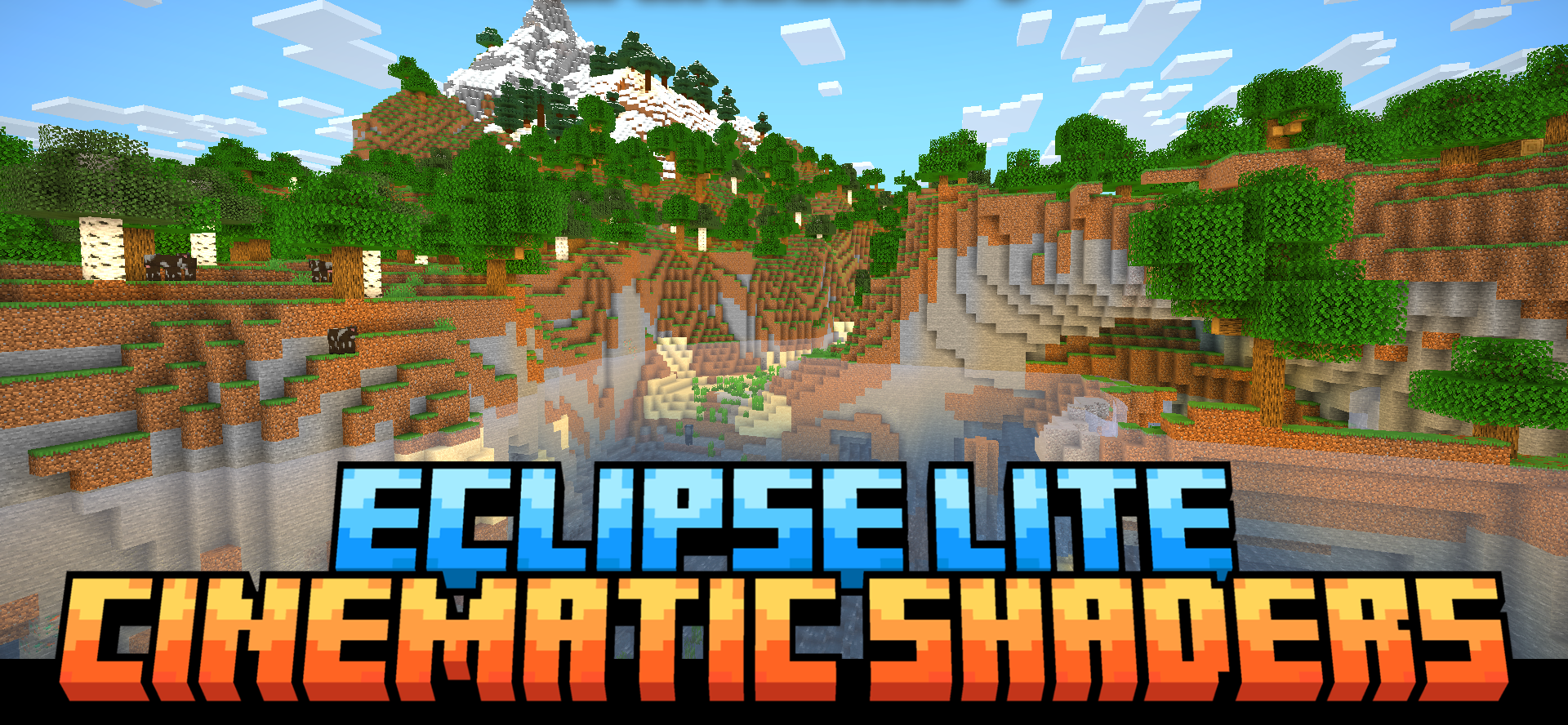
Eclipse Lite Cinematic Shaders adds a cinematic frame without a heavy graphical overhaul. The main effect is the black bars at the top and bottom of the screen, which immediately change the perception of the game and make the view resemble a scene from a movie.
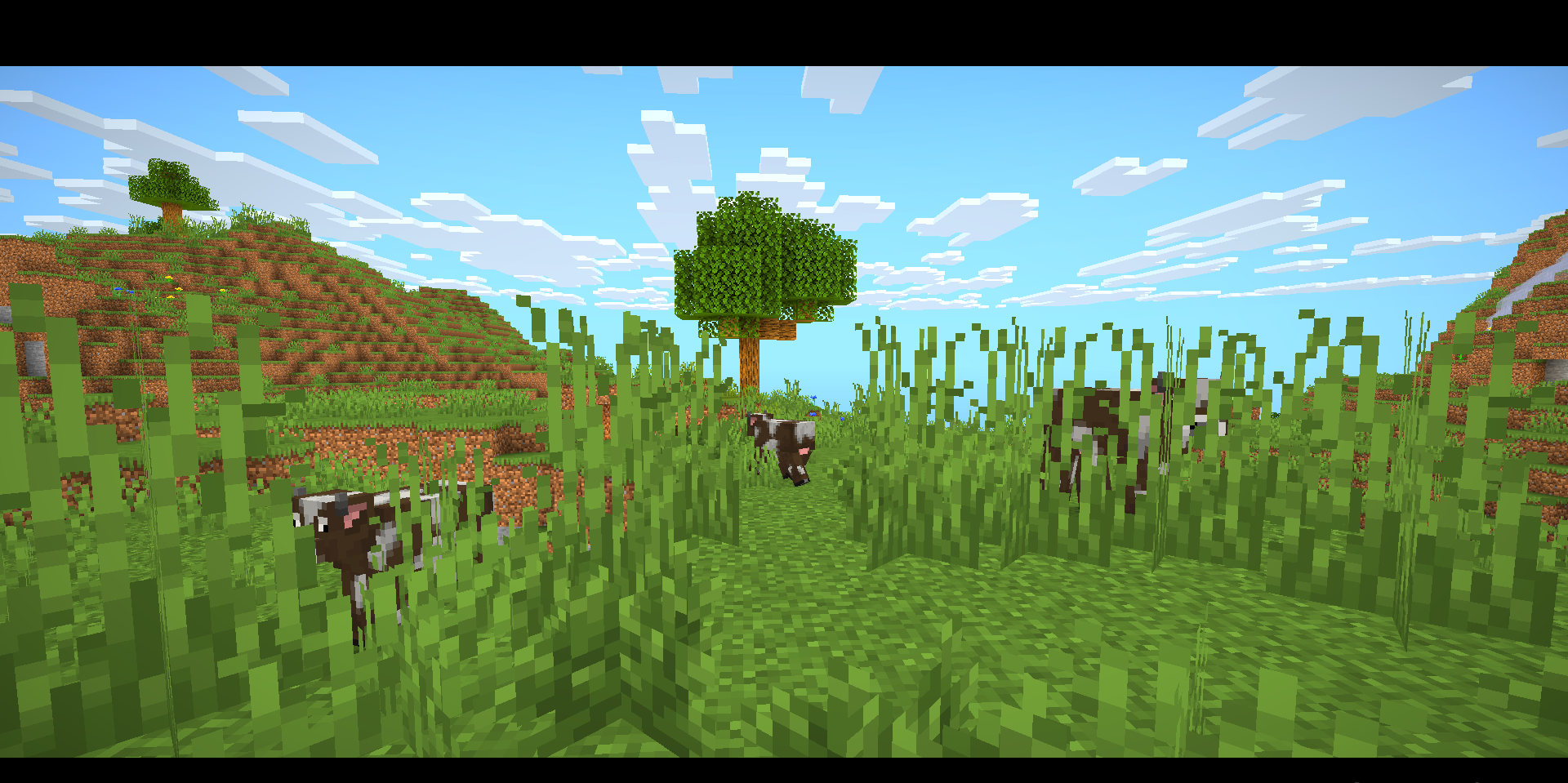
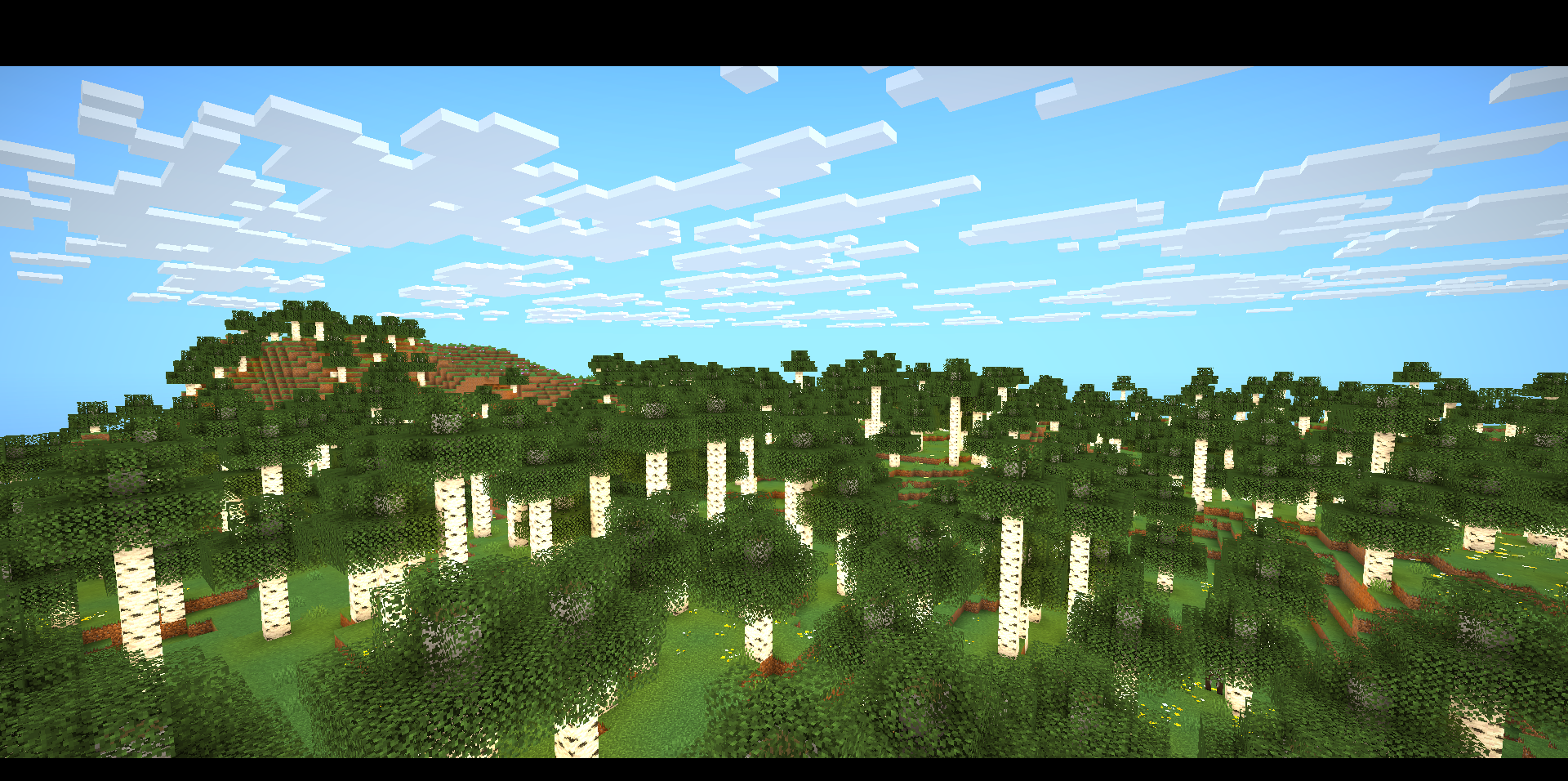
The shader does not overload the image with bloom, motion blur, depth of field, or complex shadows. The water remains close to its regular appearance but becomes more transparent, making it easier to see through. Plants and leaves do not receive unnecessary swaying because the pack is designed to run steadily on older devices and laptops. It does not try to make the world realistic, but instead adds a subtle cinematic frame.
How to install a shader:
First step: download the shader package from the link below.
Second step: Unpack the downloaded archive and copy the Eclipse Lite Cinematic Shaders folder to c:\Users\User\AppData\Roaming\.minecraft\shaderpacks\(if this folder does not exist, create it yourself) (For Windows)
Third step: In the game, go to Settings, then to Graphics Settings. Select the "shaders" section and activate the shader pack of your choice.
Comments (0)