



Eternal Prism Shaders for Minecraft 26.2
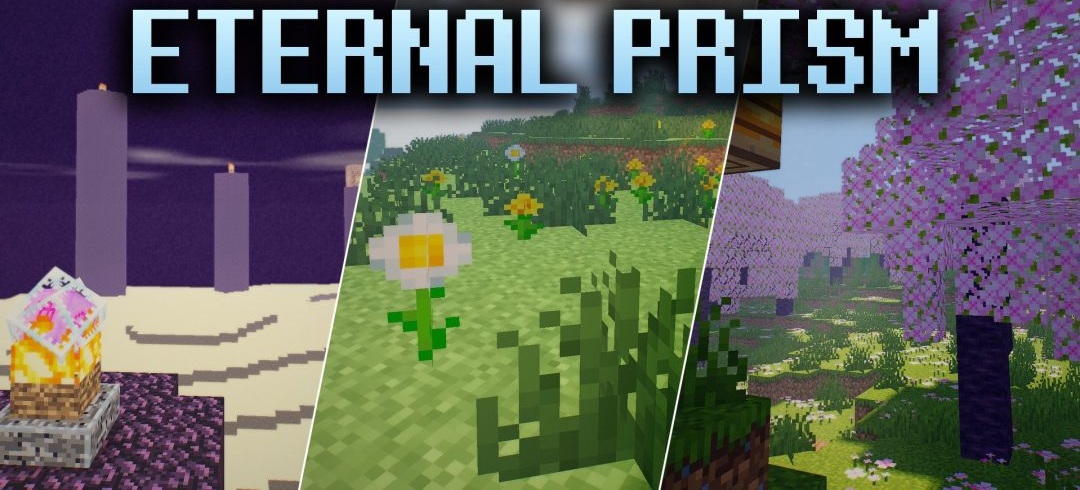
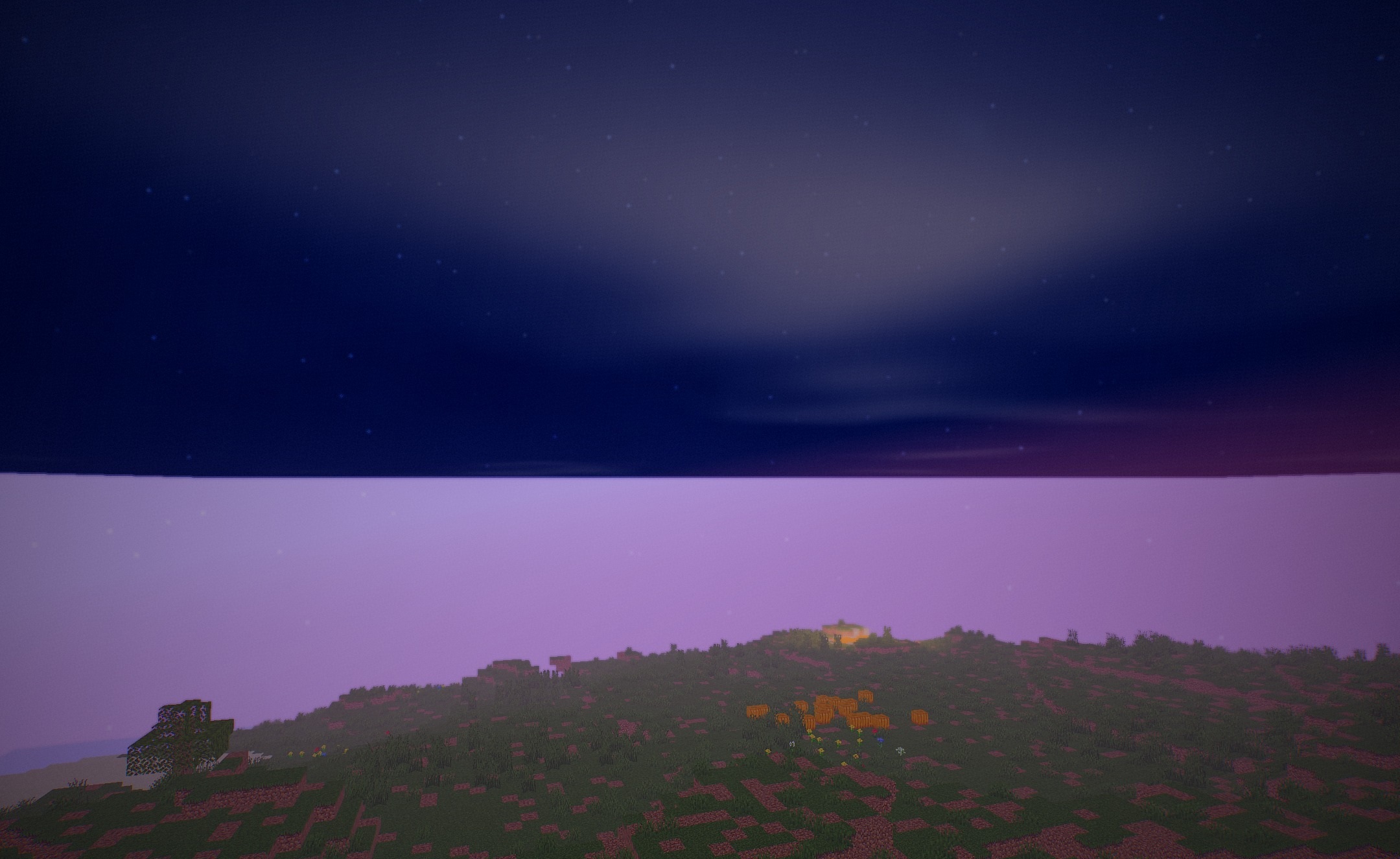
Volumetric rays of light pass between leaves and through openings in buildings, forming the basis of the lighting in Eternal Prism Shaders. During the day, the scene is complemented by three-dimensional clouds with pronounced depth and smooth movement, while at night a dark starry sky with shimmering points appears.
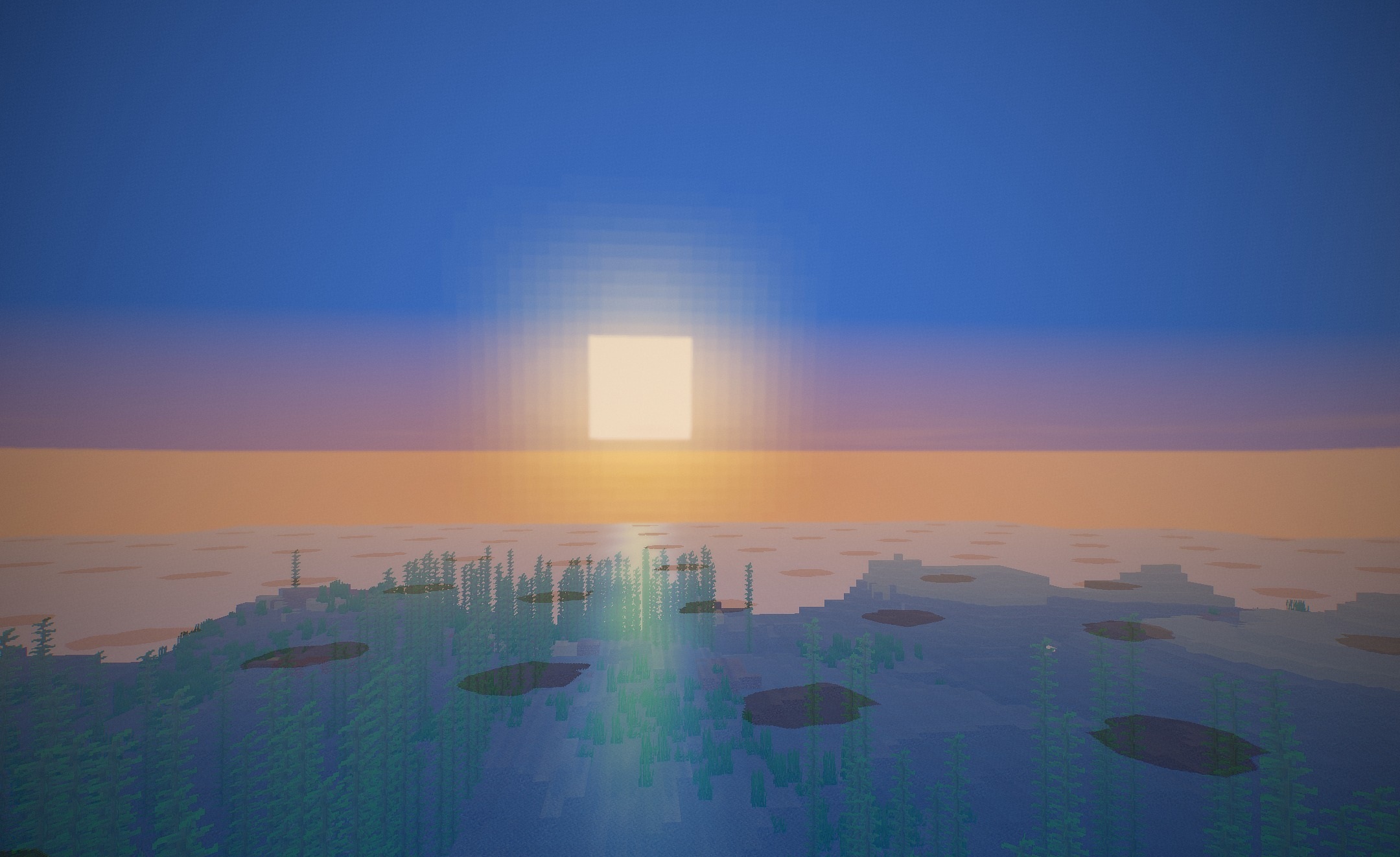
Water receives waves, real-time reflections of the surroundings, and good underwater visibility. Shadows change position together with the sun and moon, while grass, crops, leaves, and aquatic vegetation sway slightly. The color palette becomes brighter and gains fantastical shades, while the original blocky style is preserved.
How to install a shader:
First step: download the shader package from the link below.
Second step: Unpack the downloaded archive and copy the Eternal Prism Shaders folder to c:\Users\User\AppData\Roaming\.minecraft\shaderpacks\(if this folder does not exist, create it yourself) (For Windows)
Third step: In the game, go to Settings, then to Graphics Settings. Select the "shaders" section and activate the shader pack of your choice.
Comments (0)