



Ethereal Shaders for Minecraft 26.2
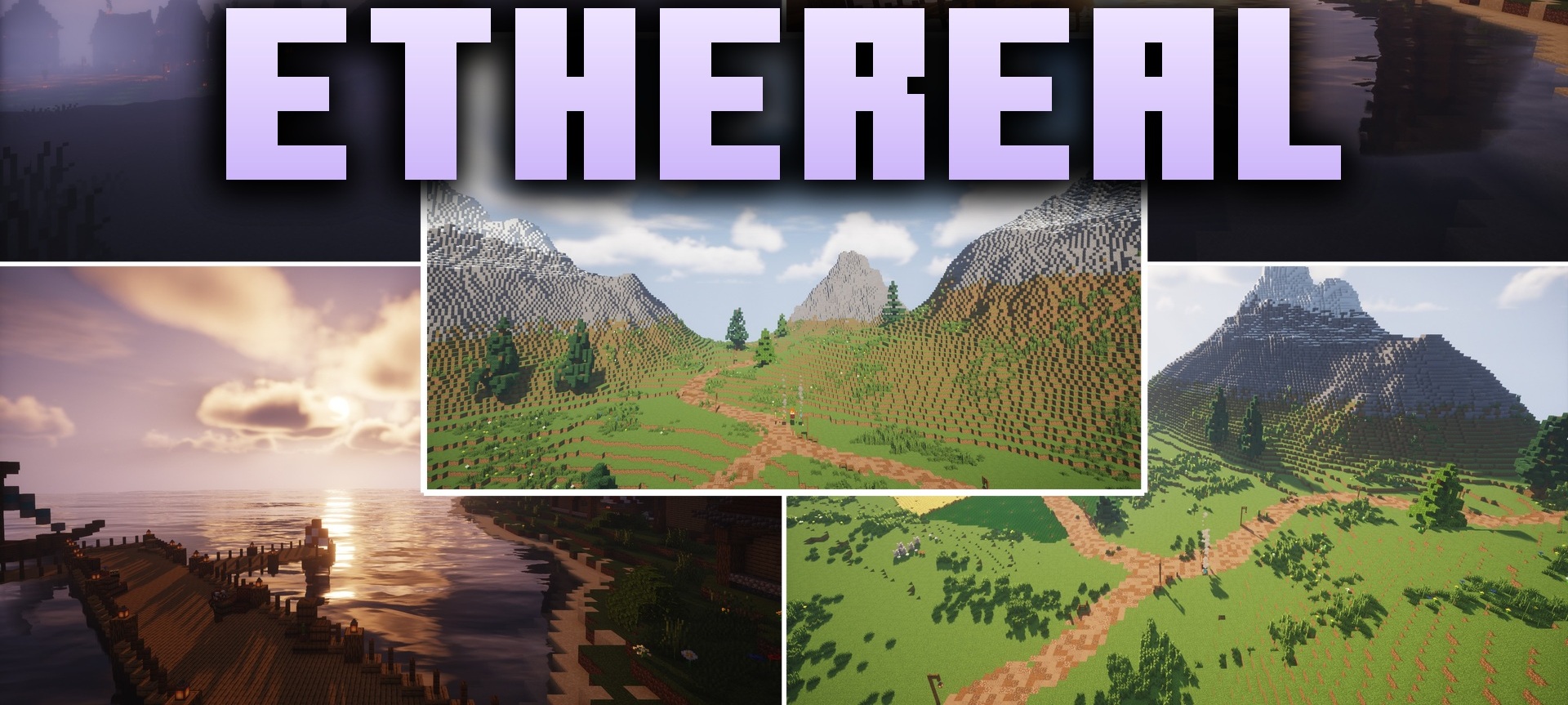
A soft combination of fantasy lighting and realistic details changes the world without putting excessive strain on the system. Ethereal Shaders is responsible for this visual style and is designed to maintain a stable frame rate during building and exploration.
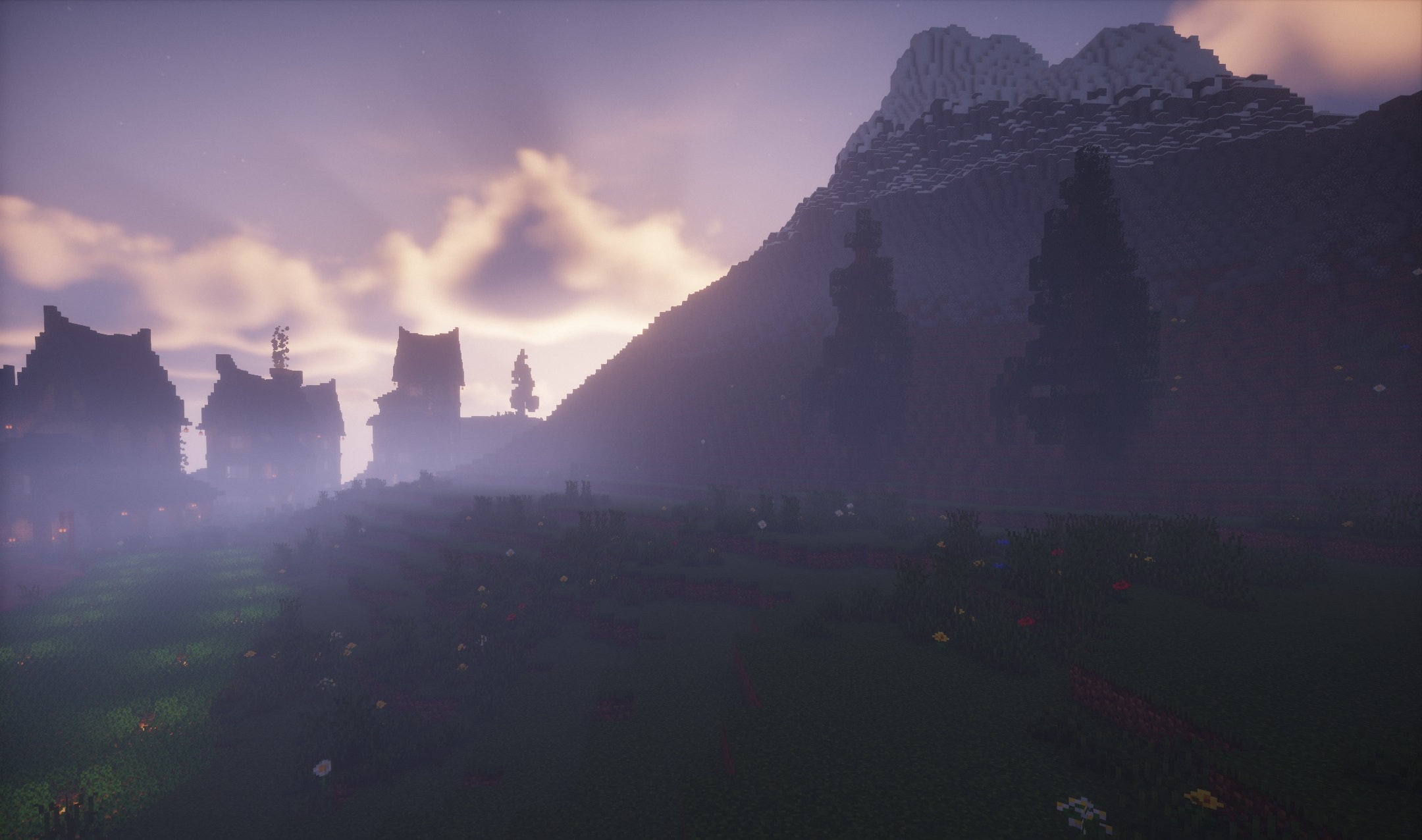
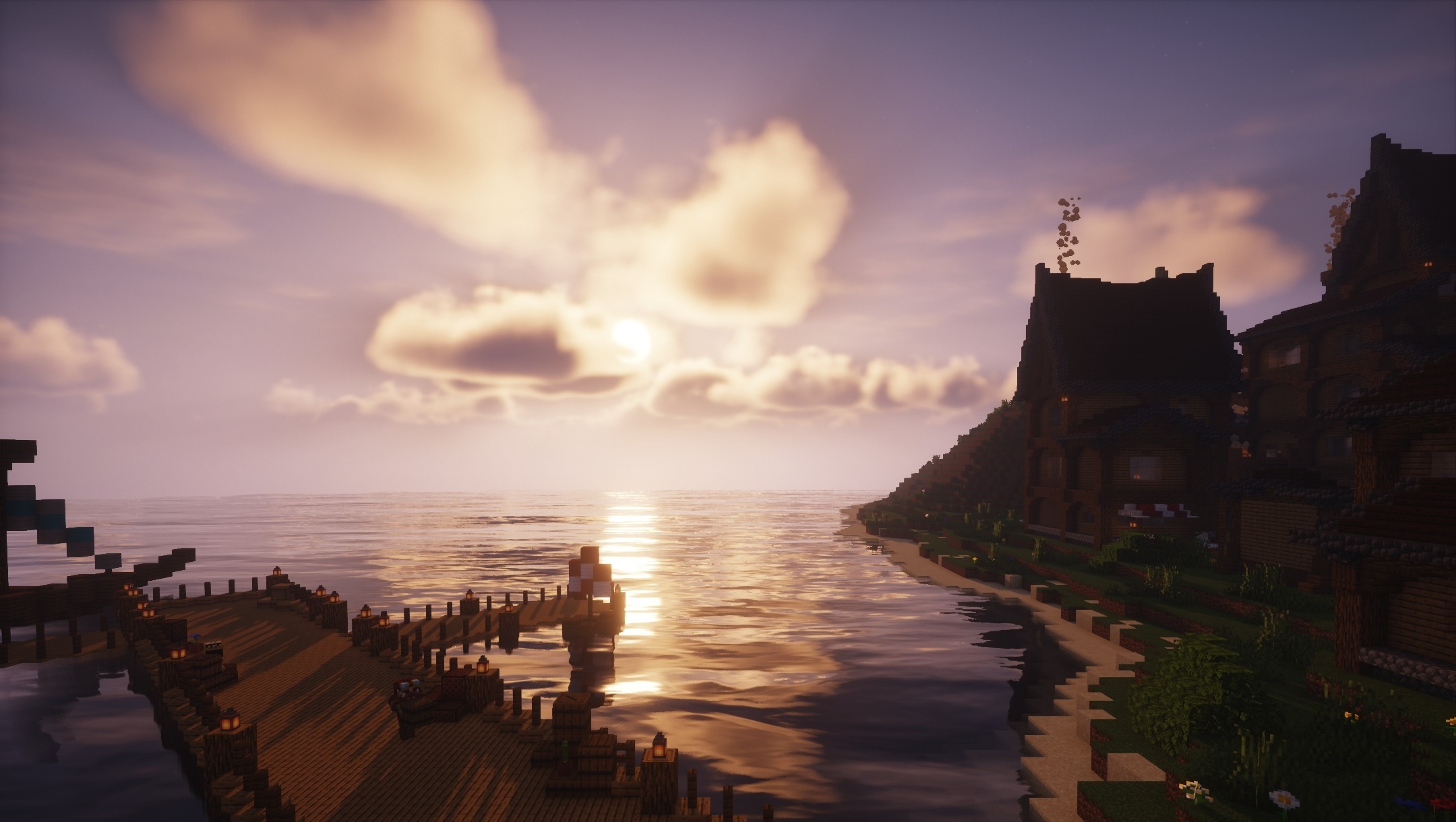
It brightens the surrounding space, makes colors more expressive, and adds subtle visual effects without turning Minecraft into a completely different game. Blocks and items retain their standard shapes, so resources remain easy to recognize even after the lighting changes. The main emphasis is on a light, clean image in which fantasy shades are combined with the familiar vanilla environment.
How to install a shader:
First step: download the shader package from the link below.
Second step: Unpack the downloaded archive and copy the Ethereal Shaders folder to c:\Users\User\AppData\Roaming\.minecraft\shaderpacks\(if this folder does not exist, create it yourself) (For Windows)
Third step: In the game, go to Settings, then to Graphics Settings. Select the "shaders" section and activate the shader pack of your choice.
Comments (1)