



Eveliteshaders for Minecraft 26.2
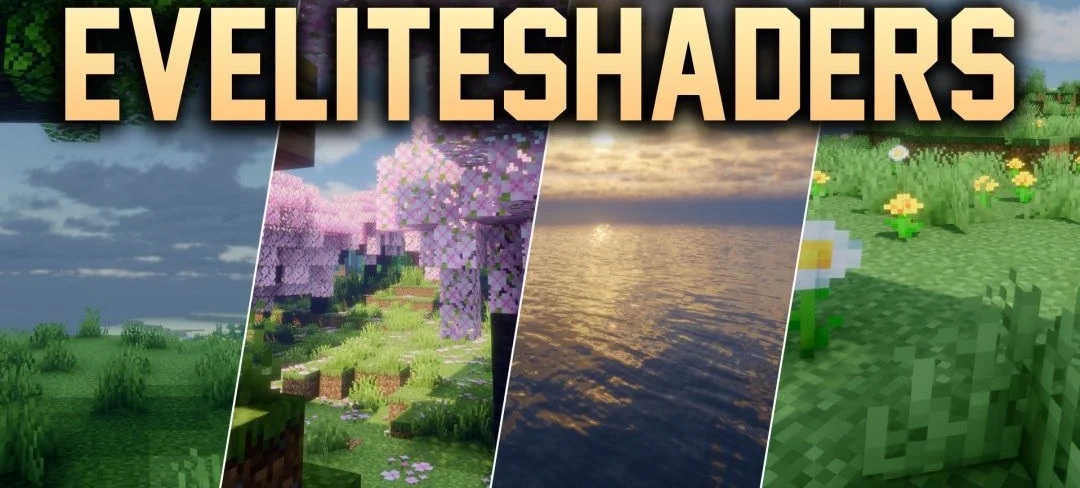
The cinematic graphics of Eveliteshaders are built around heavy lighting effects and are designed for powerful computers. Bright volumetric rays pass between trees and buildings, while dense fog forms several atmospheric layers at different distances from the camera.
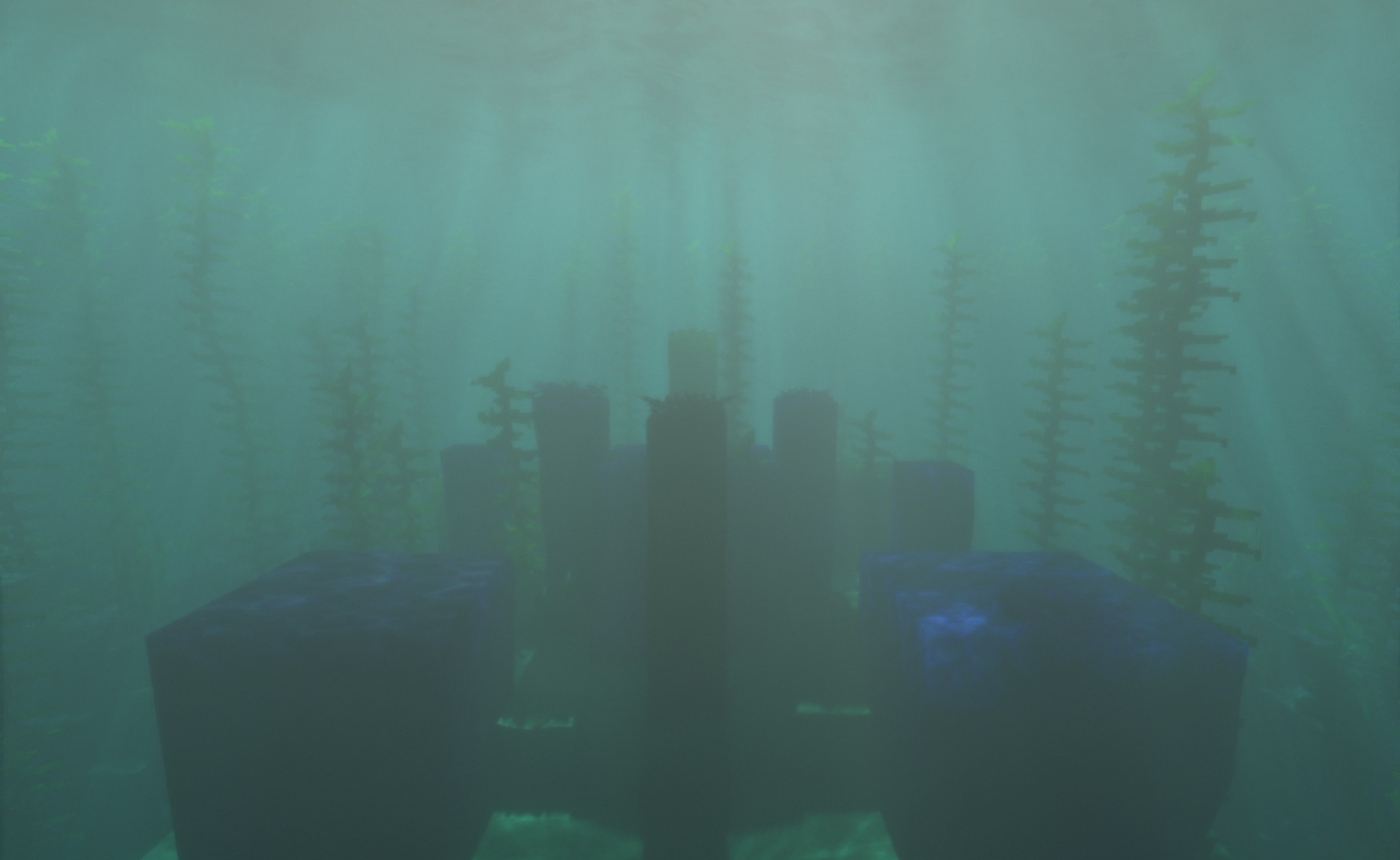
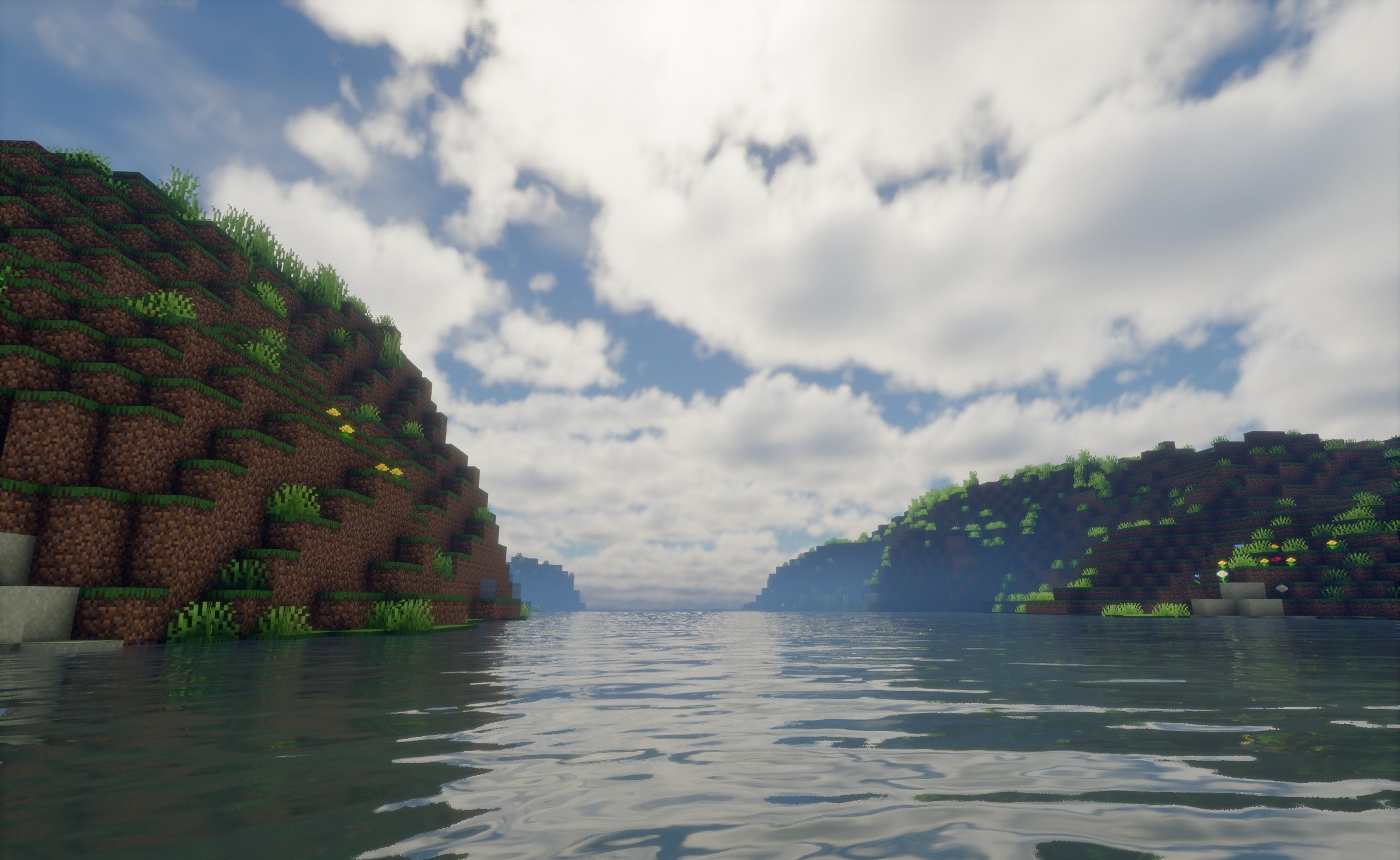
Blocks, items, and moving mobs cast sharp, detailed shadows, strengthening the sense of depth in the scene. Water is also completely reworked: the surface receives movement and reflections while maintaining deep transparency when looking into a body of water. The sky during both day and night is complemented by pronounced atmospheric perspective, making distant objects interact more strongly with the surrounding lighting.
How to install a shader:
First step: download the shader package from the link below.
Second step: Unpack the downloaded archive and copy the Eveliteshaders folder to c:\Users\User\AppData\Roaming\.minecraft\shaderpacks\(if this folder does not exist, create it yourself) (For Windows)
Third step: In the game, go to Settings, then to Graphics Settings. Select the "shaders" section and activate the shader pack of your choice.
Comments (3)