



EventHorizon Shaders for Minecraft 26.2
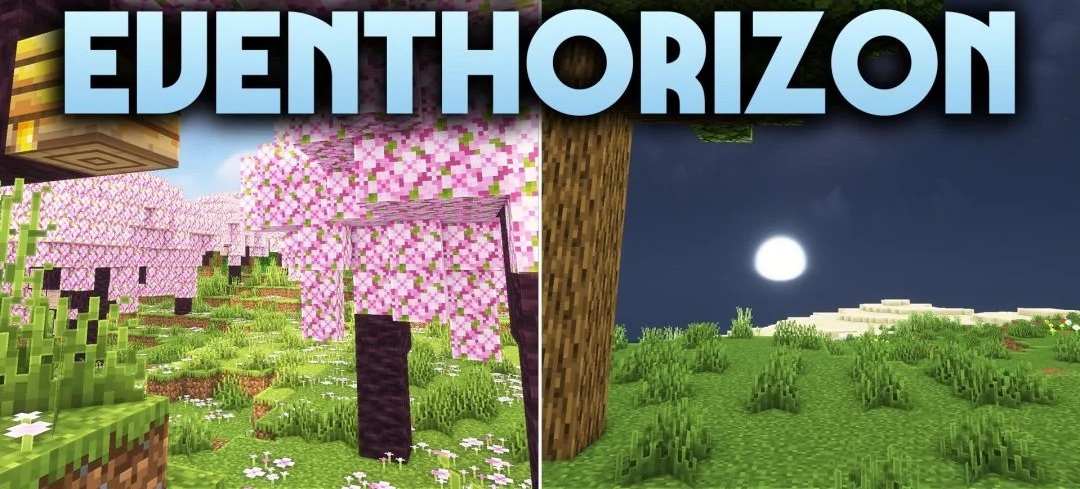
EventHorizon Shaders is based on Complementary R4.7, supplemented with its own changes to lighting and atmospheric processing. Sunlight becomes brighter while remaining balanced with block lighting, giving open areas a clean and clearly readable image. Smooth shadows form beneath trees, buildings, and terrain elements, adding depth without creating harsh dark areas.
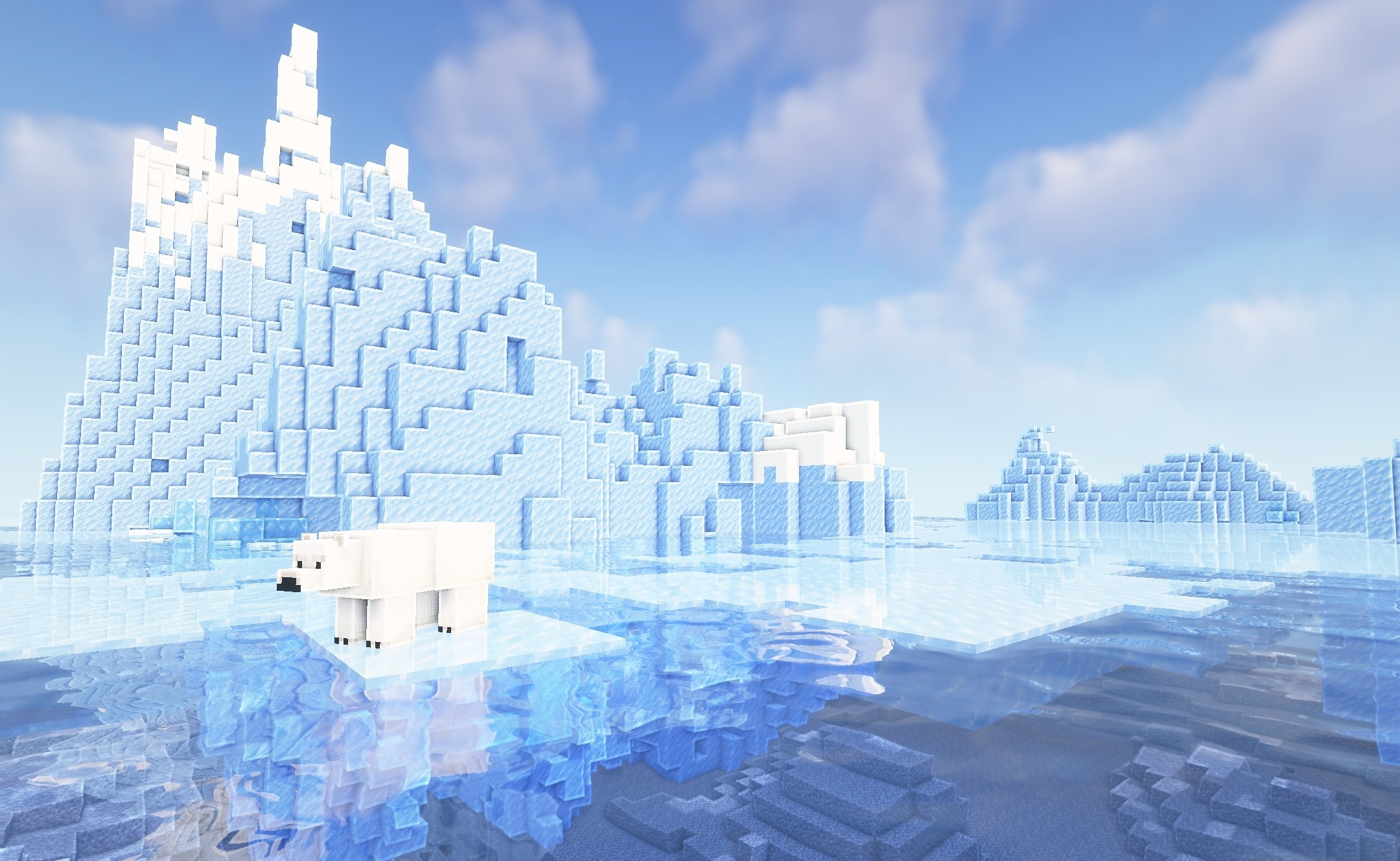
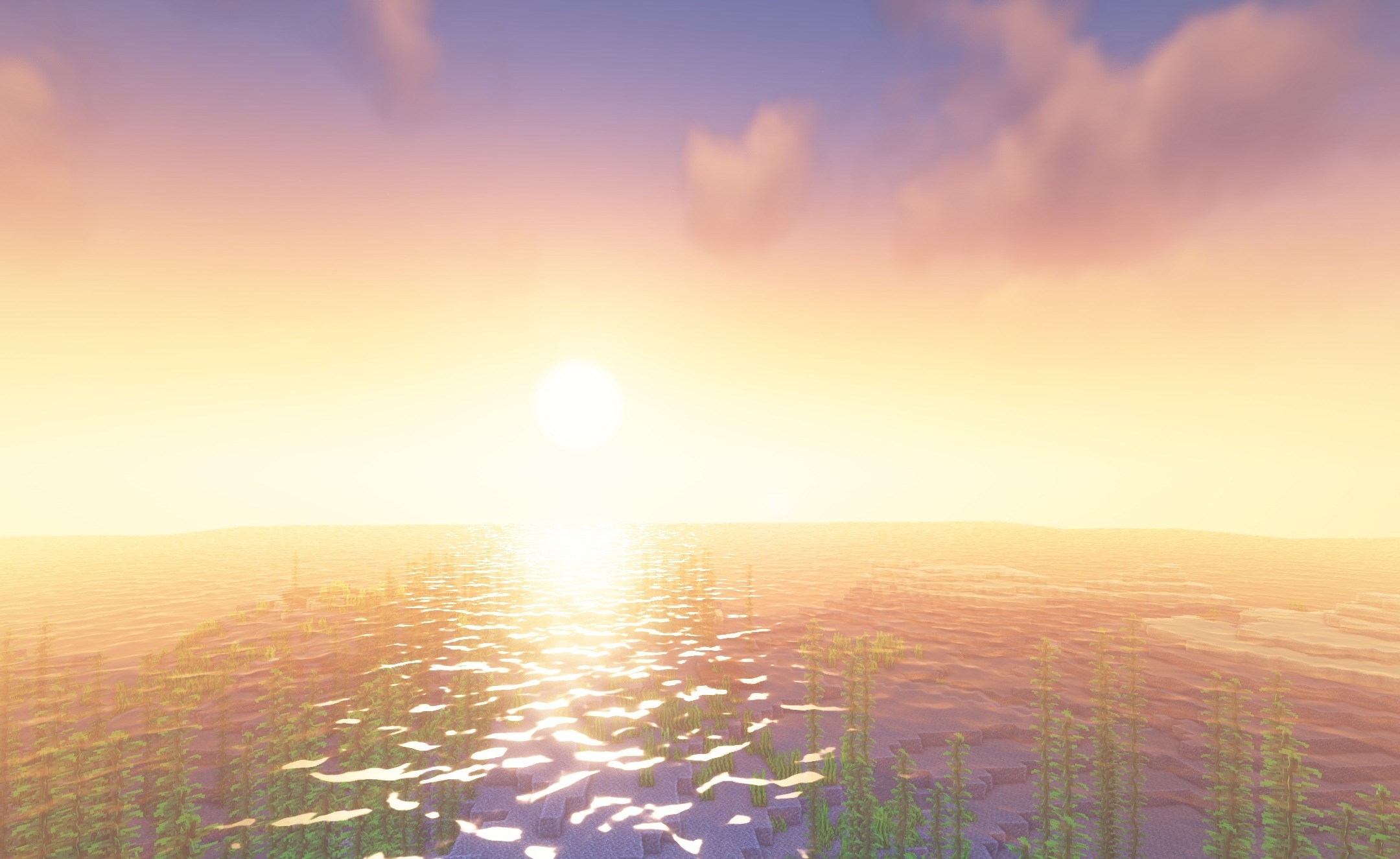
Water reflects the surrounding environment and receives more pronounced surface highlights on rivers and oceans. Separate changes affect the sky and horizon line so that distant landscapes look cleaner while exploring open terrain.
How to install a shader:
First step: download the shader package from the link below.
Second step: Unpack the downloaded archive and copy the EventHorizon Shaders folder to c:\Users\User\AppData\Roaming\.minecraft\shaderpacks\(if this folder does not exist, create it yourself) (For Windows)
Third step: In the game, go to Settings, then to Graphics Settings. Select the "shaders" section and activate the shader pack of your choice.
Comments (0)