



Faded Summer Memories Shaders for Minecraft 26.2
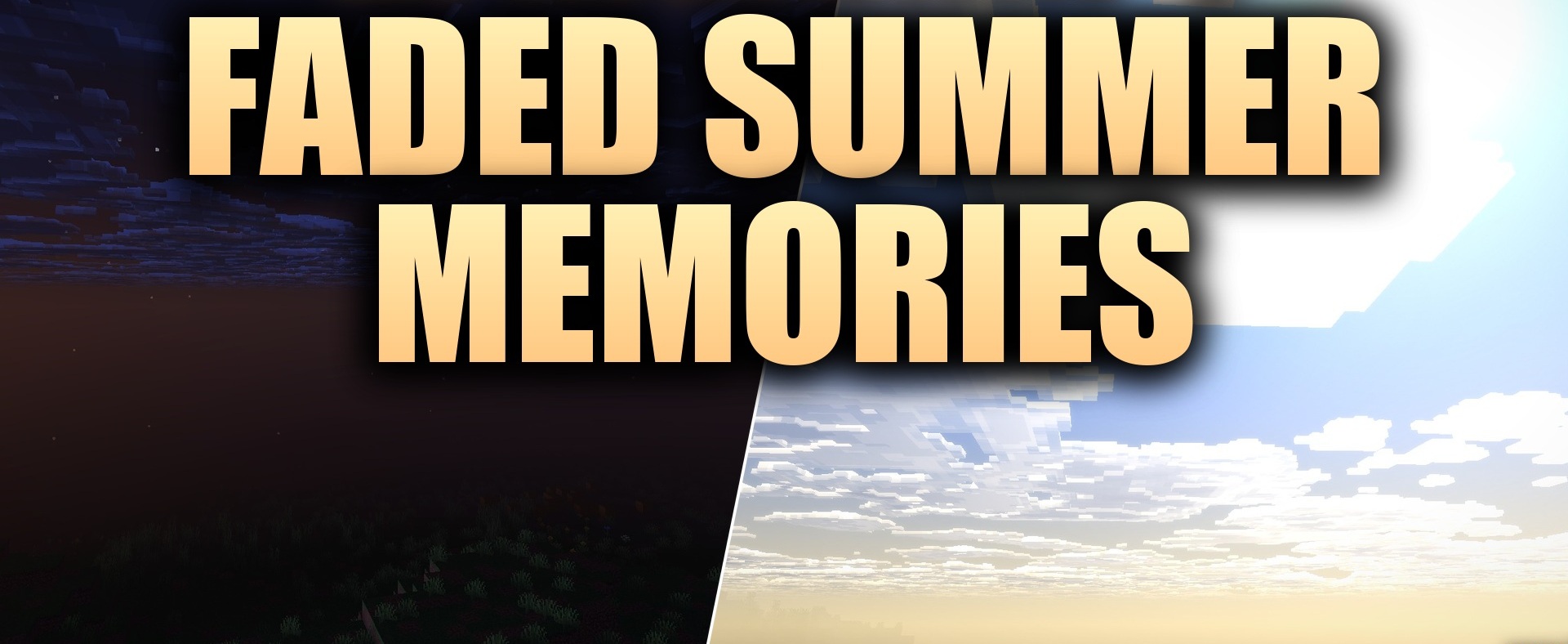
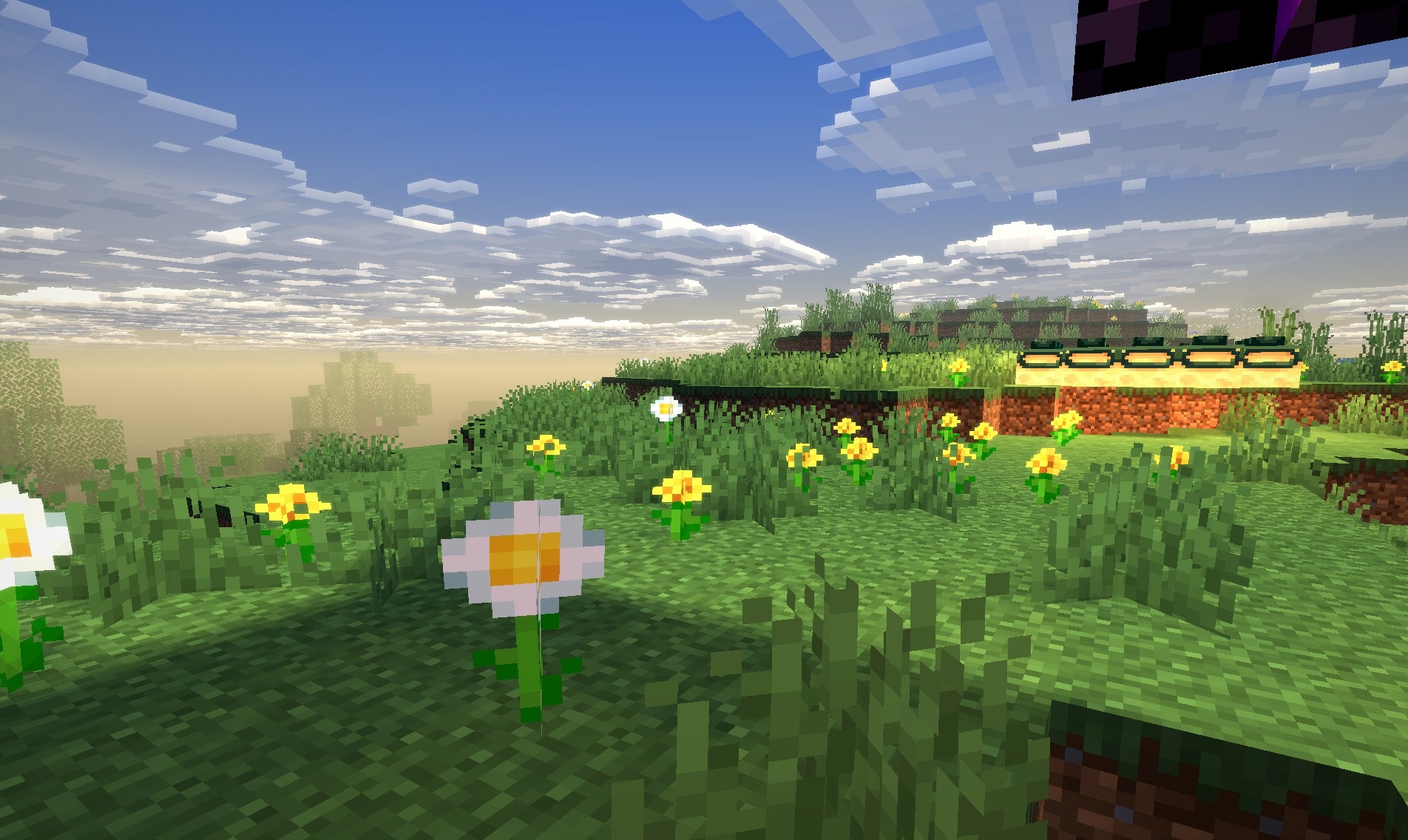
Faded Summer Memories Shaders uses a muted summer palette built around warm sunlight and a slight feeling of a faded image. Open fields, forests, and buildings receive soft golden lighting, while shadows become less harsh and preserve more detail.
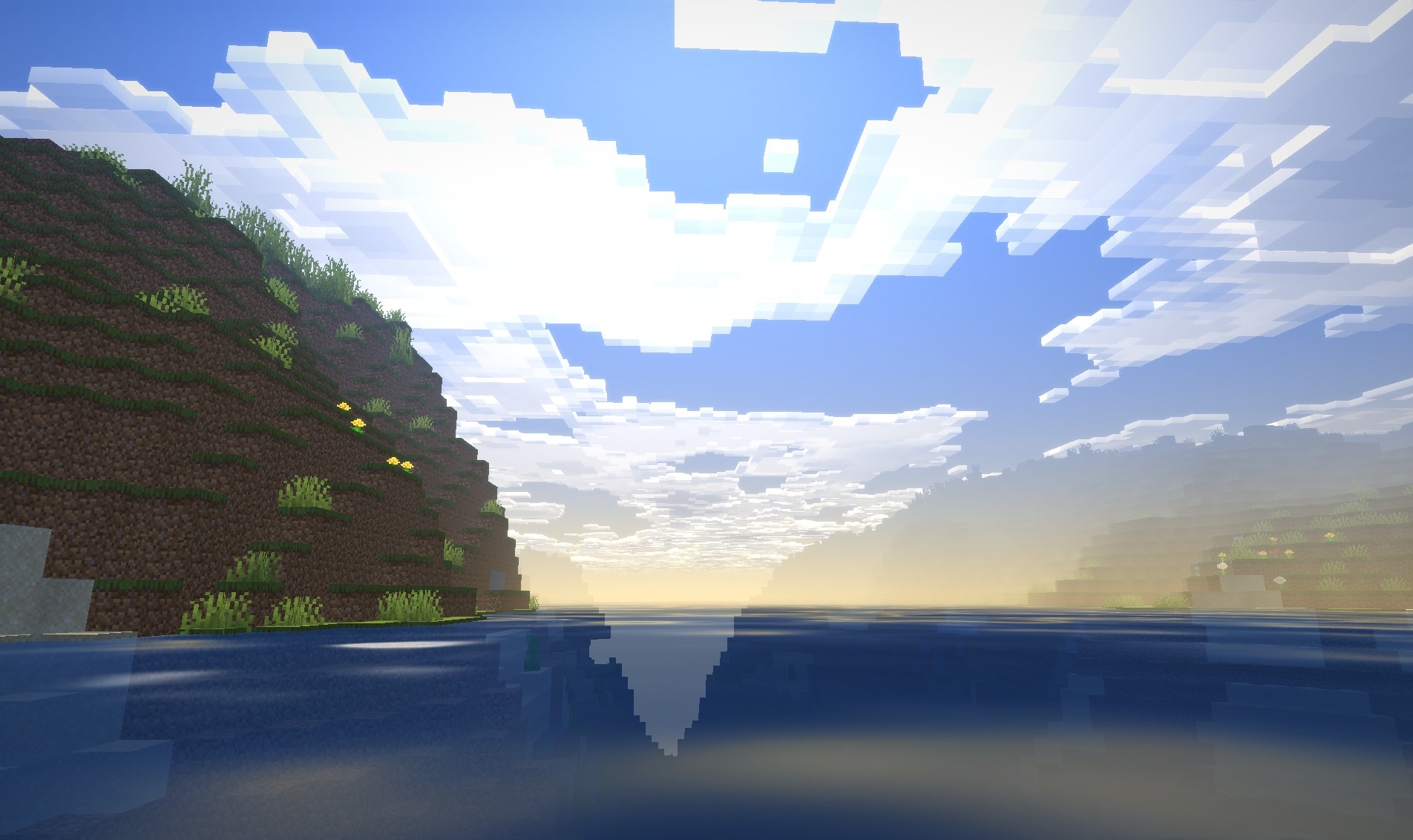
The sky and water are colored in calm, light shades, maintaining a consistent appearance across the entire scene. Instead of realistic cold graphics, the pack turns to a stylized image of a summer memory: the colors are slightly softened, the contrast is reduced, and the light resembles an old photograph taken on a sunny day.
How to install a shader:
First step: download the shader package from the link below.
Second step: Unpack the downloaded archive and copy the Faded Summer Memories Shaders folder to c:\Users\User\AppData\Roaming\.minecraft\shaderpacks\(if this folder does not exist, create it yourself) (For Windows)
Third step: In the game, go to Settings, then to Graphics Settings. Select the "shaders" section and activate the shader pack of your choice.
Comments (0)