



Fantasy Unbound Shaders for Minecraft 26.2
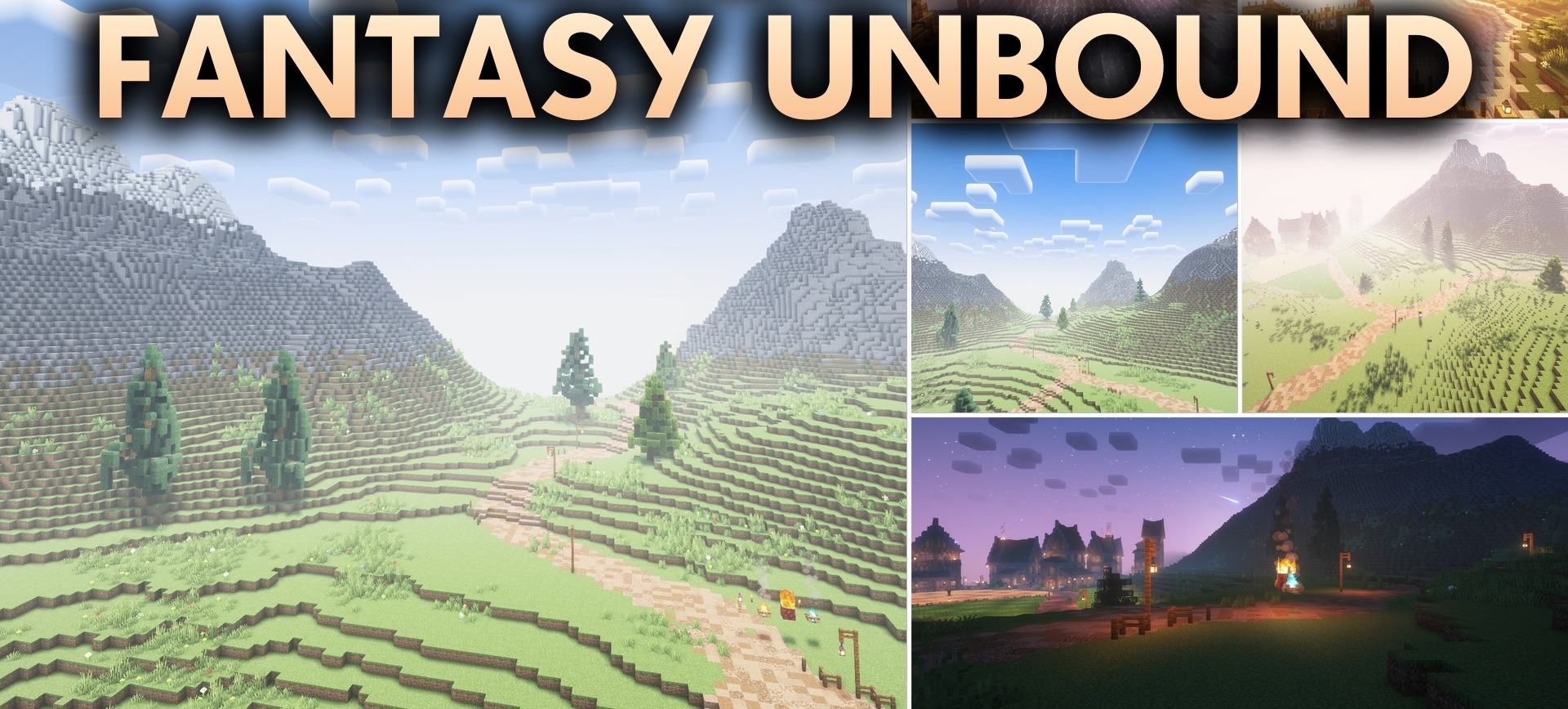
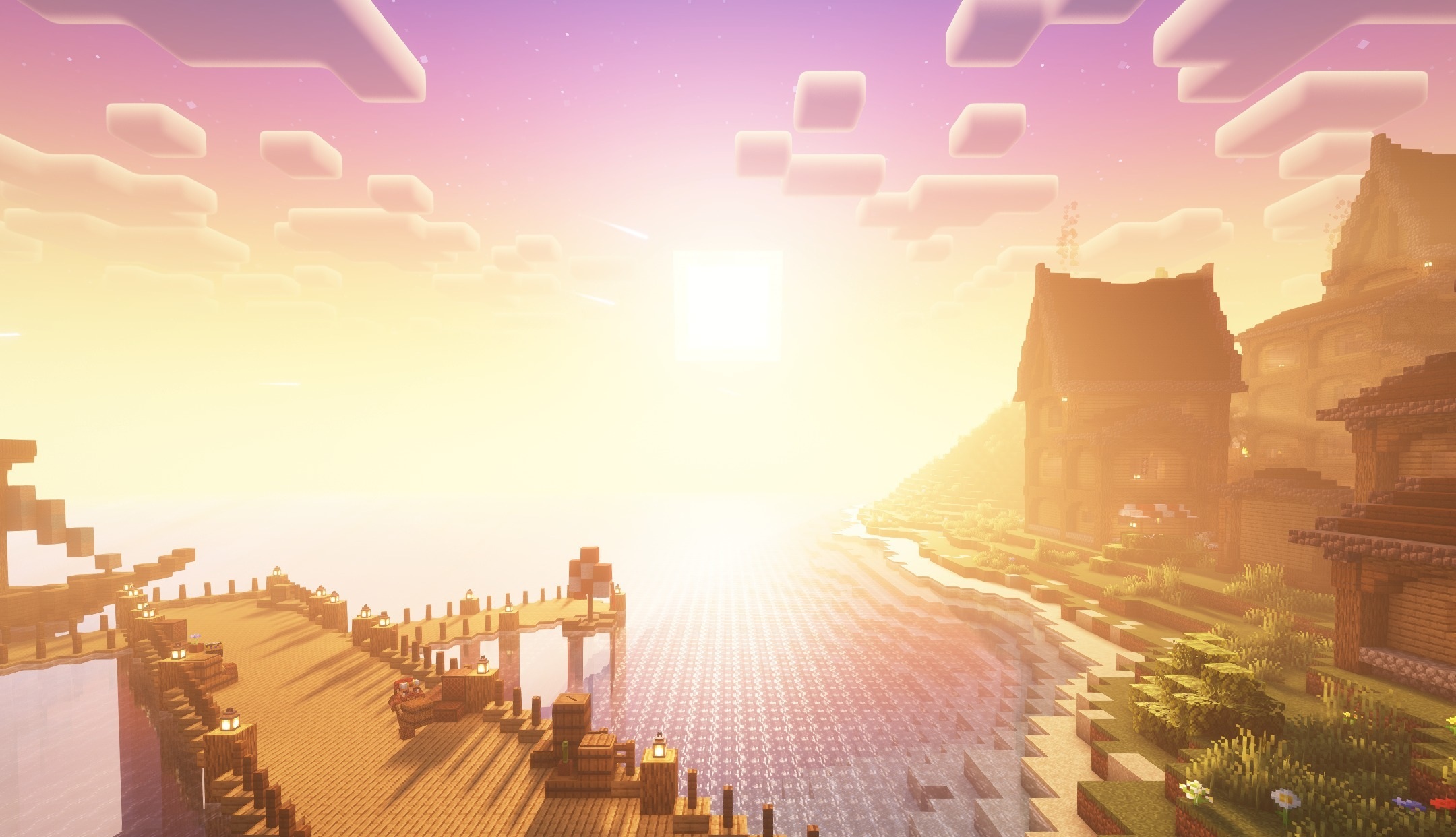
Fantasy Unbound Shaders makes the world brighter through colored lighting, strong glow, and a rich fantasy palette. Torches, lava, and other light sources create a soft halo that is noticeable in dark rooms and nighttime structures. Clear reflections appear on the water, while grass, leaves, and plants sway smoothly in the wind.
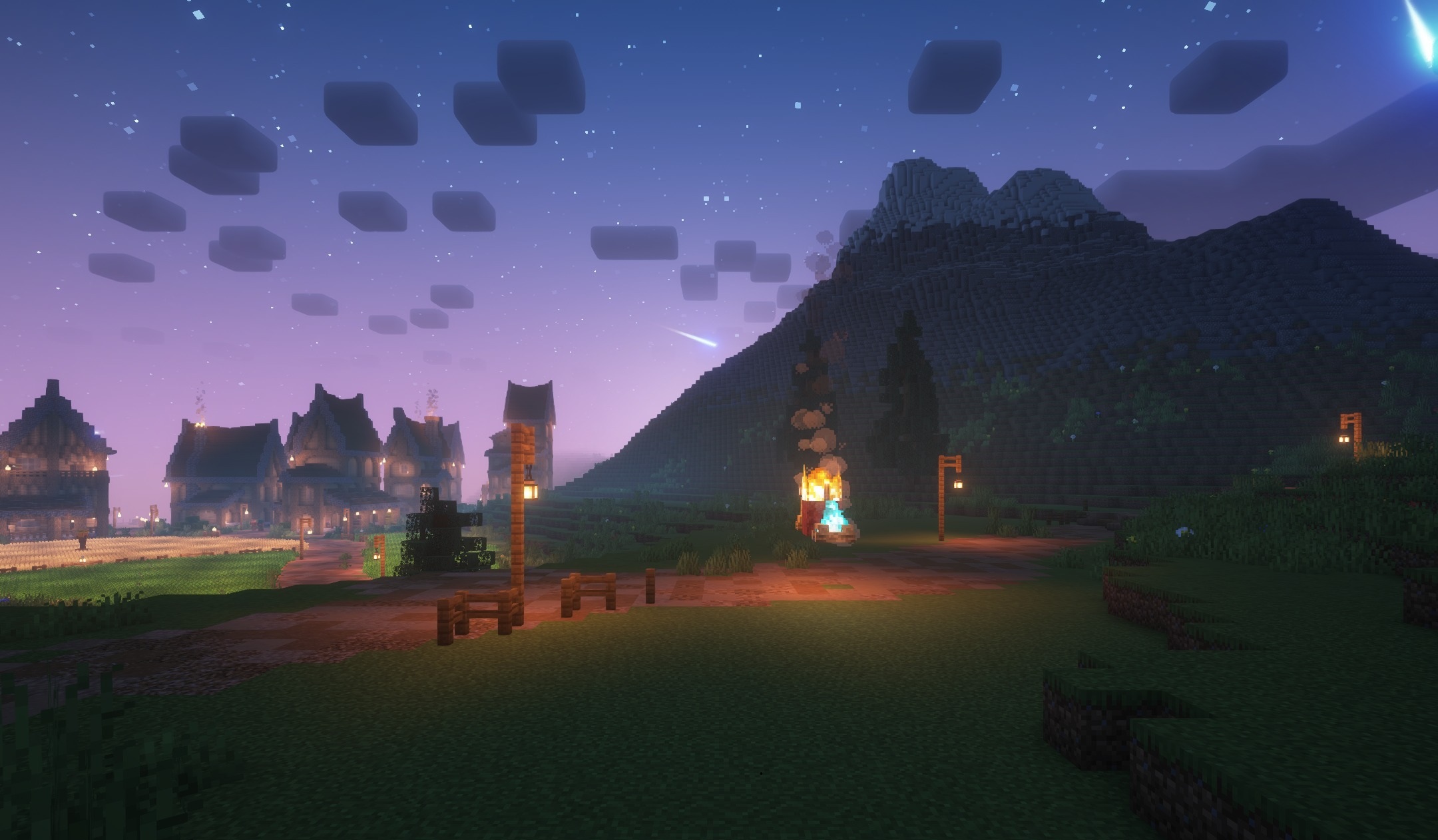
Shadows remain fairly realistic but are combined with cartoon-like colors, so the image does not become gloomy. The shader is also designed for older computers, maintaining an acceptable frame rate without a powerful graphics card. The pack changes the mood of Minecraft, turning ordinary forests, villages, and caves into a colorful fantasy environment.
How to install a shader:
First step: download the shader package from the link below.
Second step: Unpack the downloaded archive and copy the Fantasy Unbound Shaders folder to c:\Users\User\AppData\Roaming\.minecraft\shaderpacks\(if this folder does not exist, create it yourself) (For Windows)
Third step: In the game, go to Settings, then to Graphics Settings. Select the "shaders" section and activate the shader pack of your choice.
Comments (0)