



Footage Shaders for Minecraft 26.2
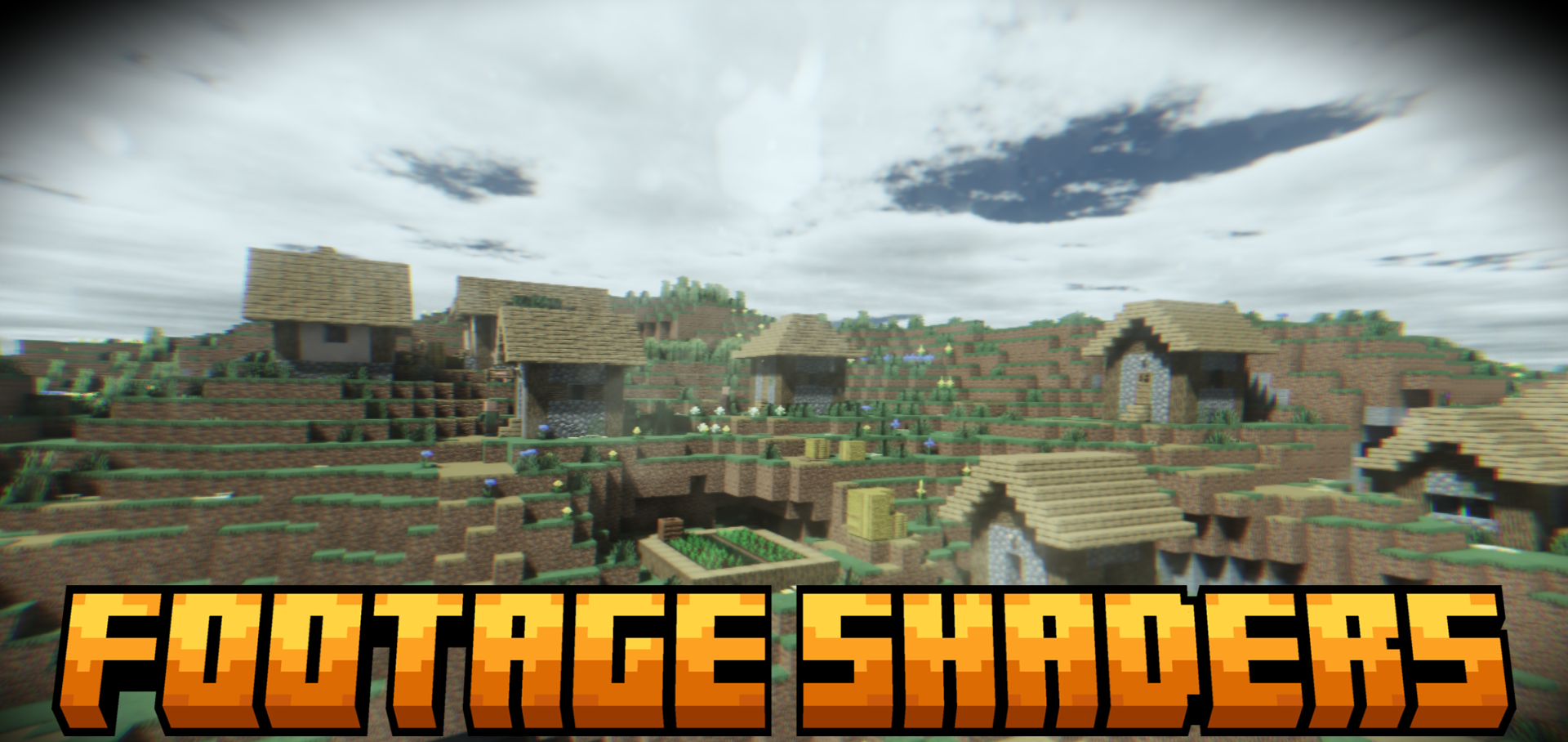
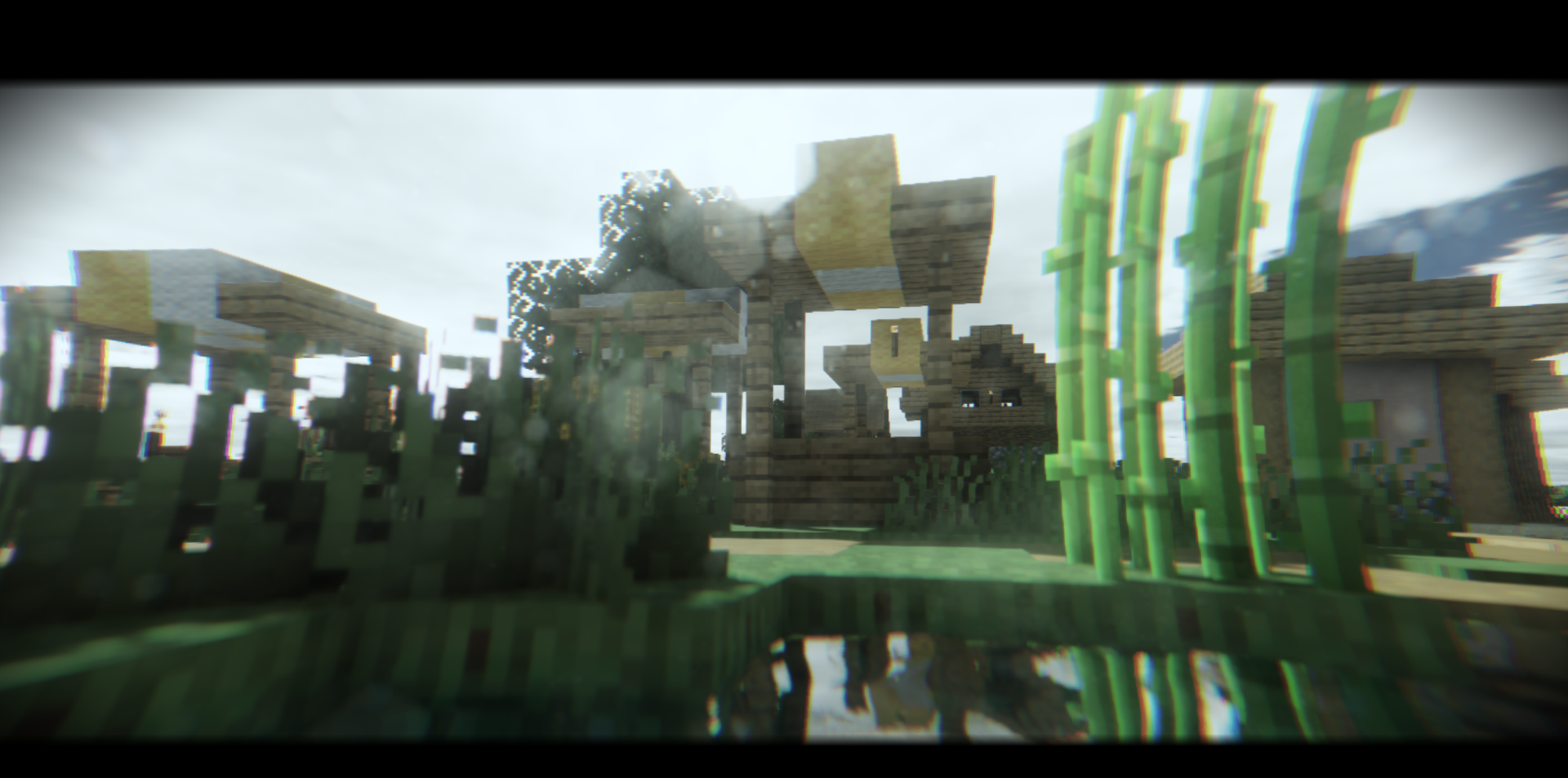
Footage Shaders turns Minecraft into rough body camera footage. VHS interference, lines, lens distortion, and the appearance of an old video recording are applied to the image, but the shader is not limited to a single filter. It includes global illumination, shadows, moving grass, and reworked water with ripples and reflections.
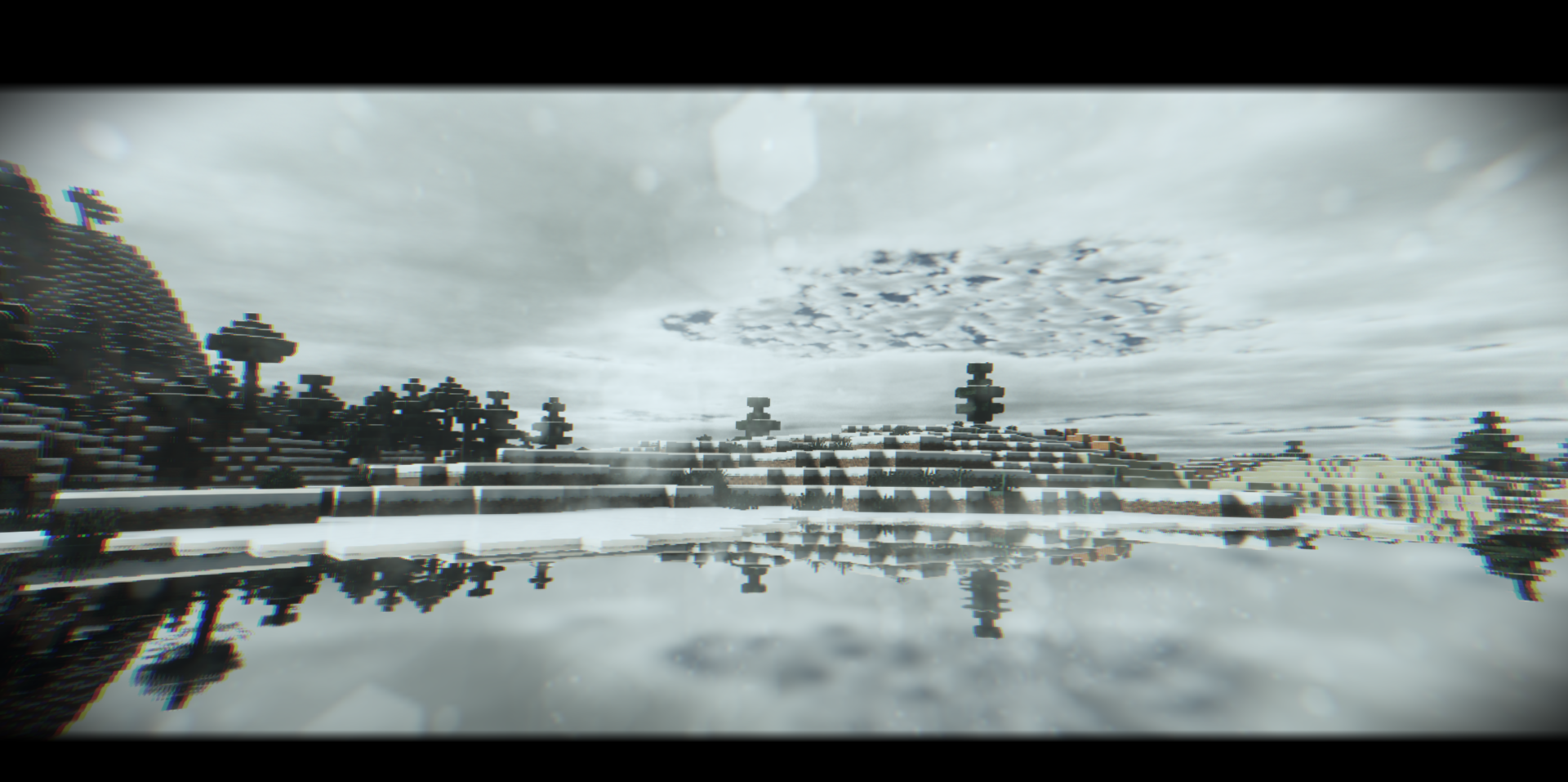
Because of this, the image looks not only dirty but also alive: the world retains its depth, yet feels as if the player is watching camera footage recorded in a dangerous location. The shader adds an unsettling documentary presentation in which even an ordinary walk through the world looks like a recovered fragment of video footage.
How to install a shader:
First step: download the shader package from the link below.
Second step: Unpack the downloaded archive and copy the Footage Shaders folder to c:\Users\User\AppData\Roaming\.minecraft\shaderpacks\(if this folder does not exist, create it yourself) (For Windows)
Third step: In the game, go to Settings, then to Graphics Settings. Select the "shaders" section and activate the shader pack of your choice.
Comments (0)