



Forrest Shaders for Minecraft 26.2
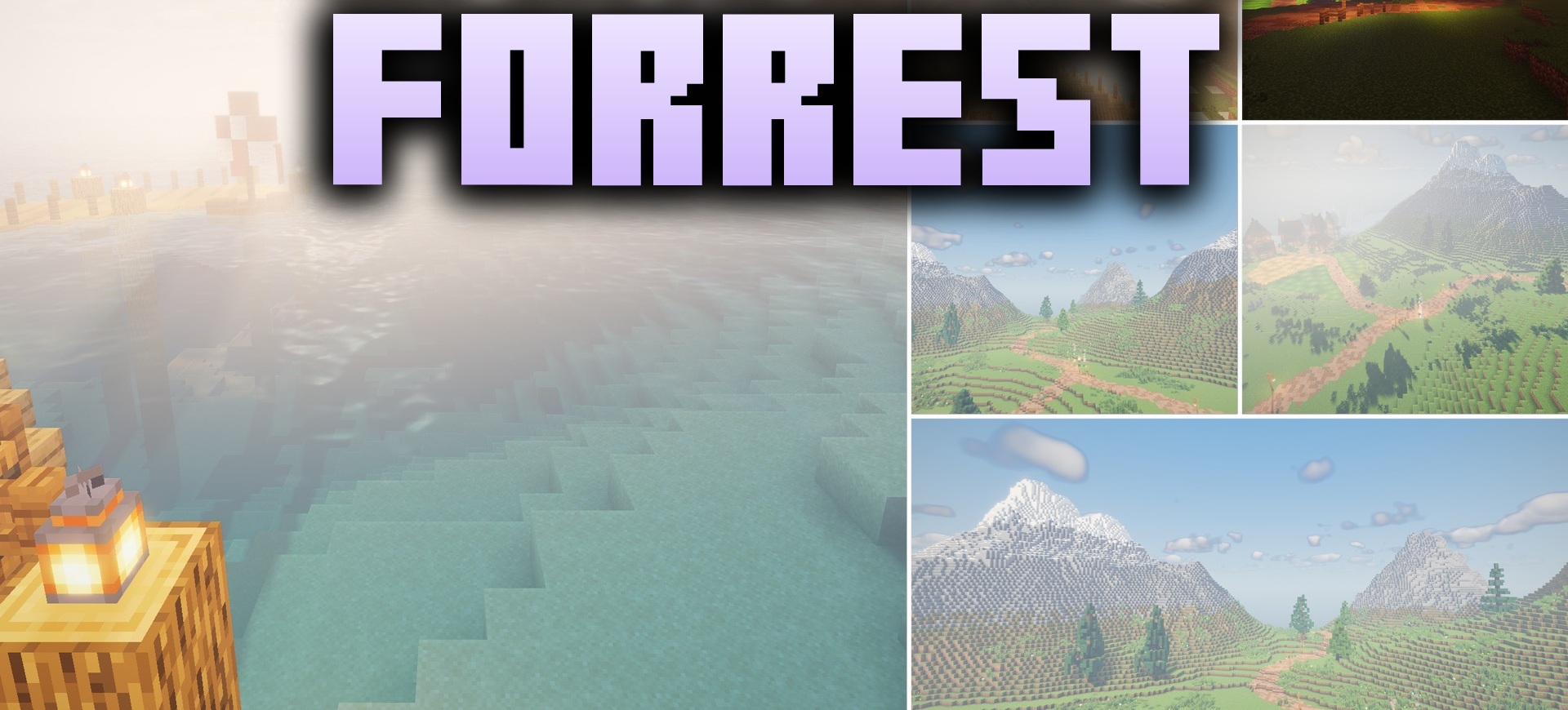
Sunlight becomes a noticeable part of the forest landscape after installing Forrest Shaders. Rays pass through tree canopies and foliage, making even dense forests look brighter and more three-dimensional. In open biomes, soft fantasy lighting effects appear, emphasizing the terrain and vegetation.
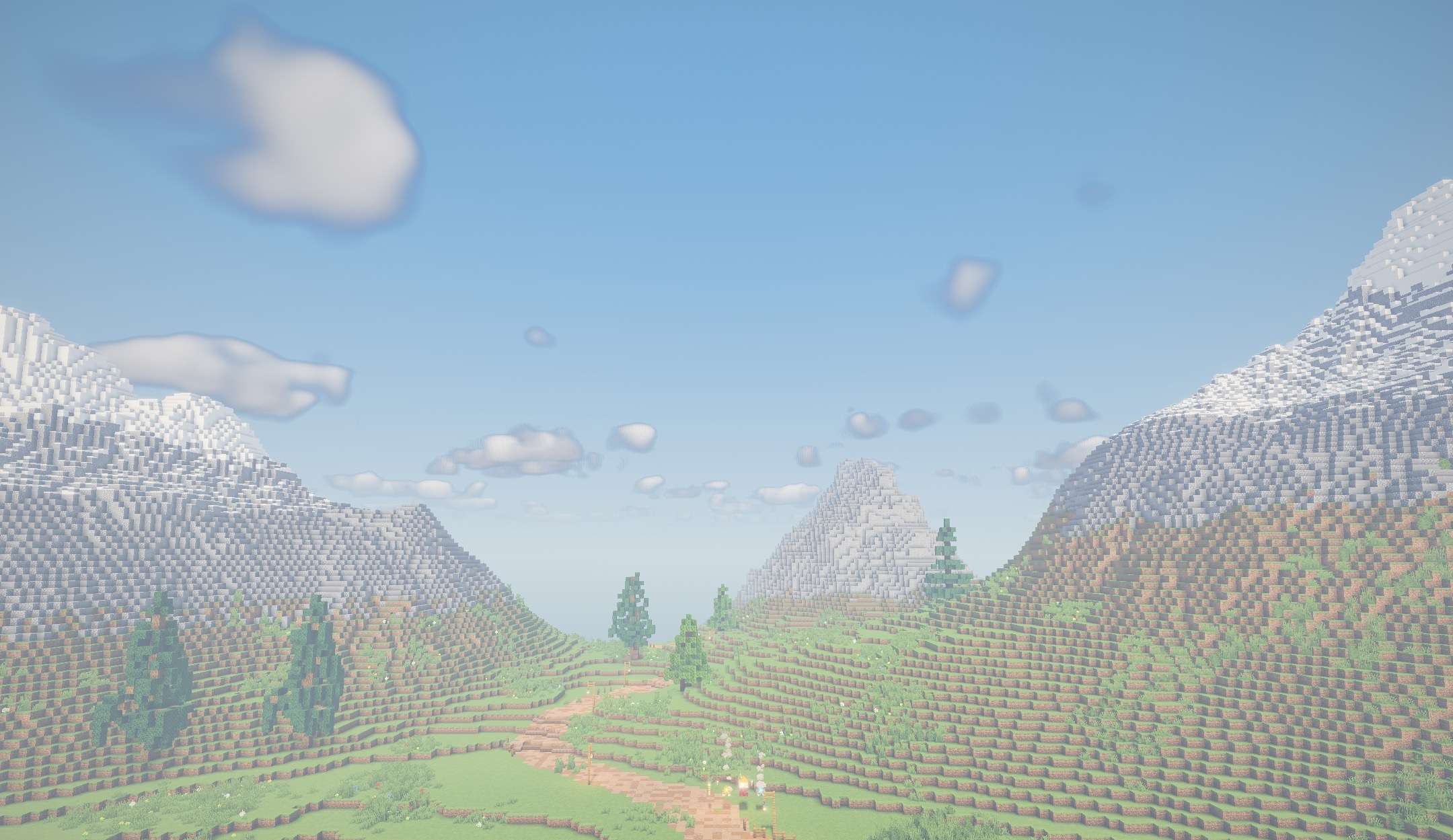
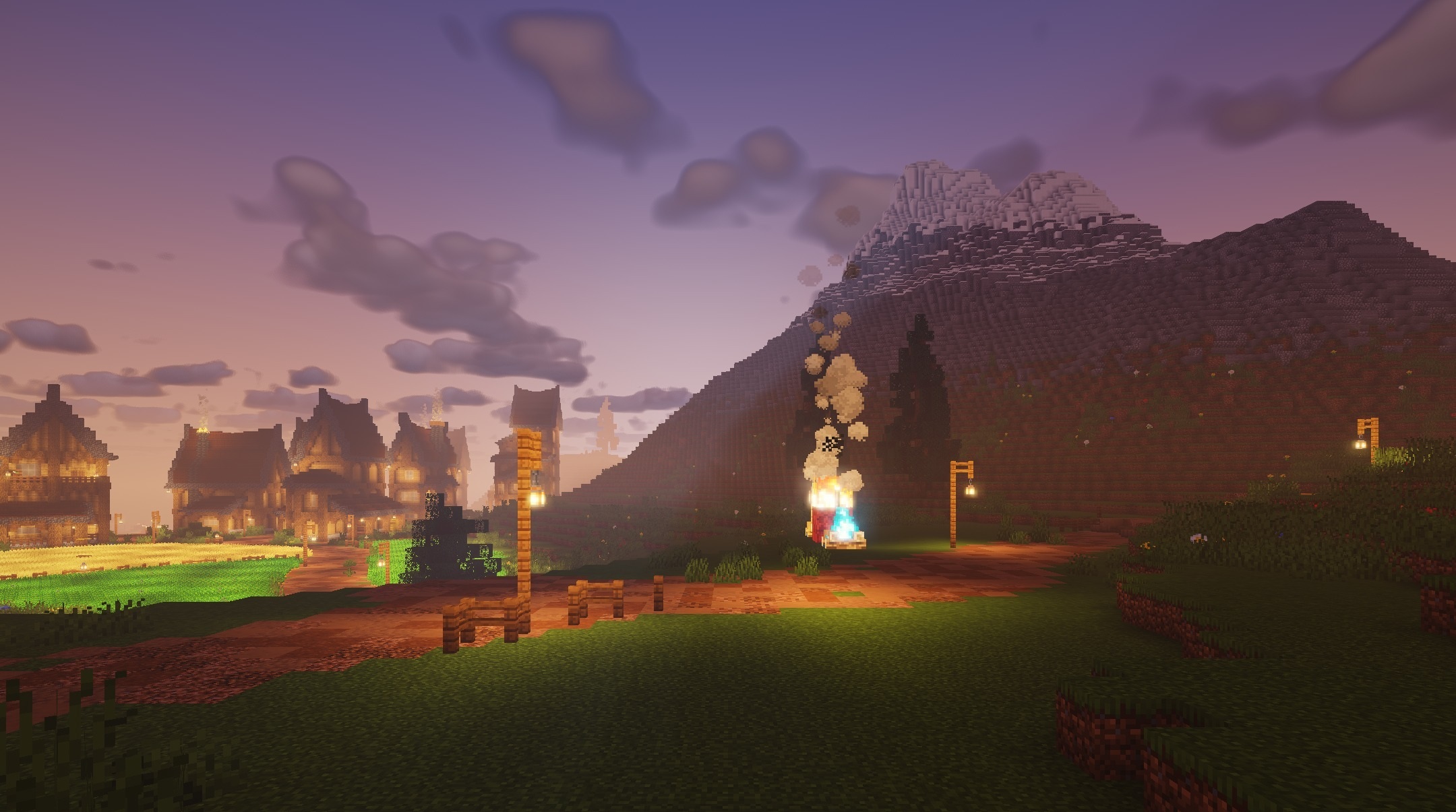
The shader preserves the angular shape of blocks and does not try to hide the classic graphics behind realistic filters. The changes are noticeable in the morning and during the day, when sunlight passes through branches and creates expressive bright patches on the ground. The pack makes forest areas brighter and more atmospheric while remaining close to the standard visual style.
How to install a shader:
First step: download the shader package from the link below.
Second step: Unpack the downloaded archive and copy the Forrest Shaders folder to c:\Users\User\AppData\Roaming\.minecraft\shaderpacks\(if this folder does not exist, create it yourself) (For Windows)
Third step: In the game, go to Settings, then to Graphics Settings. Select the "shaders" section and activate the shader pack of your choice.
Comments (0)